Mass Unlike Your TikTok Videos
Every video you've ever liked on TikTok is still sitting in your Likes tab, and together they say more about you than anything you've posted. Redact clears the whole list in one run, or just the window you scope with a date range. It unlikes in bulk instead of one tap at a time, and a preview pass shows exactly what will be removed before anything is permanent.
Free for your last 30 days of videos, likes & saved videos.
Available on
Plan
Date Range
Only unlike videos from this window
Preview
Every liked video this run will unlike
@chef.matt
5-min pasta hack
@plant.lab
monstera repot time-lapse
Why clear your likes
Your likes are a diary you never meant to keep
Nobody remembers what they liked in 2021. TikTok does. The Likes tab is a running record of your taste, your moods, and your late-night scrolling, and it only grows.
Likes profile you better than posts
You post occasionally and like constantly. Thousands of small taps add up to a detailed record of what catches your attention, and that record sits on your account until you clear it.
The algorithm feeds on the backlog
What TikTok shows you is shaped by what you've liked. Clearing years of stale likes gives the recommendation engine a cleaner picture of who you are now, not who you were.
Old likes surface at bad moments
A liked video is an endorsement you forgot you made. If your liked list is ever visible to someone scrolling with you, or through your settings, you want it to be current.
TikTok makes you unlike one at a time
There is no unlike-all button. Undoing years of likes by hand means finding each video and tapping it again, thousands of times. Redact runs the whole list in one pass.
What this feature does
Unlike everything, or just an era
Switch to the Likes tab in Redact and it loads the videos you've liked. Run it wide open and every like on the account is undone in a single pass. Or set a date range and only the likes on videos posted in that window are cleared. TikTok does not record when you tapped like, so the range is matched against each video's upload date rather than the moment you liked it. Before anything is permanent, a preview pass shows the exact list Redact will remove. The videos themselves belong to their creators and stay up; only your like comes off them.
- One run
- Date range
- Preview first
- Bulk unlike
- On-device
Try Redact for TikTok. Free for your last 30 days of videos, likes & saved videos.
Date Range
Only unlike videos from this window
Preview
Every liked video this run will unlike
@chef.matt
5-min pasta hack
@plant.lab
monstera repot time-lapse
Scope it by date
Clear all of them, or just one window
Leave the date range open and Redact queues every like on the account. Or set a start and end point to carve out a slice of it. TikTok stores no timestamp for a like, so the range is matched against when each liked video was posted, not when you liked it. The likes cleanups people reach for most:
Clear the entire list
Leave the range wide open and every like you've ever tapped is queued for removal in a single run.
Wipe one era
Set a start and end date to remove your likes on videos posted in that window, so an old phase of TikTok goes and the rest stays.
Keep the recent, clear the old
Set a cutoff date so your likes on this month's videos stay put while your likes on everything older are undone in bulk.
Run it your way
Preview the list, clear it, or keep it clear
Preview Mode
See every like the run will remove before anything is permanent.
Deletion Mode
Unlike the whole matched batch in one run, once the preview looks right.
Schedule Deletion
Re-run the cleanup on a recurring interval you choose so the tab stays clear, or let Disappearing Mode clear likes once they age past your window. The scheduling page covers both, each on a paid plan.
Step-by-step guide
How to mass unlike TikTok videos with Redact
A few minutes start to finish, with a preview before anything is permanent.
- 1
Download Redact for free
Download for your device →Install Redact on your computer and create a free account. TikTok cleanups run in the desktop app on Windows, macOS, and Linux.
- 2
Connect your TikTok account
Open Redact, choose TikTok, and link your account securely. Your credentials are sent straight to TikTok and never touch a Redact server.
- 3
Switch to the Likes tab
Pick Likes as what to clear. Run it wide open to unlike everything, or set a date range so only your likes on videos posted in that window are removed.
Good to know: clearing your likes on videos posted in the last 30 days is free. Reaching further back needs a paid plan.
- 4
Preview, then run it
The preview pass lists exactly what will be unliked. When it looks right, start the run and Redact works through the list in bulk from your device.
- 5
Keep it clear on a schedule
Turn on Scheduled Deletion to re-run the cleanup on an interval you choose, or use Disappearing Mode so likes clear themselves once they age past your window. Both are paid-plan automation covered on the scheduling page.
Your likes and login stay off our servers
Redact talks straight to TikTok from your own computer, so your activity and your login never pass through a Redact server. Sign-in is passwordless through a secure email code, the app asks for only the access it needs to carry out your cleanups, and you can disconnect TikTok at any time.
Try Redact for Free
We are frequently adding support to other social network services. You can receive direct updates from us in Redact's Discord Channel.

Frequently asked questions
Yes. Run the Likes cleanup wide open and Redact undoes every like on the account in a single run, working through the list in bulk from your device instead of one tap at a time.
Yes, with one caveat worth knowing. TikTok does not store the date you tapped like, so Redact matches the range against when each liked video was posted. Set a window and every like you have on videos uploaded in it comes off, which is the cleanest way to erase an era of TikTok from your Likes tab. Our guide on how to delete all liked videos on TikTok at once shows which likes a range picks up, with examples.
No. The video itself stays up and belongs to its creator. Unliking only removes your like from it, so their content is untouched beyond the like count changing by one.
Your likes are one of the strongest signals TikTok's recommendations feed on, so clearing a backlog of stale likes gives the algorithm a cleaner, more current picture of what you actually want to see.
Yes. The preview pass lists exactly which liked videos the run will remove, and nothing is permanent until you start the real run.
Clearing your likes on videos posted in the last 30 days is free. Because TikTok stores no date for a like itself, the 30-day window is measured from each video's upload date, and reaching past it needs a paid plan, which also unlocks Scheduled Deletion so the tab stays clear on its own.
More TikTok features
Delete All TikTok Videos at Once
Wipe every video in one pass, or filter by date, view count, and privacy first. Pinned videos stay protected and a preview shows the batch before it runs.
Turn Off Duet and Stitch on TikTok
Switch off Duets, Stitches and stickers across a whole batch of videos in one run, while every clip stays up on your profile.
Delete All Private Videos on TikTok
Clear every private video in one sweep while your public uploads stay untouched, or flip the filter and do the reverse.
Delete All TikTok Reposts at Once
Bulk-remove the videos you've reposted, by date range or all at once, without touching the original creators' posts.
Remove All Saved Videos on TikTok
Unsave your whole Favorites list or just one date range of it, then clear every collection you've made in a separate Premium run.
Mass Unfollow Everyone on TikTok
Clear your whole TikTok following list, or keep your mutuals and drop only the accounts that don't follow you back.
Mass Remove Your TikTok Followers
Work through your whole TikTok followers list, bots and spam included, after previewing exactly who is on it, without touching anyone's videos.
Schedule TikTok Deletion or Make Videos Disappear Automatically
Recurring cleanups on your schedule, or a rolling age limit that keeps stale videos and likes off your profile.
Remove likes and reactions on other platforms
TikTok guides
See all
How to Delete All Liked Videos on TikTok at Once
TikTok won't clear your liked videos for you. Unlike by hand, hide them, or clear every like at once with Redact, and see what the free plan covers.
How to Delete All TikTok Videos at Once (3 options)
TikTok won't delete your videos in bulk. Delete one in the app, hide it instead, or clear every upload at once with Redact, and see what's free.
How to Delete All Your Saved Videos on TikTok at Once
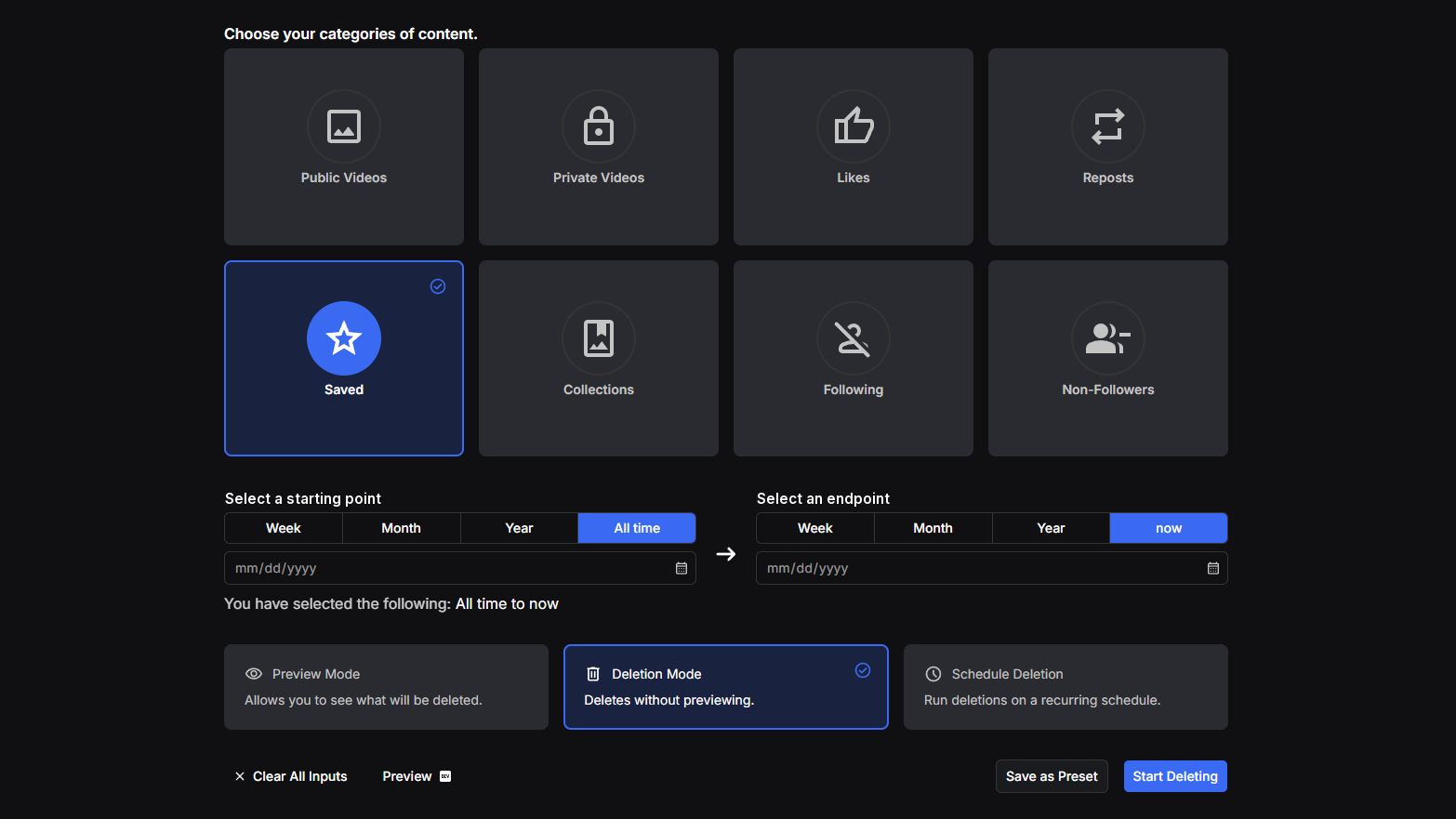
TikTok has no bulk unsave. See what Favorites holds, unsave a post or delete a collection by hand, and clear every saved video at once with Redact.
Related services
See allVimeo
Delete your videos
- videos
YouTube
Delete your YouTube comments, history, playlists, likes, and uploads
- Comments
- watch & search history
- playlists
- Watch Later
- +3 more
SoundCloud
Mass delete your SoundCloud tracks, likes, comments, and reposts, with filters for date range and keywords, plus a preserve list for the uploads you keep.
- Tracks
- likes
- comments
- reposts
DeviantArt
Remove comments, favorites, or even your own old art posts.
- Comments
- Favorites
- Posts
Mass unpin images and delete boards.
- Pins
- Boards
Gyazo
Delete your images
- images