Schedule TikTok Deletions, or Let Old Videos Delete Themselves
Cleaning your TikTok once is a chore. Keeping it clean is a marathon, unless you hand it off. Redact re-runs your cleanup with the exact filters you set, on the rhythm you choose, whether that is a few days apart or a few months. Or set a rolling age limit and let videos and likes remove themselves the moment they outlive a window you pick. Set it once, then stop thinking about it.
Available on
Plan
Scheduled Deletion
Re-run this cleanup on any interval
Next run · in 3 months at 12:00 AM
Disappearing Mode
Auto-delete content as it ages
Just set it and forget it
You were never going to do this by hand every month
Recurring chores lose to entropy, which is exactly what timers are for. A profile you cleared today refills on its own, so the fix is to make the cleanup repeat instead of relying on yourself to remember.
The archive regrows
Post twice a week and a spotless profile is a hundred videos deep again inside a year. Any one-time cleanup has a shelf life, so it pays to let it run on its own.
TikTok already thinks in days
The platform runs on recency. A rolling delete window makes your profile behave the way the feed does: current content only, with everything older aging out.
Your filters ride along
An automated run reuses your date ranges, view counts, pinned protection, and public-versus-private setting exactly as you tuned them for the one-off run. You configure it once and every future pass inherits it.
Two flavors of automatic
The sweeper and the timer
Both automation options reuse a cleanup you have already built and tested. Pick the one that matches how you think about upkeep.
Scheduled Deletion is the sweeper. It memorizes the cleanup you built, filters and all, then repeats it on the schedule you choose, whether that is every three days or once a quarter, always at the time of day you picked.
Disappearing Mode is the timer. Give your content a rolling age limit, say 30 days, and content clears itself the moment it grows older than that window. No runs to plan and no upkeep, so your profile never holds anything but its most recent chapter. Under the hood it is a scheduled run paired with a relative date range, so it stays accurate on every pass.
- Sweeper or timer
- Days to months
- Rolling age limits
- Filters included
- Runs on your device
Scheduled Deletion
Re-run this cleanup on any interval
Next run · in 3 months at 12:00 AM
Disappearing Mode
Auto-delete content as it ages
What carries over
Automation inherits every filter from your manual run
An automated run is not a blunt wipe. It reuses the exact scope you set up and tested, so the same guardrails that protected a one-off cleanup keep protecting every future pass.
Rolling date window
Use a relative range like 'older than 30 days' and every scheduled run recalculates it, so the cutoff always moves with the calendar instead of freezing on one date.
View count
Keep your hits and clear the flops, or the reverse. Minimum and maximum view thresholds carry into each recurring run just as they did in the preview.
Protect pinned videos
Toggle on Protect Pinned Videos and automated runs honor it, so whatever you pinned to the top of your profile is never swept up.
Public or private
Scope a schedule to only public uploads, or only the videos you have set to private, using the same privacy filter a manual run uses.
Test it, run it, automate it
Preview, delete, then hand it off
Automation is the third gear of the same run. You build and prove a cleanup in the first two modes, then let the third repeat it.
Preview Mode
See exactly which videos and likes a run would catch, without touching anything, until what it matches is precisely what you meant.
Deletion Mode
Run the cleanup you approved in one pass. This is the manual version of everything a schedule will later repeat for you.
Schedule Deletion
Set an interval and time of day, or a rolling age window, and Redact re-applies the same filters on its own. Adjust it or switch it off whenever you like.
Setup
Configure it once, then stop thinking about it
Build a cleanup you trust, then choose the sweeper or the timer. The whole thing takes a couple of minutes and both automation features live on Redact Premium.
- 1
Download Redact for free
Download for your device →Install Redact on your computer and create a free account. TikTok cleanups run in the desktop app on Windows, macOS, and Linux.
- 2
Connect your TikTok account
Open Redact, choose TikTok, and link your account securely. Your credentials are sent straight to TikTok and never touch a Redact server.
- 3
Tune a cleanup you trust
Build the run like a one-off: pick videos or likes, set your filters, and use Preview to test it until what it catches is exactly what you meant. Automation repeats whatever you approve here.
Good to know: Scheduling and Disappearing Mode are Premium features.
- 4
Pick the sweeper or the timer
Set an interval and a time of day for scheduled runs, or choose a rolling age window and let Disappearing Mode hold the line. Change either one, or shut it off, whenever you want.
Automatic does not mean outsourced
Even on a schedule, every deletion fires from your own computer. Redact holds no copy of your videos, your likes, or your login, and disconnecting TikTok ends the whole arrangement on the spot.
Try Redact Today
We are frequently adding support to other social network services. You can receive direct updates from us in Redact's Discord Channel.

Frequently asked questions
A schedule suits periodic housekeeping, like a monthly sweep of anything older than a year. Disappearing Mode suits a standing rule, like nothing on the profile older than 30 days. Plenty of people start with a schedule and later graduate to the rolling window once they trust it.
The same ground as a manual run. It reuses the content types and filters you set up and previewed, so it can target your videos, likes, and reposts with the date range you chose, plus the view count, privacy, and pinned rules that apply to videos. It never does anything a one-off run in the app could not do.
Only once it ages past your window. Anything younger than the limit is off-limits, so a 30-day setting always leaves your most recent month standing and clears content the day after it crosses the line.
Anywhere from every few days to every few months, plus the exact time of day it fires. Both the interval and the rolling age window can be changed after the fact, so you are never locked into your first choice.
Yes, as long as Protect Pinned Videos is toggled on. Automated runs honor that setting exactly like manual ones, so the video pinned to the top of your profile stays put no matter how often the cleanup repeats.
Scheduling and Disappearing Mode ship with Redact Premium, so a paid plan is required to automate your cleanup. Turning them off is easy: remove the schedule, switch Disappearing Mode off, or disconnect TikTok from Redact entirely. Any one of those stops future runs immediately.
More TikTok features
Delete All TikTok Videos at Once
Wipe every video in one pass, or filter by date, view count, and privacy first. Pinned videos stay protected and a preview shows the batch before it runs.
Turn Off Duet and Stitch on TikTok
Switch off Duets, Stitches and stickers across a whole batch of videos in one run, while every clip stays up on your profile.
Delete All Liked Videos on TikTok
Clear every liked video in a single run or scope it by date range, with a preview pass before anything is permanent.
Delete All Private Videos on TikTok
Clear every private video in one sweep while your public uploads stay untouched, or flip the filter and do the reverse.
Delete All TikTok Reposts at Once
Bulk-remove the videos you've reposted, by date range or all at once, without touching the original creators' posts.
Remove All Saved Videos on TikTok
Unsave your whole Favorites list or just one date range of it, then clear every collection you've made in a separate Premium run.
Mass Unfollow Everyone on TikTok
Clear your whole TikTok following list, or keep your mutuals and drop only the accounts that don't follow you back.
Mass Remove Your TikTok Followers
Work through your whole TikTok followers list, bots and spam included, after previewing exactly who is on it, without touching anyone's videos.
TikTok guides
See all
TikTok Returns After Going Dark, Credited to US President
TikTok is back online after a brief U.S. outage, with its return linked to promises from Donald Trump. What it means for users and digital privacy.
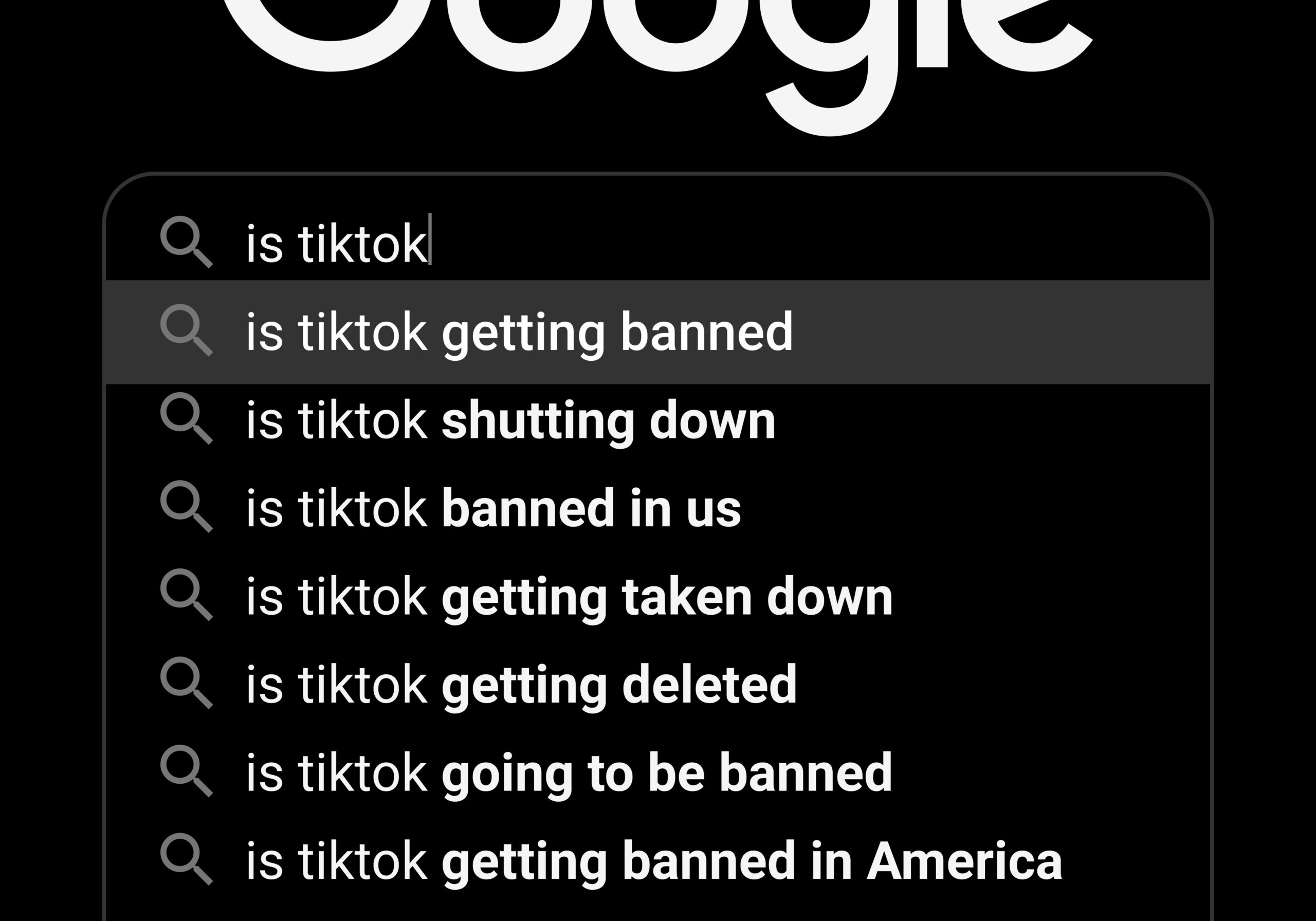
What a Potential TikTok Ban Means for Your Digital Privacy
A potential TikTok ban in the U.S. raises concerns about data privacy and digital freedom. Here is what it means for your digital presence.

How to Opt Out of TikTok's AI Training
TikTok has no account-wide opt-out from AI training. See where its video settings and legal objection form stand, and why a private account won't help.
Related services
See allVimeo
Delete your videos
- videos
YouTube
Delete your YouTube comments, history, playlists, likes, and uploads
- Comments
- watch & search history
- playlists
- Watch Later
- +3 more
SoundCloud
Mass delete your SoundCloud tracks, likes, comments, and reposts, with filters for date range and keywords, plus a preserve list for the uploads you keep.
- Tracks
- likes
- comments
- reposts
DeviantArt
Remove comments, favorites, or even your own old art posts.
- Comments
- Favorites
- Posts
Mass unpin images and delete boards.
- Pins
- Boards
Gyazo
Delete your images
- images