Delete All Your Likes on Instagram in Bulk
Every post you've liked on Instagram still has your name on its list of likes. Our app reads through that history and takes your like back, post after post. You choose which ones by date, by caption or by who posted them.
Available on
Plan
Likes
Posts you liked
- Sunrise from the ferryUn-like@cousinMar 2021
- Road trip co-pilotUn-like@studio_mateNov 2020
- Sourdough attempt #4Un-like@cousinJun 2022
- New studio, who disUn-like@studio_mateJan 2019
Why go back through them
A like stays on the post long after you've forgotten about it
Instagram keeps a running list of everything you've liked. Most of it is harmless. Some of it isn't how you'd want to be read now.
Your username sits on the post
A like adds you to that post's list of likes. The account that posted it can open the list, and on a public account so can other people.
Tastes change and the list doesn't
A brand you've dropped, an ex's holiday photos, a giveaway from 2020. They all stay liked until you undo them.
By hand, you tick every post
Instagram's own Likes screen, under Your activity, lets you select posts and unlike them, but you tick each one yourself. We work from rules you set once.
What a run does
Our app takes your like back and leaves the post alone
Redact lists the posts you've liked, checks each one against your filters, and removes your like from the ones that match. Photos, videos and reels are all in the same list.
- The post stays up. It belongs to someone else. Only your like comes off, and the count drops by one.
- Nobody gets a notification. Instagram doesn't tell an account when a like is removed.
- Likes on posts only. Likes you left on comments or stories aren't part of this run.
- By date
- By caption
- By creator
- Keep lists
Creator Filter
Only un-like posts from these creators (username or name)
Preserve by caption
Never un-like a post whose caption contains this text
Narrow it down
Five ways to pick which likes go and which stay
Leave every box empty to clear all your Instagram likes. Fill any of these in and Redact only touches what matches.
Date range
Set a start date, an end date, or both. The date is the day the post was shared, which isn't always the day you liked it.
Caption Search
Only unlike posts whose caption has one of the words or phrases you list. Each one matches as a whole word, so wedding doesn't match weddings.
Preserve by caption
Posts with these words in the caption keep your like, whatever else matches.
Creator Filter
Only unlike posts from creators whose username or display name has the word or phrase you type. It matches whole words, so jo matches Jo Smith but not Joanna. A short entry can match more than one account, so check the Preview.
Creators to keep likes for
Name the people whose posts should stay liked. The same whole-word rule applies, and every creator it matches is skipped.
Step by step
How to delete all likes on Instagram with Redact
This is how to mass remove likes on Instagram without ticking posts one at a time. Setting it up takes a few minutes. The run itself depends on how many likes there are, since Redact paces itself to stay inside Instagram's limits.
- 1
Download Redact for free
Download for your device →Install Redact on your device. It runs on Windows, macOS, and Linux, plus iOS and Android.
- 2
Connect your Instagram account
Open Redact, choose Instagram, and link your account securely. Your credentials are sent straight to Instagram and never touch a Redact server.
- 3
Open Likes
On a computer, choose Advanced at the top of the Instagram form and open the Likes tab. On a phone, pick Likes from the list of categories.
Heads up: removing likes is a Premium feature. Deleting your last 30 days of posts, reels, and carousels is free.
- 4
Set your filters
Add a date range, caption words or creators, or leave it all empty to remove every like. Put anyone whose posts should stay liked on a keep list.
- 5
Preview the list
Run a Preview first. It shows each post with its caption and who posted it, and it removes nothing.
- 6
Start the run
When the list looks right, run it for real and keep Redact open until it finishes.
Your likes history stays on your device
Redact asks Instagram for your liked posts from your own computer or phone and sends the unlikes the same way. The list never reaches our servers, and neither does your login.
Try Redact Today
We are frequently adding support to other social network services. You can receive direct updates from us in Redact's Discord Channel.

Frequently asked questions
Connect Instagram in Redact, open Likes, and leave the filters empty. Redact lists every post you've liked and removes your like from each one. Run a Preview first if you'd like to see the list before anything changes.
Yes. Type their username or display name into Creator Filter and Redact queues posts from creators whose name has it as a whole word or phrase. A full username usually narrows it to one account, but another account with the same words in its name would match too, so look over the Preview before you run it. You can list several.
No. It goes by the day the post was shared, because that's the date Instagram gives for it. A post from 2019 that you liked last week counts as 2019.
Instagram doesn't send a notification when a like is removed. The post's like count goes down by one and your name leaves its list of likes.
No. Hiding likes is an Instagram setting that hides the like count on posts. It doesn't undo a like you've given. Redact removes the like itself, so your name comes off that post's list of likes.
No. It removes likes you gave, not likes you received. To clear your own posts, use post deletion.
No. Removing likes needs a paid plan. What's free on Instagram is deleting your last 30 days of posts, reels, and carousels.
More Instagram features
Delete All Direct Messages on Instagram
Bulk-unsend the Instagram DMs you've sent, by conversation, person, date, or keyword.
Bulk Delete All Instagram Posts
Bulk delete photos, videos, reels, and carousels with date, keyword, and engagement filters.
Bulk Delete All Instagram Reels
Bulk delete Reels by date, caption keyword, or engagement, with keyword whitelists.
Mass Unfollow Accounts on Instagram
Bulk unfollow accounts, filtered by follow-back, privacy, or verification, with username whitelists.
Delete Instagram Saved Collections in Bulk
Delete your saved collections, picked or protected by name.
Instagram guides
See all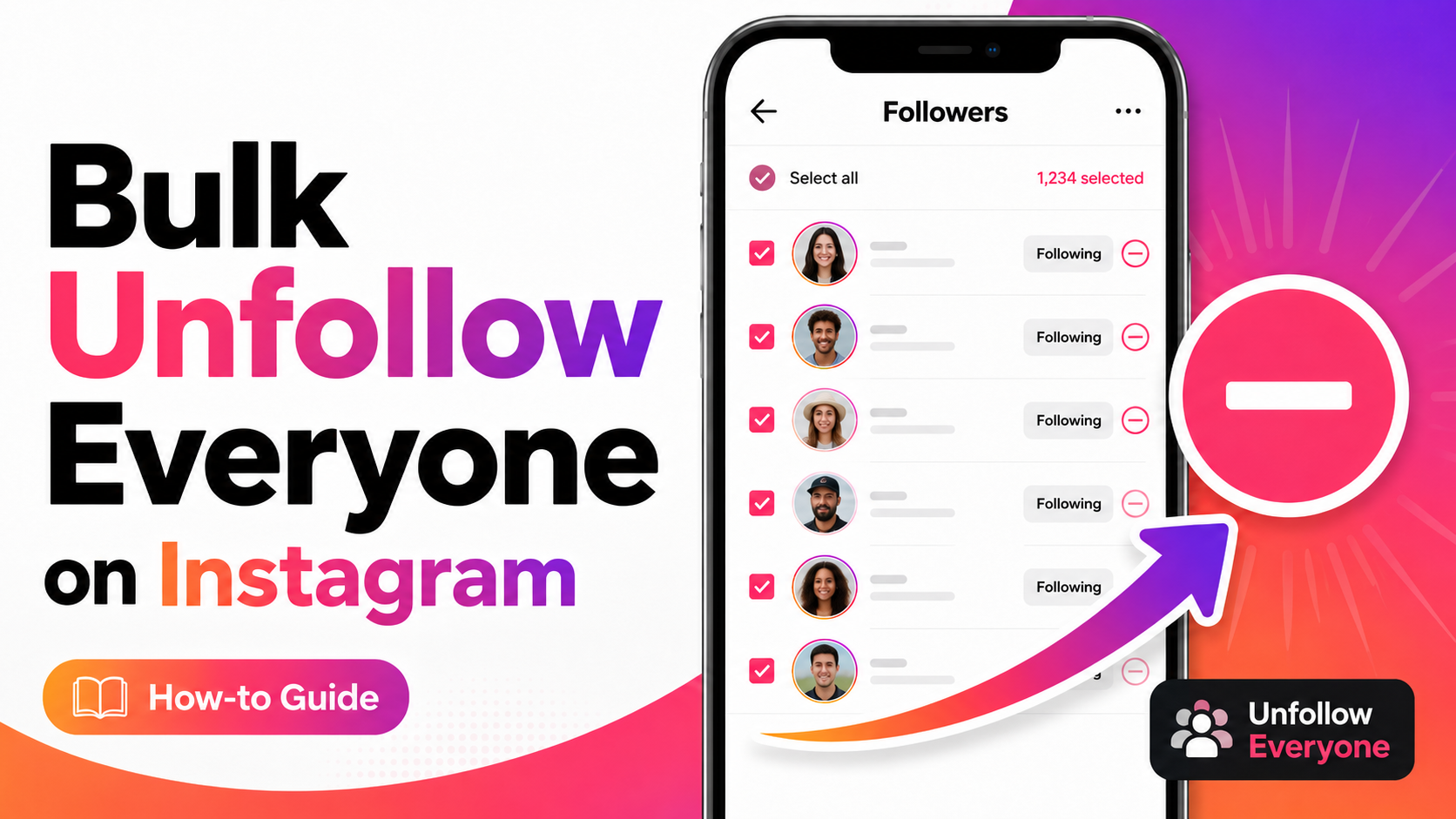
How to Unfollow Everyone on Instagram (Text & Video Guide)
Unfollow everyone on Instagram in bulk, or only the accounts that don’t follow you back. Written steps plus a short video for most of them.
How to Mass Delete Instagram Messages
Learn to mass delete all of your Instagram messages in bulk using the Redact.dev app. Filter to specific chats, keywords, dates, and more.
How to Mass Delete Carousel Posts on Instagram
Learn how to delete Instagram carousel posts using Redact. Filter by caption text, likes, or comment count, and bulk-delete outdated content.
Related services
See allRemove old Reddit posts and comments to get rid of any old skeletons in your post history losing you karma.
- Reddit Posts
- Direct Messages
- Reddit Comments
Delete anything that you posted either on your own profile or somebody else's
- Posts
- Comments
Tumblr
Remove unwanted content from your Tumblr page, from published and queued posts to likes, replies, and follows.
- Posts
- Queued Posts
- Likes
- Comments
- Follows
Mastodon
Delete your posts, reposts, favorites and replies
- posts
- reposts
- favorites
- replies
Delete LinkedIn conversations, posts, comments, and reactions in bulk. You can also unfollow companies, groups, and people or leave groups.
- Conversations
- Posts
- Comments
- Reactions
- Follows
Threads
Delete your posts, reposts, replies, quotes and likes
- posts
- reposts
- likes
- replies
- quotes