Mass Delete Your Instagram Reels
Redact bulk-deletes your Instagram Reels. Clear old videos, trend reels that didn't age well, or low-performing clips in one pass, instead of opening and deleting each reel by hand.
Free for your last 30 days of posts, reels & carousels.
Available on
Plan
Things to delete *
Select what you want to delete
Why clear out old reels
Reels age faster than anything else on your profile
Reels ride trends and audio that move on within weeks. The ones you posted a year ago rarely represent you, or perform, the way they did.
Old reels date your profile fast
A clip built on a dead trend or sound can make an otherwise current profile look stale the moment someone scrolls your reels tab.
Low-view reels drag down your numbers
A wall of under-performing reels pulls down the average reach that Instagram and brands judge your account on.
Reels are tedious to clear by hand
Instagram offers no bulk reel deletion, so clearing them means opening each one and deleting it individually.
What this feature does
Clear your Reels without touching the rest
Select Reels as the content type, filter by date, caption keyword, or engagement, or leave it open to clear them all, preview the batch, and run it locally. Your photos and carousels stay put.
- By date
- By keyword
- By engagement
- All reels
Try Redact for Instagram. Free for your last 30 days of posts, reels & carousels.
Things to delete *
Select what you want to delete
Target the right reels
Wipe every reel, or filter it down
Clear all your reels at once, or filter the batch so Redact only removes the clips that match your rules.
Date range
Delete reels from a specific period and keep your recent ones.
Caption keyword
Remove only reels whose caption mentions certain words.
Like and comment volume
Drop low-engagement reels and keep the ones that landed.
Keyword preservation
Whitelist captions you never want removed.
Step-by-step guide
How to mass delete your Instagram Reels with Redact
Connect your account, select Reels, and Redact clears the matched clips for you.
- 1
Download Redact for free
Download for your device →Install Redact on your device. It runs on Windows, macOS, and Linux, plus iOS and Android.
- 2
Connect your Instagram account
Open Redact, choose Instagram, and link your account securely. Your credentials are sent straight to Instagram and never touch a Redact server.
- 3
Select Reels and filters
Choose the Reels content type, then narrow it down by date, caption keyword, or engagement, or leave the filters blank to clear every reel.
Good to know: deleting your last 30 days of reels is free. Clearing reels older than 30 days needs Premium.
- 4
Preview, then confirm
Run a Preview to check the queue and exclude any reels you want to keep, then start the deletion.
- 5
Let Redact do the work
Redact works through your reels and removes each match, showing progress as it goes. Keep the app running until it finishes.
Your reels never leave your device
Redact deletes your reels straight through Instagram from your device, using only the access needed to do it. It never stores or uploads your videos, and you can disconnect Instagram at any time.
Try Redact for Free
We are frequently adding support to other social network services. You can receive direct updates from us in Redact's Discord Channel.

Frequently asked questions
Install Redact, connect your Instagram account, and select the Reels content type. Leave the filters blank to clear every reel, or add a date, keyword, or engagement filter to target a subset, then run a Preview and start.
Yes. Use the date range filter to target older reels, and layer the like and comment volume filter on top to drop the clips that didn't perform while keeping your hits.
Deleting a reel removes it from your profile and the reels tab, along with its views, likes, and comments. Your photos, carousels, and other content are left untouched.
Yes. Add caption keywords to the preserve list and Redact will skip any reel that matches, no matter which filters you apply.
Yes. Deleting your last 30 days of reels is free. To clear reels older than 30 days, upgrade to a paid plan.
More Instagram features
Delete All Direct Messages on Instagram
Bulk-unsend the Instagram DMs you've sent, by conversation, person, date, or keyword.
Bulk Delete All Instagram Posts
Bulk delete photos, videos, reels, and carousels with date, keyword, and engagement filters.
Mass Unfollow Accounts on Instagram
Bulk unfollow accounts, filtered by follow-back, privacy, or verification, with username whitelists.
Delete All Your Instagram Likes in Bulk
Take your like back off posts in bulk, filtered by date, caption or creator.
Delete Instagram Saved Collections in Bulk
Delete your saved collections, picked or protected by name.
Instagram guides
See all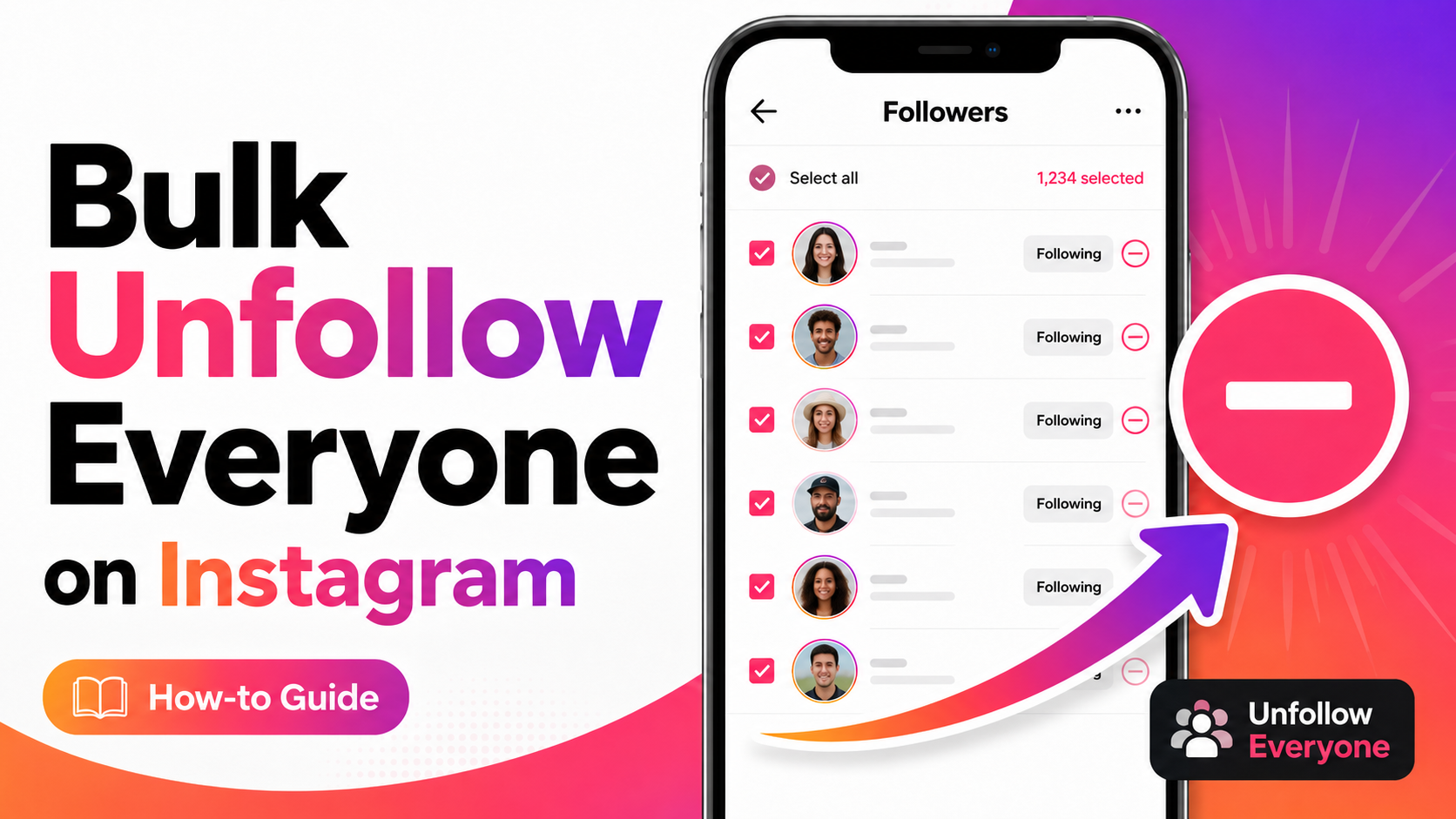
How to Unfollow Everyone on Instagram (Text & Video Guide)
Unfollow everyone on Instagram in bulk, or only the accounts that don’t follow you back. Written steps plus a short video for most of them.
How to Mass Delete Instagram Messages
Learn to mass delete all of your Instagram messages in bulk using the Redact.dev app. Filter to specific chats, keywords, dates, and more.
How to Mass Delete Carousel Posts on Instagram
Learn how to delete Instagram carousel posts using Redact. Filter by caption text, likes, or comment count, and bulk-delete outdated content.
Related services
See allRemove old Reddit posts and comments to get rid of any old skeletons in your post history losing you karma.
- Reddit Posts
- Direct Messages
- Reddit Comments
Delete anything that you posted either on your own profile or somebody else's
- Posts
- Comments
Tumblr
Remove unwanted content from your Tumblr page, from published and queued posts to likes, replies, and follows.
- Posts
- Queued Posts
- Likes
- Comments
- Follows
Mastodon
Delete your posts, reposts, favorites and replies
- posts
- reposts
- favorites
- replies
Delete LinkedIn conversations, posts, comments, and reactions in bulk. You can also unfollow companies, groups, and people or leave groups.
- Conversations
- Posts
- Comments
- Reactions
- Follows
Threads
Delete your posts, reposts, replies, quotes and likes
- posts
- reposts
- likes
- replies
- quotes