5 Ways to View an Instagram Story Anonymously
 Dan Saltman8 min read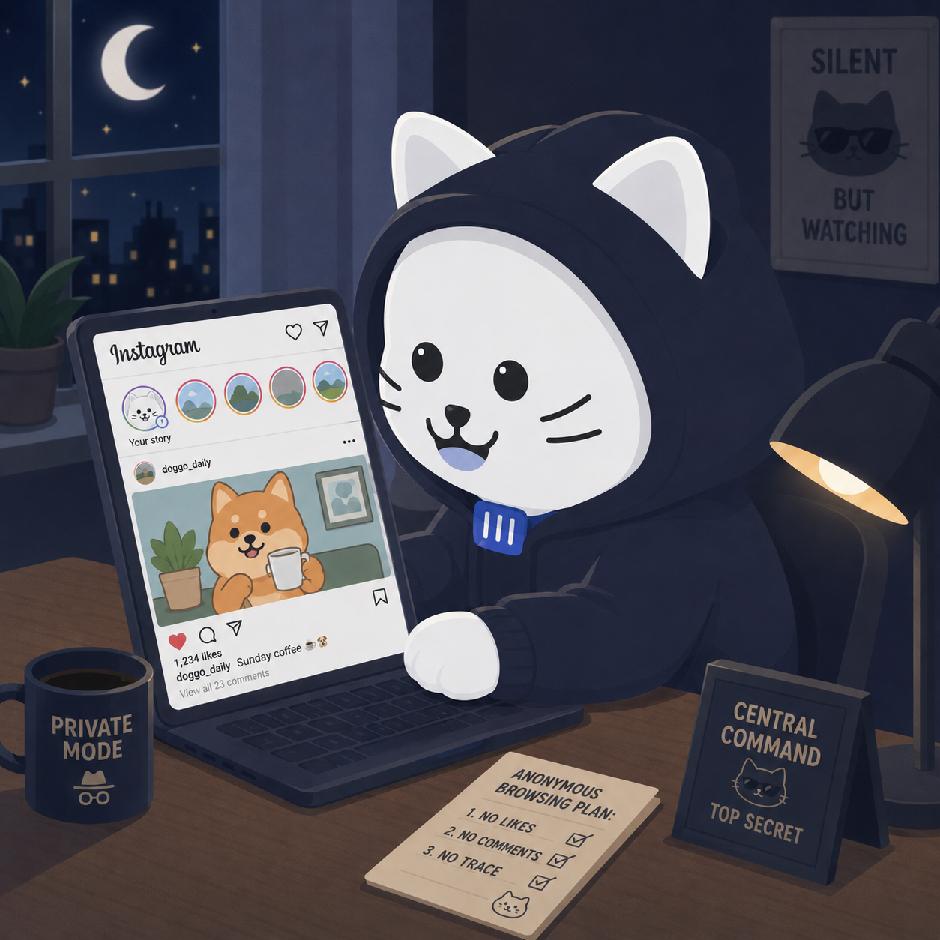
On this page
Sometimes you want to check an Instagram Story without your name showing up in the viewer list. Maybe you’re trying to avoid an awkward conversation. Maybe you’re checking on an old account. Maybe you’re just curious and don’t want to leave a trail.
Instagram is designed to show creators who viewed their Stories, so there’s no perfect built-in “anonymous mode.” Still, there are a few workarounds people use. Some are quick and risky. Others are more reliable but take a little more setup.
Here are the main ways to view Instagram Stories anonymously, plus the risks of each one.
The 5 methods
1. The half-swipe method
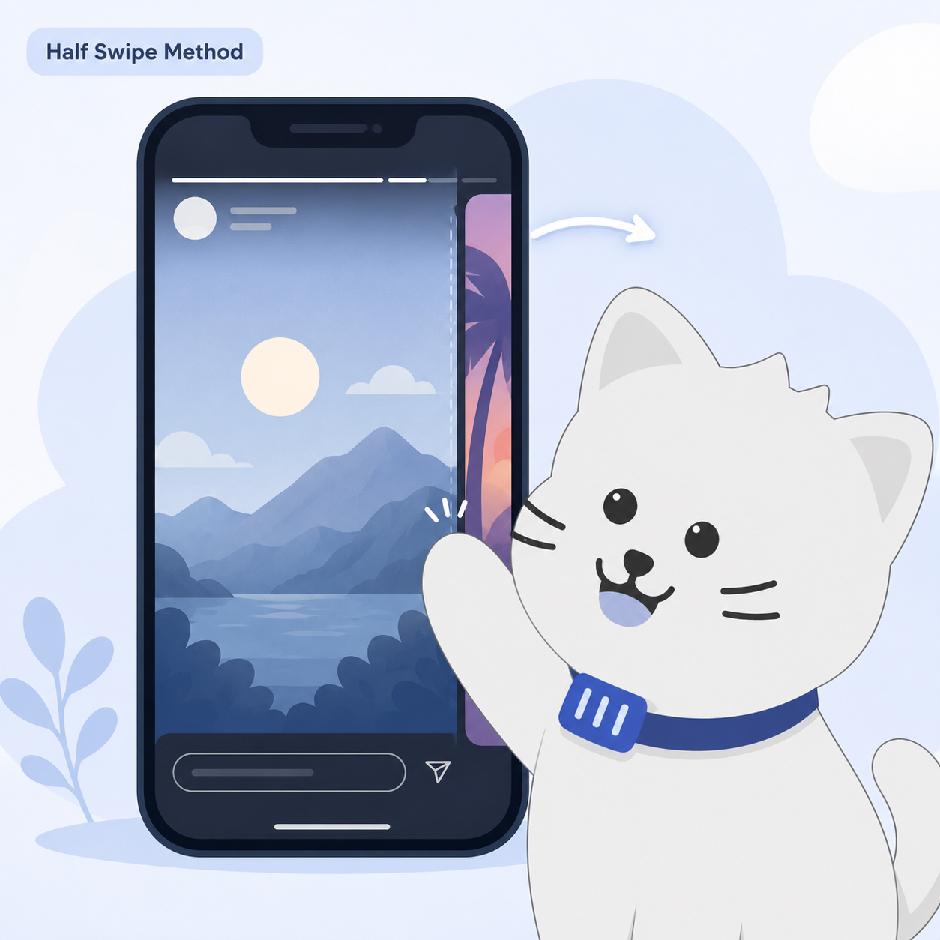
The half-swipe method is one of the quickest ways to peek at a Story without fully opening it. It works by partially dragging from one Story to the next without completing the swipe.
This method is useful when the account you want to check appears immediately after another Story in your Story tray.
It works like this.
- Open Instagram.
- Find the Story right before the one you want to view.
- Tap that Story.
- Press and hold the screen.
- Slowly swipe left toward the next Story.
- Keep your finger on the screen while you peek.
- Don’t let go.
- Swipe back to the original Story.
- Release only after you’re back on the first Story.
The key is not completing the swipe. If you swipe all the way into the next Story and let go, Instagram may count you as a viewer.
2. The airplane mode trick
The airplane mode trick relies on Instagram preloading Stories while you’re still connected to the internet. Once the content is loaded, you go offline, view the Story, close the app, and reconnect.
Here’s the basic process.
- Open Instagram.
- Let the home feed sit for a minute so Stories can load.
- Turn on Airplane Mode.
- Make sure Wi-Fi is also off.
- Watch the Story.
- Force-close the Instagram app completely.
- Turn Airplane Mode off.
- Reconnect to the internet.
The idea is that Instagram loads the Story while you’re online, but can’t send the view signal while you’re offline. Force-closing the app before reconnecting may prevent the view from syncing.
This method can work, but it isn’t foolproof. Apps update constantly, and Instagram may still track some activity depending on how the content was loaded or when the app reconnects.
3. Use a third-party Instagram Story viewer

Third-party Story viewers are websites that let you view public Instagram Stories without logging into your own account. These tools usually work by pulling publicly available Story content through a browser.
Common examples include tools like Insta-stories-viewer.com, StoriesIG, InstaNavigation, and similar sites. Please note, we don’t vouch for or promote any of these sites. Use them at your own risk.
The process is usually simple.
- Go to the Story viewer website.
- Enter the public Instagram username.
- View available Stories through the website.
This can be one of the more anonymous options because you’re not using your own Instagram account. However, it only works for public profiles.
4. Use a secondary or “burner” account
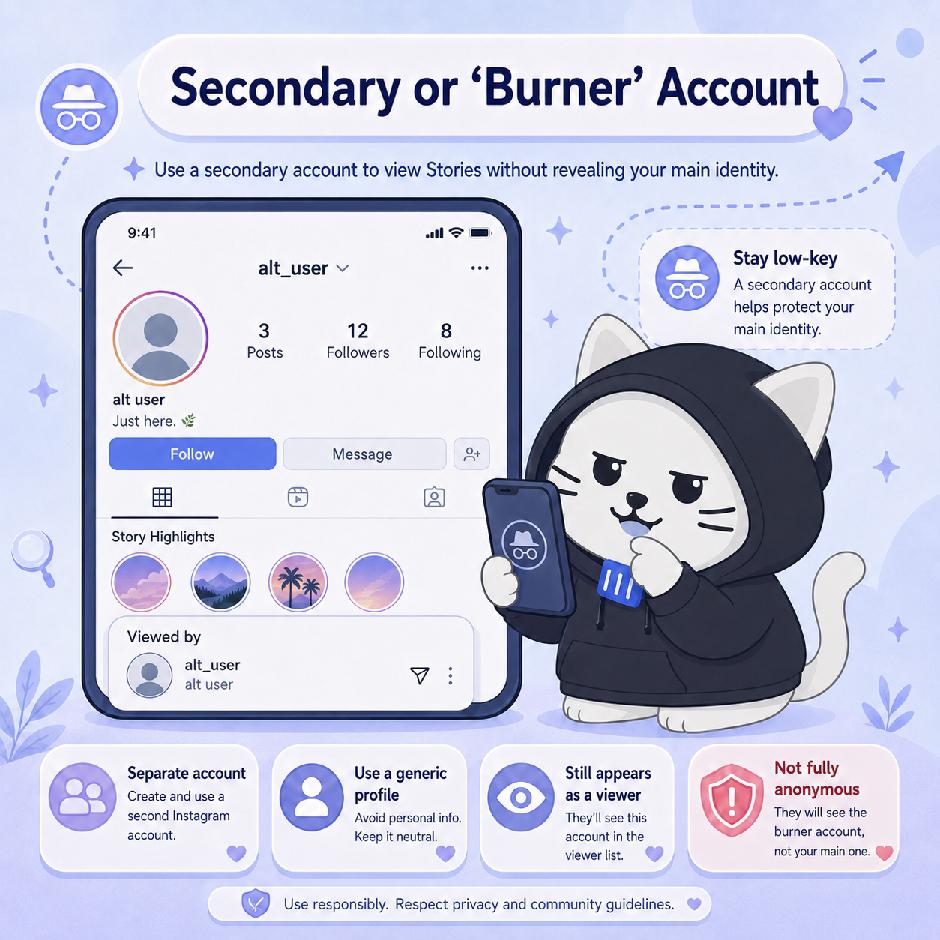
A secondary account is the most stable long-term method, and it’s the one we’d personally use. Instead of trying to hide the view completely, you view Stories from an account that isn’t obviously connected to you.
This doesn’t make the view invisible. The person may still see that the burner account watched their Story. They just may not know who owns it.
For better separation.
- Create a new Instagram account.
- Use a generic name and profile photo.
- Don’t connect it to your main email.
- Don’t connect it to your phone number if avoidable.
- Don’t link it to Facebook.
- Don’t follow your own main account.
- Avoid following the same tight circle of people.
This method is especially useful if you need a longer-term way to browse public content without using your main account.
5. Ask someone else to check
This is the simplest low-tech option. If the account is public, someone else can check the Story from their account and tell you what they saw.
This avoids your profile appearing in the viewer list, but it isn’t exactly private. You’re relying on another person, and their account may appear as a viewer.
What doesn’t work?
There are a lot of bad suggestions floating around online. Some are outdated. Some are risky. Some are just scams.
Which method is safest?
For public accounts, a third-party viewer that doesn’t require login is usually the cleanest option. The important rule is simple. Don’t enter your Instagram password.
For private accounts, there’s no reliable anonymous option. If you already follow the account, the half-swipe or airplane mode method may reduce the chance of appearing in the viewer list, but neither one should be treated as guaranteed.
For long-term browsing, a separate account is usually more stable than trying to rely on app glitches or swipe tricks.
Compare the 5 viewing methods
Some options are better for quick peeks, while others are more practical for public profiles or long-term browsing.
Quick comparison: anonymous Instagram Story methods, compared
| Method | How it works | Risk | Best for | Private accounts |
|---|---|---|---|---|
| Half-swipe method | A quick way to preview part of the next Story without fully opening it. | Medium risk | Quick, partial views | Only if already followed |
| Airplane mode trick | Relies on Instagram preloading the Story before the app goes offline. | Medium to high risk | Already-loaded Stories | Only if already followed |
| Third-party Story viewer | Can work for public profiles, but should never require an Instagram login. | Site risk | Public profiles | No |
| Secondary account | A separate account is more stable, but that account may still appear in the viewer list. | Low to medium risk | Long-term browsing | Only if accepted |
| Ask someone else | Keeps the view off the main account, but depends on someone else having access. | Low risk | One-time checks | Only if they follow |
One last thought. While you’re thinking about staying invisible in someone else’s viewer list, it’s worth remembering what your own profile reveals. Redact’s Instagram tools bulk delete the old posts and messages you’d rather nobody scrolled back to, all from your own device.