Mass Delete Your Instagram DMs
Redact bulk-deletes the Instagram direct messages you've sent. Clear entire conversations at once, or filter down to a specific person, date range, or keyword, instead of long-pressing and unsending messages one at a time.
Available on
Plan
Why clear your DMs
Old messages are the part of your history you forget about
Your sent DMs are a running record of years of private conversations. They sit in your history and other people's inboxes long after the moment has passed.
Conversations reveal more than single posts
A thread exposes relationships, plans, and opinions in context. Clearing old DMs shrinks what a borrowed or compromised phone can surface.
Old messages resurface in screenshots
Anything you sent can be screenshotted and reshared out of context years later. Removing it from your side is the cleanest way to limit that.
Instagram won't bulk-delete for you
Natively you can only unsend one message at a time. Redact clears whole conversations, or your entire DM history, in a single pass.
What this feature does
Clear years of sent messages at once
Pick the conversations to clean, set a date or keyword filter or leave it blank to clear everything, preview the batch, and run it. Redact unsends each message straight through Instagram from your device.
- All conversations
- By person
- By date
- By keyword
Target the right messages
Clear every chat, or just the ones that matter
Unsend everything you've ever sent, or filter the batch down so Redact only removes the messages you choose.
All conversations
Unsend every message you've sent across every chat.
By person
Target only the messages you've sent to specific people.
Date range
Remove messages sent before or after a date you choose.
Keyword
Delete only the sent messages that mention certain words.
Offensive content
Let Redact flag and remove sent messages that its on-device classifier scores as offensive.
Step-by-step guide
How to mass delete your Instagram DMs with Redact
Connect your account, choose the conversations to clear, and Redact unsends the matched messages for you.
- 1
Download Redact for free
Download for your device →Install Redact on your device. It runs on Windows, macOS, and Linux, plus iOS and Android.
- 2
Connect your Instagram account
Open Redact, choose Instagram, and link your account securely. Your credentials are sent straight to Instagram and never touch a Redact server.
- 3
Pick conversations and filters
Select all conversations, or choose specific people. Then narrow it down by date or keyword, or leave the filters blank to clear everything.
Heads up: bulk DM deletion is a Premium feature. Deleting your last 30 days of posts, reels, and carousels is free.
- 4
Preview, then confirm
Run a Preview to check the queue and exclude anything you want to keep, then start the deletion.
- 5
Let Redact do the work
Redact unsends each matched message, showing progress as it goes. Keep the app running until it finishes, and enable Schedule to keep new messages from piling up.
Your conversations never leave your device
Redact unsends each message straight through Instagram from your device. It never reads, stores, or uploads your conversations, and you can disconnect Instagram at any time.
Try Redact Today
We are frequently adding support to other social network services. You can receive direct updates from us in Redact's Discord Channel.

Frequently asked questions
Install Redact, connect your Instagram account, and select all your conversations. Leave the filters blank to unsend every message you've sent, or add a person, date, or keyword filter to target a subset, then run a Preview and start the deletion.
Yes. Choose the specific conversations you want to clean, and Redact only removes the messages you've sent to those people.
Redact uses Instagram's unsend, so a removed message disappears for everyone in the chat, not just you. Copies that someone already screenshotted can still exist outside Instagram.
Yes. Filter by a date range to clear older messages, or add keywords so Redact only unsends the messages that mention specific words.
Downloading Redact is free, and so is deleting your last 30 days of posts, reels, and carousels. Bulk-unsending DMs is a Premium feature, so clearing your messages needs a paid plan.
More Instagram features
Bulk Delete All Instagram Posts
Bulk delete photos, videos, reels, and carousels with date, keyword, and engagement filters.
Bulk Delete All Instagram Reels
Bulk delete Reels by date, caption keyword, or engagement, with keyword whitelists.
Mass Unfollow Accounts on Instagram
Bulk unfollow accounts, filtered by follow-back, privacy, or verification, with username whitelists.
Delete All Your Instagram Likes in Bulk
Take your like back off posts in bulk, filtered by date, caption or creator.
Delete Instagram Saved Collections in Bulk
Delete your saved collections, picked or protected by name.
Instagram guides
See all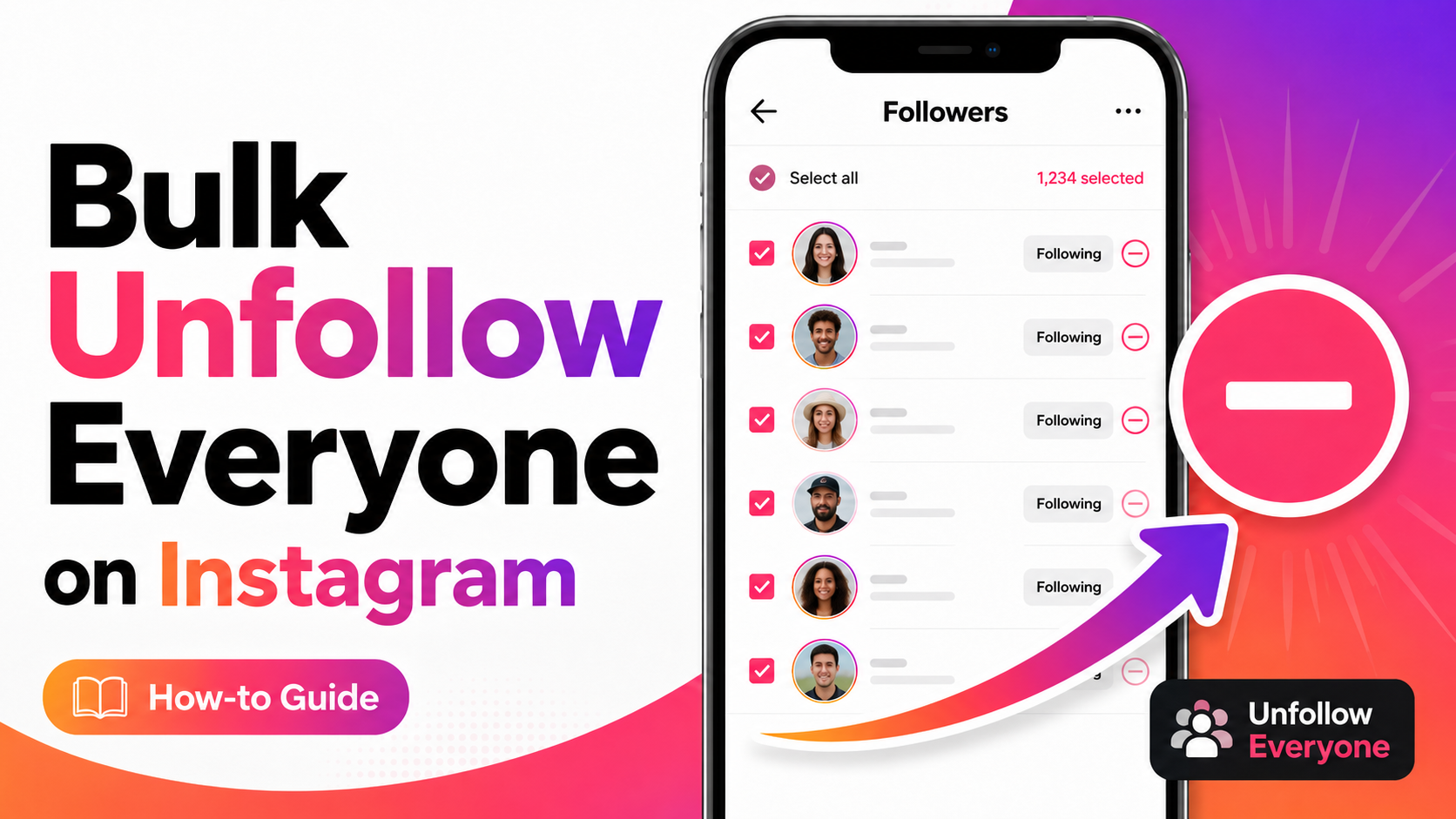
How to Unfollow Everyone on Instagram (Text & Video Guide)
Unfollow everyone on Instagram in bulk, or only the accounts that don’t follow you back. Written steps plus a short video for most of them.
How to Mass Delete Instagram Messages
Learn to mass delete all of your Instagram messages in bulk using the Redact.dev app. Filter to specific chats, keywords, dates, and more.
How to Mass Delete Carousel Posts on Instagram
Learn how to delete Instagram carousel posts using Redact. Filter by caption text, likes, or comment count, and bulk-delete outdated content.
Related services
See allRemove old Reddit posts and comments to get rid of any old skeletons in your post history losing you karma.
- Reddit Posts
- Direct Messages
- Reddit Comments
Delete anything that you posted either on your own profile or somebody else's
- Posts
- Comments
Tumblr
Remove unwanted content from your Tumblr page, from published and queued posts to likes, replies, and follows.
- Posts
- Queued Posts
- Likes
- Comments
- Follows
Mastodon
Delete your posts, reposts, favorites and replies
- posts
- reposts
- favorites
- replies
Delete LinkedIn conversations, posts, comments, and reactions in bulk. You can also unfollow companies, groups, and people or leave groups.
- Conversations
- Posts
- Comments
- Reactions
- Follows
Threads
Delete your posts, reposts, replies, quotes and likes
- posts
- reposts
- likes
- replies
- quotes