Mass Delete Your Instagram Posts
Redact is the fastest way to mass delete your Instagram posts. Connect your account and clear years of photos, videos, reels, and carousels in a single pass instead of deleting one post at a time.
Free for your last 30 days of posts, reels & carousels.
Available on
Plan
Things to delete *
Select what you want to delete
Why bulk delete your posts
Years of old posts are a liability you forgot about
Your photos, videos, reels, and captions make up a large slice of your public footprint. Leaving years of it online is a standing risk to your reputation, your privacy, and increasingly your own content.
Old posts resurface out of context
A photo from years ago can misrepresent who you are today, and that will not stop anyone from finding it and resharing it. For creators and public figures, an old post can mean controversy or a lost partnership.
Employers and clients screen your profile
Surveys put the share of employers who screen candidates on social media around 76%. A single old post can cost you an opportunity before you reach the interview.
Your photos leak more than you think
Years of posts reveal locations, routines, and relationships that add up to a detailed profile. That is exactly the raw material used for targeted phishing, stalking, and identity theft.
Meta can use your posts to train AI
Public Instagram content is swept into Meta's AI training. Clearing old posts shrinks what can be scraped, reused, and surfaced long after you have moved on.
What this feature does
Clear years of posts quickly and automatically
Pick the content types to include, set your filters or leave them blank for a full wipe, preview the batch, and run it. Your deletions run locally on your machine, and Redact only touches the posts you ask it to.
- Posts
- Reels
- Carousels
Try Redact for Instagram. Free for your last 30 days of posts, reels & carousels.
Things to delete *
Select what you want to delete
Target the right posts
Wipe everything, or filter it down
Don't want to remove all of it? Filter the batch first and Redact deletes only the posts that match your rules, leaving the rest of your grid intact.
Content type
Delete posts, reels, or carousels, together or one at a time.
Date range
Delete old posts and keep recent ones, or clear a single year.
Keyword
Remove only posts whose caption mentions certain words or topics.
Like and comment volume
Drop low-engagement posts and keep the ones that performed.
Keyword preservation
Whitelist captions and keywords you never want removed.
Run it your way
Three deletion modes plus a scheduler
Preview
Review every matching post before a single one is removed. Best for a first pass.
Deletion
Wipe everything that matches your filters at once, once you trust the criteria.
Review and Delete
Get a list of matches and remove items one click at a time, or batch-select them.
Schedule
Automate a recurring cleanup so new posts never pile back up. Set it and forget it.
Step-by-step guide
How to mass delete your Instagram posts with Redact
Connect your account, choose what to remove, and Redact clears the matched posts for you. The whole flow takes a couple of minutes.
- 1
Download Redact for free
Download for your device →Install Redact on your device. It runs on Windows, macOS, and Linux, plus iOS and Android.
- 2
Connect your Instagram account
Open Redact, choose Instagram, and link your account securely. Your credentials are sent straight to Instagram and never touch a Redact server.
- 3
Choose your content and filters
Select what to remove: posts, reels, carousels, or any combination. Then narrow it down, or leave the filters blank for a full wipe.
- Date range: remove posts older than a date, or clear a single year.
- Keywords: remove posts whose caption mentions specific words.
- Full wipe: leave the filters empty to clear everything.
Good to know: deleting your last 30 days of posts is free. Clearing posts older than 30 days needs Premium.
- 4
Preview, then confirm
Run a Preview to check the queue and exclude any posts you want to keep. When you are happy with the batch, start the deletion.
- 5
Let Redact do the work
Redact works through your history and removes every post that matches your criteria, showing each item as it goes. Keep the app running until it finishes. To stay clean going forward, set up a Schedule and Redact handles new posts automatically.
Your posts never leave your device
Redact talks straight to Instagram from your computer or phone, so your posts and your login never pass through a Redact server. It uses the minimum access needed to carry out your deletions, and you can disconnect Instagram at any time.
Try Redact for Free
We are frequently adding support to other social network services. You can receive direct updates from us in Redact's Discord Channel.

Frequently asked questions
Install Redact, connect your Instagram account, and choose the content types to remove (posts, reels, carousels). Leave the filters blank for a full wipe, or set a date range or keyword to target a subset, then run a Preview and start the deletion.
Yes. Filter by content type, date range, or caption keyword so Redact only queues the posts you want gone, and exclude individual posts from the Preview screen before you confirm.
Yes. Use the date range filter to target a window, for example everything posted in 2019, or everything older than a year, and Redact queues only the posts inside it while leaving the rest of your grid in place.
Yes. Reels, carousels, photos, and videos are all post content types in Redact. Select the ones you want and clear them in the same pass.
Yes. Deleting your last 30 days of posts is free, and reels and carousels are free for the last 30 days too. To clear posts older than 30 days, you'll need a paid plan.
No. Removing a post only takes that post off your grid, along with its likes and comments, exactly as a manual delete would. Your bio, followers, saved collections, and account settings are untouched, and Redact never sees or changes your login.
No. Redact runs on your device and uses the minimum access required to carry out your actions. Your login and content never touch a Redact server, and you can disconnect Instagram whenever you want.
Yes. Save your filters and enable Schedule, also known as Disappearing Mode, to run daily, weekly, or monthly. Redact reapplies your rules and removes new matches automatically.
More Instagram features
Delete All Direct Messages on Instagram
Bulk-unsend the Instagram DMs you've sent, by conversation, person, date, or keyword.
Bulk Delete All Instagram Reels
Bulk delete Reels by date, caption keyword, or engagement, with keyword whitelists.
Mass Unfollow Accounts on Instagram
Bulk unfollow accounts, filtered by follow-back, privacy, or verification, with username whitelists.
Delete All Your Instagram Likes in Bulk
Take your like back off posts in bulk, filtered by date, caption or creator.
Delete Instagram Saved Collections in Bulk
Delete your saved collections, picked or protected by name.
Instagram guides
See all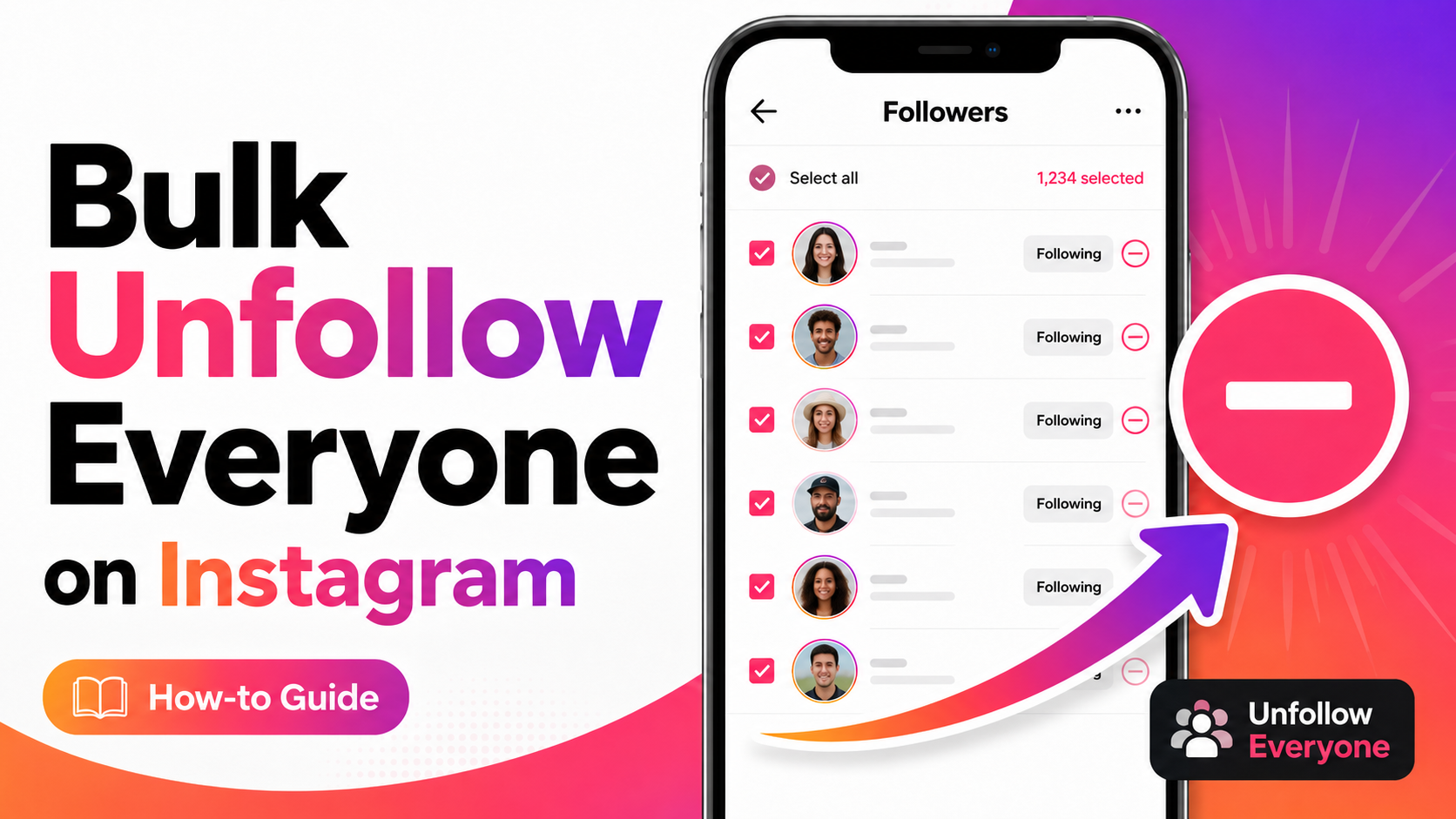
How to Unfollow Everyone on Instagram (Text & Video Guide)
Unfollow everyone on Instagram in bulk, or only the accounts that don’t follow you back. Written steps plus a short video for most of them.
How to Mass Delete Instagram Messages
Learn to mass delete all of your Instagram messages in bulk using the Redact.dev app. Filter to specific chats, keywords, dates, and more.
How to Mass Delete Carousel Posts on Instagram
Learn how to delete Instagram carousel posts using Redact. Filter by caption text, likes, or comment count, and bulk-delete outdated content.
Related services
See allRemove old Reddit posts and comments to get rid of any old skeletons in your post history losing you karma.
- Reddit Posts
- Direct Messages
- Reddit Comments
Delete anything that you posted either on your own profile or somebody else's
- Posts
- Comments
Tumblr
Remove unwanted content from your Tumblr page, from published and queued posts to likes, replies, and follows.
- Posts
- Queued Posts
- Likes
- Comments
- Follows
Mastodon
Delete your posts, reposts, favorites and replies
- posts
- reposts
- favorites
- replies
Delete LinkedIn conversations, posts, comments, and reactions in bulk. You can also unfollow companies, groups, and people or leave groups.
- Conversations
- Posts
- Comments
- Reactions
- Follows
Threads
Delete your posts, reposts, replies, quotes and likes
- posts
- reposts
- likes
- replies
- quotes