How to Mass Delete Instagram Messages
 Dan Saltman5 min read
On this page
Instagram messages (or DMs) can add up fast, holding onto everything from random chats to late-night conversations. Over time, not every message feels worth keeping. Maybe you’ve got chats with people you no longer talk to, jokes that don’t land anymore, or conversations that just kept piling up. Clearing them out helps you feel more organized and in control of your online space.
Manually removing Instagram messages one by one is annoying and time-consuming. This is where Redact’s bulk DM deletion comes in.
A quick note on pricing. Bulk-deleting Instagram DMs is a Premium feature. Your last 30 days of Instagram posts and reels are free to delete. You can try Redact for free on Instagram, Twitter/X, Discord, Facebook, TikTok and many more platforms!
Why Clean Up Your Instagram Messages?
Instagram messages are private, and they can linger longer than you expect. Old conversations, drunken story replies, or messages you’ve outgrown don’t always disappear on their own. While that history can be meaningful, it can also be a reminder of moments you’d rather move on from.
Some common reasons people wipe their DMs.
- Conversations with people they no longer talk to
- Old chats tied to phases or situations they’ve moved on from
- Messages sent in the moment that don’t feel like them anymore
- Group chats that are inactive or overwhelming
- Conversations with personal or sensitive details
As you grow and change, your old messages may no longer reflect where you’re at now. Clearing them out is a simple way to reset your inbox and feel more in control of your Instagram space.
How to Bulk Delete Instagram Messages with Redact
Redact helps you clear out Instagram messages on your own terms. Instead of digging through endless conversations or second-guessing what to delete, you can let Redact handle it for you. Just sign in, connect your Instagram account, and follow these steps.
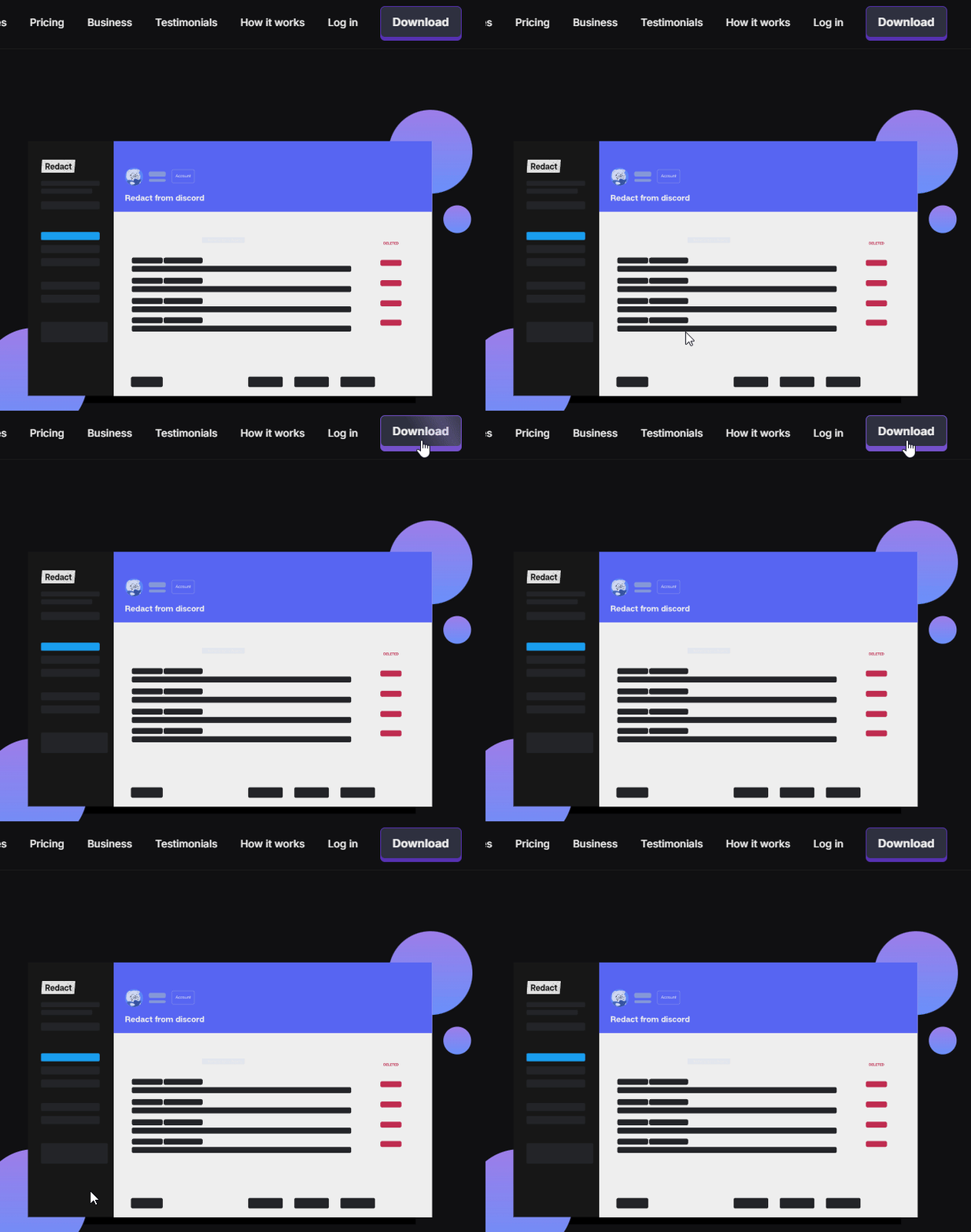
1. Download Redact.dev
Go to Redact.dev and download the app for Windows, macOS, or Linux. Create an account for free.
2. Connect Your Instagram Account
Once you launch Redact and log in, choose Instagram from the list of supported sites.
You’ll be prompted to log in through Instagram. Your login details are never seen or stored by Redact. They’re sent directly from your device to Instagram, just like a saved login in your browser. Everything stays local to your device.
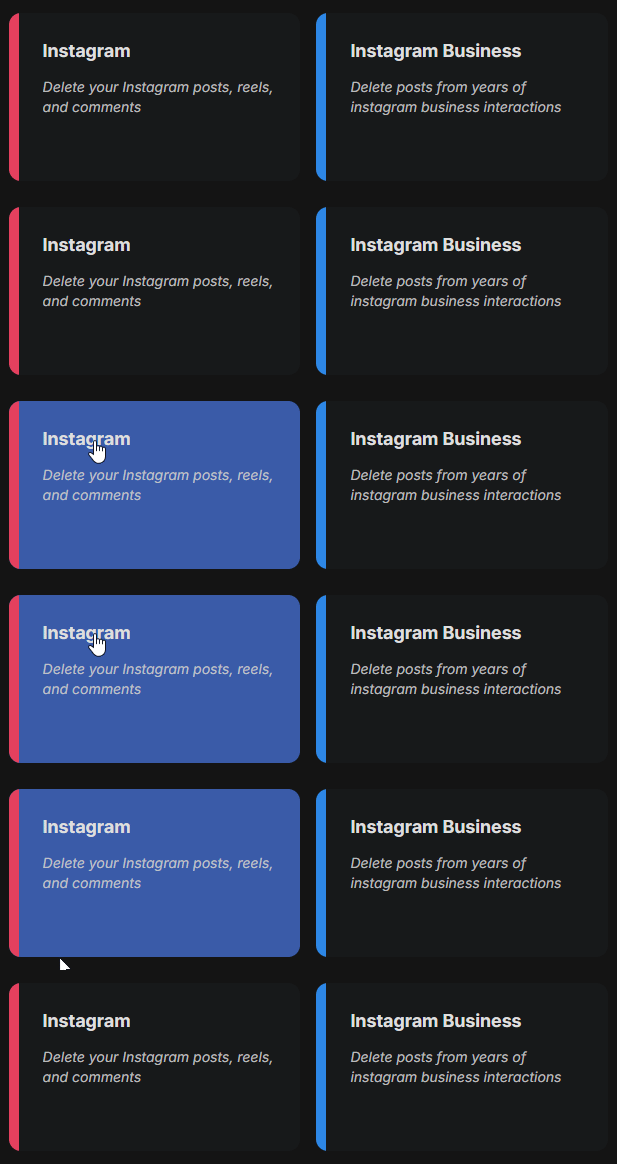
3. Choose Messages as the Content Type
After logging in, open the Advanced form using the toggle in the top-right.

Then select “Direct Messages” from the tabs at the top of the form. This will reveal the DM Selector, where you can pick from chats in your inbox (group and individual DMs). You can select as many conversations as you want before you mass delete your messages.
Redact removes the messages you’ve sent using Instagram’s unsend, so a deleted message disappears for everyone in the chat, not just on your end.
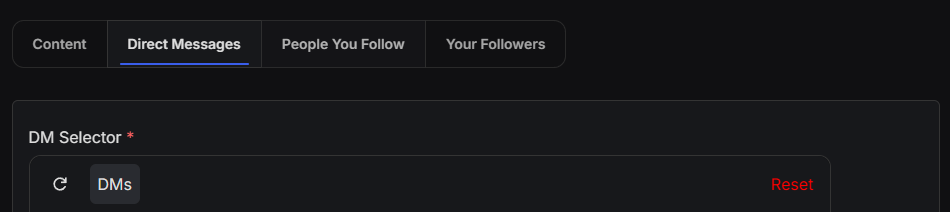
Customize Your DM Deletion With Filters
Redact gives you powerful options to narrow down which messages you want to delete.
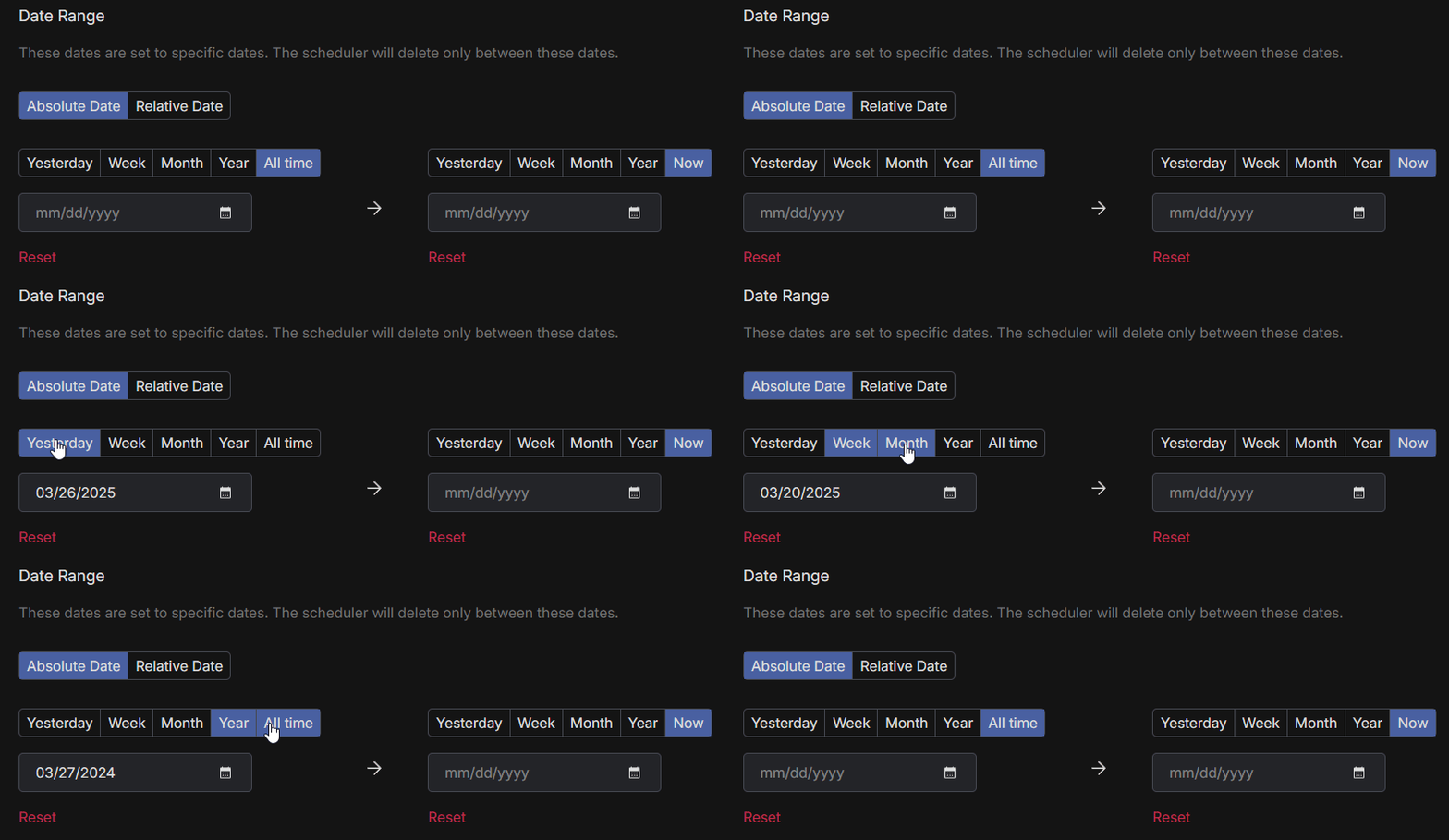
1. Filter by Date Range
To clear messages from a specific stretch of time, set a date range.
- Choose a start date to delete content made after that point
- Choose an end date to delete content made before that point
- Use the calendar tool to quickly pick a specific day, month, or year
To reset the filter, click the red “Reset” button.
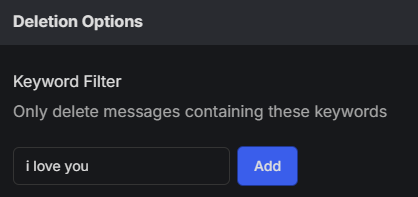
2. Delete Instagram Messages by Keyword
You can set Redact to remove Instagram messages that include specific words or phrases. This is helpful for clearing out conversations tied to certain topics, names, or moments.
3. Pick How You Want to Delete
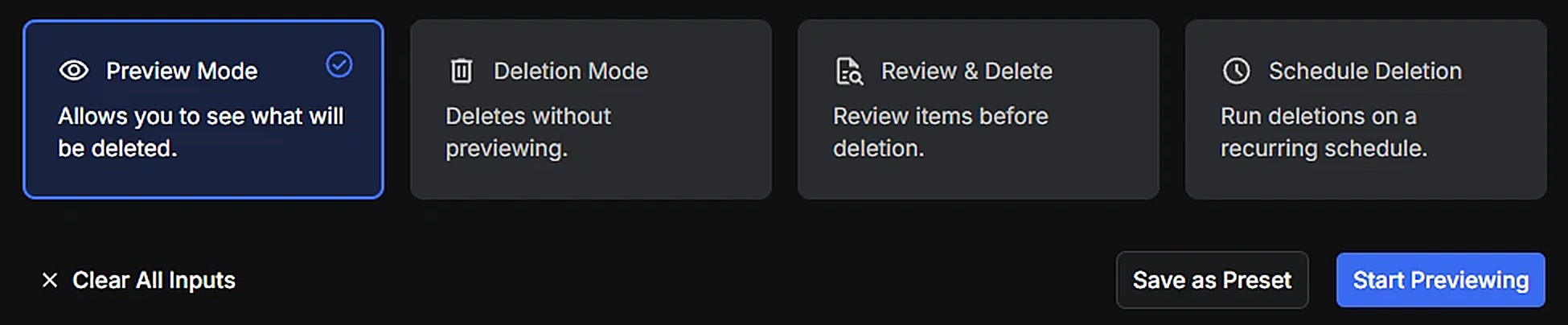
Redact gives you a few different ways to delete Instagram messages, depending on how hands-on you want to be.
- Preview Mode surfaces every message that matches your filters before anything is removed.
- Review & Delete lets you review the matches and pick exactly which messages get deleted.
- Deletion Mode removes everything that matches your filters right away.
- Schedule Deletion keeps your inbox clean by deleting new matches over time, based on your rules.
We recommend starting with Preview Mode so you can double-check everything before committing to a full cleanup.
Why Use Redact to Delete Instagram Messages?
Instagram doesn’t give you an easy way to delete messages in bulk or sort through them by keywords or age. Cleaning things up manually means endless scrolling, opening chats one by one, and wasting time.
Redact makes it much simpler to clean out your inbox without the frustration. You can preview messages before deleting them, set up regular cleanups, and use filters to remove exactly what you don’t want. Your DMs are one piece of it, and the rest of Redact’s Instagram features handle your posts, reels, and following list.
Old conversations, a full reset, or something in between, the point is that you choose what your inbox holds onto.
Start Cleaning Up Your Instagram Messages Now
Download Redact.dev and take back control of your online presence.
Redact also supports a massive range of major social media and productivity apps, like Twitter, Facebook, Discord, Reddit and more.