Mass Unfriend on Facebook
A decade or two on Facebook adds up to a friends list full of people you barely remember accepting. Old coworkers, an ex's cousin, someone from a group chat in 2011. Redact clears your list in one pass, all at once or just the names you pick, while a keep list protects the people who still matter.
Available on
Plan
Friend names to delete
Only delete friends with these names
Why mass unfriend?
Your friends list is mostly made up of strangers by now
Friends pile up for years before anyone stops to ask why. Old classmates, people met once at a wedding, a coworker from a job you left in 2015. None of it was a decision, it just accumulated. Clearing the list catches it up to who you actually keep in touch with.
Most of your list isn't active in your life
A friends list built up over a decade is mostly people you'd struggle to place if you ran into them. Keeping the connection doesn't really do anything for either of you.
More friends means a wider audience
Every person on your list can see more of your activity than a stranger can. A smaller, more current list means your posts reach the people who actually know you.
One by one takes forever
Facebook only lets you unfriend people individually, clicking through hundreds of profiles one at a time. A list that took years to build shouldn't take that long to trim.
You don't have to start from zero
A keep list protects the people you actually want to stay connected to, so clearing everyone else doesn't mean losing the friends who matter.
What it does
Unfriend in bulk, not one profile at a time
Facebook only lets you unfriend one person at a time, so trimming a list built over years means clicking through hundreds of profiles by hand. Redact loads your friends list and clears it in a single pass instead.
List the names you want gone and Redact unfriends exactly those people, or leave the field blank to remove everyone. Either way, add anyone you want to protect to the keep list first. Unfriending only changes the connection: your posts, comments, likes, tags, and message history are separate and stay exactly as they are.
- Whole list or named people
- Keep list protects anyone
- Messages and posts untouched
Friend names to delete
Only delete friends with these names
Scope it however you like
Unfriend everyone, or just the names you pick
The Friends tab works off two simple lists of names. Leave the delete field blank and Redact queues your entire list, consistent with how a blank filter means a full pass everywhere else in the app.
Target specific names
List the people you want gone and Redact unfriends exactly those names, leaving the rest of your list untouched.
Keep list
Add anyone you want to protect and they stay connected even on a full clear, so you never lose the friends who matter.
Clear everyone
Leave the delete field empty and Redact removes your whole friends list in one pass, keep list aside.
Run it your way
Preview first, then clear the list
Preview Mode
See exactly who matches before anyone is removed. Best for a first pass, especially when clearing your whole list.
Deletion Mode
Unfriend everyone who matches in one run, once your keep list looks right.
Review & Delete
Get the list of matches and remove people one click at a time, or batch-select them.
Schedule Deletion
Set a recurring run so new connections that match your names get cleared automatically over time.
Step-by-step guide
How to mass unfriend on Facebook in 4 steps
The whole setup takes a couple of minutes. If you're clearing your entire list, start with a small Preview just to confirm your keep list is set up the way you want.
- 1
Download Redact for free
Download for your device →Install Redact on your device. It runs on Windows, macOS, and Linux, plus iOS and Android.
- 2
Connect your Facebook account
Open Redact, choose Facebook, and link your account securely. Your credentials are sent straight to Facebook and never touch a Redact server.
- 3
Choose names, or leave it blank
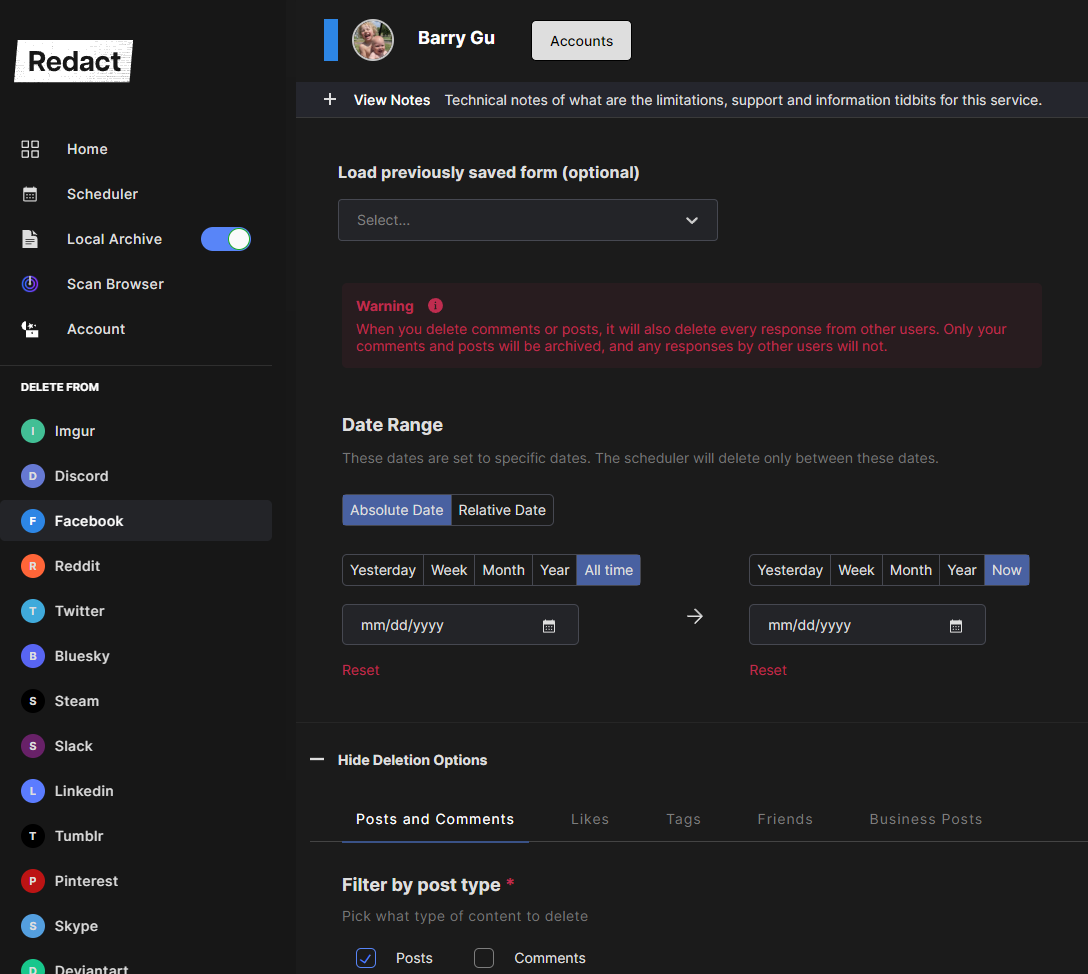
Open the Friends tab and list the specific people to unfriend, or leave the field empty to target your whole list. Add anyone you want to protect to the keep list.
- 4
Preview, then unfriend
Run a Preview to see exactly who matches before anything happens. When it looks right, start the run and keep the app open while Redact works through your list.
Your friends list never leaves your device
Redact talks straight to Facebook from your computer or phone, so your friends list and your login never pass through a Redact server. It uses a passwordless email sign-in, takes only the access it needs to do the unfriending, and you can disconnect Facebook the moment you're done.
Try Redact Today
We are frequently adding support to other social network services. You can receive direct updates from us in Redact's Discord Channel.

Frequently asked questions
Yes. Leave the name field blank and Redact clears your entire friends list in one pass. Add anyone you want to keep to the keep list first so they stay connected through the wipe.
Yes. List the names you want gone and Redact only unfriends those people, leaving everyone else on your list alone. Stack a keep list on top if you want to be sure a similar name is protected.
No. Unfriending only changes the connection between your accounts. Your messages, posts, comments, likes, and tags are separate and aren't touched by this feature.
No. Facebook doesn't notify anyone when you unfriend them, whether you do it by hand or in bulk with Redact. The connection simply drops off both lists.
Yes. Unfriending isn't a block. You can send a new friend request to anyone you've removed whenever you like, and they can send you one too.
Yes. Mass unfriending is a Redact Premium feature. The free tier covers recent posts and comments, so clearing your friends list in bulk needs a paid plan. The app itself is free to download and set up.
More Facebook features
Mass Delete Facebook Posts
Bulk delete your Facebook timeline posts: status updates, photos, videos, links, and check-ins. Wipe it all or filter by date, keyword, media type, or location first.
Clear Facebook Search History
Wipe the private log of everything you've searched on Facebook, in bulk and on your device.
Delete Facebook Content by Date Range
Clear a whole era of old Facebook activity at once. Set exact dates or a relative window like older than two years, across posts, comments, likes, and search history.
Delete all Comments on Facebook
Bulk delete the comments you have left across Facebook posts, Pages, and groups, by date, keyword, or public visibility. The posts you replied to stay put.
Delete all Photos & Videos on your Facebook Timeline
Bulk delete the posts that carry your photos and videos, by attachment type, date, or caption keyword. Videos are one extra checkbox.
Delete all Facebook Likes at Once
Clear the Pages you've liked and the reactions you've left on posts and comments, in bulk, with date, keyword, and keep-list controls.
Remove Facebook Tags in Bulk
Take your name off the photos, posts, and comments other people tagged you in. Clear post and comment tags, photo tags, or both in one run.
Delete All of Your Facebook History
Wipe your whole Facebook account, posts through searches, category by category, or scope it to a single category or era. Preview the hit list and keep a local archive first.
Unfollow in bulk on other platforms
Facebook guides
See all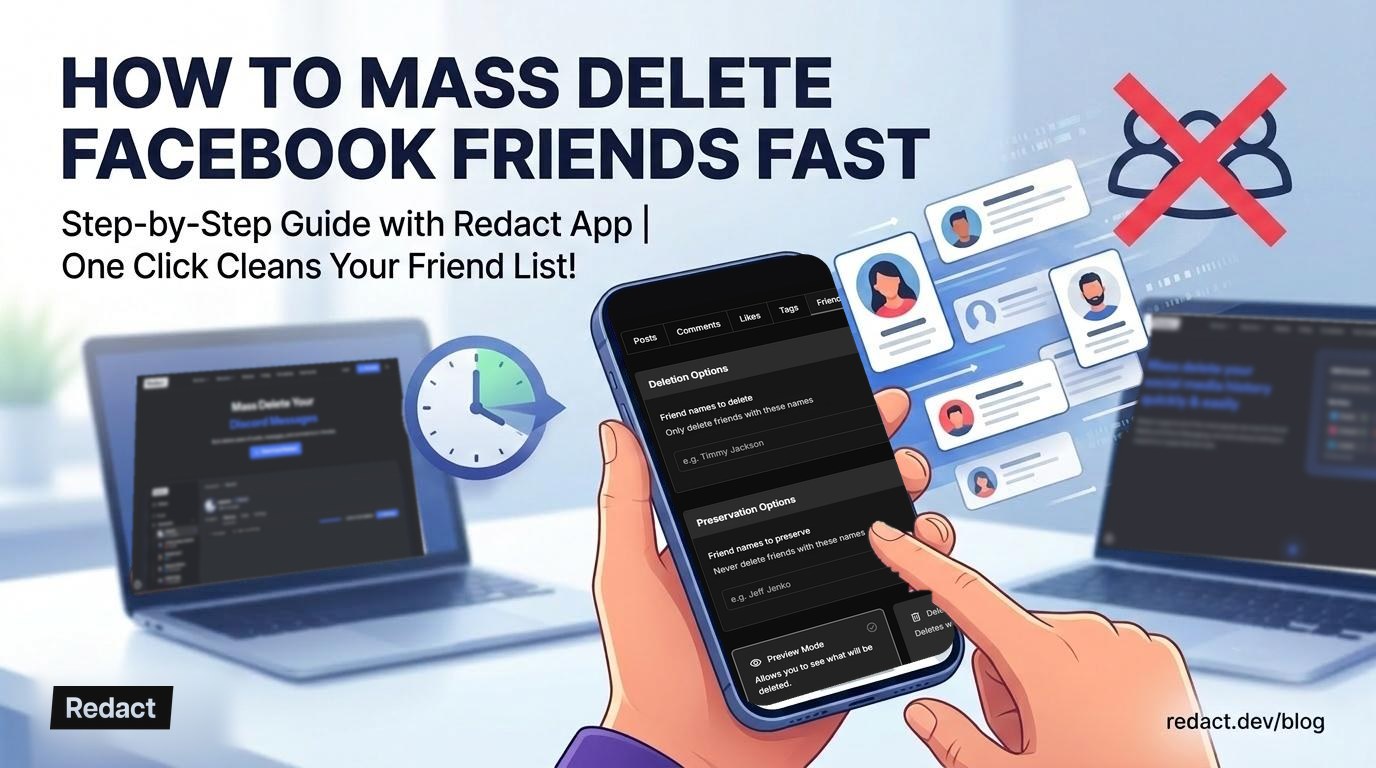
Remove Friends on Facebook Fast, All at Once or One at a Time
How to unfriend on Facebook from a profile or your friends list, on a computer or the app, and how to remove every friend at once with Redact.

Privacy Guide: Delete All Facebook Content Quickly
Delete all your Facebook posts, photos and comments in bulk, for good. Old content can resurface or feed Meta's AI, so here's how to wipe it quickly.
How to automatically delete everything from Facebook in bulk
Deleting your Facebook account may not erase your data. Bulk delete everything on Facebook first with Redact, then close the account itself.
Related services
See allDelete your content, messages and unfollow accounts on Instagram
- Images
- reels
- carousels
- direct messages
- followers
Mastodon
Delete your posts, reposts, favorites and replies
- posts
- reposts
- favorites
- replies
Remove old Reddit posts and comments to get rid of any old skeletons in your post history losing you karma.
- Reddit Posts
- Direct Messages
- Reddit Comments
Threads
Delete your posts, reposts, replies, quotes and likes
- posts
- reposts
- likes
- replies
- quotes
Tumblr
Remove unwanted content from your Tumblr page, from published and queued posts to likes, replies, and follows.
- Posts
- Queued Posts
- Likes
- Comments
- Follows
Bluesky
Delete your posts, reposts, replies and likes
- posts
- reposts
- likes
- replies