Works on 39 services, from Discord to YouTube
Delete Your Entire Pinterest History
Years of pins and boards. Every phase, every project, every plan you ever saved. Redact can clear your whole Pinterest history in two passes: pins first, then boards. Preview each pass, pick a deletion mode, and watch your Pinterest history evaporate.
Available on
Plan
Deletion Mode
What a full Pinterest cleanse covers
Pins and boards, end to end
A Pinterest account is a diary that looks like a collage. Wedding plans from a marriage ago, house ideas for a house you never bought, recipes, fandoms, aesthetics you've long since retired.
The full clear takes all of it
Every pin and every board. Pinterest treats them as separate categories, so you clear pins in one run (with All Pins selected in Delete in Boards) and boards in the next.
The mechanics are deliberately boring
Pick the category, select All Pins in Delete in Boards for the pins pass, leave the rest of the filters open, choose a mode, start. Then switch categories and do the other half.
Deletion is forever
There is no undo. Preview Mode exists so the irreversible part happens last.
Every mode, one warning
Deletion is forever, look before you leap
The app says it and this page repeats it. There is no undo. Each run clears one category. Preview Mode produces the full list of what that run would remove. Review & Delete lets you walk the list and tick what goes. Deletion Mode is the point of no return, so start it only once a preview has shown you exactly what's about to disappear.
- Pins, then boards
- Preview first
- Review & Delete
- Full clear
Deletion Mode
Pick a mode
Four modes, one irreversible destination
Preview Mode
Produces the full list of what a run would remove. Nothing gets deleted, no matter how long you stare.
Review & Delete
Walk the list and tick what goes, box by box. Slower on a long history, but nothing leaves without a say-so.
Deletion Mode
The point of no return. Start it only once a preview has shown you exactly what's about to disappear.
Schedule Deletion
Set the clear-out to repeat on a schedule, catching anything new since the last run.
The short road
From cluttered to empty in just four easy steps
Install Redact, connect Pinterest, clear pins, then clear boards.
- 1
Install Redact
Download for your device →Grab the app at redact.dev/download. It's free to download and try, on Windows, macOS, and Linux.
- 2
Sign in to Pinterest
You sign in to Pinterest from your own machine. Your login goes straight to Pinterest and never touches a Redact server.
- 3
Clear pins, then boards
Pinterest only lets one category run at a time. Choose Pins, select All Pins in Delete in Boards, leave the other filters open, and clear them. Then switch to Boards, leave the board filters open, and do the same.
Heads up: Pinterest cleanup is a Premium feature.
- 4
Preview, then start deleting
Run Preview Mode first and read the list for that category. When you're certain, switch to Deletion Mode, then repeat for the other category.
Your pins and boards never hit a Redact server
Redact scans, lists, and deletes from the device in front of you. Your boards, pins, and Pinterest login never route through a Redact server. Disconnect the moment you're done.
Try Redact Today
We are frequently adding support to other social network services. You can receive direct updates from us in Redact's Discord Channel.

Frequently asked questions
No. The account, your username, and your follows all stay. What disappears is the content, every pin and every board, which for most people is the part that needed to go.
No. Deletion on Pinterest is permanent, which is why Preview Mode exists and why the app warns you before Deletion Mode starts.
Then don't run the full clear. Point the run at pins only, or use the board filters, dates, keywords, pin-count ranges, and the collaborative and private exclusions, to spare what matters.
It depends on the size of the history. A few dozen boards go quickly; tens of thousands of pins take a while. The app shows progress as it works.
Redact is free to download and try, but clearing your Pinterest history sits on Premium and higher. See pricing for the tiers.
More Pinterest features
Mass Delete Your Pinterest Pins
Every pin at once, or filtered by board, keyword, and where the pin points.
Mass Delete Your Pinterest Boards
Boards culled by age, name, pin count, or followers, with collaborative and private ones excludable.
Mass Delete Your Pinterest Comments
Your own comments in one list, filtered by date or keyword, then cleared.
Delete Your Pinterest Search History
Recent searches cleared batch after batch until none are left.
Delete your entire history on other platforms
Pinterest guides
See all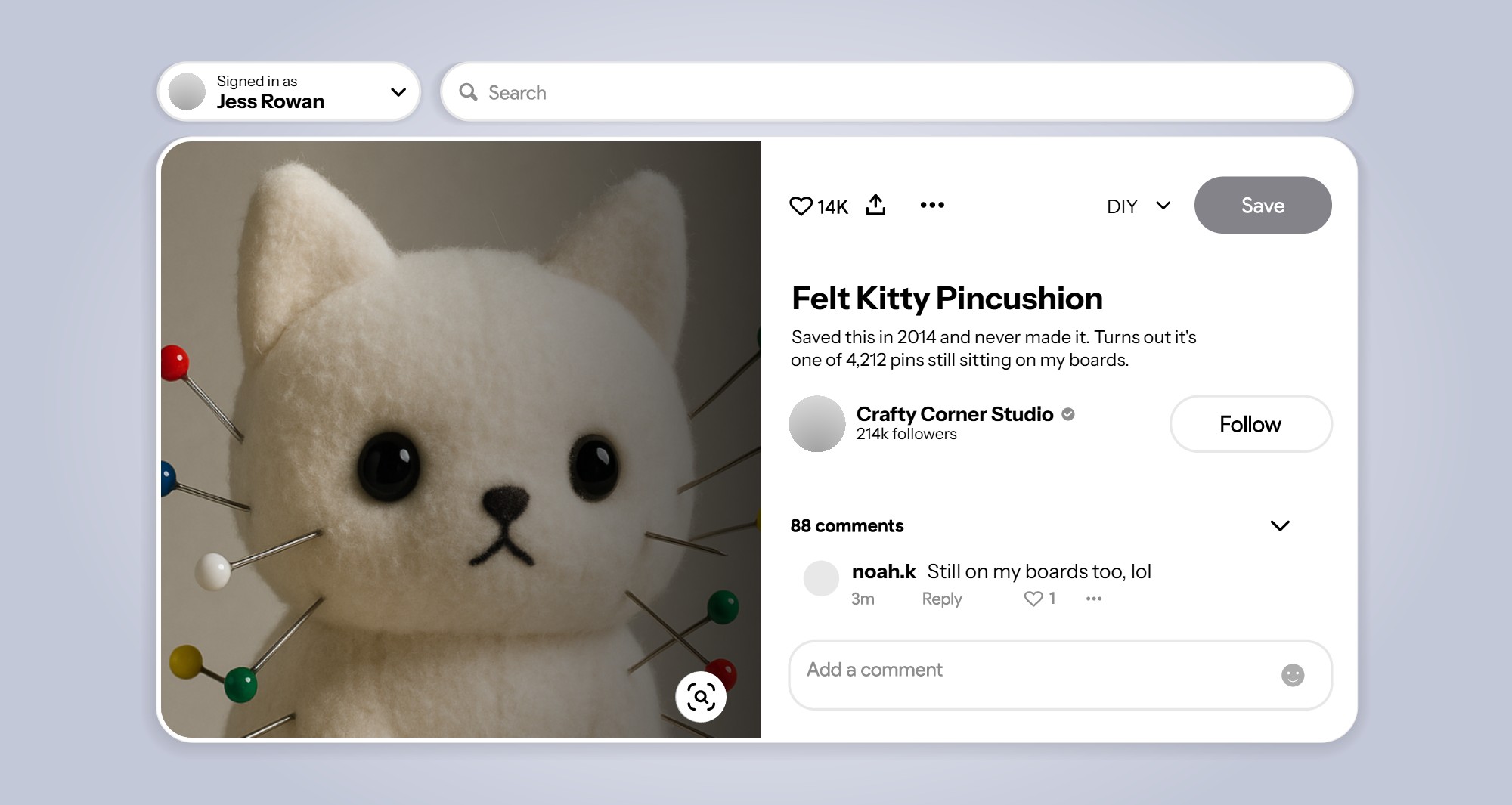
How to Delete Multiple Pinterest Pins or All of Them at Once
Delete multiple Pinterest pins at once with Organize, one board at a time, or clear every pin you've saved in one run with Redact.
How to Mass Delete Pinterest Boards
Delete Pinterest Boards in bulk using Redact. Target content by date, keyword, repin count, and more. Use Redact.dev now.

How to Opt Out of AI Training on Pinterest
Find and clear the Pinterest Canvas training checkbox, what it covers and what it leaves alone. Walked and verified on a live account.
Related services
See allDelete your photos, albums, favorites, and galleries
- photos
- albums
- favorites
- galleries
Mass delete your SoundCloud tracks, likes, comments, and reposts, with filters for date range and keywords, plus a preserve list for the uploads you keep.
- Tracks
- likes
- comments
- reposts
Delete those old images & comments from Imgur still hanging around.
- Images
- Comments
Banish your cringe TikTok videos to the shadow realm.
- Videos
- Likes
- Reposts
- Saved videos
- Collections
- +2 more