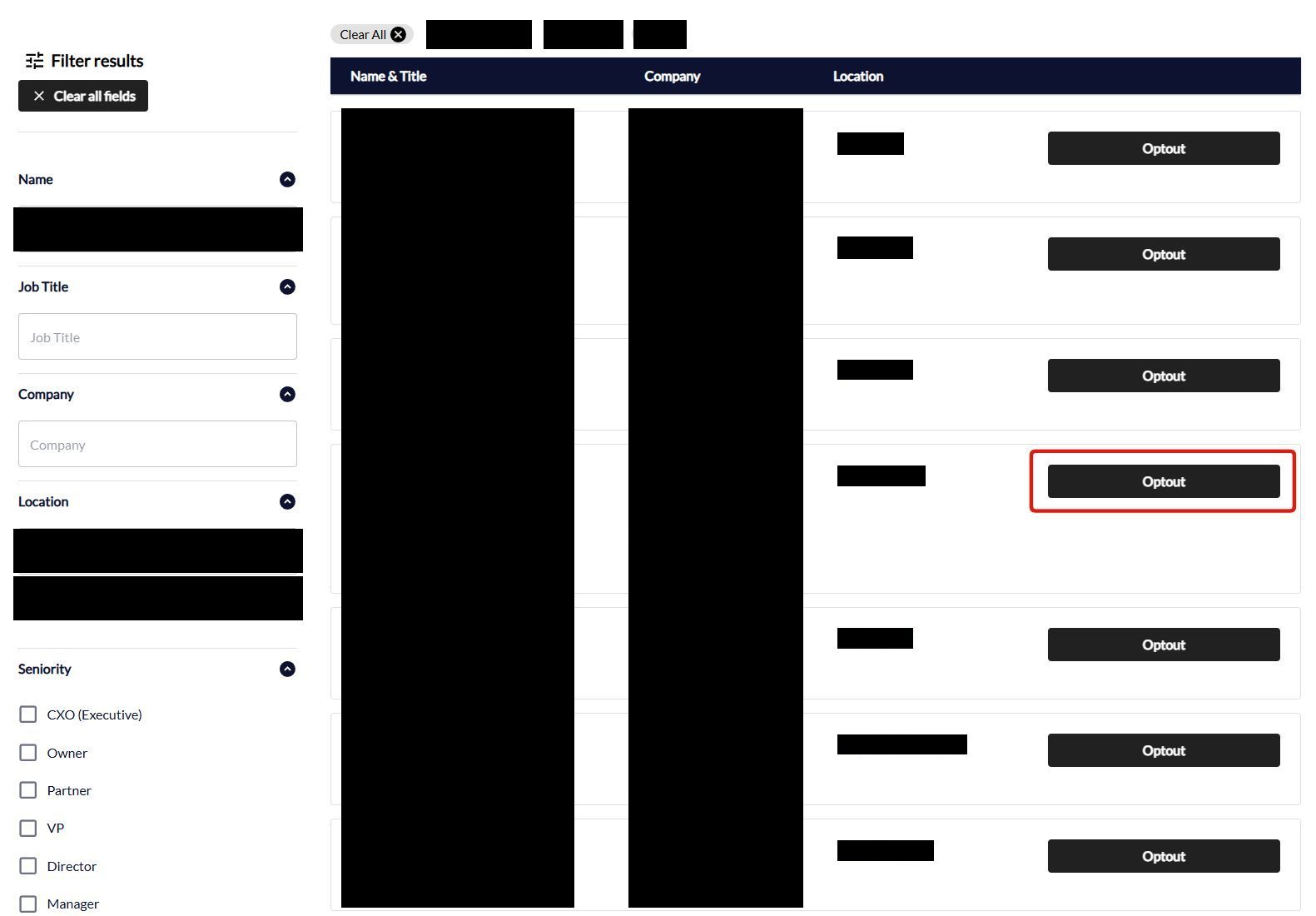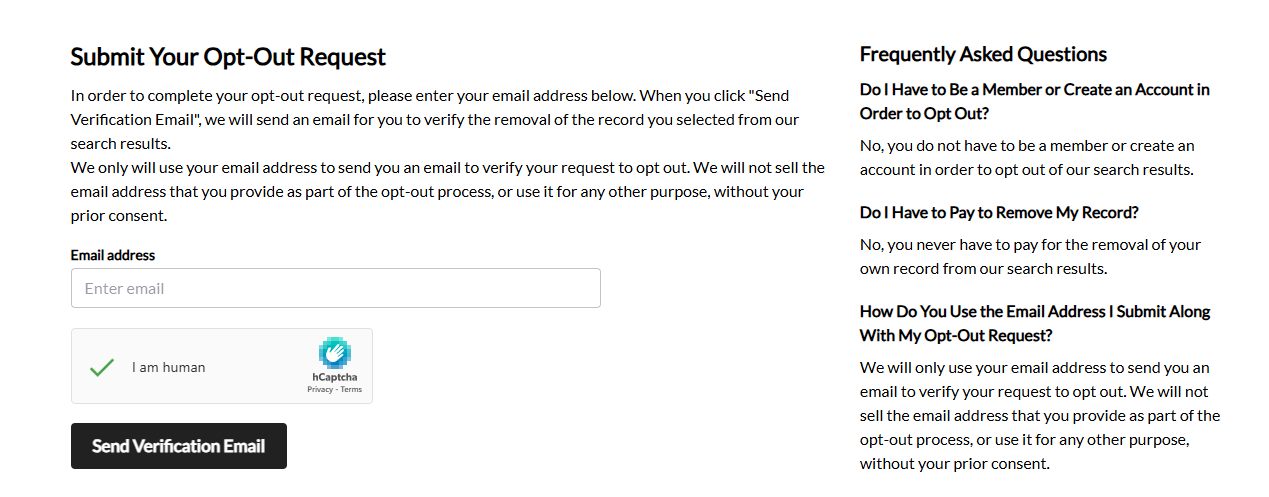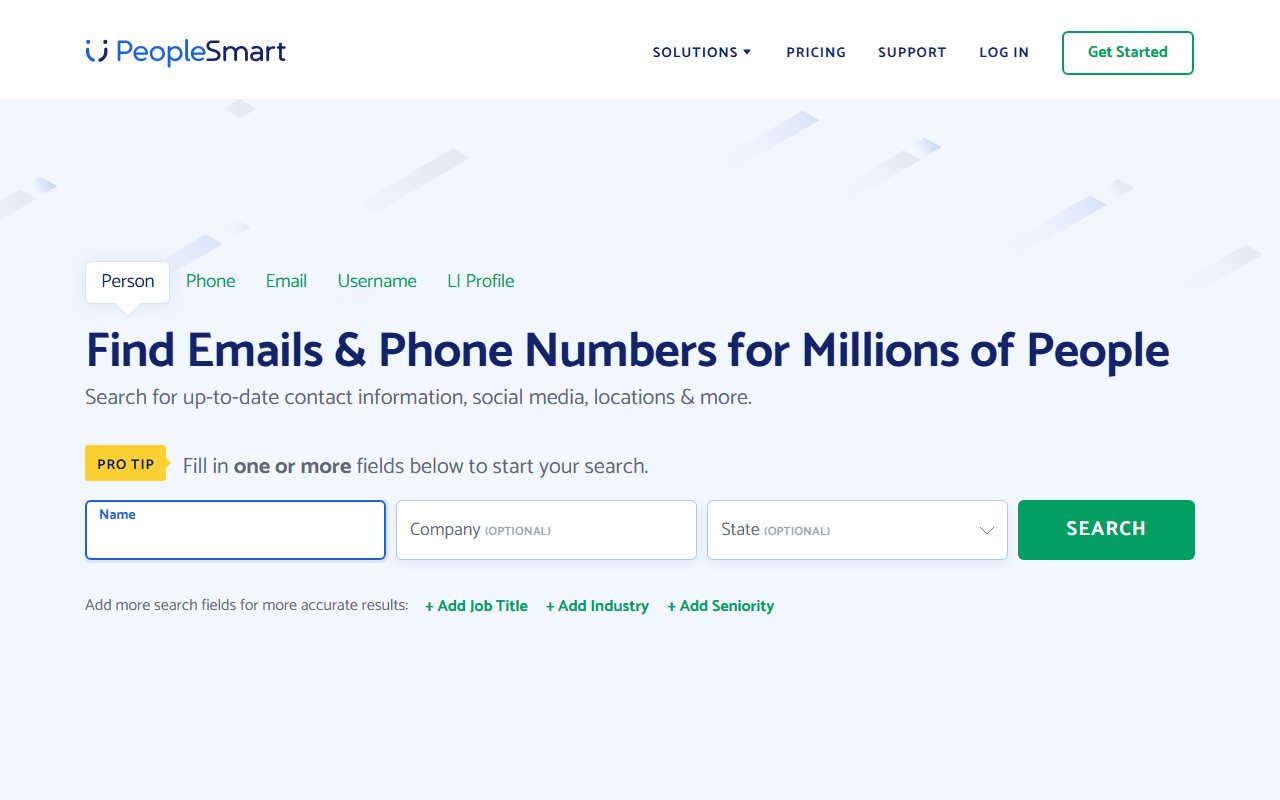
Open the opt-out page and search for your contact record
Go to peoplesmart.com/optout. The page is headed "Looking To Opt-Out of Our Contact Search?" and asks you to start by searching a contact record - which is the first sign this isn't the people-search opt-out you might be expecting.
The fields are First and last name in one box, then Job Title and Company (both optional), a City, and a state dropdown. Fill in your name and city and search. Cloudflare checks the browser first and shows a green Success! before the form works.
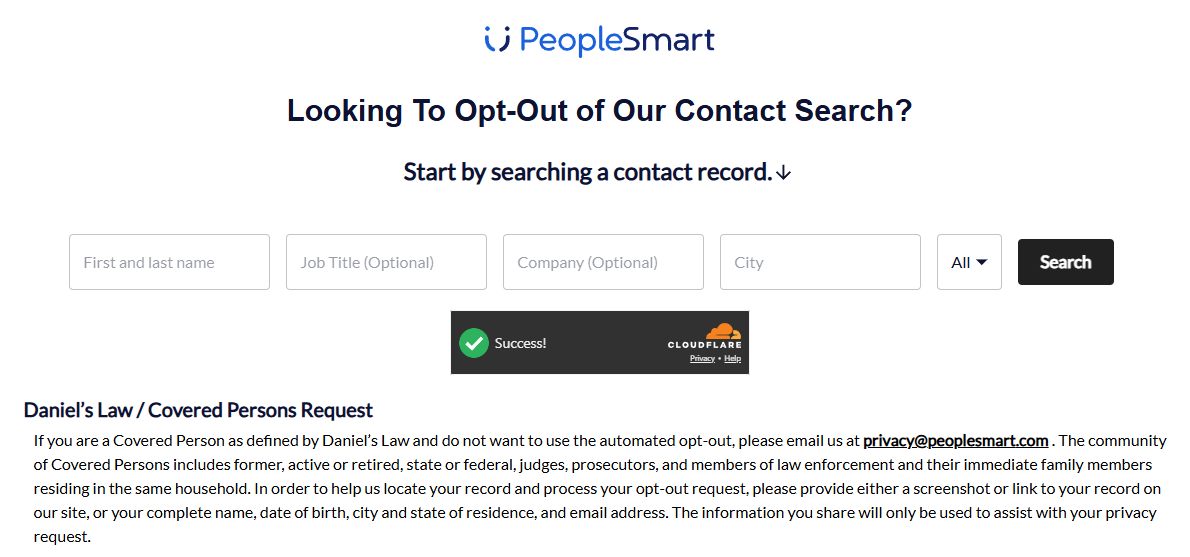
The form is built around your work record. It's headed "Contact Search" and searches by employer and job title rather than address history, while the opt-out's own explanation describes removal from "PeopleSmart's People Search results". Which of the two indexes a single submission clears isn't something the walk could settle, so treat one submission as covering one of them and read the troubleshooting section below. Its sister brands' records are separate either way and need their own requests.
Judges, prosecutors, law enforcement and their households have a separate route. The same page carries a Daniel's Law / Covered Persons notice telling Covered Persons to skip the automated form and email privacy@peoplesmart.com with either a link or screenshot of the record, or a full name, date of birth, city and state of residence, and email address.