Download your social media data Step-by-step picture guides

Most platforms will send you a copy of what they keep on you, for free. Here's where each one hides the request and what's not included.

  • Facebook

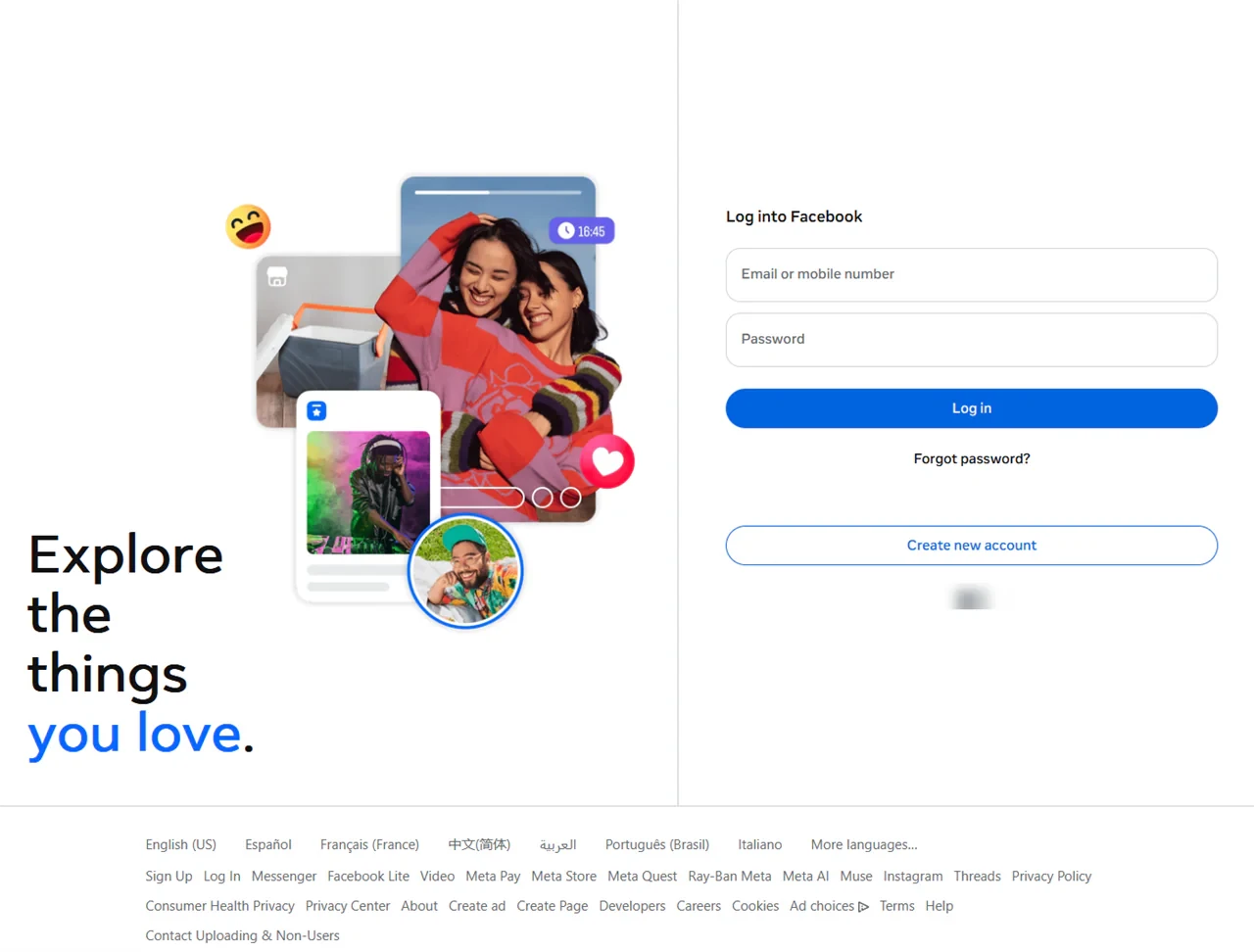
    Facebook's login page
    How to request
    1. Settings & privacy
    2. Settings
    3. Meta Account (or Accounts Center)
    4. Your information and permissions
    5. Export your information
    6. Create export

    Pick your profile, choose Export to device, then Start export.

    What's not included?
    End-to-end encrypted Messenger chats, the default since December 2023. They have their own download in Messenger on a computer.
  • Instagram

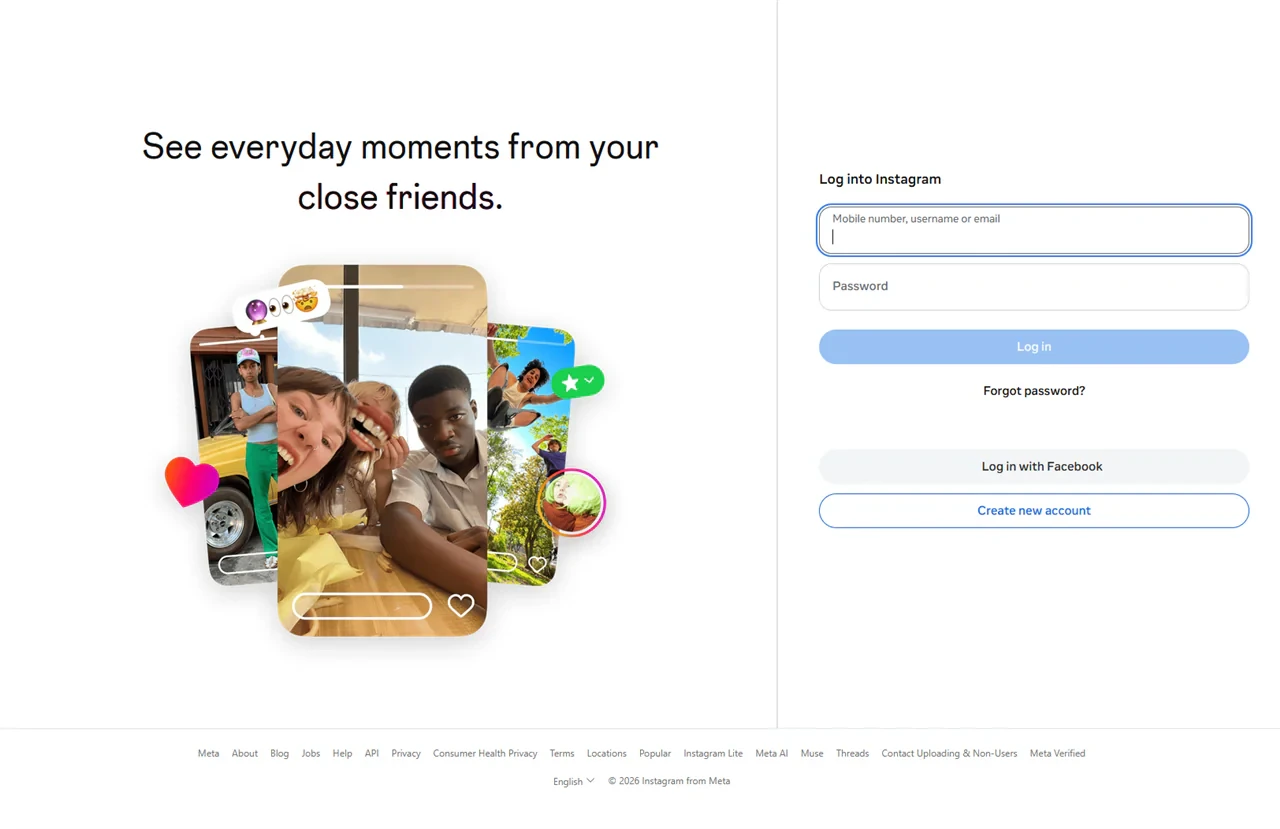
    Instagram's login page
    How to request
    1. Settings
    2. Accounts Center (or Meta Account)
    3. Your information and permissions
    4. Export your information
    5. Create export

    Then choose Export to device. Set the date range to All time before you start.

    What's not included?
    Anything Instagram has already removed, like deleted posts, deleted DMs and stories that expired without being archived.
  • Discord

    Discord's homepage
    How to request
    1. User Settings
    2. Data & Privacy
    3. Request your data

    Then tick the categories you want. In the phone app it's Request all of my data.

    What's not included?
    Messages other people sent you, anything you already deleted, call recordings, and the attachment files themselves, only links to them that expire.
  • Snapchat

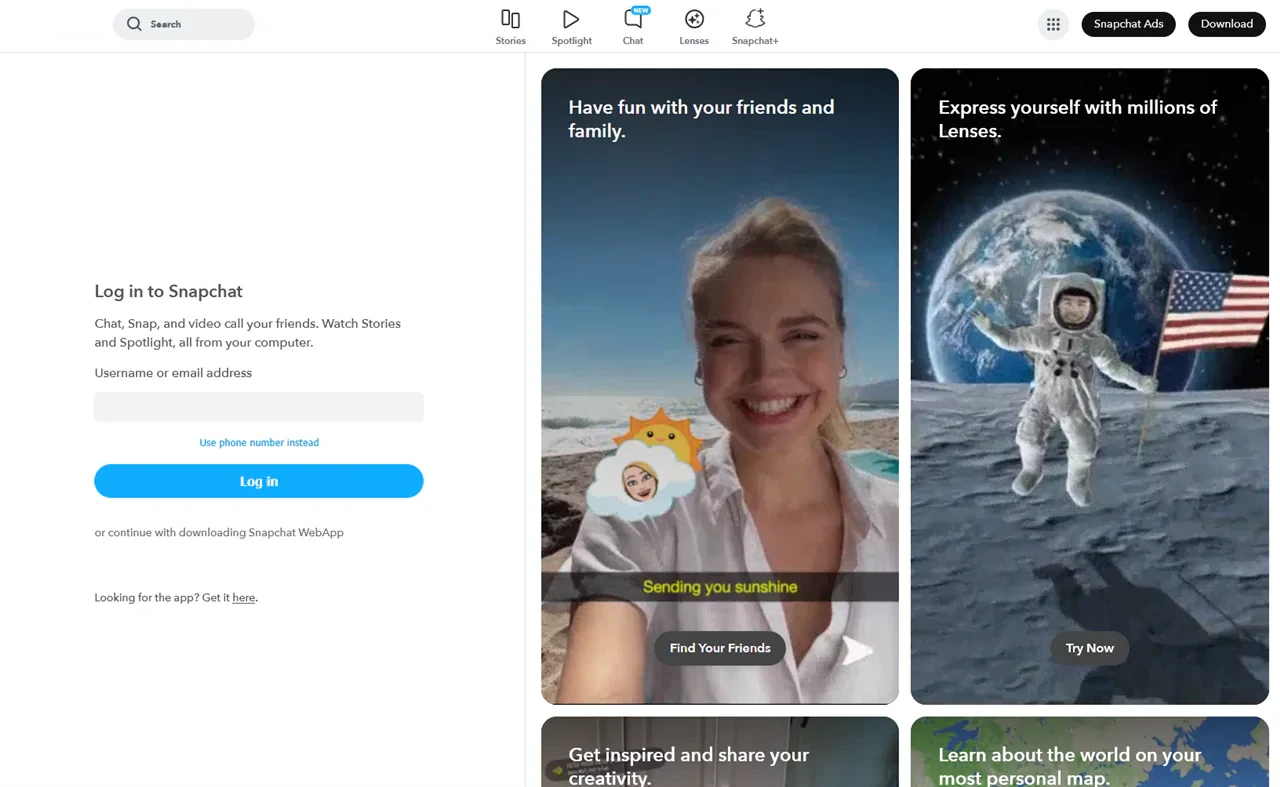
    Snapchat's web login page
    How to request
    1. accounts.snapchat.com
    2. My Data

    In the app it's your Bitmoji > Settings > My Data. Every switch starts off, so turn on what you want, Export your Memories included.

    What's not included?
    Anything in My Eyes Only. Memories and chat media only come if you switch them on before you submit.

Download your data from these popular sites

Where each site keeps its export. Every link opens that site's own export page or help article.

Email

3 sites
SiteWhere to find the exportLink
GmailGoogle Takeout, with Mail tickedExport pagefor Gmail (opens in a new tab)
OutlookExport your mailbox to a .pst fileExport pagefor Outlook (opens in a new tab)
Proton MailProton's Export/Import toolExport pagefor Proton Mail (opens in a new tab)

Social media

10 sites
SiteWhere to find the exportLink
FacebookOur guideAccounts Center > Your information and permissions > Export your informationExport pagefor Facebook (opens in a new tab)
InstagramOur guideAccounts Center > Your information and permissions > Export your informationExport pagefor Instagram (opens in a new tab)
SnapchatOur guideaccounts.snapchat.com > My DataExport pagefor Snapchat (opens in a new tab)
X (Twitter)Download an archive of your dataExport pagefor X (Twitter) (opens in a new tab)
RedditRequest a copy of your dataExport pagefor Reddit (opens in a new tab)
TikTokDownload your dataExport pagefor TikTok (opens in a new tab)
LinkedInGet a copy of your dataExport pagefor LinkedIn (opens in a new tab)
PinterestRequest your dataExport pagefor Pinterest (opens in a new tab)
TumblrExport your blog and account dataExport pagefor Tumblr (opens in a new tab)
QuoraDownload your answers and postsExport pagefor Quora (opens in a new tab)

Messaging and work chat

4 sites
SiteWhere to find the exportLink
DiscordOur guideUser Settings > Data & Privacy > Request your dataExport pagefor Discord (opens in a new tab)
TelegramFree viewerTelegram Desktop: Settings > Advanced > Export Telegram dataExport pagefor Telegram (opens in a new tab)
SlackWorkspace export, run by a workspace owner or adminExport pagefor Slack (opens in a new tab)
Microsoft Teams (free)Export your chats and filesExport pagefor Microsoft Teams (free) (opens in a new tab)

Photos and video

6 sites
SiteWhere to find the exportLink
YouTubeGoogle Takeout, with YouTube tickedExport pagefor YouTube (opens in a new tab)
FlickrRequest your Flickr dataExport pagefor Flickr (opens in a new tab)
ImgurEmail support@imgur.com and ask for your dataEmailImgur to ask for your data
DeviantArtEmail help@deviantart.com and ask for your dataEmailDeviantArt to ask for your data
GyazoSettings > Usage > Export, on paid plans only
VimeoNo account export. Download each video from its page

Dating

2 sites
SiteWhere to find the exportLink
TinderRequest your dataExport pagefor Tinder (opens in a new tab)
BumbleRequest your dataExport pagefor Bumble (opens in a new tab)

Blogs and writing

4 sites
SiteWhere to find the exportLink
WordPress.comTools > ExportExport pagefor WordPress.com (opens in a new tab)
BloggerGoogle Takeout, with Blogger tickedExport pagefor Blogger (opens in a new tab)
MediumSettings > Download your informationExport pagefor Medium (opens in a new tab)
DisqusExport the comments on your siteExport pagefor Disqus (opens in a new tab)

Gaming, music and film

4 sites
SiteWhere to find the exportLink
SteamYour account data page, after you sign inExport pagefor Steam (opens in a new tab)
SpotifyAccount privacy settings > Download your dataExport pagefor Spotify (opens in a new tab)
LetterboxdSettings > Data > Export your dataExport pagefor Letterboxd (opens in a new tab)
MyAnimeListExport your anime and manga listsExport pagefor MyAnimeList (opens in a new tab)

Big accounts and shopping

6 sites
SiteWhere to find the exportLink
GoogleGoogle Takeout, for every Google service at onceExport pagefor Google (opens in a new tab)
AppleRequest a copy of your data at privacy.apple.comExport pagefor Apple (opens in a new tab)
MicrosoftPrivacy dashboard > Download your dataExport pagefor Microsoft (opens in a new tab)
AmazonRequest your dataExport pagefor Amazon (opens in a new tab)
GitHubSettings > Account > Export account dataExport pagefor GitHub (opens in a new tab)
YelpRequest your Yelp dataExport pagefor Yelp (opens in a new tab)

Frequently asked questions

Got your copy? Delete what you don't want online

Redact bulk deletes your old posts, comments and messages once your data is safely downloaded.