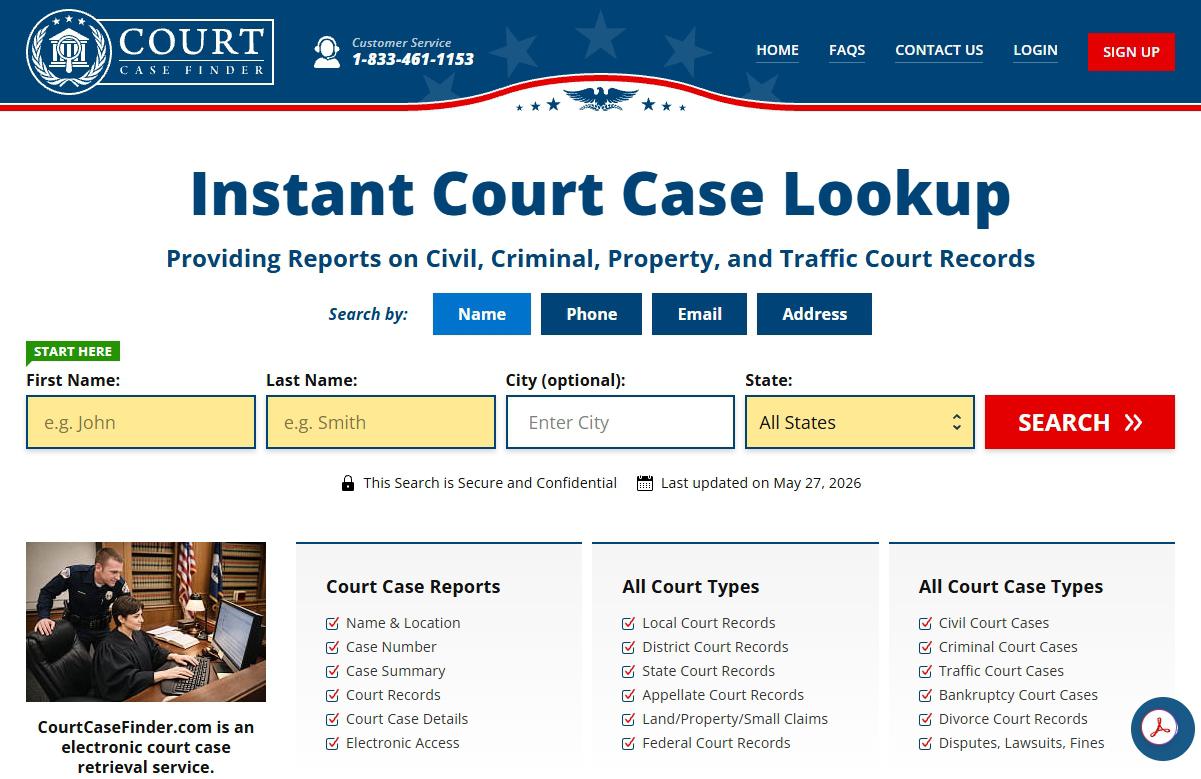
Free, no account, about three minutes a record. You look yourself up on the Do Not Sell page, drag a slider, tick your row and press Remove Data, with an email receipt optional. The final screen promises processing inside 24 to 48 hours, and only ticked rows are removed. Sealed or expunged cases, and requests from judges and police, go by email.
Who's behind it. The Court Case Finder profile covers InfoPay, Inc., its twelve sister domains and the lawsuits against it.
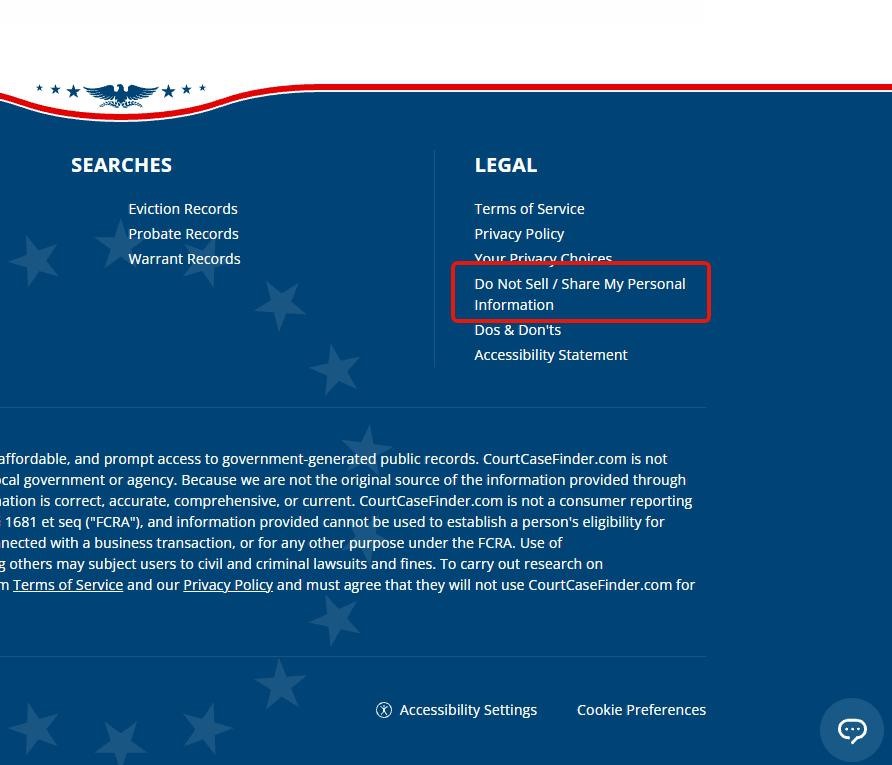
In the Legal column at the foot of any courtcasefinder.com page, click Do Not Sell / Share My Personal Information, or go straight to the form. Your Privacy Choices, above it, has no removal form.
The footer link to the removal form.
02
Search for your own record
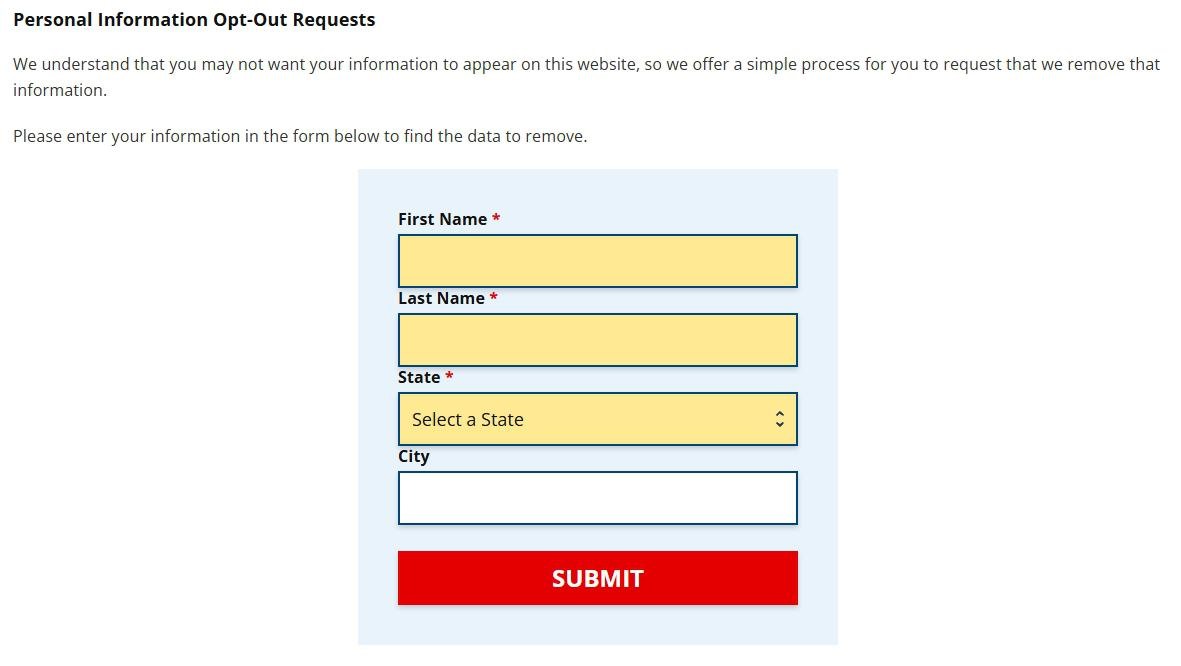
Three boxes are required, First Name, Last Name and State, while City is optional. This only finds your listing, so use the name and state it's likely filed under, and add a city only for a common name. Press Submit.
Today's heading reads Request to Opt-Out of the Sale and/or Sharing of Your Personal Information. Same four boxes.
03
Get past the slider
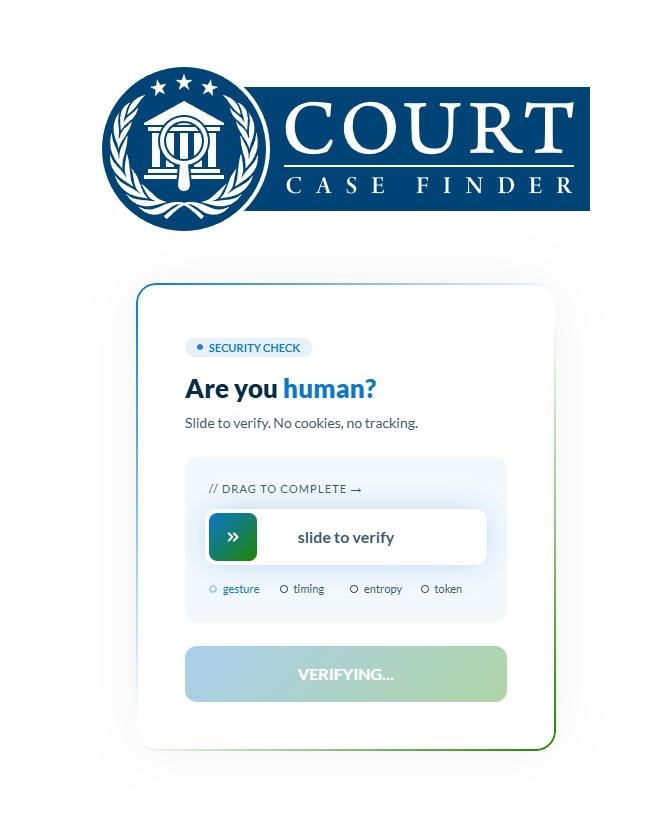
A Security Check page on members.courtcasefinder.com asks whether you're human. Drag the handle steadily to the far end. When it verifies, the greyed button below changes from Verifying to Continue. Press it.
Drag to the end, then press Continue.
04
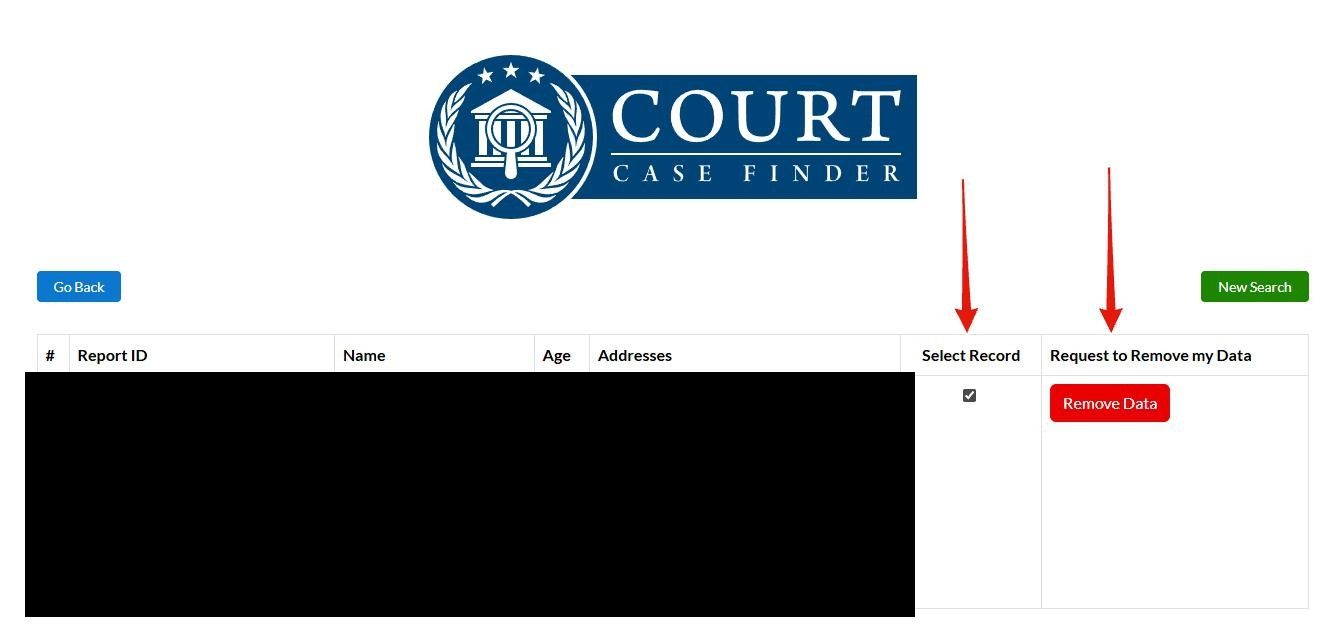
Tick the row that's you, then Remove Data
Each match is a row with a Report ID, the name, an age and past addresses. Namesakes sit side by side, so check the age and addresses. Tick Select Record beside yours and the red Remove Data button in the last column comes to life. Click it. Only ticked rows are removed, so a second listing needs its own run.
Tick first, then Remove Data.
05
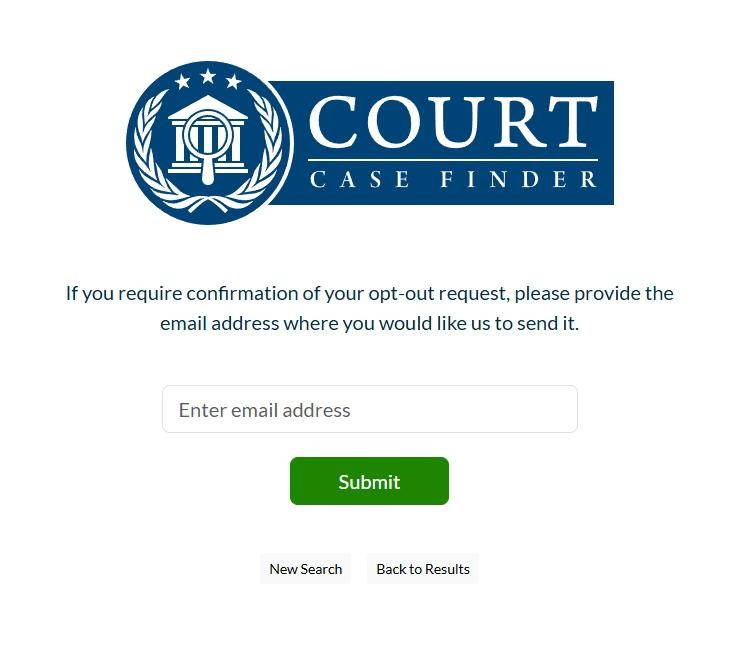
Decide whether you want an email receipt
The next screen offers an emailed confirmation. It's optional, but only people who leave an address hear when the removal is done, so a spare inbox is worth using. Press Submit.
Optional, and your only written receipt.
06
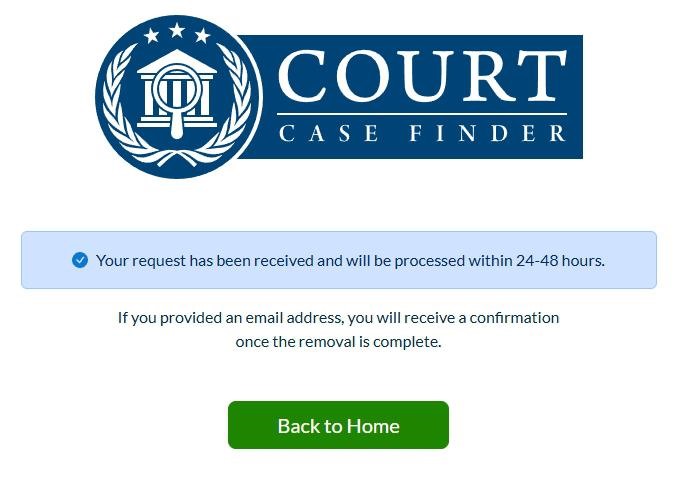
Keep the confirmation screen
A blue banner says the request is in and gives it 24 to 48 hours, with a confirmation to follow for anyone who left an email. If you didn't, screenshot this page.
Your only receipt if you skipped the email.
Email instead
When the form isn't the right tool
A sealed or expunged case is showing. The Your Privacy Choices page admits these slip through. Email privacy@courtcasefinder.com, subject line Attention Expungement Records. The site's FAQ says changes to the official record go through the court.
Judges, prosecutors, law-enforcement staff and their households. Current, former and retired officials and family living with them can use the same address under the Daniel Anderl Act, subject line Attention Covered Person Removal Request, with full name, residence, email and covered status.
Formal rights requests. Access, correction and deletion use a separate form linked from the same page, which says it answers within 45 days and names 19 states (CA, CO, CT, DE, IN, IA, KY, MD, MN, MT, NE, NH, NJ, OR, RI, TN, TX, UT and VA). Removal itself has no residency test, by form or by email.
Run the same search through the form after two days, and your row shouldn't return. The site's FAQ says most court records refresh daily or weekly, so recheck every few months and send any new row through on its own.
If it fails
When something goes wrong
The slider springs back. It resets if you stop short of the end, and rejects a drag that's very fast or slower than ten seconds. Drag steadily in one go.
"No data was found, try other criteria." Nothing matched. Drop the city, or try another state or a former surname.
Remove Data won't respond. Tick Select Record on that row first. If it still won't go, email the request.
A COURTCASEFINDER.COM charge. Removal is free, so it's a report or a paid trial. The terms say trials renew every 30 days until cancelled in the account page, on (833) 461-1153 or at support@courtcasefinder.com.
Take yourself off data broker sites
Redact scans data broker sites from your device, finds where your details are listed, and submits the removal requests for you. If a broker relists you, it files again.
September 10, 2026 · The six step screenshots come from a walk of the whole flow in May 2026 and were filed on May 20. Rechecked live today. The form's heading has changed since the walk and its four fields haven't. It still posts to the slider page, whose code shows a Continue button to press after the drag, a click the earlier copy left out. The email alternative, the 15-day follow-up note and the expungement and covered-person routes come from today's pages.