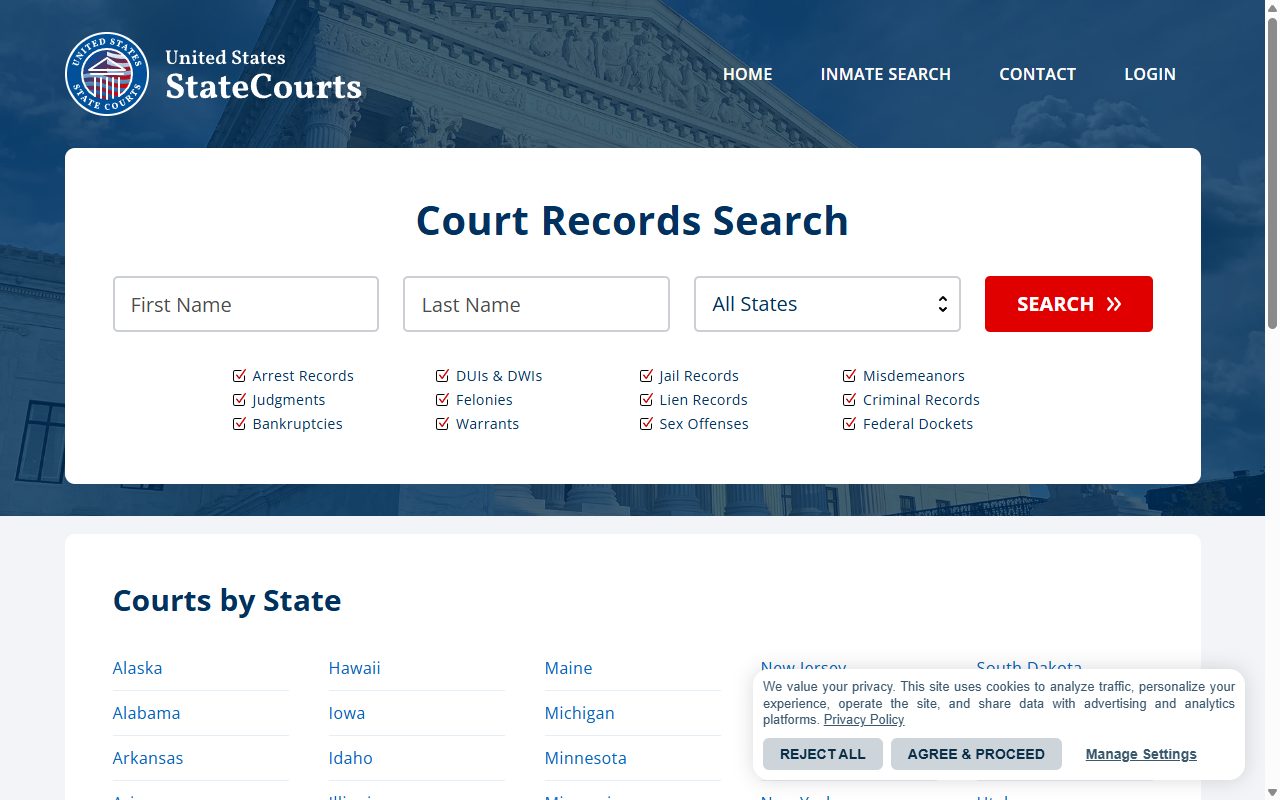
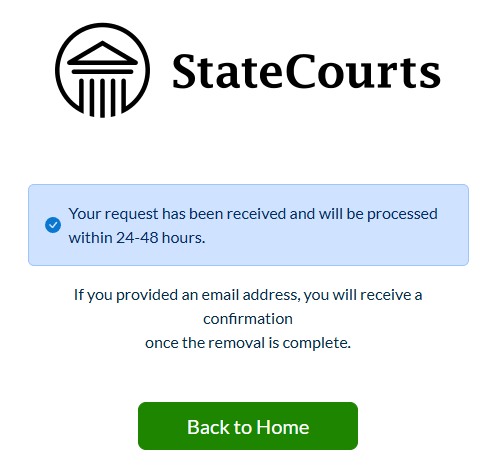
StateCourts.org uses the InfoPay family's search-first opt-out - you find your own record first, then ask for its removal through members.statecourts.org, past a slider check a human passes without trouble. The flow was walked for real on August 10, 2026 - the screenshots below are this domain's own screens, and the confirmation page promises processing within 24-48 hours.
The full picture: See the StateCourts.org data broker profile for what it publishes, who operates it, and how it sits in InfoPay's thirteen-domain family.
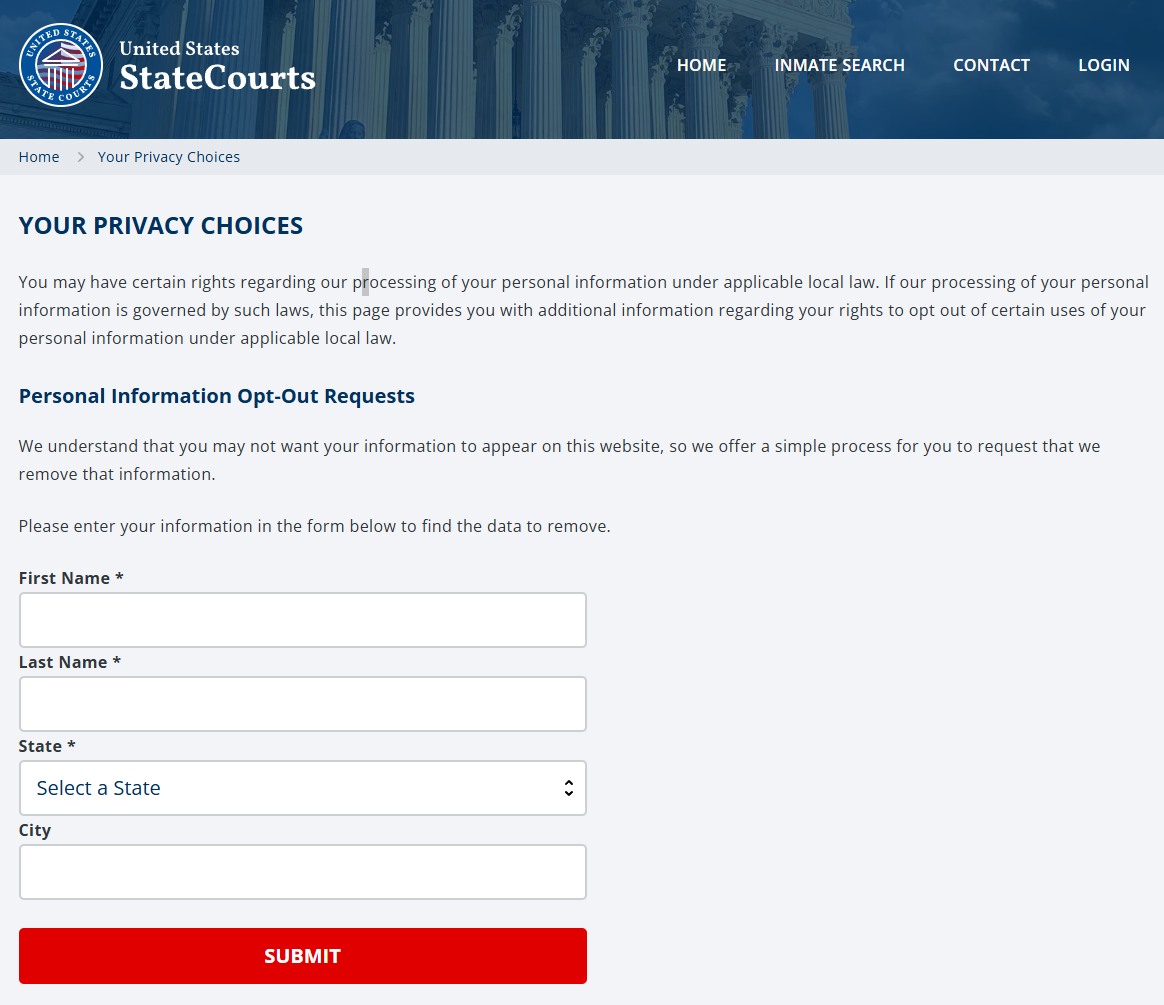
Go to statecourts.org/optout, reached from Your Privacy Choices in the footer. Under the Personal Information Opt-Out Requests heading, enter your first name, last name, and state (city is optional) and press the red SUBMIT. This is a search, not the removal request - you're locating the listing so the next screens can act on it.
The opt-out search - name and state find the record.
02
Slide the anti-spam widget
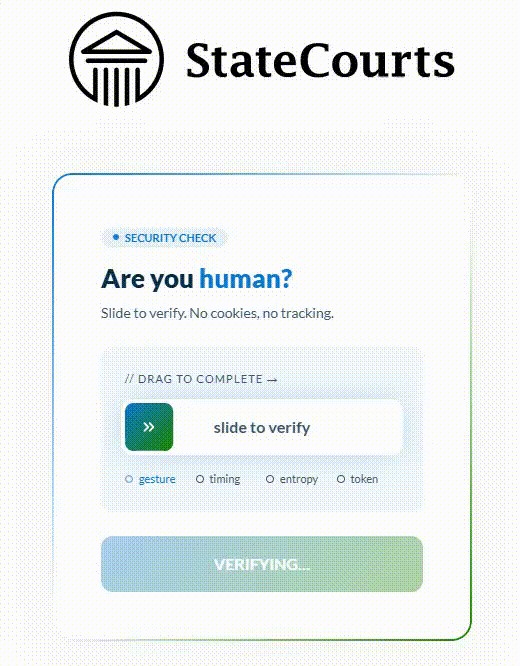
Submitting hands off to members.statecourts.org/removeMyData/, which shows a security check headed "Are you human?" with the instruction "Slide to verify. No cookies, no tracking." Drag the slider all the way from left to right. Once it verifies, the greyed Verifying button underneath turns into Continue. Press it to reach your results.
Drag it all the way across, then press Continue.
03
Choose your record and remove it
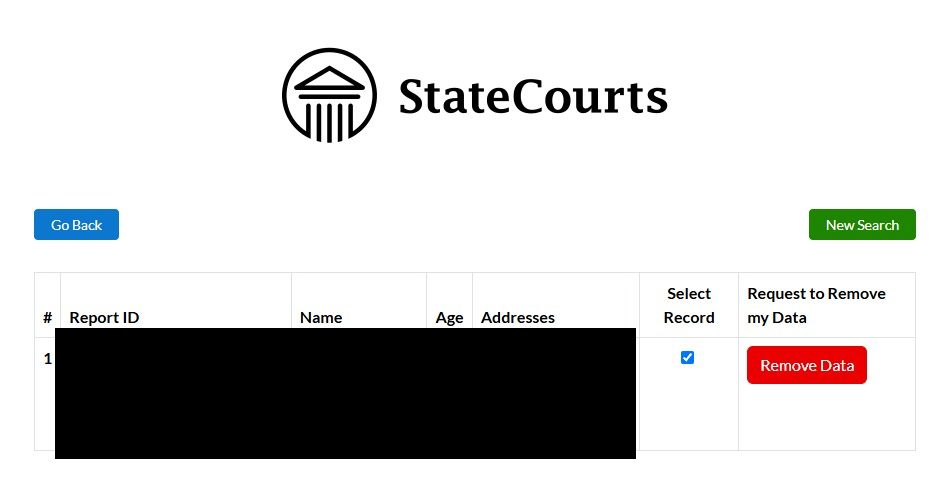
A results table lists every matching record, with columns for Report ID, Name, Age and Addresses. Find the row that's actually you, tick its Select Record checkbox, then push the red Remove Data button on that row.
Check the age and the addresses before ticking. StateCourts.org says on its own gate that it can't confirm its information is accurate, so a near-match on a common name is a real possibility.
Tick Select Record on your row, then push Remove Data.
04
Provide your email and submit
The last screen asks for an email address in case they need to reach you about the removal request - it's optional, but with a criminal-records listing the paper trail is worth having. Push Submit, and the confirmation screen states the request will be processed within 24-48 hours, with an email confirmation once the removal is complete if you gave an address.
The confirmation - 24-48 hours, per the site's own screen.
There's a separate path for judges and law enforcement. Every opt-out page in this family carries a Covered Person Removal Request section citing the Daniel Anderl Judicial Security and Privacy Act, for current, former and retired judges, prosecutors and law-enforcement staff plus immediate family in the same household. If that's you, use that path rather than the ordinary form - it's a different legal basis and a stronger one.
Confirm
Confirm it worked
The confirmation screen's own promise is processing within 24-48 hours, and an email confirmation once the removal completes if you provided an address - so search your name on StateCourts.org again after a couple of days. As a cross-check, InfoPay's California filing reports a six-day median on deletion requests across its thirteen domains, with about one in four denied, so don't treat a quiet inbox as a completed removal.
⚠️ If the slider gate blocks you entirely, the email route is the fallback that doesn't depend on it. Write to compliance@infopay.com, the address InfoPay filed with California, naming statecourts.org specifically and describing the listing.
If it fails
Troubleshooting
The slider gate won't let you through: it's a bot check, so try an ordinary browser window without aggressive content blocking before assuming it's broken. If it still fails, use the email route below rather than fighting it.
A record that isn't yours: screenshot it with a visible date before submitting anything. The site states outright it can't confirm accuracy, so a misattributed record is a documented possibility rather than an edge case.
You're a judge, prosecutor or law-enforcement officer: the same page carries a Covered Person Removal Request section under the Daniel Anderl Judicial Security and Privacy Act. Use that.
Sealed or expunged matters still showing: capture the listing, then escalate to compliance rather than relying on the ordinary opt-out.
Stay off
Keep your record off
InfoPay rebuilds from public-records feeds, so a suppressed listing can come back when fresh data lands. Recheck quarterly.
And remember the removal is per-brand. InfoPay files thirteen domains on one registration and publishes nothing to say a suppression on one reaches the others, so check whichever siblings list you - InfoTracer is the largest, and CourtRecords.us, StateRecords, RecordsFinder and CourtCaseFinder each run their own. Redact's data-broker scan runs that loop for you and refiles when a record reappears.
Take yourself off data broker sites
Redact scans data broker sites from your device, finds where your details are listed, and submits the removal requests for you. If a broker relists you, it files again.
August 10, 2026 · Confirmed by a real walkthrough of this domain - the slider gate passes under a human, the results table's red Remove Data button is the removal, the email is optional, and the confirmation screen promises processing within 24-48 hours. Four step screenshots wired in, replacing the flow previously borrowed from CourtCaseFinder. On September 10, 2026 the slider page's own code showed it waits for a Continue press after the drag, so step 2 now says so.