The on-site opt-out works again. When this guide was first written in May 2026 the form wouldn't complete, so there was nothing worth documenting. A walkthrough on August 11, 2026 got through it cleanly from first screen to last, and the four screens below are that run. Budget about five minutes. The closing screen commits InfoTracer to processing the request inside 24 to 48 hours.
Before you remove your data: See the InfoTracer data broker profile for ownership, contact details, litigation history, and related sites.
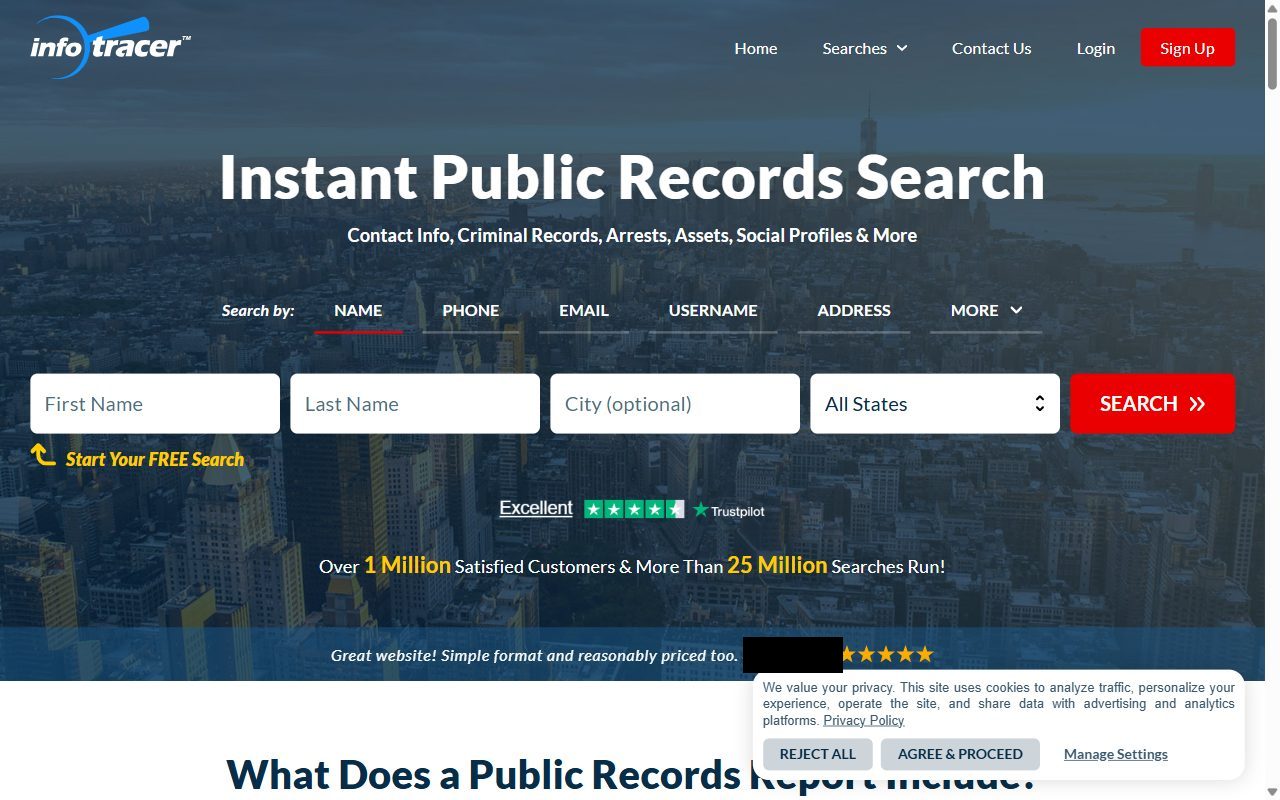
Go to infotracer.com/optout. What loads is a page titled Your Privacy Choices, and the panel you want is Personal Information Opt-Out Requests. Nothing gets deleted at this stage. All this form does is find you, so give it a first name, a last name and a state, leave the city box empty unless the name is a common one, then hit the red SUBMIT.
Name plus state is all the lookup needs.
02
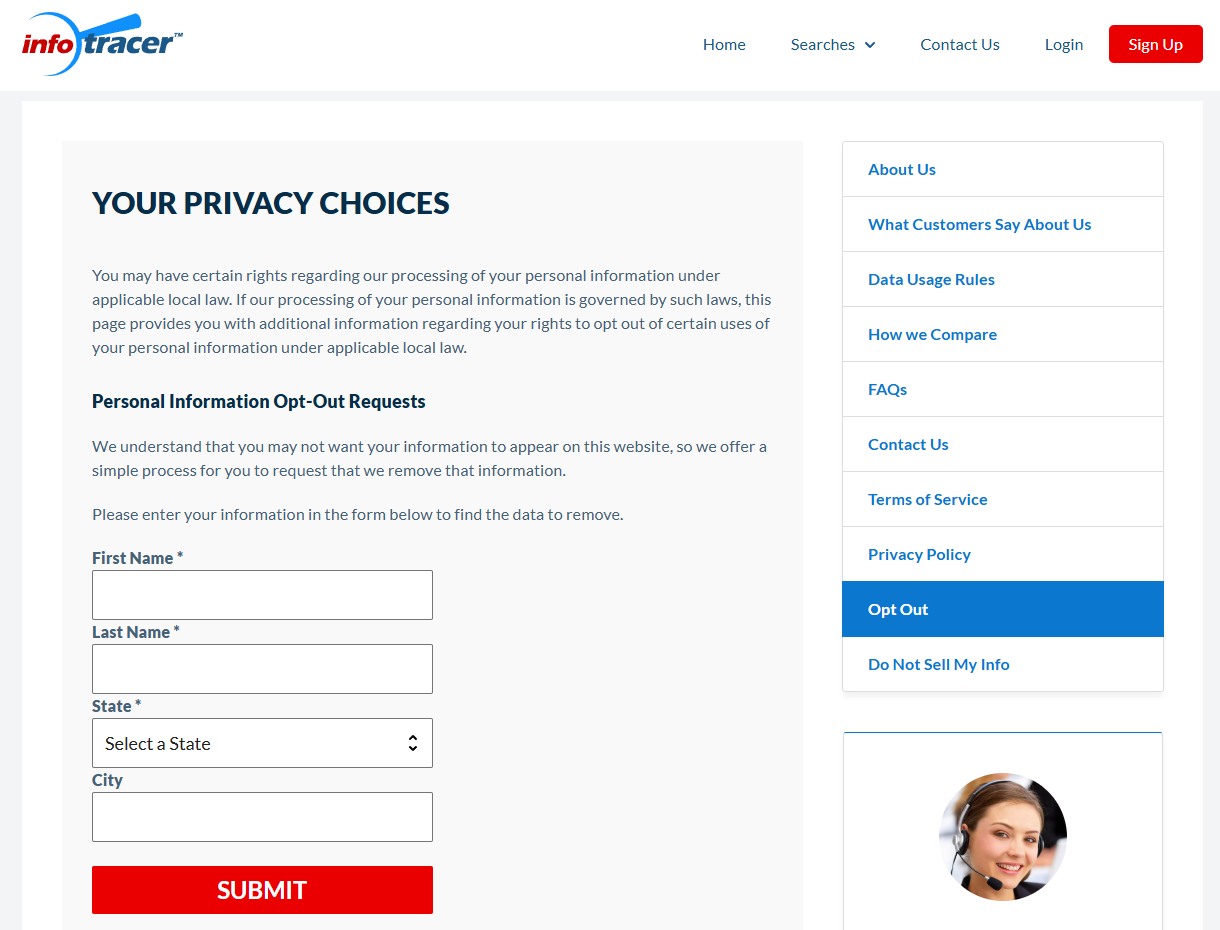
Find your row, tick Select Record, and push the red button
Everything held under that name comes back as a table, one line per report, under the headings Report ID, Name, Age and Addresses. Slow down here. These files are assembled out of public records and they land on the wrong person often, so read the age and the address history on a line before you claim it as yours. Once you're sure, tick Select Record at the start of that line. A red Remove Data button then appears at the end of it, in the Request to Remove my Data column, and clicking that files the request. Go Back and New Search sit above the table if you need another attempt at the spelling.
Ticking your line reveals the red removal button.
03
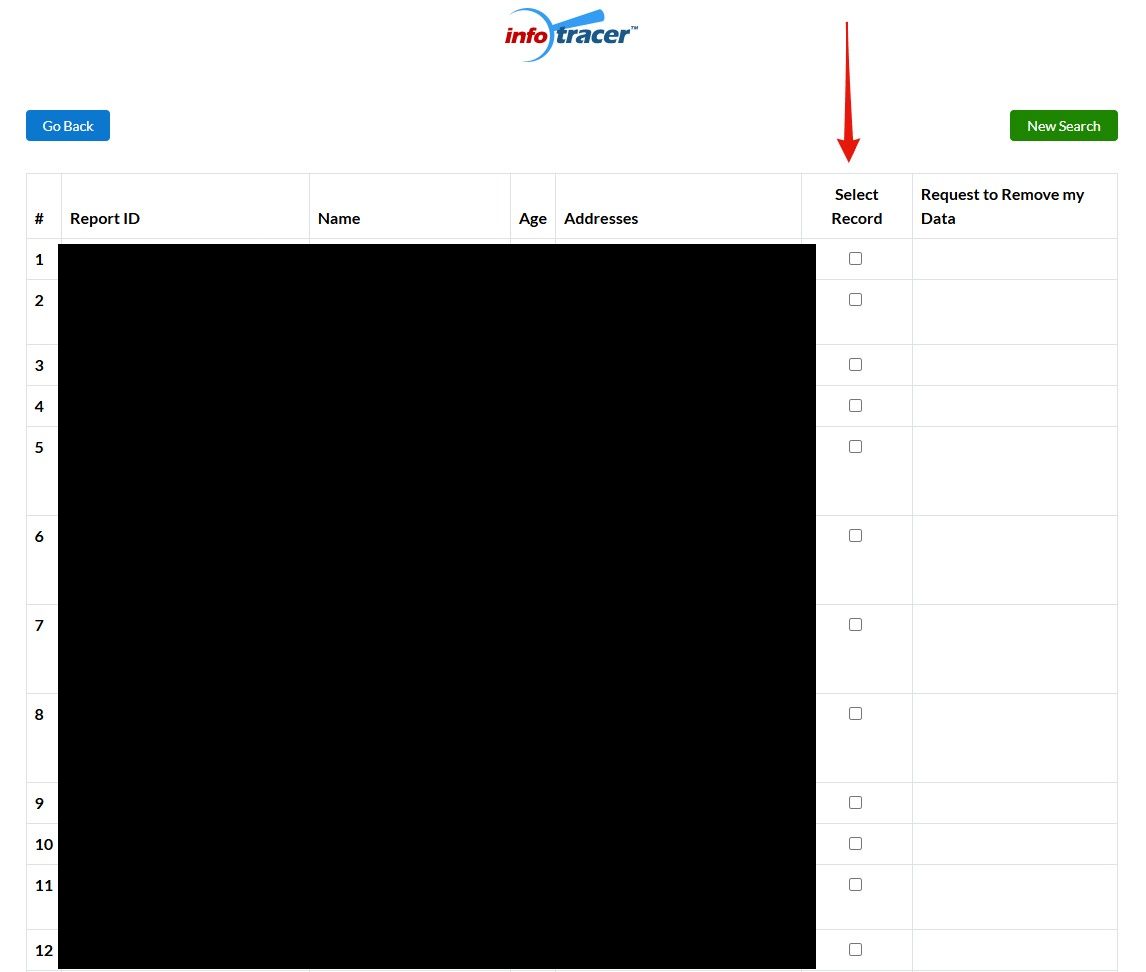
Add your email for written confirmation
InfoTracer now offers to write to you once the removal is done, and flags the field as optional. Give it an address anyway. The next screen does acknowledge the request, but that acknowledgement is gone the moment you navigate away, so an empty box here means the only written record of it sits on their side. Type the address and press Submit.
Marked optional, but it's your only written receipt.
04
The confirmation screen - then watch your inbox
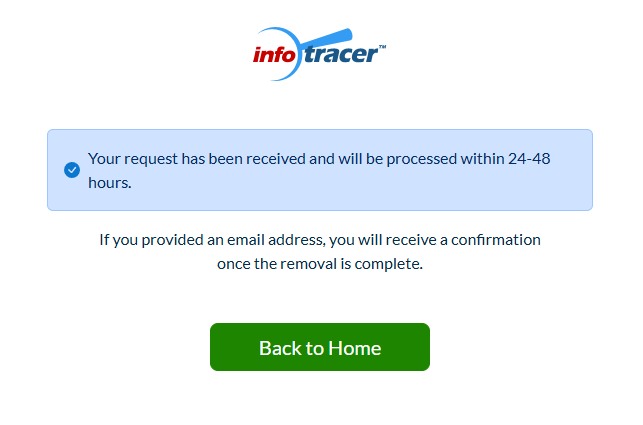
The final screen confirms it: "Your request has been received and will be processed within 24-48 hours." If you provided an email address, a confirmation arrives once the removal is complete - so watch your inbox, including the spam folder, over the next 48 hours. An email that hasn't landed inside the window yet is an unfinished step, not a failed one.
Two days at the outside, going by their own wording.
Confirm
Confirm it worked
Search your name on InfoTracer again a couple of days after submitting - the confirmation screen's own promise is 24-48 hours, and the emailed confirmation (if you gave an address) marks the removal completing. If your record still shows after a week, email support@infotracer.com or the Accucom/InfoPay privacy channels (privacy@infopay.com, compliance@infopay.com) with your submission date - and if you live in a state with a comprehensive consumer privacy law, cite it: a statutory deletion request runs on a 45-day clock the voluntary form doesn't.
Conflict-of-interest reminder. Accucom's IDStrong identity-monitoring product publishes its own opt-out guide for InfoTracer - the same corporate parent on both sides of the privacy market. If you want a removal service, use an unaffiliated one - Redact.
If it fails
Troubleshooting
A slide-to-verify box interrupts you after searching: the removal pages behind several InfoPay domains sit behind one of these. Our InfoTracer run went straight through, so treat it as occasional rather than expected. Pull the handle to the end of its track. The page won't move until you also press the Continue button that appears below it.
The form breaks again: it was broken for months in mid-2026 before this walk found it fixed, so a regression wouldn't shock us. Fall back to email - support@infotracer.com or privacy@infopay.com - describing the listing and citing your state's privacy statute where one applies.
Record reappears weeks later: BBB complaints describe records returning after successful opt-outs, and the backend refreshes from public-records feeds. Re-run the flow and keep your dated confirmations.
Stay off
Keep your record off
InfoTracer rebuilds from public-records feeds, so a suppressed listing can resurface when fresh data lands. Recheck quarterly, and recheck the InfoPay/Accucom siblings while you're at it - each brand runs its own suppression list.
Take yourself off data broker sites
Redact scans data broker sites from your device, finds where your details are listed, and submits the removal requests for you. If a broker relists you, it files again.
August 11, 2026 · The form is FIXED - walked end to end for real, replacing the broken-form placeholder this page carried since May 22, 2026. Four step screenshots wired in; the confirmation screen's 24-48h promise is first-party.