How to Delete All Your Retweets Quickly
 Dan Saltman3 min read
On this page
Deleting a single retweet is easy! But deleting your history of retweets, or doing it regularly is way easier with Redact.dev, the best digital footprint management tool available. Follow the steps below to use our app to delete all your retweets with ease!
As a reminder, Redact has a free plan. You can try Redact for free on Twitter/X, Discord, Instagram, Facebook, TikTok and many more platforms! So you can download our app and test it out to see how you like it before you commit to purchasing.
How to Delete Retweets: 5 Steps
- 1
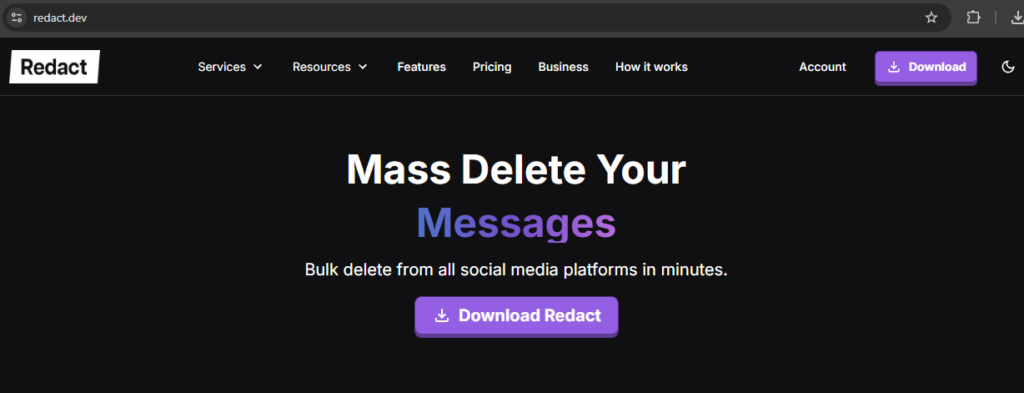
Visit Redact.dev to download the app
- Open your browser and navigate to Redact.dev.
- Download the Redact.dev application for your operating system. (located in the top right)
- 2
Connect Your Twitter/X Account
- In the Redact dashboard, click “Add Services” and select Twitter/X.
- Follow the prompts to securely log in to your Twitter account and grant necessary permissions.
- 3
Filter for Retweets
- Once connected, return to the Redact dashboard and select Twitter from your connected services.
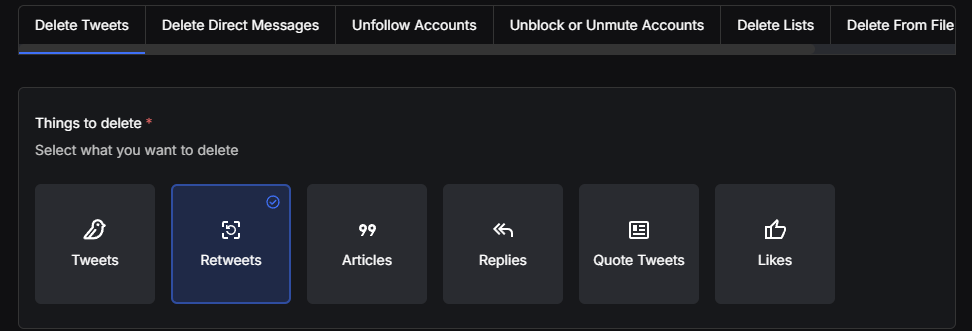
- Choose Retweets as the type of content to delete.
- Apply additional filters if needed:
- Date Range: Delete retweets within a specific timeframe.
- 4
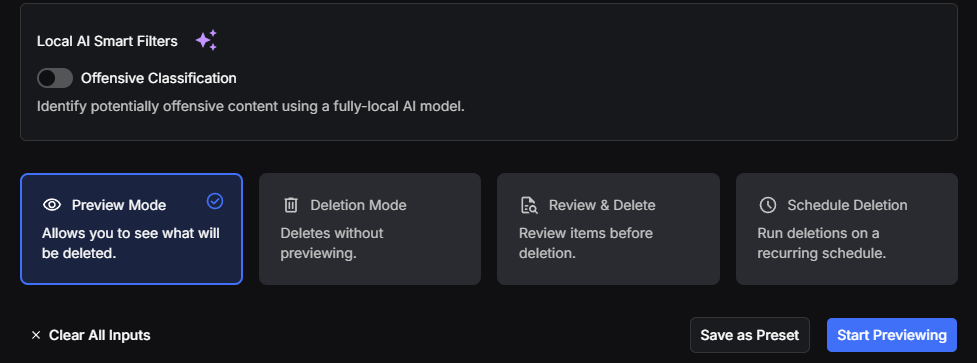
Preview Your Retweets
- Review the retweets identified for deletion to ensure you’re not removing anything important. I can not stress enough how important this step is, especially for our new users. Always use preview mode!
- If you find any retweets you’d like to keep, you can deselect them from the list. If not, go on to the final step.
- 5
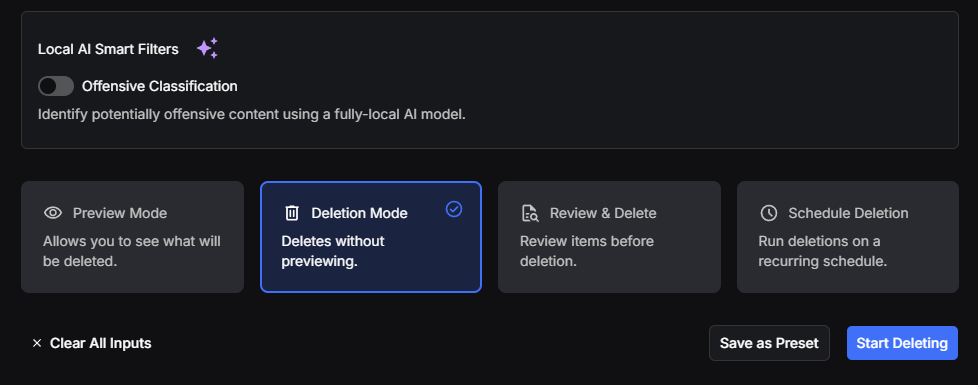
Delete Your Retweets
- Once satisfied with your selection, click the Delete button.
- Confirm the action to start removing your retweets.
- Watch as Redact.dev works through your retweets quickly and efficiently.
What to do when you need to delete retweets in bulk
If you want to delete over 500 retweets, we recommend requesting your Twitter archive and importing it into Redact’s desktop app for a smoother experience. Please note that importing files is a Premium feature and isn’t available for free users.
Using the app, you’ll be able to delete tweets within Twitter’s allowed threshold. However, for older tweets, you might encounter issues unless you import the archive file. For what it’s worth, I always import my data file before doing anything on Twitter.
Why Use Redact.dev?
Target specific content using advanced filters like keywords and dates.
Redact.dev prioritizes your privacy with encrypted data handling.
Keeping your Twitter profile curated has never been easier, this is our bread and butter. With Redact.dev, you can quickly and efficiently delete retweets, manage your digital footprint, and maintain a professional online presence.
Start your cleanup journey today by downloading Redact.dev.