Removal guide · Search Quarry

How to remove your info from Search Quarry

  • Redact removes listings automatically

Search Quarry's free removal lives on a page its privacy settings never link to, members.searchquarry.com/removeMyData/. It's InfoPay's removal page, the one InfoTracer and its sister sites run. You get past a slider, search your name and state, tick your record and press Remove Data. Skip the printable form in its FAQ, which wants a copy of your ID and your date of birth.

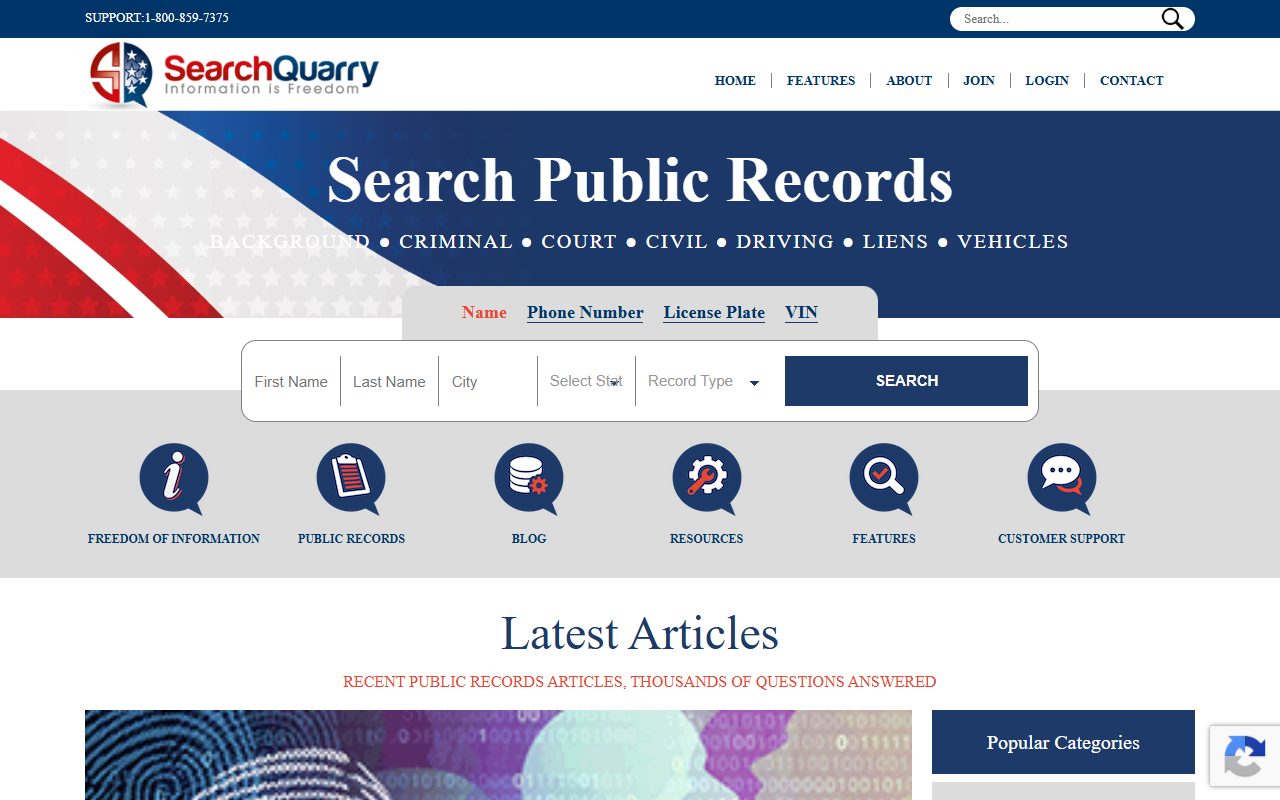
Search Quarry homepage screenshot

Read the profile first. The Search Quarry profile covers who runs the site, how it ties to InfoPay and its Daniel's Law case.

Quick facts

At a glance

Method

Online removal page on InfoPay's system

Time needed

About 5 minutes

Cost

Free

ID needed

No · only the mailed form asks for one

Turnaround

24-48 hours, per the confirmation on InfoPay's sister sites

Fallback

The privacy request form on Your Privacy Choices

The steps

Remove your record

01

Open the removal page

Go straight to members.searchquarry.com/removeMyData/. Search Quarry doesn't link it from its Your Privacy Choices page, and its FAQ sends you to a printable form instead, so the direct link is the quickest way in. You'll see the Search Quarry logo over a box headed "Are you human?"

02

Clear the slider check

Under "Slide to verify. No cookies, no tracking." drag the slider all the way to the right end. Once it accepts the slide, the greyed Verifying… button below it changes to Continue →. Press that.

03

Search for your listing

Enter your first name, last name and state, then submit. There's a city box as well, but it's optional, and leaving it empty casts a wider net. This step only finds your record, and nothing is removed yet.

04

Tick your row and press Remove Data

Matches come back in a table showing a Report ID, Name, Age and Addresses for each. Pick the row that's really you, check its Select Record box and press the red Remove Data button beside it.

Compare the age and the address history before you tick anything. Public-records files get pinned on the wrong person, and a common name can bring back several near misses.

05

Leave an email and submit

The last screen asks for an email address. It's optional, but it's how you'd hear that the removal went through. A second slider check can appear before this screen loads, so slide it across and press Continue again if it does. Then press Submit. On InfoPay's sister sites the confirmation reads "Your request has been received and will be processed within 24-48 hours."

Judges, prosecutors and police officers get a separate route. Search Quarry's Your Privacy Choices page takes Covered Person Removal Requests under the federal Daniel Anderl Judicial Security and Privacy Act by email to privacy@searchquarry.com. Use the subject line "Attention Covered Person Removal Request" and include your full name, home address, email and covered status.

Confirm

Confirm it worked

Search Quarry publishes no timeline of its own for the online removal. The sister sites running this page promise 24-48 hours on their confirmation screens, plus an email once the removal completes if you left an address. Search your name on Search Quarry again after a few days. If the record's still there after a week, send a deletion request through the privacy form described below, and keep a dated screenshot of the listing.

If it fails

Troubleshooting

  • The slider won't let you through. It's a bot check that reads how your pointer moves, so use an ordinary browser window, relax any aggressive blocking for the page and drag at a natural pace. If it still refuses you, file the deletion request below instead.

  • Your search comes back empty. Run it again without the city, and with any other name you've gone by. An empty result can also just mean Search Quarry holds nothing under that name.

  • The formal route. The HERE link at the bottom of Your Privacy Choices opens a privacy request form run by TrustArc, where you can ask for deletion under the state privacy laws the page lists. The page says to expect an answer within 45 days, and the privacy policy says you may be asked to verify your identity.

  • Leave the printable form alone. The FAQ's Data Opt Out & Removal Request Form wants your date of birth, a copy of a government photo ID and a signature, sent by fax to 1-617-933-9946 or by post to InfoPay's Data Opt Out Department, P.O. Box 130369, Boston, MA 02113. It allows up to 30 days and says requests aren't accepted by email or phone. The online page needs none of that.

  • You found the record through a phone, plate or VIN search. That report isn't Search Quarry's. Those tabs hand your search to BeenVerified, so it comes off through our BeenVerified guide instead. Name searches begun on its marriage, divorce, court case or arrest record pages open TruthFinder, which our TruthFinder guide covers.

  • An expunged or sealed record. Search Quarry's privacy page wants these raised by email to privacy@searchquarry.com with the subject line "Attention Expungement Records".

Stay off

Keep your record off

Public-records sites refill from the same feeds they started with, so a removed listing can come back. Search your name again every few months.

The removal also stops at Search Quarry. InfoTracer, StateCourts.org and ThePublicIndex run their own copies of the same page, and nothing any of them publishes says one removal carries over. If you find yourself on those too, go through each one.

Take yourself off data broker sites

Redact scans 120+ data broker sites from your device, finds where your details are listed, and submits the removal requests for you. If a broker relists you, it files again.

Last updated:

September 22, 2026 · Built without a walk of this domain. The removal page at members.searchquarry.com is InfoPay's own opt-out software, and on September 22 its code matched the StateCourts.org, ThePublicIndex and InfoTracer removal pages line for line once the brand names were swapped. Those three were walked end to end on August 10 and 11, 2026, and the results table, the Remove Data button, the optional email and the 24-48 hour confirmation come from those walks. The Continue button after the slider is read from this page's code. The name search sitting behind the slider, and the second slider before the email screen, come from automated runs of the same page on the sister sites. No request has gone through this domain's copy, so there are no step screenshots.