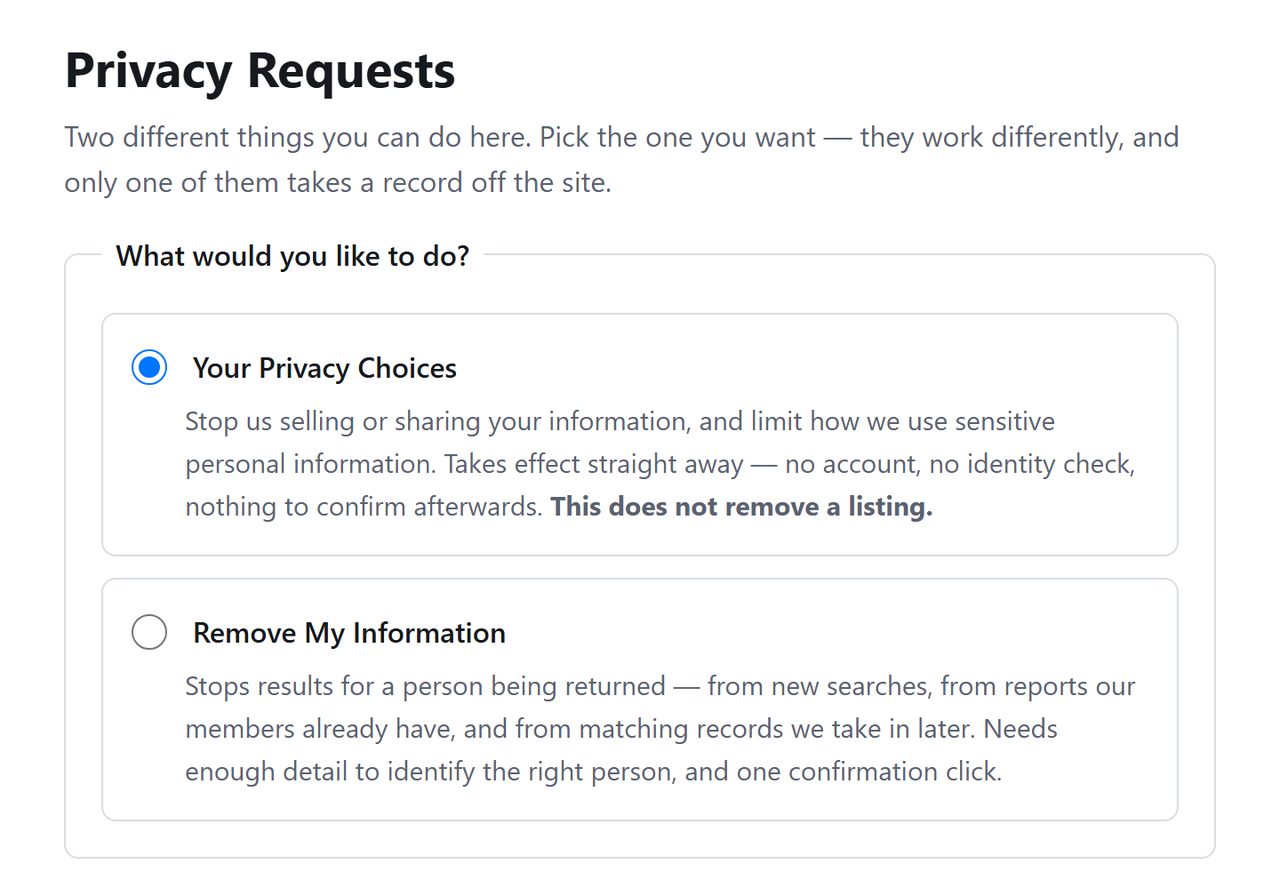
Person Searchers changed how removal works, and the change is mostly in your favor. The old route sent you through a search, a results page and a contact form. The current one is a single page where you describe the person and leave an email address. What hasn't changed is the last move, which still belongs to you. A message arrives, and the listing stays up until you click the link inside it.
Want the background first? The Person Searchers profile covers who operates the site, the three sister domains on its filing, and its place in the 2024 MC2 Data leak.
It says it completes requests within 45 calendar days
Also worth doing
The three sister domains · separate forms
Getting delisted and stopping a charge are different errands. The form does the first one only. Cancellations go through (833) 567-9375, and it's worth doing before the five-day trial rolls over, because the terms treat fees as non-refundable once they land.
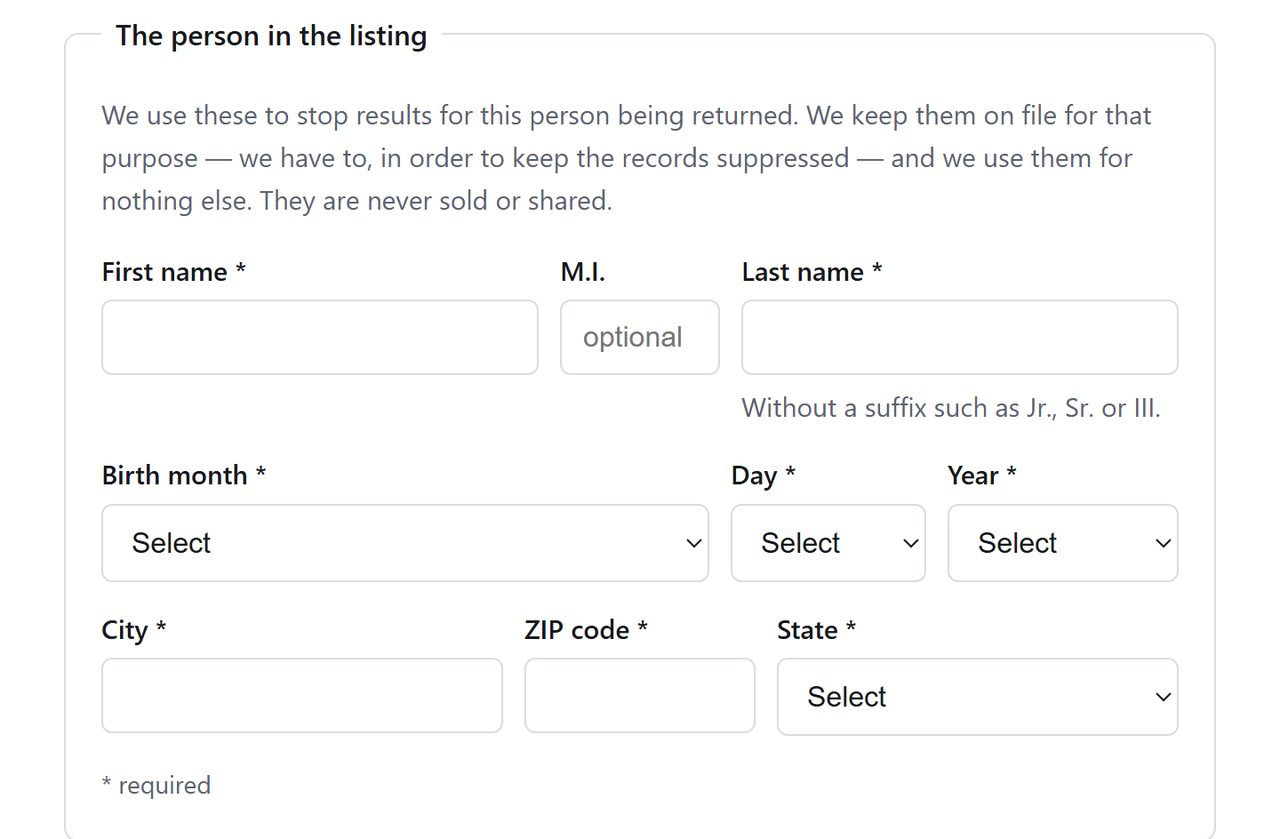
First name, last name, birthday, city, ZIP and state are all compulsory. Under the last-name box Person Searchers asks you to leave off any suffix, so a Jr. or a III stays out.
A namesake in your own town is the risk with a form like this. The birth date is what tells the two of you apart, so don't guess at it or round it.
The birthday separates you from a namesake.
03
Leave an address they can reach
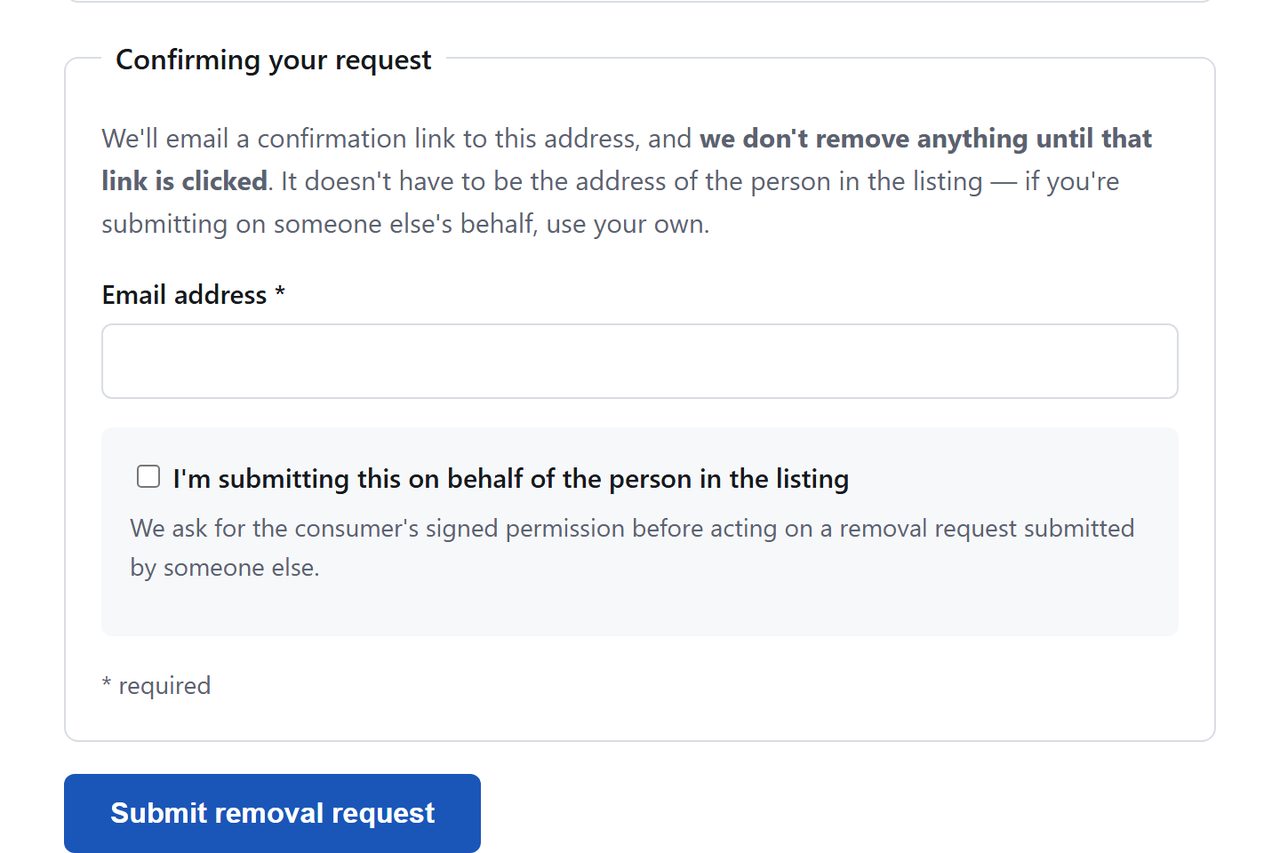
Person Searchers asks for an email so it can send a confirmation link. If you're doing this for a parent or partner, you may use your own address, but you'll need to tick the box saying so and upload their signed permission. Then press Submit removal request. We read the form up to here and no further, and a human check may follow.
Filing for someone else needs their signed permission.
04
Open the email and click
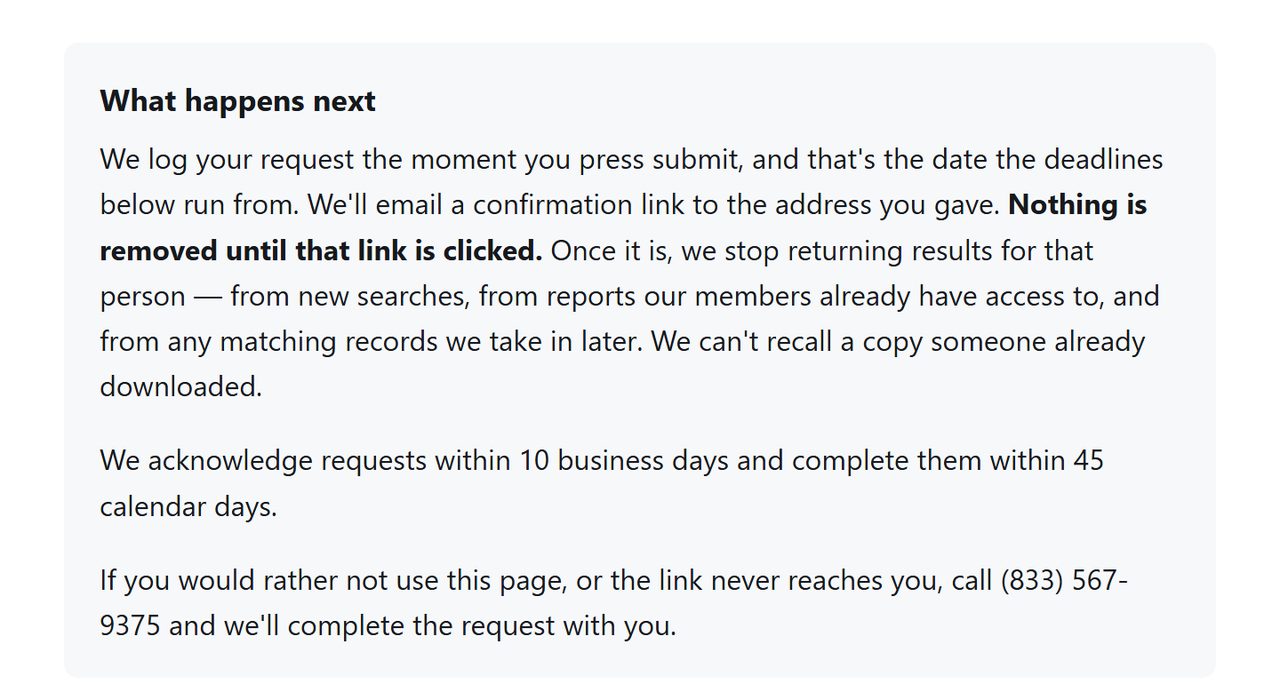
Submitting isn't finishing. The site's wording is that it doesn't remove anything until the link is clicked, so watch the inbox and act when the message lands.
There's a phone number if the link never arrives.
Related sites
Do the three sister sites
Private Records LLC files four domains with California on one row, and this is one of them. The others are PeopleSearch123, Background Checkers and PrivateRecords, and a listing on one usually means a listing on the rest.
Sharing a filing isn't sharing an opt-out, as far as anything published shows. Each domain has its own copy of this page, so four sites is four submissions. Background Checkers, which couldn't be finished at all over the summer, now serves the same form as the other three.
Confirm
Check it worked
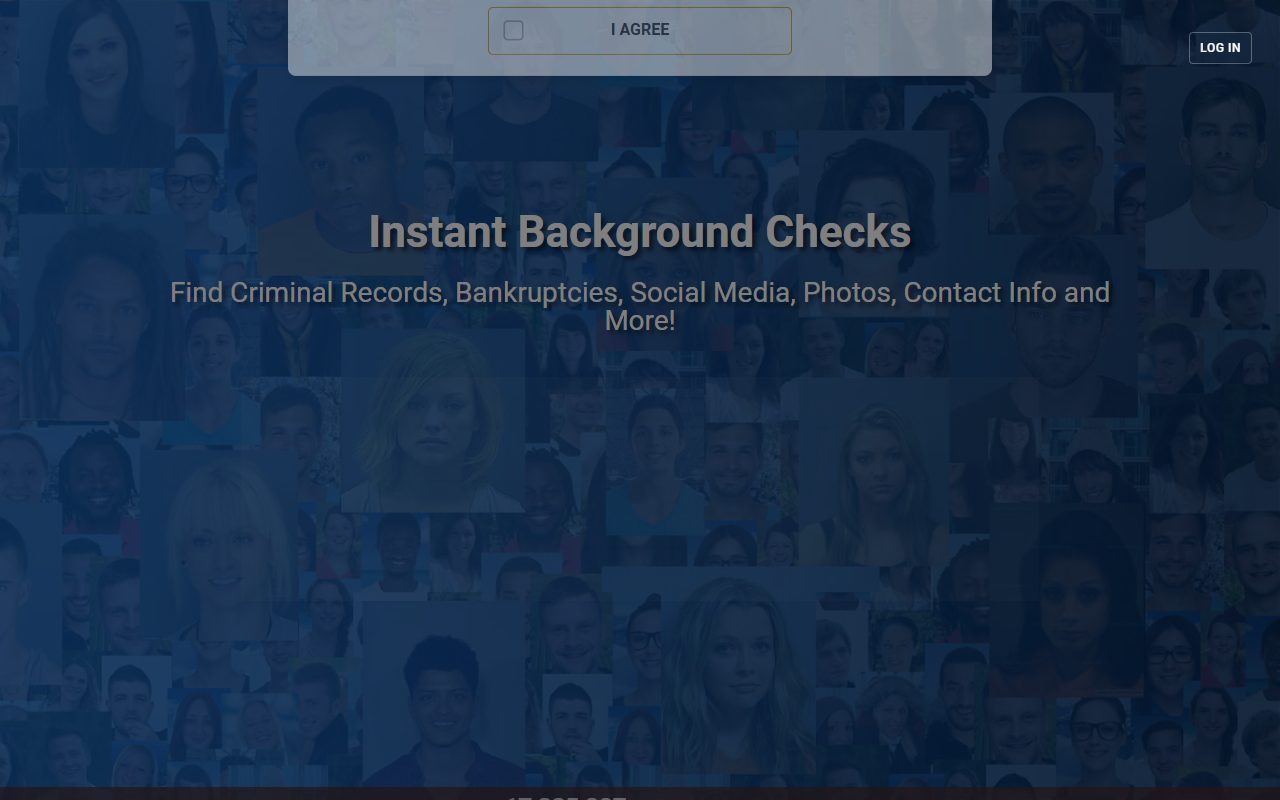
A week or so on, try a search engine with site:personsearchers.com beside your name. That's the way to check, because the site's own search demanded a credit card before results on October 8, 2026, and no removal is worth that. Bear in mind that listing pages get indexed and can outlive the record itself in a cache.
Keep the confirmation email. It's the only evidence you made the request, and the only thing worth producing if the listing comes back.
If it fails
Troubleshooting
No email turns up. Check spam, then run the form again with a different address. The page also offers (833) 567-9375 for anyone whose link goes missing.
Back after a few weeks. Resubmit, and keep your dated captures. Person Searchers says it suppresses matching records that arrive later, so tell support when one slips through.
Still being charged. That's a cancellation, not a removal, and the terms make fees non-refundable once the trial converts.
Staying off
Keeping it from coming back
Removal here is a snapshot. Look again every few months, and look at the other three on the filing at the same time, because the fifteen brands sharing this backend tend to resurface together.
Take yourself off data broker sites
Redact scans data broker sites from your device, finds where your details are listed, and submits the removal requests for you. If a broker relists you, it files again.
October 8, 2026 · We reopened Person Searchers' removal address on October 8, found the new single-page form, and rewrote the steps from it with fresh captures. The request was not submitted. The post-submission steps repeat what the page promises. Supporting research is dated August 5, 2026, with both BBB profiles reread on September 22. Background Checkers shares both this filing and this form, and a request there was carried through to confirmation on the same day.