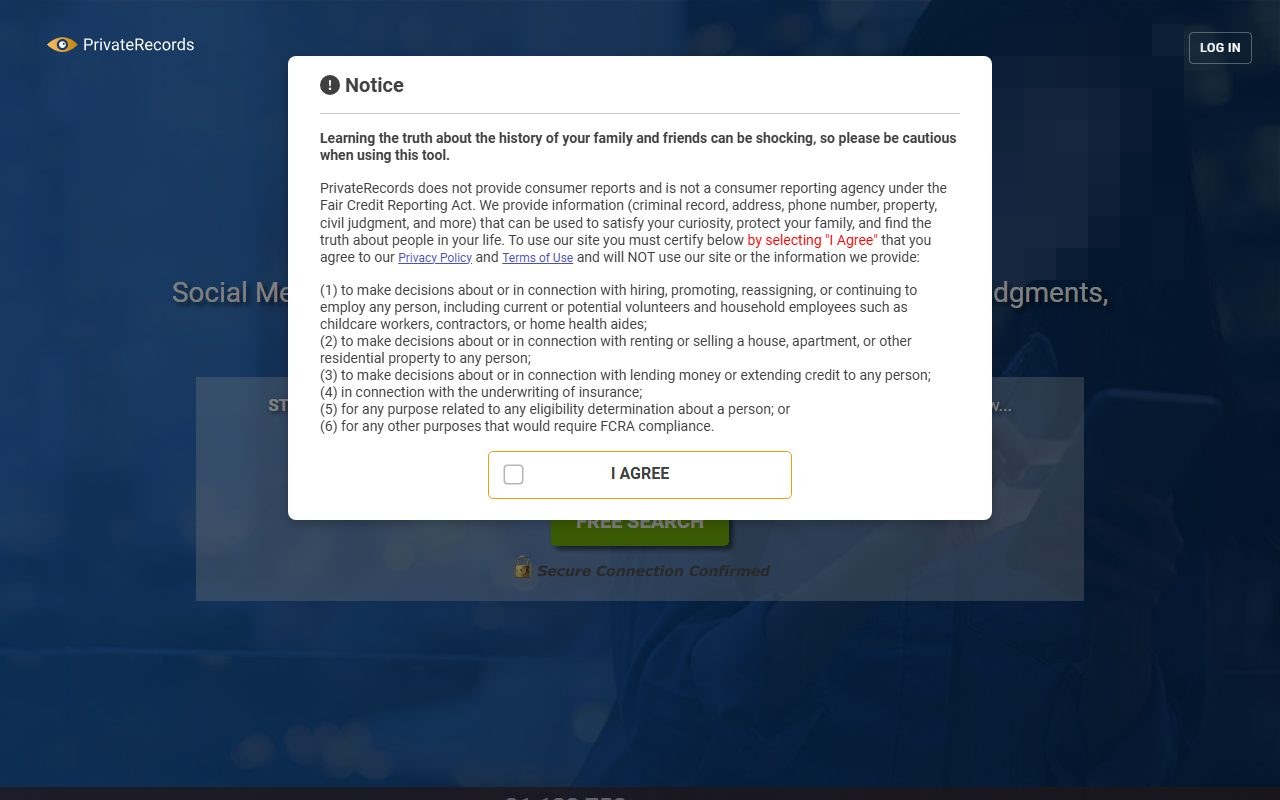
PrivateRecords' privacy policy says that from October 15, 2026 its footer will carry two links, Your Privacy Choices and Remove My Information. The page behind them is live a week early. We found it at the usual opt-out address on October 8, 2026, with the old record search gone, and read it through without filing. Removal is free, needs no account, and ends with a link the site emails you.
Who's behind it. The PrivateRecords profile covers Private Records LLC's California filing, its BBB link to MC2 Data and the 2024 database leak.
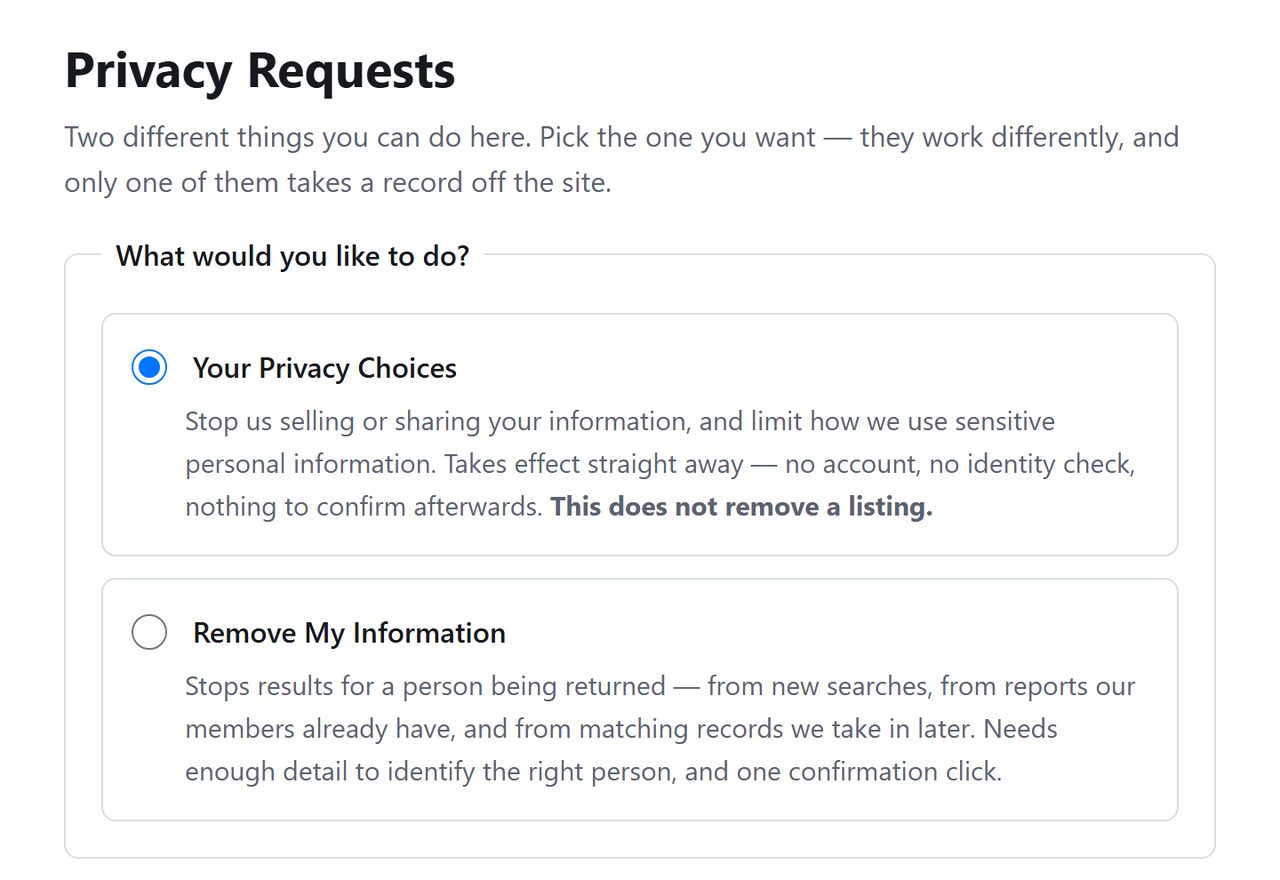
Open privaterecords.net/api/helper/optOutLight/search. The policy describes Your Privacy Choices as the way to stop the company selling or sharing your information, with no identity check, and Remove My Information as the way to stop results for a person being returned by the site. Select the second.
The two requests the privacy policy describes.
02
Fill in the person's details
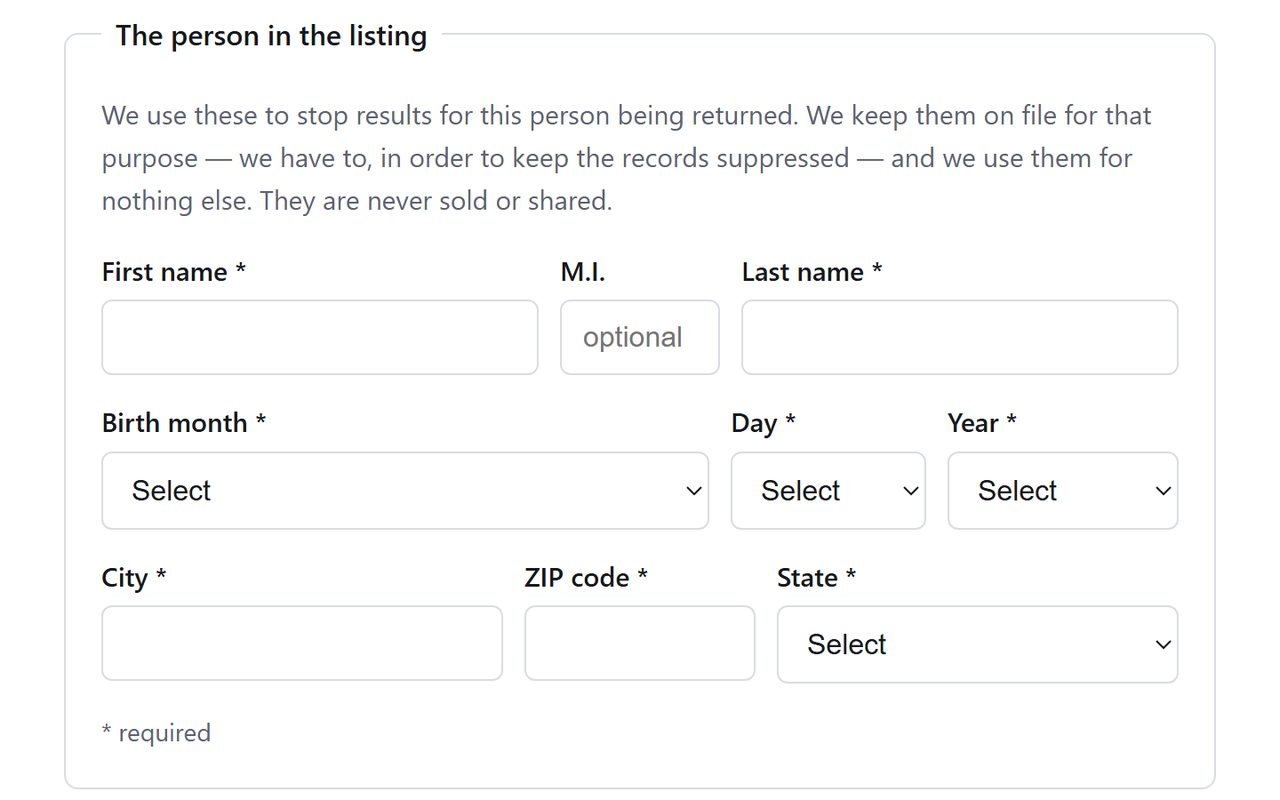
Enter the first name and last name, pick the birth month, day and year, then add the city, ZIP code and state. The state menu starts on Select, so it can't be skipped by accident the way the old Alabama default could.
Every menu starts on Select.
03
Enter an email address and submit
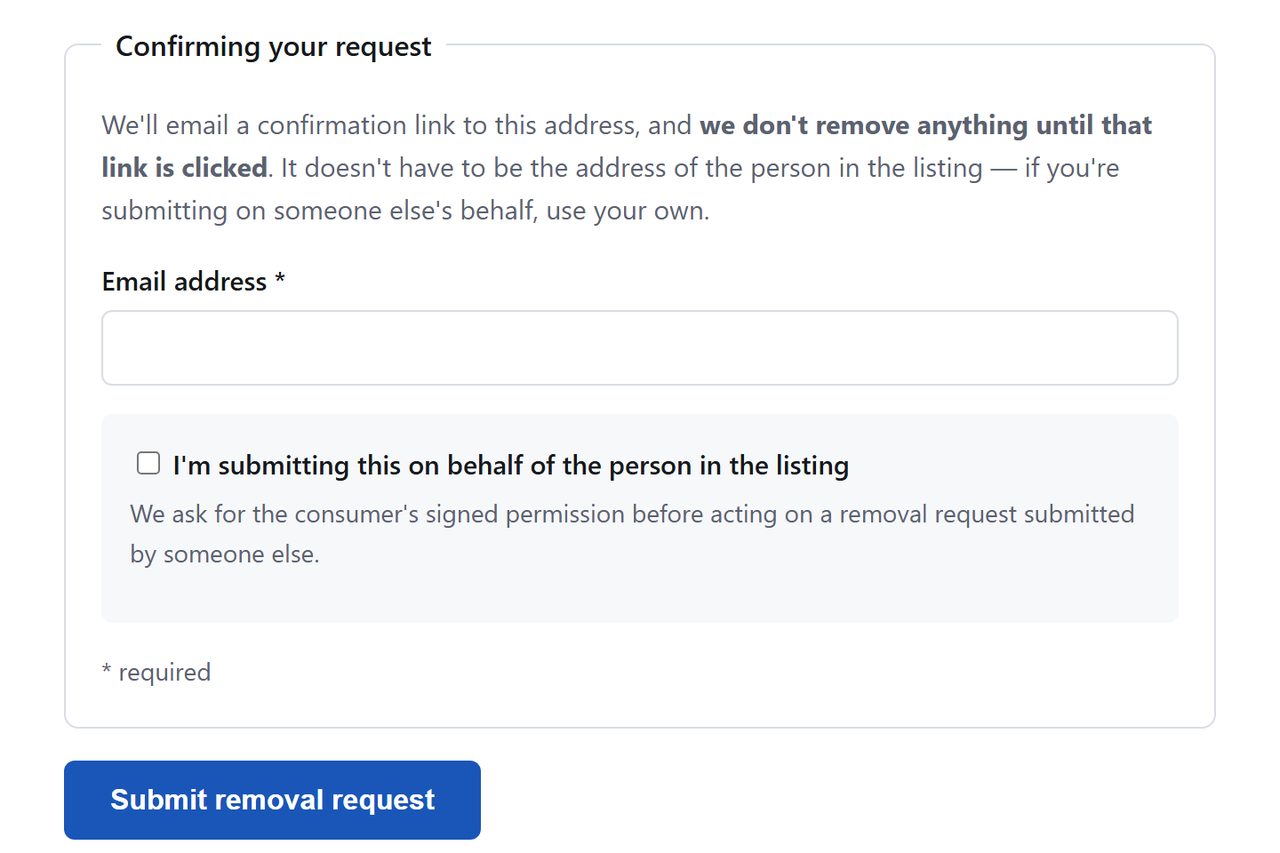
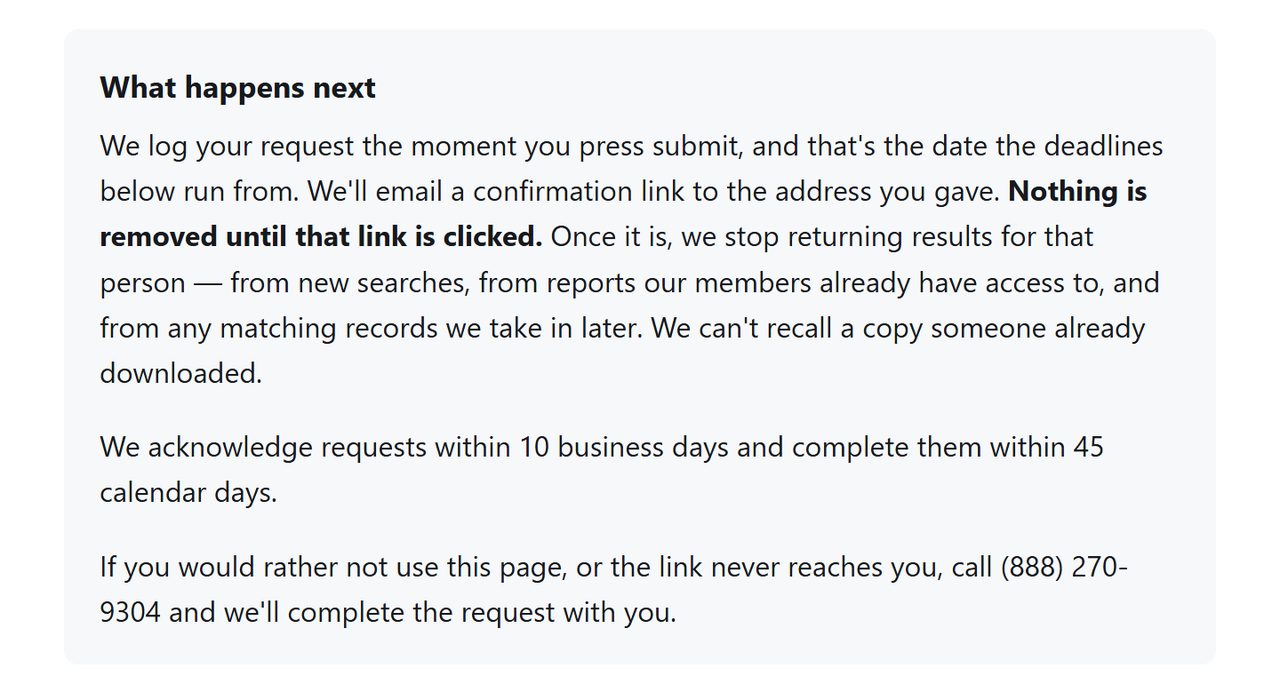
Give an address you can open today and press Submit removal request. The policy says the company sends a confirmation link to that address and acts on the request once the link is used. Our check ended at the button, and the screen after it may include an are-you-human test.
Use an address you can open today.
04
Click the link in the email
Look in spam and promotions folders if nothing shows in your main inbox. Once you've clicked, PrivateRecords says it stops returning results for that person and keeps the details you entered so it can go on doing so.
PrivateRecords' account of what the click does.
Acting for someone else? Tick the box under the email field and attach their signed authorization as a PDF. The policy says agents are asked for that on removal requests and for nothing on Your Privacy Choices.
Confirm
Check it's gone
A few days after clicking the link, search the web for your name with site:privaterecords.net. The site's own search isn't usable for this. When we ran a test name through it on October 8, 2026, a box asked for a credit card and a $0.30 hold before any result appeared. Keep the email as your receipt. If the record's still up after 45 days, write to support@privaterecords.net with the date you submitted, or call (888) 270-9304, the number on Private Records LLC's California filing and on the form itself.
If it fails
Troubleshooting
You filled in the top form by mistake. Your Privacy Choices only records a do-not-sell choice against an email or phone number. It does no harm, but go back and send the removal request too.
Listed under two names. Send a second request with the other name. The form describes one person per submission.
No email after a day. Look in every folder, then send the form again or phone the number above.
California residents. Private Records LLC is on the state's data broker registry, and its privacy policy says it processes deletion requests sent through the Delete Request and Opt-out Platform, California's one request for every registered broker.
Stay off
Keep your record off
The policy words the removal as stopping results on this site, so treat the other three sites on Private Records LLC's filing as untouched. PeopleSearch123, Person Searchers and Background Checkers each run their own copy of this form. All of them drew on the database that leaked in 2024, so it's worth checking each, and searching your name again every few months.
Take yourself off data broker sites
Redact scans data broker sites from your device, finds where your details are listed, and submits the removal requests for you. If a broker relists you, it files again.
October 8, 2026 · The removal form changed after our September 22 recheck. This version follows the page PrivateRecords served on October 8, which we read in full and captured, alongside the site's privacy policy read the same day. We didn't submit a request, so the email link and timings are as the site states them. The August 12 walk of the earlier search and REMOVE flow no longer applies. A same-day walk of this form on Background Checkers, also filed by Private Records LLC, went through to a Removal confirmed page.