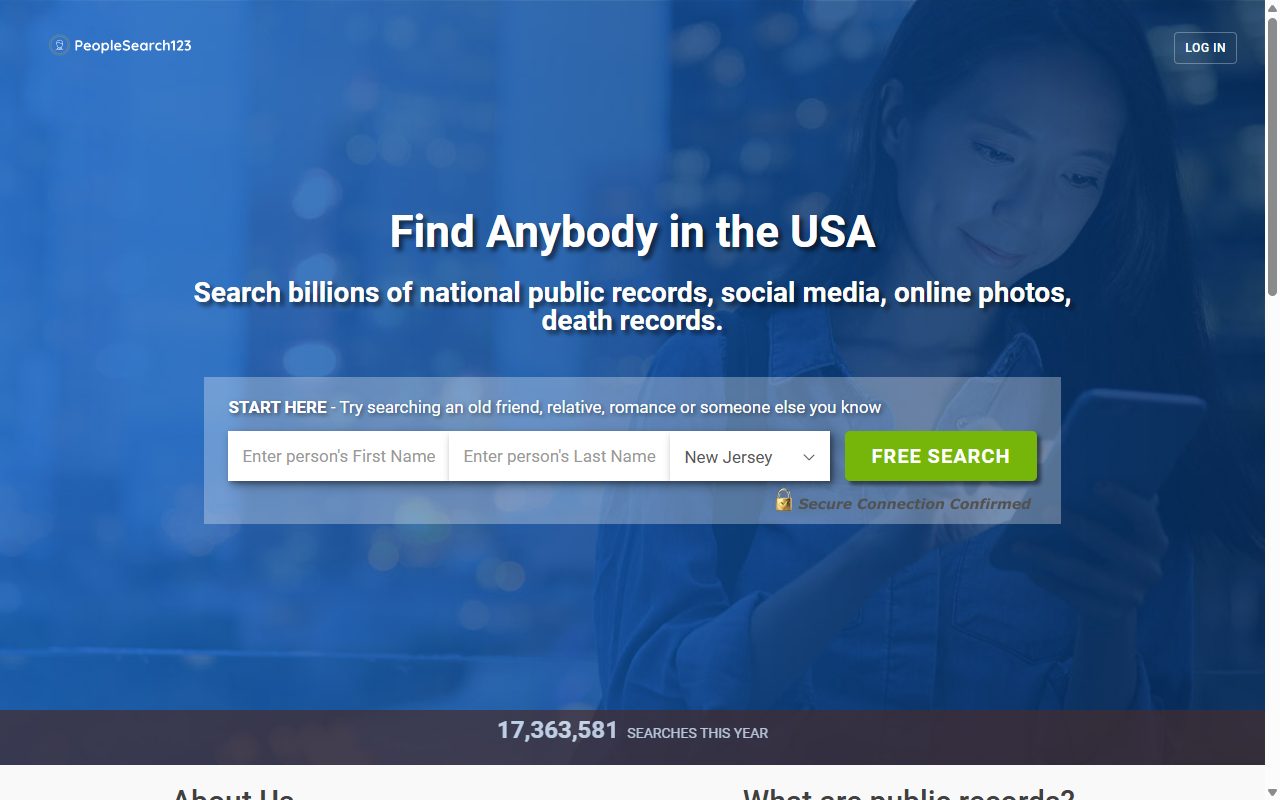
The run of CAPTCHAs that used to open this opt-out is no longer on the page. PeopleSearch123 has cut the process down to one screen where you say who should stop appearing and where to email the confirmation. There's no search, no list of look-alikes to choose from and no second form. We checked the page on October 8, 2026 and didn't send a request through it, so the steps cover what you'll see before you submit.
Want the background first? The PeopleSearch123 profile covers Private Records LLC, the shared backend, and the 2024 MC2 Data leak.
The name your listing is under, and the birthday that goes with it.
The city, state and five-digit ZIP the site is most likely to hold for you. If you've moved, start with the address your listing showed.
An inbox you can get into straight away. Nothing happens to the record until you open one message there.
The steps
Remove your listing
01
Pick the removal request
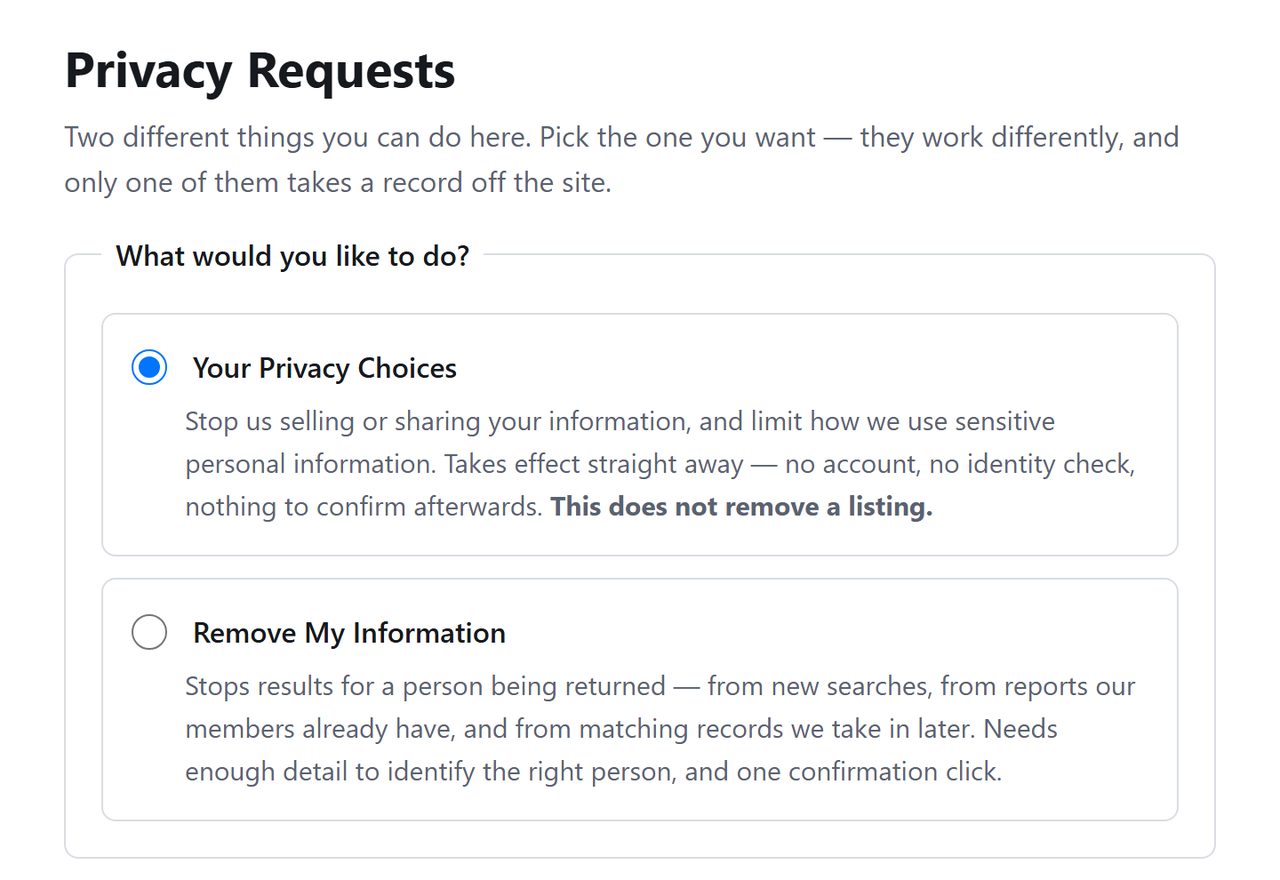
Open peoplesearch123.com/api/helper/optOutLight/search. You'll see Privacy Requests and a pair of options. Leave the first alone. Remove My Information is what you're after, and its blurb says it needs one confirmation click.
Leave the first option, take the second.
02
Type in the person's details
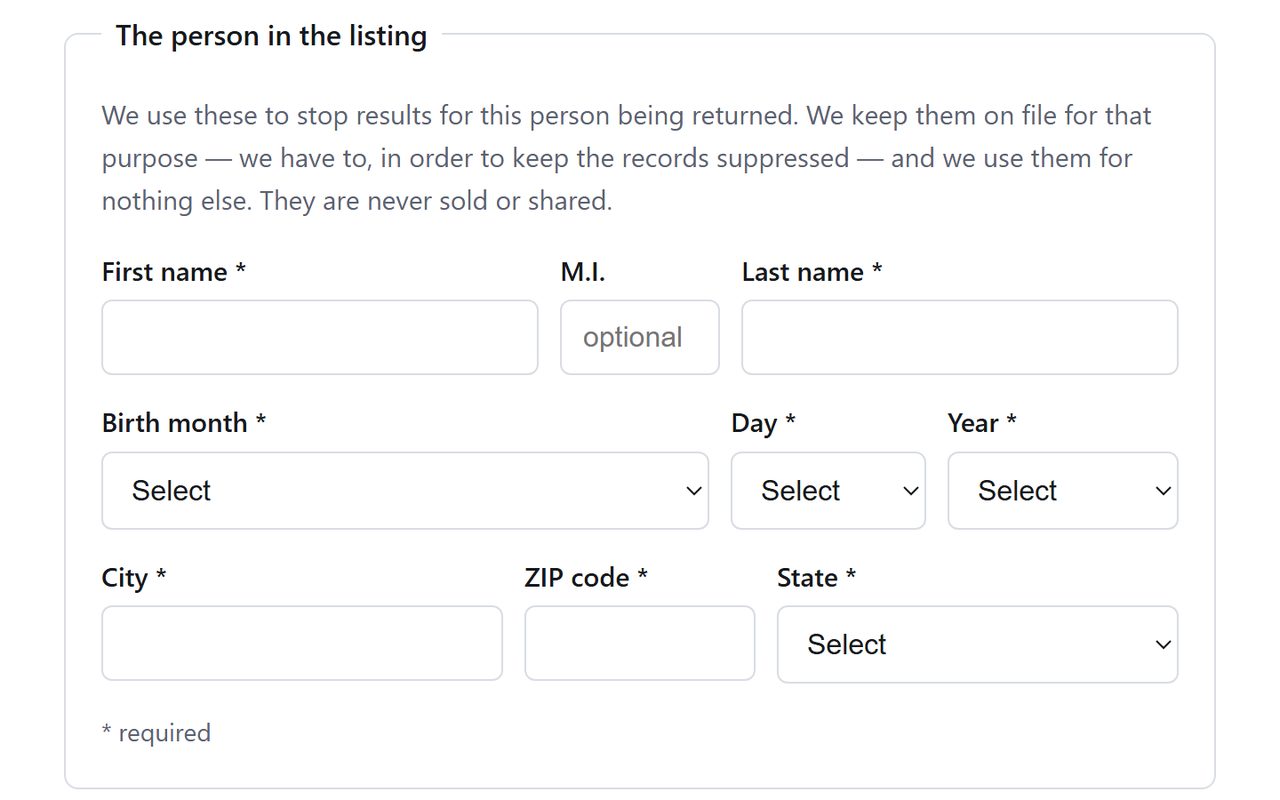
Fill the starred fields for name, date of birth, city, ZIP and state. PeopleSearch123 explains above them that it uses these to stop results for the person being returned.
Because you can't see candidate records any more, an entry under an old surname or a previous city may need a request of its own. Send the main one first, then repeat with the other details if a search still finds you.
No results list. What you type is the match.
03
Enter your email and submit
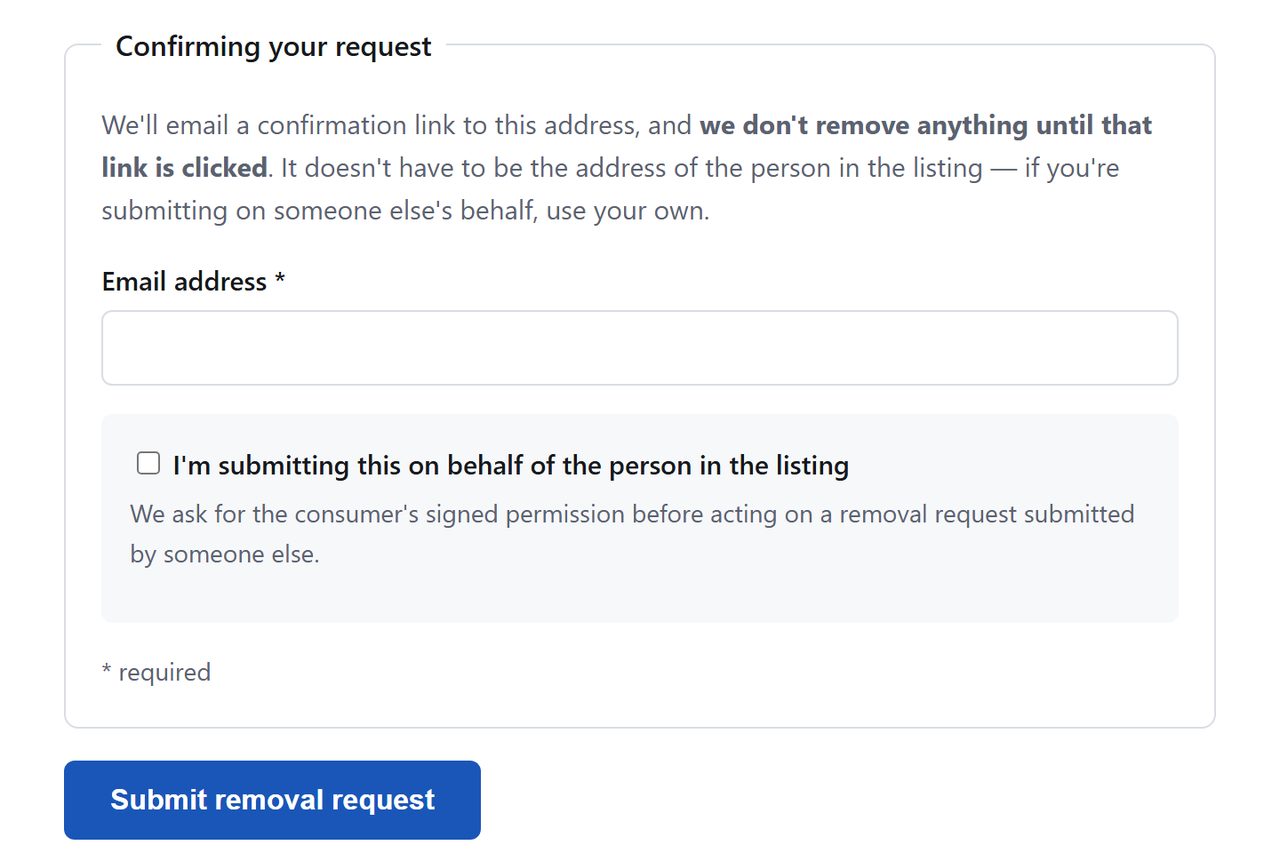
Put your email in the box marked Email address and hit the blue Submit removal request button. We ended our check there. If the site asks you to prove you're human afterwards, that's normal for this platform.
Email in, then submit.
04
Watch for the confirmation
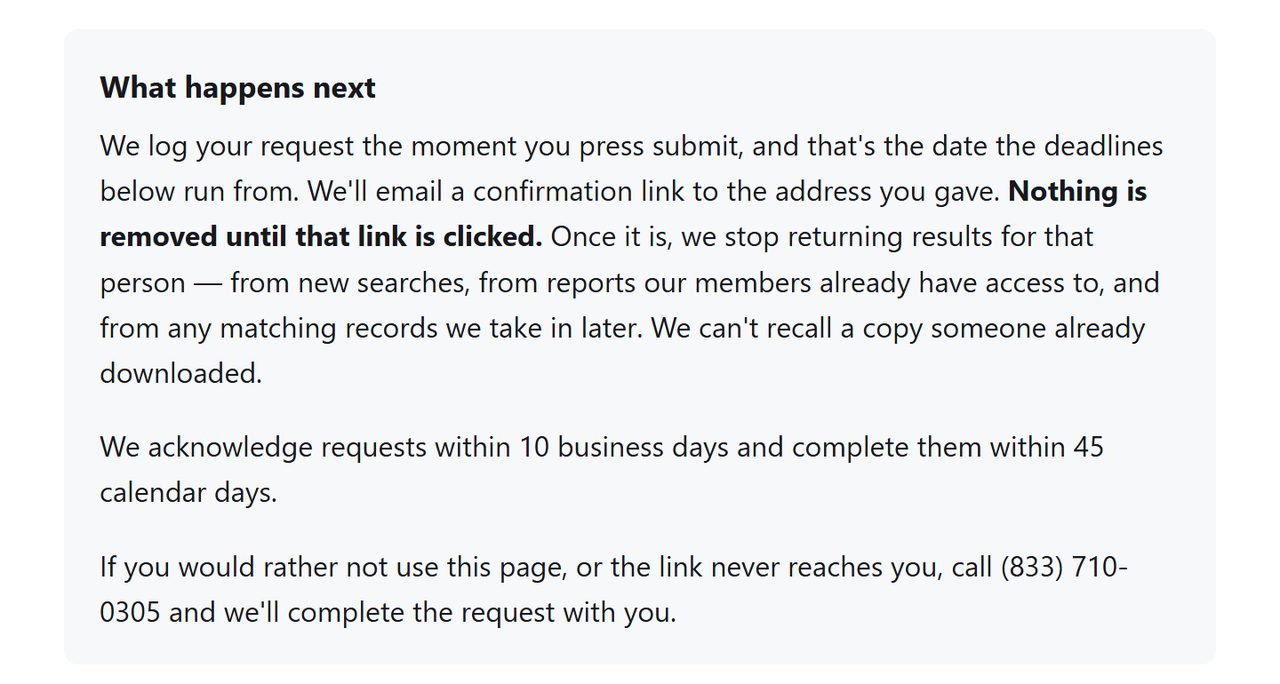
PeopleSearch123 says a link arrives by email and that the record stays put until you click it. Do that as soon as it lands, then keep the message.
The click is the removal.
Confirm
Confirm it worked
The form gives PeopleSearch123 up to 45 calendar days, though that's an outer limit. Don't check through the site's own search, which asked for a card number before showing results when we tried a test name on October 8, 2026. After a week, try site:peoplesearch123.com with your name in a search engine instead, bearing in mind that a listing page can linger in a cache after the record is gone.
Then the rest of the filing. Private Records LLC files this with Person Searchers, Background Checkers and PrivateRecords. All four have the same request page now, and each one talks only about its own site.
If it fails
Troubleshooting
The form won't submit. Every starred box has to be filled, the ZIP must be five digits, and all three birthday menus need a value.
No email after a day. Look in spam, then repeat the form with a different address, or call (833) 710-0305.
It comes back. File it again. The site promises to suppress matching records it takes in later, so a return is worth reporting to support as well.
Stay off
Keep your record off
One pass clears what's published now. Check again every few months, and check the others on the same filing while you're at it, since a record returning on one usually means it has returned on several.
Take yourself off data broker sites
Redact scans data broker sites from your device, finds where your details are listed, and submits the removal requests for you. If a broker relists you, it files again.
October 8, 2026 · Steps rewritten for the single-page request form PeopleSearch123 now serves. We read the page and took the captures on October 8 and stopped before submitting. The earlier August walk covered a search, REMOVE and verification flow that no longer exists. Timings are the site's own. Background Checkers, on the same filing, was walked through this form to the end on October 8, and its confirmation message was caught by a spam filter.