Removal guide · IDCrawl

How to remove yourself from IDCrawl

  • Redact removes listings automatically

IDCrawl's removal is free and has two parts. First you give its Remove My Information form the address of your name page and an email address. Then IDCrawl emails you a link that's good for 24 hours, and the page behind it is where you tick what comes down and press Submit Request. Sending the form by itself removes nothing.

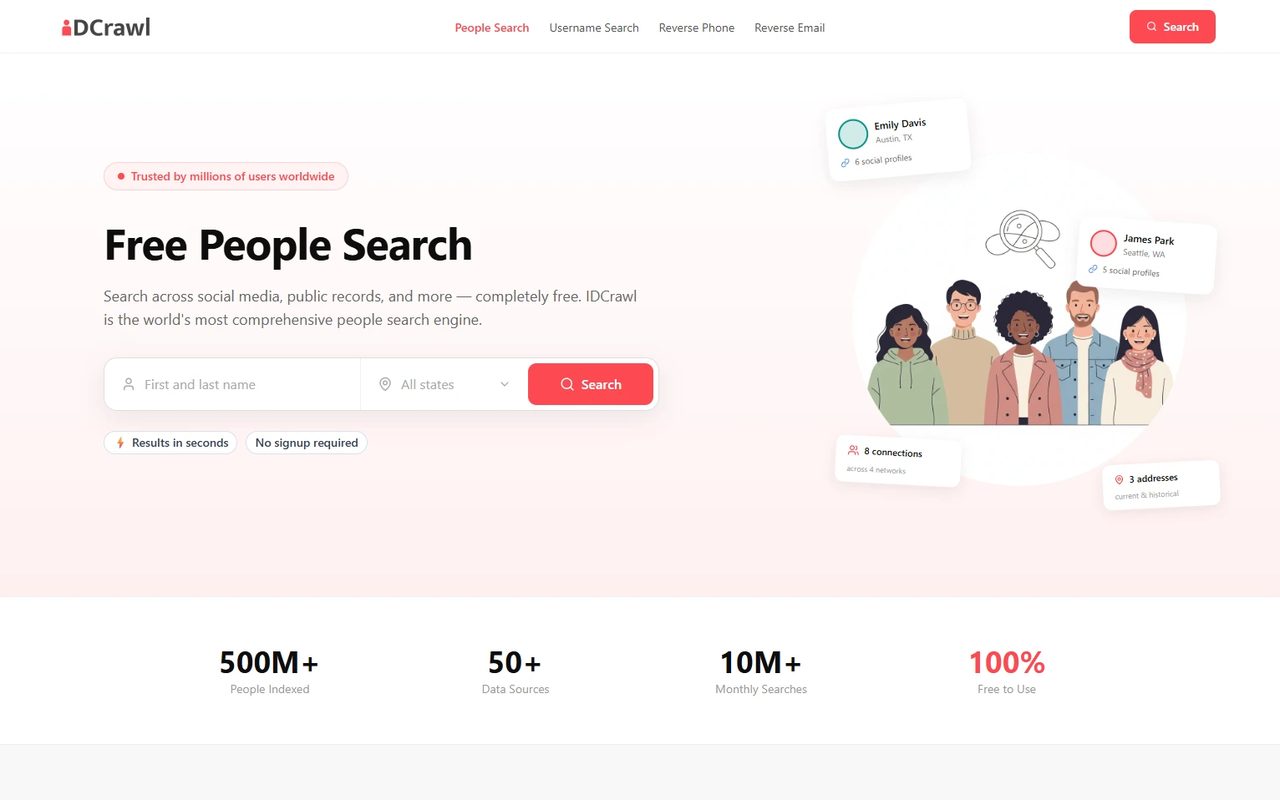
IDCrawl homepage screenshot

Before you start. What's on a name page, which rows come from other sites and how IDCrawl handles complaints are on the IDCrawl profile.

At a glance

What the request takes

Free · no account
Cost

Free

You'll need

Your IDCrawl page address and an email address

ID or documents

None asked for on the form

CAPTCHA

A reCAPTCHA tick box on the form

Email step

Required. The link is good for 24 hours

Stated timing

IDCrawl's policy says it answers in the time the law sets, 45 days in California

The request

From your name page to the emailed link

5 steps
01

Find your page and copy its address

Search your first and last name at idcrawl.com. The result is one page for everyone with your name, at an address shaped like https://www.idcrawl.com/first-last. Scroll it to check that some of the profiles, photos or rows really are yours, then copy the address from the top of your browser.

Search any other spelling or former name too. Each one has a page and an address of its own.
02

Fill in the Remove My Information form

Open idcrawl.com/remove-my-information. Paste the address into IDCrawl Page URL and type your email into Email Address. Those are the only two boxes. The What is this? link under the first one opens a picture showing where the address sits in a browser.

Tick the reCAPTCHA box, clear any picture puzzle it gives you, and press Submit.

No name box. The form doesn't ask who you are. It asks for the page and for an email address you can open.

03

Open IDCrawl's email and follow the link

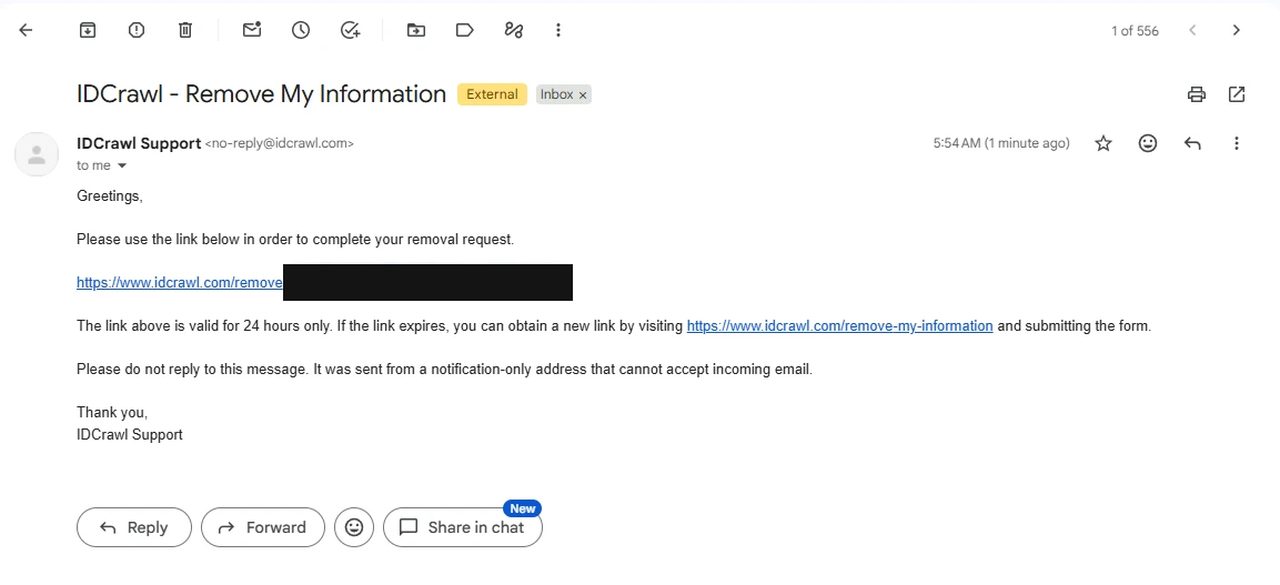
The email comes from IDCrawl Support at no-reply@idcrawl.com, with the subject IDCrawl - Remove My Information. Check spam if it isn't in your inbox, then click the idcrawl.com link in it.

The link is good for 24 hours. After that, send the form again to get a fresh one. A security check headed Let's confirm you are human can come up before the page loads. Press Begin and finish it.

An email from IDCrawl Support titled IDCrawl - Remove My Information, with a removal link that is blacked out and a note that the link is valid for 24 hours only.
The link in this email opens the page where you pick what comes down.
04

Tick everything that's yours

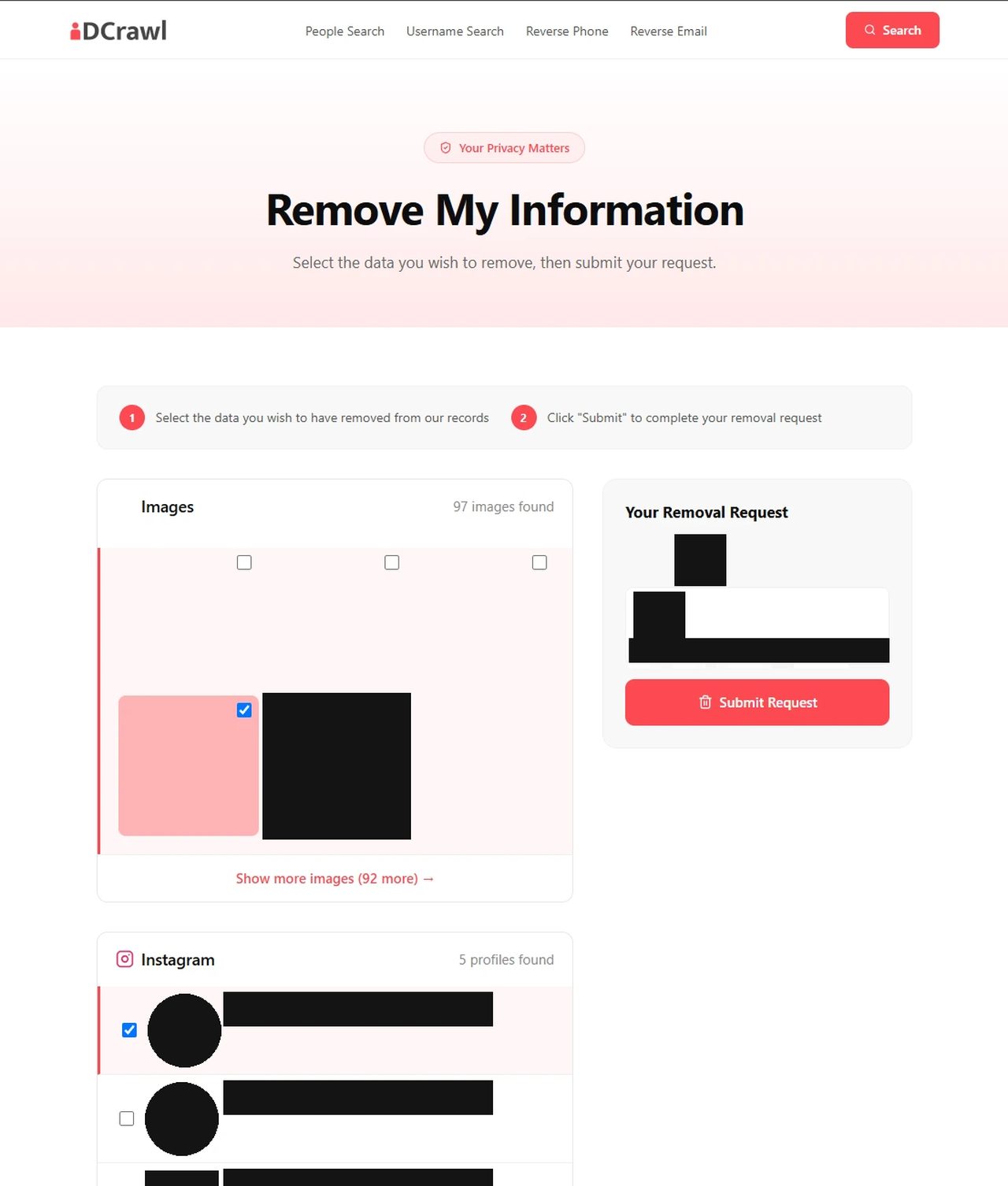
The link opens a page headed Remove My Information that lays out your name page section by section, with a tick box on each image, profile and record. Long sections are folded behind links like Show more images, and there's no select-all, so open each section and tick everything that's about you. The sponsored rows from TruthFinder, Spokeo and PeopleLooker have tick boxes too.

IDCrawl's Remove My Information page, with tick boxes on images and Instagram profiles and a Your Removal Request panel on the right. Photos and names are blacked out.
Each section has its own tick boxes, and longer ones sit behind a Show more link.

Leave other people's rows alone. The page covers everyone with your name, so plenty of what's listed belongs to strangers.

05

Press Submit Request

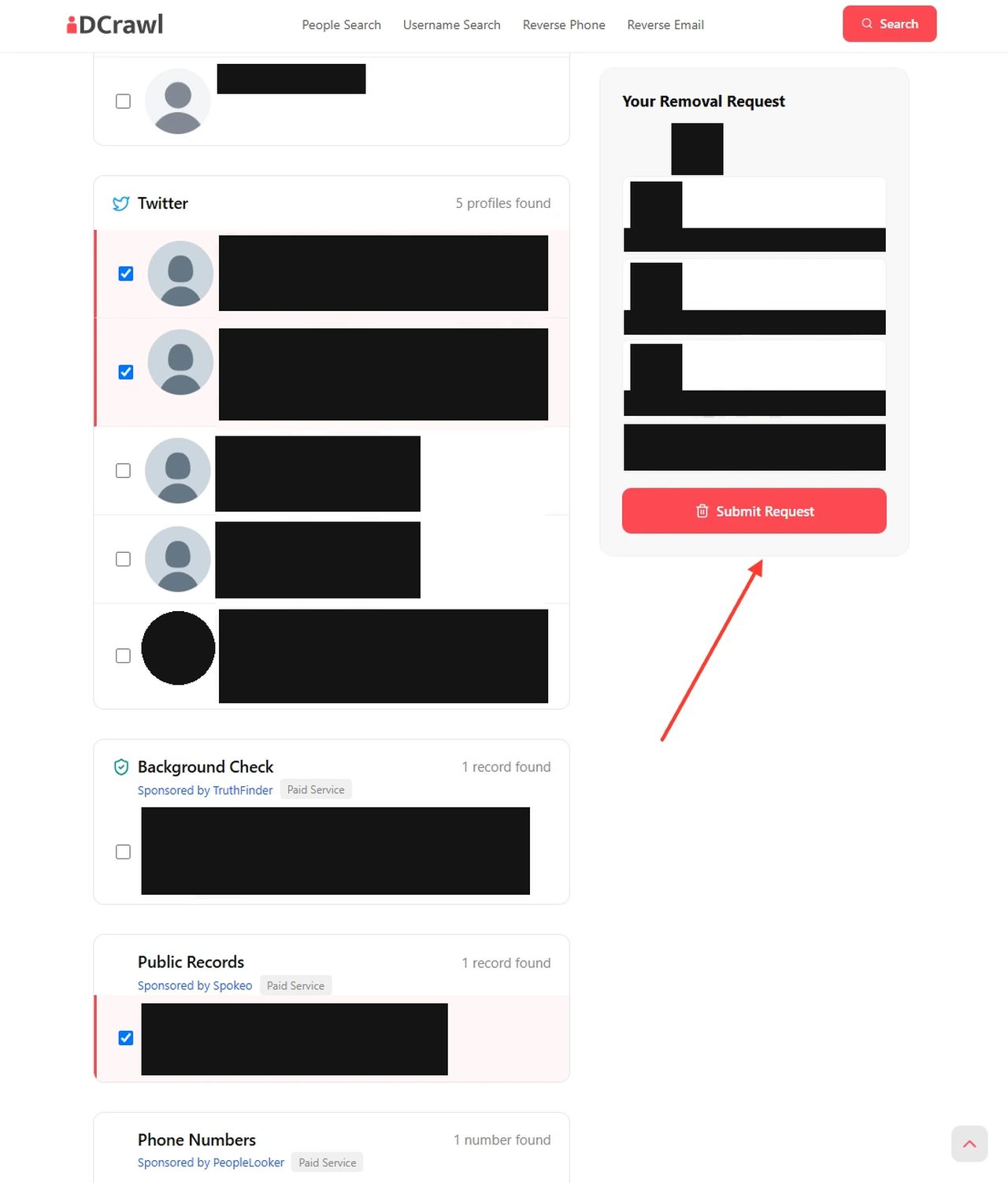
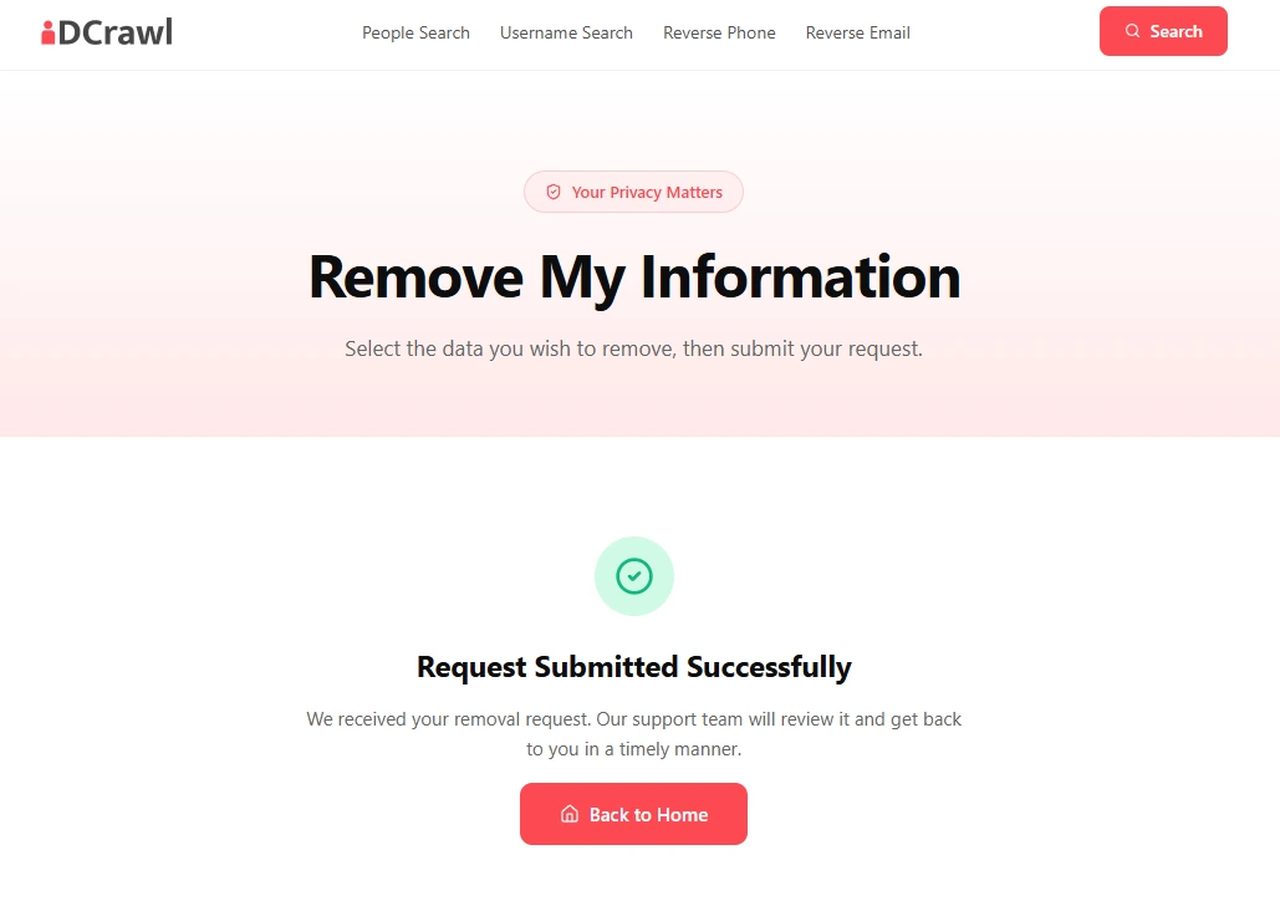
Each item you tick is added to the Your Removal Request panel on the right. When the panel holds everything of yours, press Submit Request. The page then reads Request Submitted Successfully and says IDCrawl's support team will review the request and get back to you.

The same page further down, with ticked Twitter and Spokeo rows and an arrow pointing at the Submit Request button under the Your Removal Request panel. Names and details are blacked out.
The panel fills as you tick. Submit Request sits at the bottom of it.

Afterwards

Check it worked, then go to the source

IDCrawl's confirmation screen reading Request Submitted Successfully, with a line saying its support team will review the request.
What IDCrawl shows once the request is in.
  • Look at the page again. IDCrawl says its support team reviews each request, so nothing changes the moment you submit. Open your name page a few days later and check that the items you ticked are gone. If they're still there, file again and write to support@idcrawl.com with the date of your request.

  • No email at all. Send the form again and watch the spam folder. If nothing comes, email support@idcrawl.com from the address you used.

  • Clear the sponsors too. The phone, email, address and relatives rows on an IDCrawl page come from TruthFinder, Spokeo and PeopleLooker, and they stay on those sites until you ask each one.

  • Check back. BBB complaints describe IDCrawl pages returning after removal, so search your name again every few months.

Take yourself off data broker sites

Redact scans data broker sites from your device, finds where your details are listed, and submits the removal requests for you. If a broker relists you, it files again.

Last updated:

October 8, 2026 · Walked on October 8, 2026 from the emailed link through to the Request Submitted Successfully screen, with six screenshots, four of them shown here with photos, names and the link blacked out. The walk set the sender and subject of the email, the 24-hour limit on its link, the security check before the page, the Your Removal Request panel and the Submit Request button, and it showed that a request goes to IDCrawl's support team for review. The form itself was read on the live site on October 7, 2026.