How to Sign Up for Websites Anonymously
 Dan Saltman15 min read
On this page
Aliases, Burner Numbers, and Virtual Cards: Tricks for Handing Over Less Personal Information
Every time you sign up for something online, you make a small trade. You get an account or a "free" service, and the site gets a piece of your identity. When something is free, you are usually the product being sold.
Most of the time nobody thinks much about it. You type in an email address, your name, maybe a phone number, and you are in.
The problem is that signup forms routinely ask for more than the service needs. A newsletter does not need your birthday. A forum does not need your phone number. A free tool has no reason to know your legal name unless the plan is to sell it or advertise against it.
Companies ask because the information is valuable and because most people fill in whatever is on the screen without a second thought. Phone number, email, address, age, birthday...why does a discussion forum about Chevy car repairs need any of that?
It doesn't, and you shouldn't be handing it over.
Signing up anonymously, or at least under a handle, is not about disappearing from the internet. It is about sharing less. You would not give a cashier your home address to buy a pack of gum, and a website has even less claim on it.
The less a service knows about you, the less it can lose in a data breach, sell to a data broker, or use to connect your activity elsewhere on the web.
Decide What the Account Is Worth

Before opening the signup page, take a moment to decide what kind of account you are creating.
A throwaway account is something you need once. Maybe you want to download a file, read an article, or test a tool. You probably will not return. Give it almost nothing real, only the bare minimum so you can get through the door.
A pseudonymous account is one you plan to use without attaching it to your offline identity. Forums, gaming communities, hobby groups, and some social accounts fall into this category. Use a throwaway email, a username you've never used before, and as little personal information as possible.
Then there are the accounts that should know exactly who you are. Banking, healthcare, government services, employment, contracts, taxes, and anything holding money you might need to claim back later all need accurate information, and giving them anything else will cost you when it matters.
Lying to a message board and lying to your bank are not the same act.
The useful part is that most of what you sign up for in a given year lands in the first two categories, not the third.
Hide Your Home IP Address When It Matters
A website sees your IP address as soon as the page loads. That address can reveal your general location and internet provider. It can also help a company connect accounts created from the same connection.
A VPN replaces your visible home IP address with the address of a VPN server. For a pseudonymous account you want to keep separate, turn it on before opening the signup page. Use it for future logins as well. Creating an account through a VPN and then visiting it from home every day defeats the whole purpose.
Choose a provider with a business model you understand, ideally one that has published an independent audit of its no-logs claim. A free VPN with no obvious source of revenue is usually funding itself with the traffic you route through it.
Tor offers stronger anonymity, but many services block it outright. Proxies provide fewer protections and are rarely worth the trouble for ordinary signups.
Keep the importance of this step in perspective. Your email address and phone number identify you more precisely than your IP address does. A VPN helps, but skipping it does not cancel every other precaution.
For a throwaway account, it may not be worth the effort. For a pseudonymous account you plan to keep, it usually is.
Use a Separate Browser Profile
Your browser already knows a great deal about you.
It may contain active sessions for your email, shopping accounts, social networks, and work tools. It also holds cookies, saved logins, browsing history, and autofill data.
Creating a supposedly anonymous account inside that environment is not as anonymous as it feels. On top of the cookies, sites can identify the browser itself from its fingerprint, the combination of screen size, fonts, timezone, and extensions that makes your setup unusual.
A separate browser profile keeps cookies, sessions, saved passwords, and history apart from your everyday activity. Every major browser supports them, and setting one up takes about a minute.
For a one-time signup, a private window is usually enough, since it drops most local session data when you close it.
For anything you plan to log back into, make it a profile.
Think Twice Before Clicking Those "Continue With" Forms
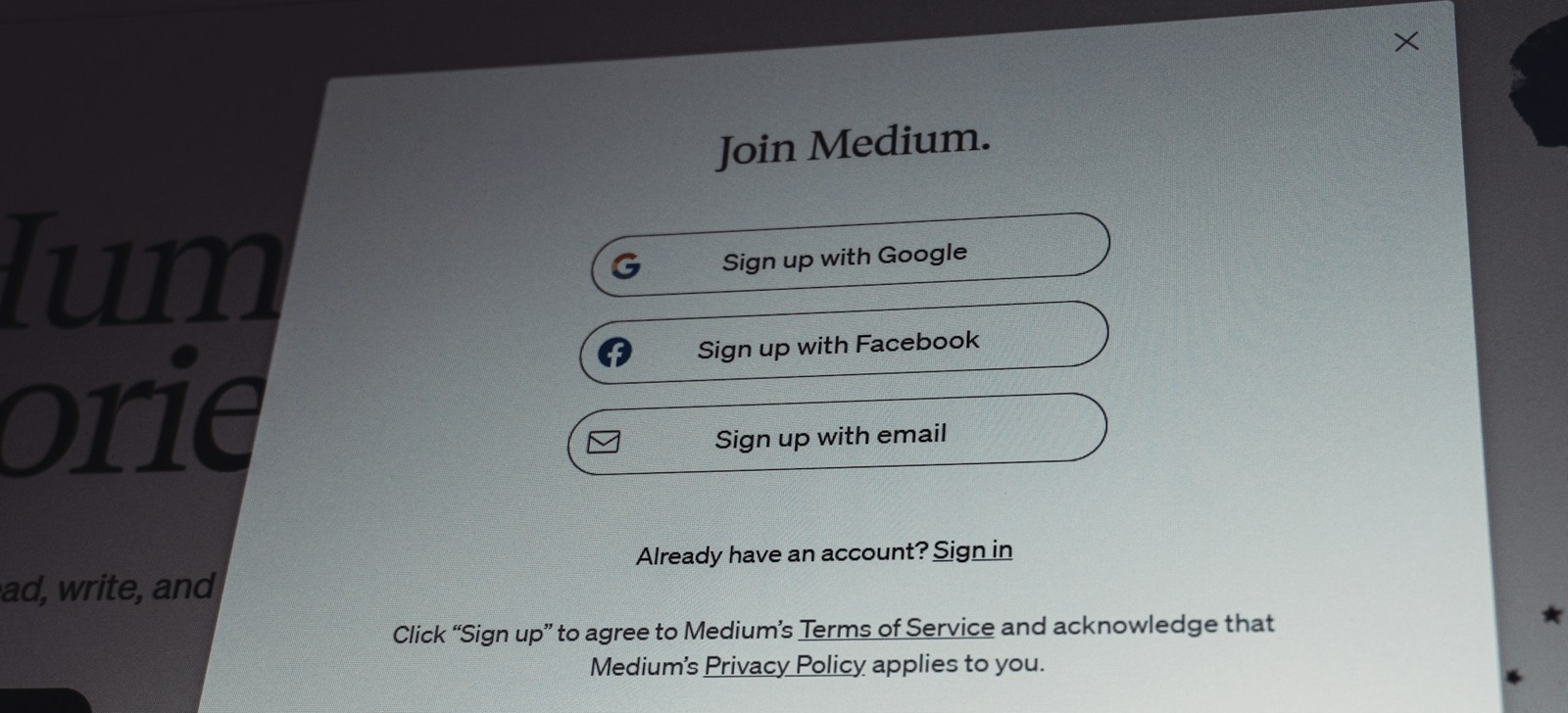
Those "Continue with Google" and "Continue with Facebook" buttons are convenient precisely because they attach the new account to an identity you have already built.
But that's also the drawback.
Using Google, Facebook, or another major provider may share your name, email address, profile image, or other account details with the service. It also creates another connection between the new account and the rest of your online identity.
The ordinary email-and-password option takes a little longer, but it keeps the account independent and unlinked to your other accounts. From an anonymity standpoint, this is what you want.
Apple is the closest thing to an exception. Sign in with Apple can generate a forwarding address through Hide My Email, so the service can reach you without ever seeing your real address, and it hands over nothing else from your Apple account.
It is still not anonymity. Apple also gives the developer a permanent identifier for you, and it is the same identifier across every app and site that developer publishes. Two apps from the same company can tell they are dealing with one person, even behind two different forwarding addresses.
The rule of thumb: take the plain email-and-password option, or Apple's. Skip the rest.
Treat Your Email Address Like an ID Number

Your email address is one of the easiest ways to connect your activity across the whole internet.
You use it to register accounts, recover passwords, receive receipts, join mailing lists, and verify your identity. Use the same address everywhere and companies have a simple field they can use to match their records.
Email aliases break that chain.
Services such as SimpleLogin, Firefox Relay, DuckDuckGo Email Protection, and Apple's Hide My Email create unique addresses that forward messages to your real inbox. The website sees the alias. Your primary address stays private. You stay in control of everything.
Use a different alias for every service you join. That buys you two things. Companies lose the shared key they would otherwise use to match their records against each other, and when one alias starts attracting spam, you know exactly which company leaked or sold it. You shut that one alias off and change nothing else.
Public temporary inboxes are a different thing, and a weaker one. Anyone who guesses the address can read the messages in it, and once it expires the account behind it is usually unrecoverable. Keep those for the download gate you will never revisit.
Aliases give you the same separation without asking you to run several inboxes.
A Reused Username Can Follow You Everywhere
Using the same handle everywhere makes your accounts trivial to find. Try it on yourself: search your usual username in quotation marks and see how much of your life comes back on one page.
If your Reddit username matches your gaming profile, forum handle, and social accounts, anyone can connect them in a few searches. No special tools or hacking ability required. That is also exactly how people-search sites assemble the profiles they sell.
Create a new username for each pseudonymous account. Avoid your legal name, initials, hometown, graduation year, or birth year, and anything else that narrows the field to one person.
A handle like mike1987 gives away a first name and a probable birth year before you have typed a single post.
Save the username in a password manager along with a unique, randomly generated password. There is no good reason to memorize either one.
Most Personal-Details Fields Are Just Requests
Outside of finance, healthcare, government, and other identity-sensitive services, much of the information on a signup form is never verified.
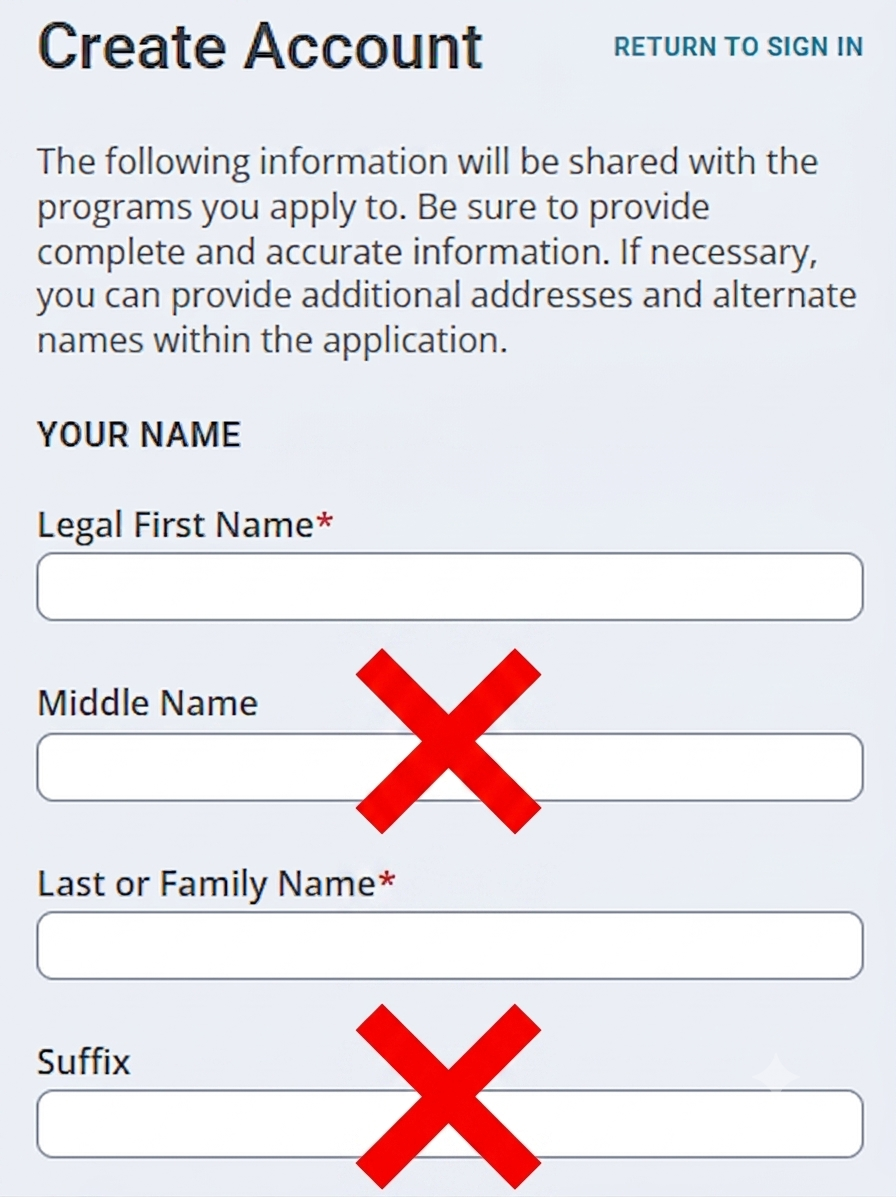
A forum does not usually confirm your name. A newsletter is unlikely to investigate your birthday. Most forms accept whatever you type, which means the honest answer is rarely the required one.
For throwaway and pseudonymous accounts, fictional details are fine. A recipe site asking for your date of birth is collecting it, not verifying it.
Keep the fiction consistent, though, and write it down next to the password. Services fall back on these fields for account recovery, and forgetting the imaginary birthday you invented three years ago is a genuinely common way to lose an account for good.
Do not falsify information on anything contractual, financial, or legally significant. Those accounts belong in the real-identity category, and inventing details there can void the account or worse.
Also pay attention to which fields are actually required. Plenty of forms mark only two or three, and everything else is optional whether or not the layout makes that obvious.
Every field you leave empty is one less piece of information sitting in someone else's database, waiting to turn up in a breach.
Phone Numbers Are Harder to Replace
Phone numbers are among the most valuable pieces of information a service can collect.
They are durable. People change email addresses, jobs, and homes. Many keep the same mobile number for years.
Phone verification can reduce spam and automated signups, but it also ties an account to your identity more firmly than most other fields.
Skip the phone number when it is optional.
When a number is required, what you should do depends on whether you ever intend to log in again.
For an account you are creating once and abandoning, a rented SMS number costs about a dollar and keeps your real number out of the database. That is the right tool for a download gate or a one-off signup.
For an account you want to keep, use your own number. Rented numbers are short-term by design, and when the rental ends the number goes back into the pool for someone else. Whoever holds it next can request an SMS password reset and walk into your account.
If a free website insists on your personal mobile number for an account you actually care about, that is worth stopping over. Ask whether the account is worth a permanent identifier. Often it is not.
For account security, use multifactor authentication when it is available. An authenticator app or a passkey is better than SMS, because neither hands the service your phone number as the way back into your account. If you are keeping an account long term, moving it off SMS recovery is the single best thing you can do for it.
SMS is still better than relying on a password alone, but stronger options are worth using when they are available.
Payment Changes the Privacy Equation
Anonymity usually ends at checkout. It does not have to end as completely as it normally does.
Your bank and card network know who you are, and merchants receive whatever billing information the transaction needs. For most online purchases that link is hard to avoid entirely.
What you can control is how far the information travels past that point.
A few payment methods put real distance between your identity and the merchant.
- Virtual cards give each merchant a different card number. When one company is breached, the exposed number is not the one you use everywhere else. Several banks now issue them directly, and dedicated virtual-card services add per-merchant spending limits and single-use numbers on top.
- Mobile wallets such as Apple Pay and Google Pay hand the merchant a one-off token instead of your real card number, so your actual card never lands in their database.
- Prepaid cards purchased with cash create more separation for one-time purchases, though they are less convenient and not accepted by every service.
- Gift cards for a specific store work the same way for that one merchant, and they're easy to buy with cash.
- Payment intermediaries like PayPal keep your card details out of the merchant's hands entirely. Your identity is a separate question. The transaction reports a merchant can pull from PayPal may still carry the name, email address, and account ID on your account, so read this one as hiding the card rather than hiding you.
- Cryptocurrency settles a payment without your bank in the loop, but almost no mainstream store accepts it directly. Bitrefill closes that gap. You pay in Bitcoin, Lightning, Ethereum, or several other coins and get a gift card for the service you actually wanted, usually with no account required, so the store you are buying from sees an ordinary gift card rather than you. That moves the identity question back a step rather than closing it. Bitrefill records wallet, transaction, device, and IP data of its own, and some products, countries, and larger purchases put you through an identity check before the order goes through.
The goal is not perfect invisibility.
It is containment.
One company's security problem should not automatically become every company's security problem.
Share Less Before You Click "Create Account"
Perfect anonymity online is difficult and sometimes impossible. That does not make the smaller decisions meaningless.
Most websites do not need your primary email address, personal phone number, legal name, exact birthday, and a username you have used for ten years. They ask because the information is useful to them, and because people tend to type it in.
None of this is retroactive, though, and that is the awkward part. Every account you already made with your real details is still out there, and the people-search sites have already copied a good deal of it into profiles they sell.
Start sharing less on the next signup, and take back what you can from the last few hundred.
You do not need to disappear from the internet. You just need to stop giving every website the full version of you.