Search your name, open your voter record and follow the small Record Opt-Out link at the very bottom of the page. The form wants your name, your email twice, a tick and an hCaptcha, and an emailed link that expires in under 24 hours finishes it. The result is partial. By the form's own description it removes your house number, phone and email address, while your name, party, age and the rest of your address stay up.
The background. Who owns the site, its BBB file and the report buttons on every record are on the VoterRecords profile.
In brief
What this opt-out covers
Partial removal
Starts from
Your own record page, via a footer link
Cost
Free · no account
Checks
hCaptcha on the form · a confirmation link by email
Comes off
House number · phone · email, per the form
Stays up
Name · age · party · street and city · voter status
Whole-record removal
Only with proof of a public-records exemption
The six screens
From the search box to the success page
About five minutes
Each registration is its own record with its own opt-out, so if the search also turns up an old address of yours, go through the steps again for that one.
01
Search your name
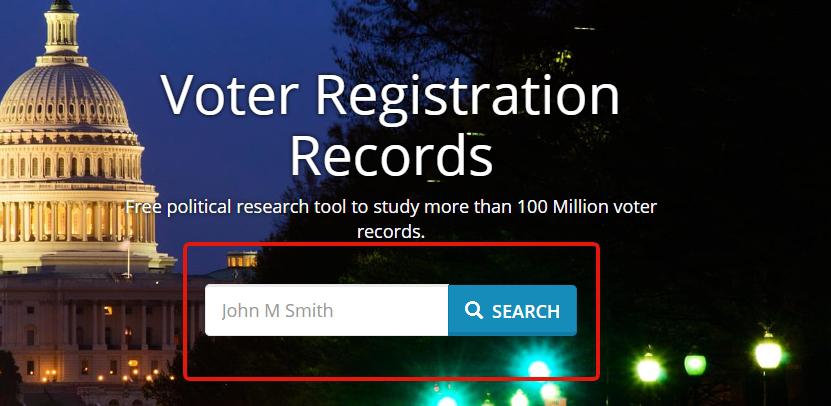
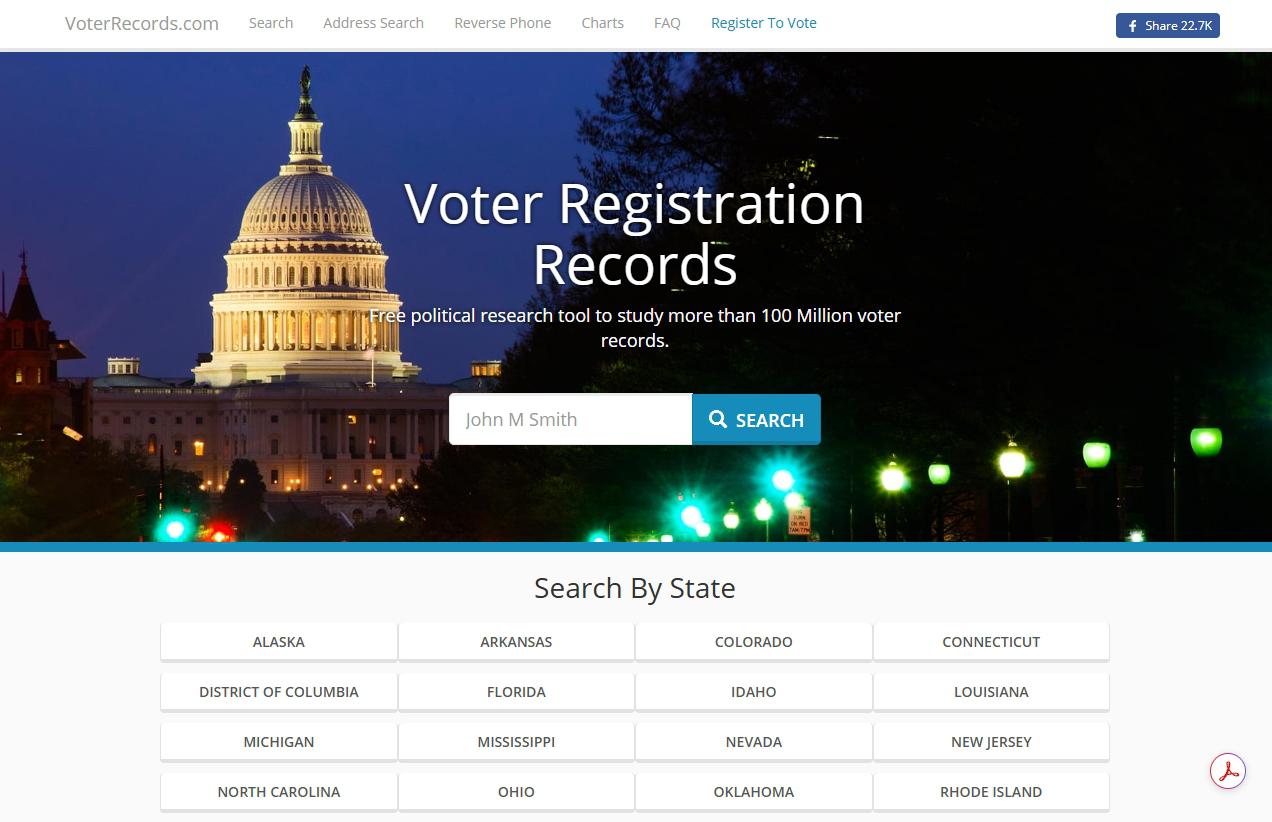
Open voterrecords.com, type your name into the box under Voter Registration Records and press SEARCH. Use the name on your voter registration.
The name as it appears on your registration.
02
Pick your row and press VIEW DETAILS
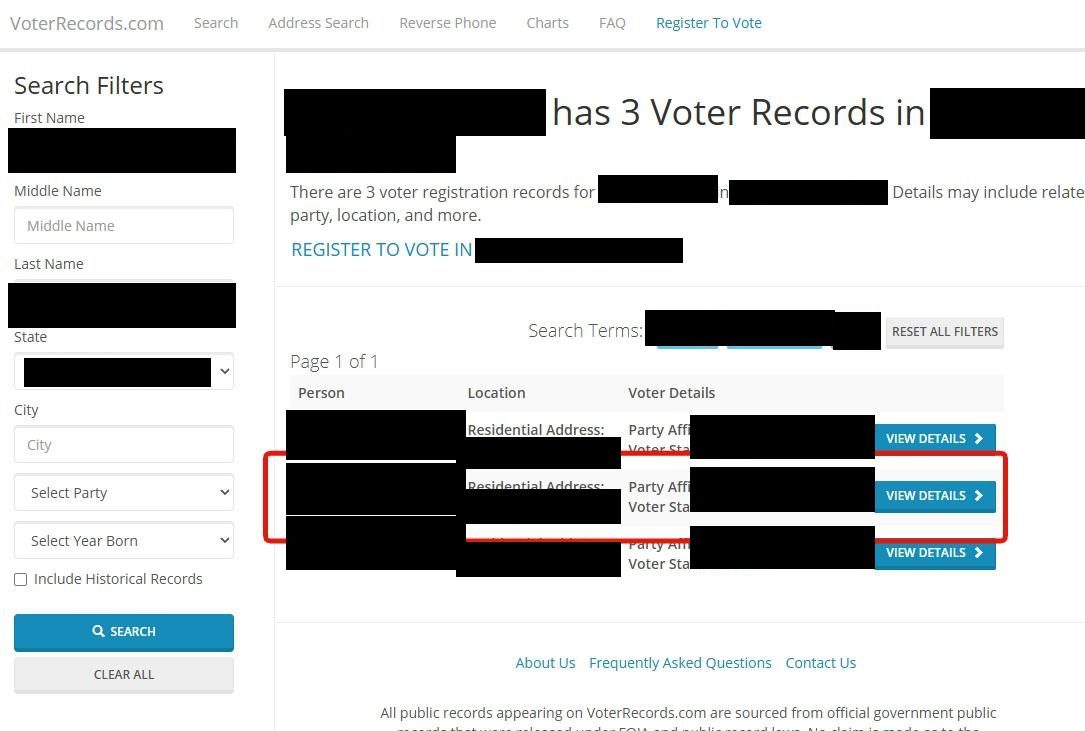
Each result row shows the record's Residential Address, Party Affiliation and Voter Status, and the Search Filters panel narrows a long list by state, city, party or birth year. Press VIEW DETAILS on your row.
Every row has its own VIEW DETAILS button.
03
Scroll to the footer and click Record Opt-Out
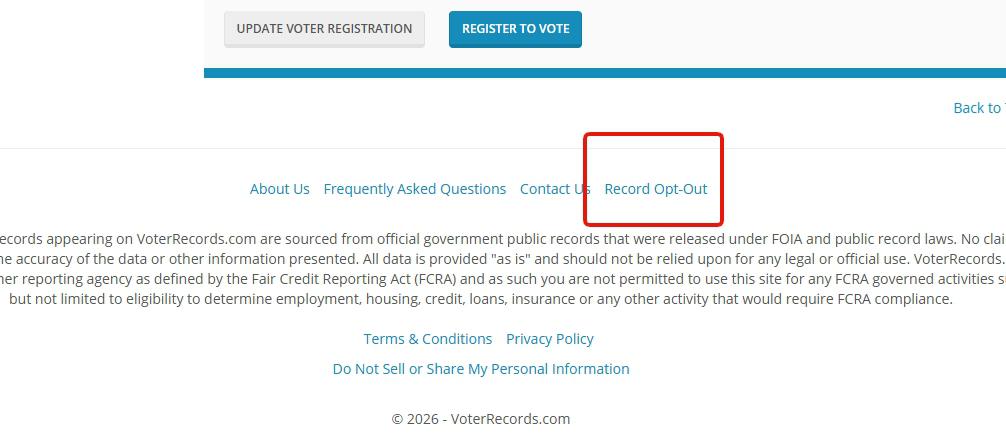
Scroll past the whole record to the footer, where Record Opt-Out follows About Us, Frequently Asked Questions and Contact Us. Results pages don't carry it, which the site's FAQ gives as the usual reason people can't find it.
Only record pages have this link.
04
Fill in the opt-out request
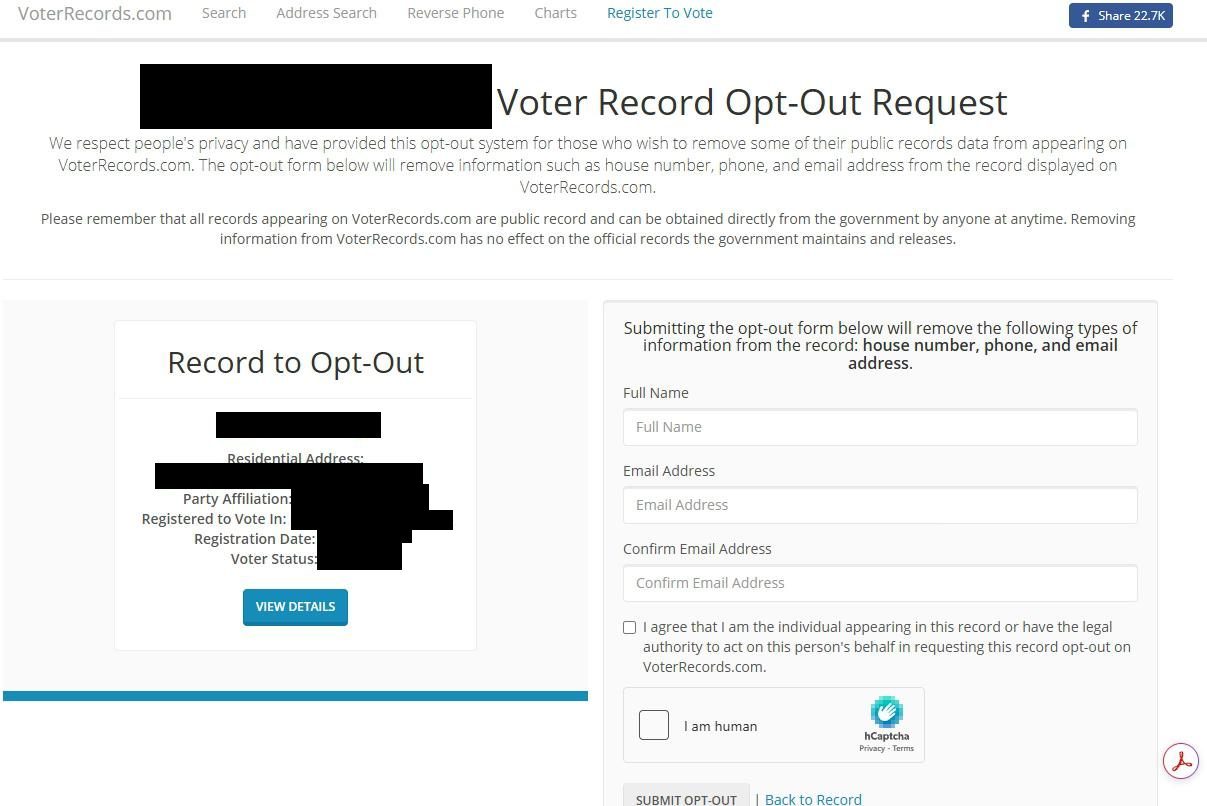
Under the Voter Record Opt-Out Request heading, the Record to Opt-Out card on the left repeats the record, so check it's yours. The form on the right says it will remove "house number, phone, and email address". Enter your Full Name, then your Email Address in both email boxes, tick the box confirming you're the person in the record or can act for them, clear the hCaptcha and press SUBMIT OPT-OUT.
Check the card on the left before you submit.
The FAQ now promises less. Its opt-out answer, revised in 2026, names only the house number, so count on that going and check the rest afterwards.
05
Click Verify Opt-Out Request in the email
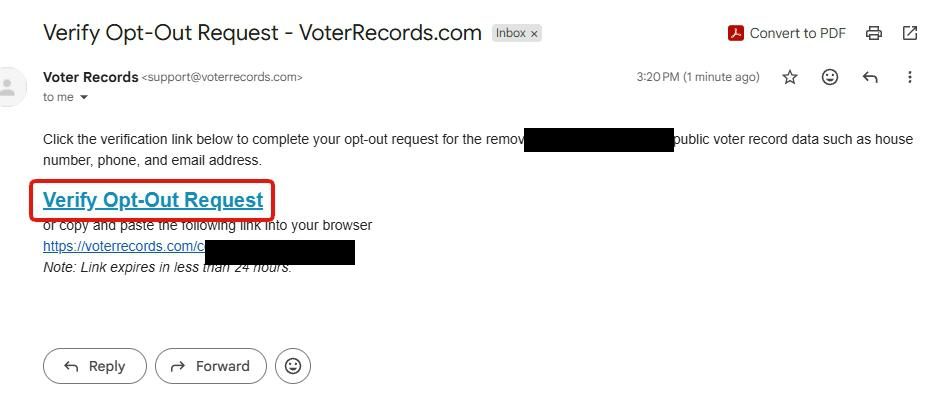
It arrives from support@voterrecords.com with Verify Opt-Out Request in the subject. Click the link of the same name, or paste the address printed under it. The email says it expires in less than 24 hours, and if it lapses, send the form again.
Click it the same day.
06
Wait for Record Opt-Out Successful
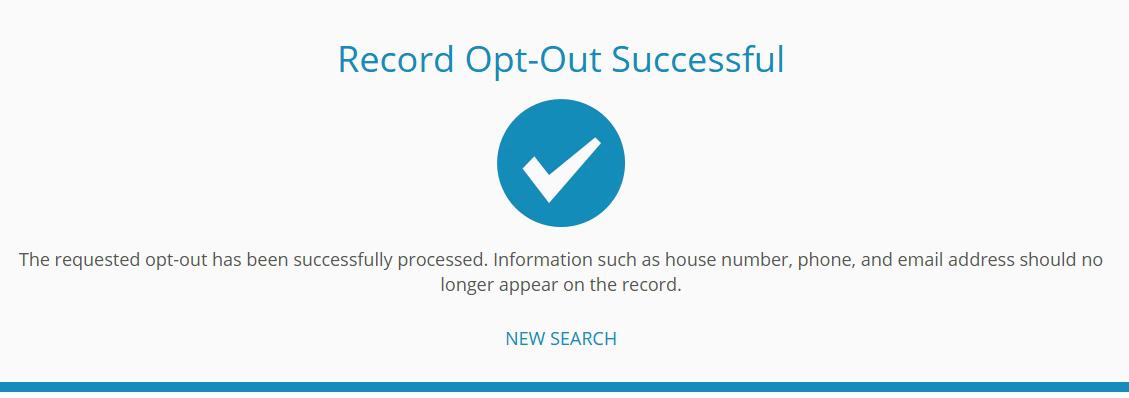
The link opens a page headed Record Opt-Out Successful with a blue checkmark. It carries no case number, so screenshot it before you close the tab. NEW SEARCH goes back to the start.
Screenshot this. It's the only receipt.
Afterwards
Check the record, then the rest
The success page says the request has been processed, and the FAQ's only advice for lingering details is to refresh and clear your browser cache. Reopen your record in a private window, where the address should have lost its house number and nothing else. Record pages list neighbors by street, so look yours up in Address Search as well.
After a move or a new registration, search again with Include Historical Records ticked. The report buttons on your record lead to BeenVerified and TruthFinder. Each holds files of its own and takes its own removal request, which those two guides walk through.
Snags
When it doesn't go through
No email turns up. Check spam and allow the 20 minutes the FAQ suggests before a second request. It also says some requests clear with no email at all, so look at the record first.
SEARCH does nothing. The box takes one to three words and drops anything that isn't a letter, so leave off suffixes and extra middle names.
A block page appears instead of the site. BBB complaints describe people shut out of the site and its contact form alike. Try another browser or network.
The house number is still showing days later. Submit again from the record's page, then send the record's link through the contact form. A BBB complaint puts it on record, though all 18 there from the last three years went unanswered.
You want the whole record gone. The FAQ allows that only with proof of an official exemption from public records, sent through the contact form, and the exemption has to come from the government, not the site. NCSL's table shows which states make voter records confidential, for address confidentiality program participants and in some states on request.
Take yourself off data broker sites
Redact scans data broker sites from your device, finds where your details are listed, and submits the removal requests for you. If a broker relists you, it files again.
September 10, 2026 · Walked on May 28, 2026 with six step screenshots. Rechecked today against the live FAQ, which now names only the house number as what the opt-out removes. The form blocks automated reads, so its fields and hCaptcha were checked against an archived copy from February 2026 instead. The walked steps are unchanged.