There's no form. Search your surname on unitedstatesphonebook.com, then press Remove Listing beside every row that's yours, one row at a time. Nothing asks for an email or an account. The contact page puts removal at 48 hours in its instructions and 24 further down. America Phone Book, from the same operator, is a separate search with buttons of its own.
Only the surname is required. Add a city and the site wants its two-letter state as well.
Widen the search if nothing turns up. A listing filed under another town won't match, so clear City and State and scan the name-only results for addresses you've lived at.
Try your number as well. The Reverse Number box takes all ten digits.
Californians, search the states you lived in before. The site says it holds no California addresses or area-code numbers.
Two screens
Remove each row that's you
01
Run the search from the homepage
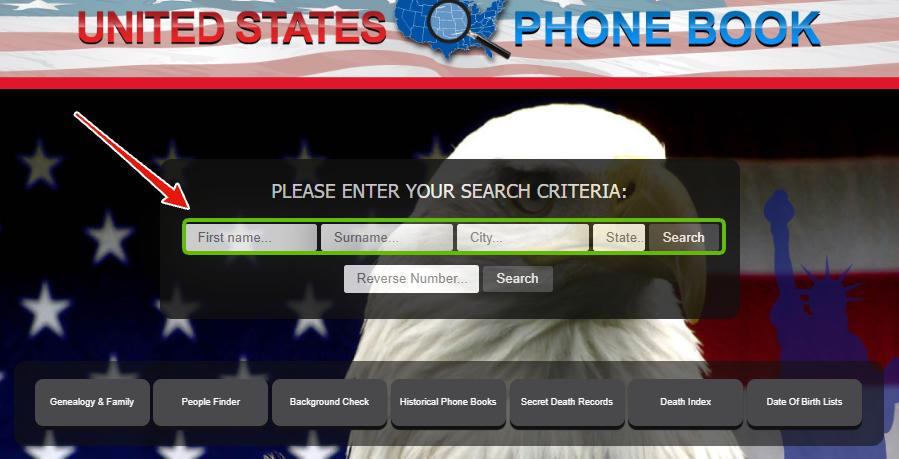
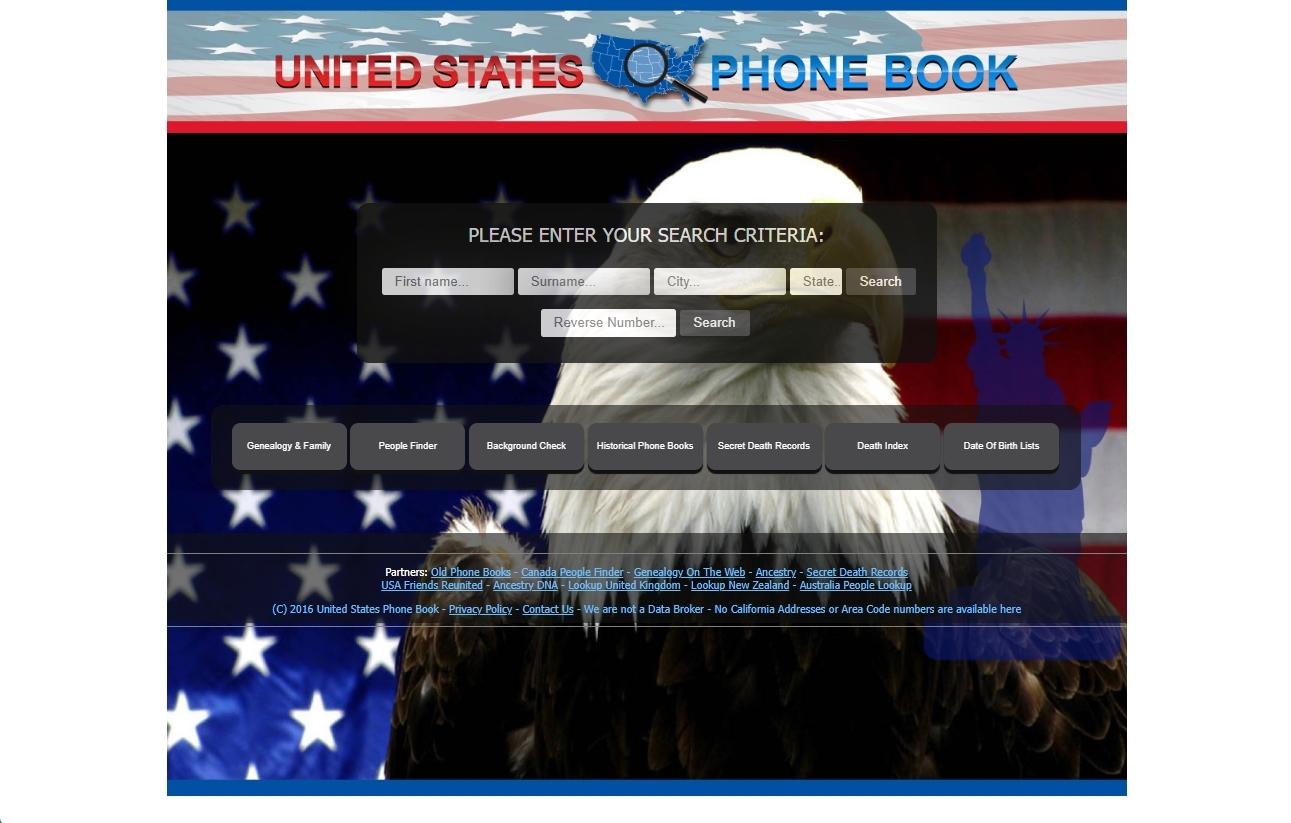
Go to unitedstatesphonebook.com. Under PLEASE ENTER YOUR SEARCH CRITERIA, type your First name and Surname, add City and State if you want them, and press Search.
Surname is the one field the site insists on.
02
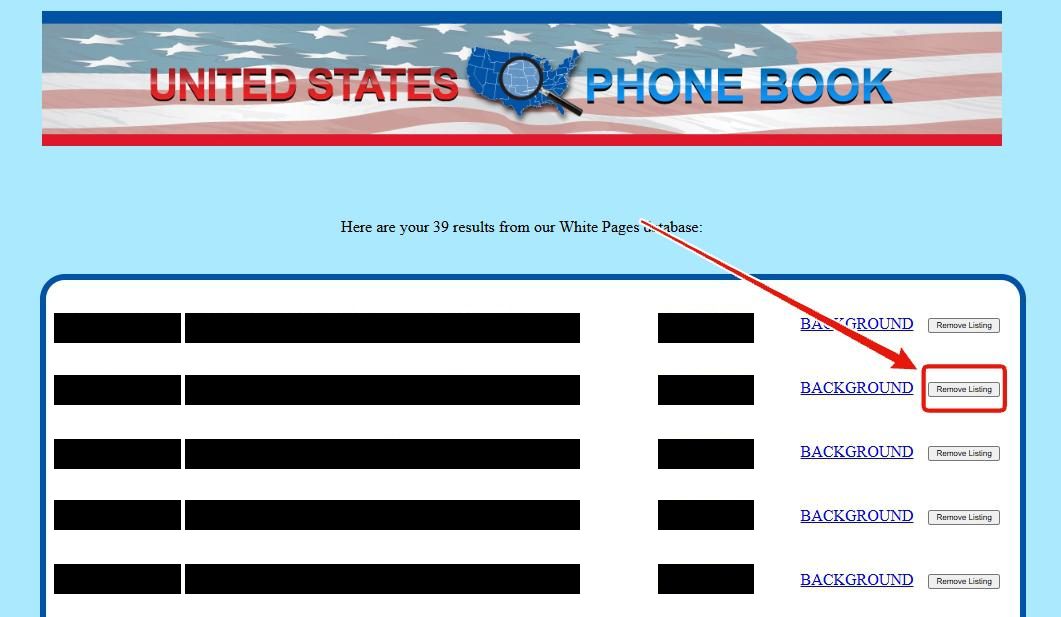
Press Remove Listing beside each of your rows
The results page counts its matches from the White Pages database, one to a row, each pairing a listed name with an address and a number and ending in a Remove Listing button. Match the address and number, then press the button on every row that's you. Pressing a stranger's row removes them, not you.
One button per row, and each of yours needs its own press.
If it doesn't take
When a row stays put
Still there after two days. Press Remove Listing again; that's past both the 48 and the 24 hours the contact page gives.
Won't go at all. Email lookupuk@gmail.com with the listing exactly as it appears and the site's name, as the privacy policy asks, even though the contact page prefers the button.
Also on America Phone Book. Same operator, same page, and its privacy policy files it under this site, but nothing says one press clears both. Its guide covers the search there.
Looking for USPhoneBook. That's a different site with a different operator; its own removal guide covers its form.
Take yourself off data broker sites
Redact scans data broker sites from your device, finds where your details are listed, and submits the removal requests for you. If a broker relists you, it files again.
September 10, 2026 · Both screenshots are from a May 2026 walk. Today's live check read the homepage search, the contact page and a blank results page, whose footer still says to click REMOVE next to a listing. The removal times now quote the contact page, where the older copy said none were published.