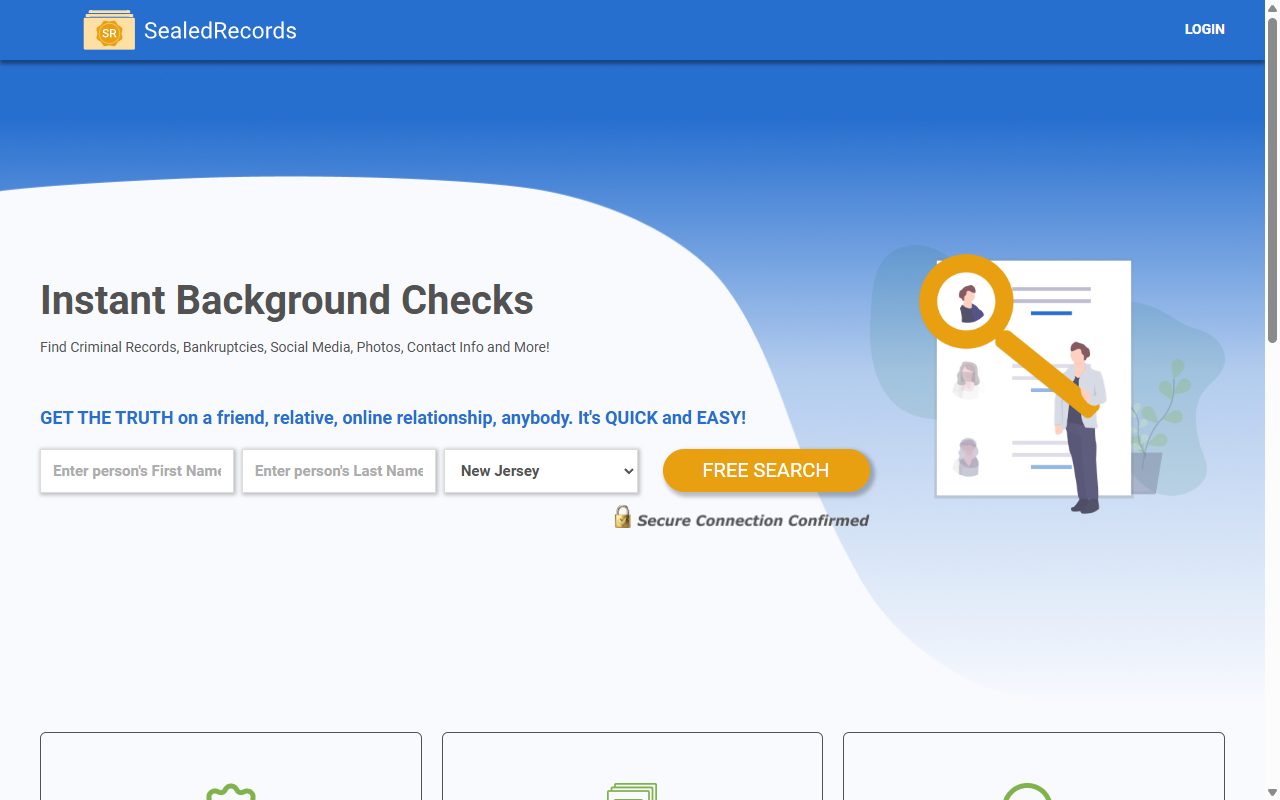
Start with the name, because it tells you what you're dealing with. SealedRecords publishes personal records and seals nothing. Its opt-out, to be fair to it, has got simpler. The search screen and the REMOVE buttons we photographed in August have been retired, and a one-page request form sits at the same address. It still does nothing until you open an email, so the inbox you choose is the part to get right.
Want the background first? The SealedRecords profile covers Truth Now LLC, the ratings, and its place in the 2024 MC2 Data leak.
Use an address you'll actually look at. The whole request rests on one message, and an inbox you never check is the most common way this fails.
The steps
Remove your listing
01
Find the removal option
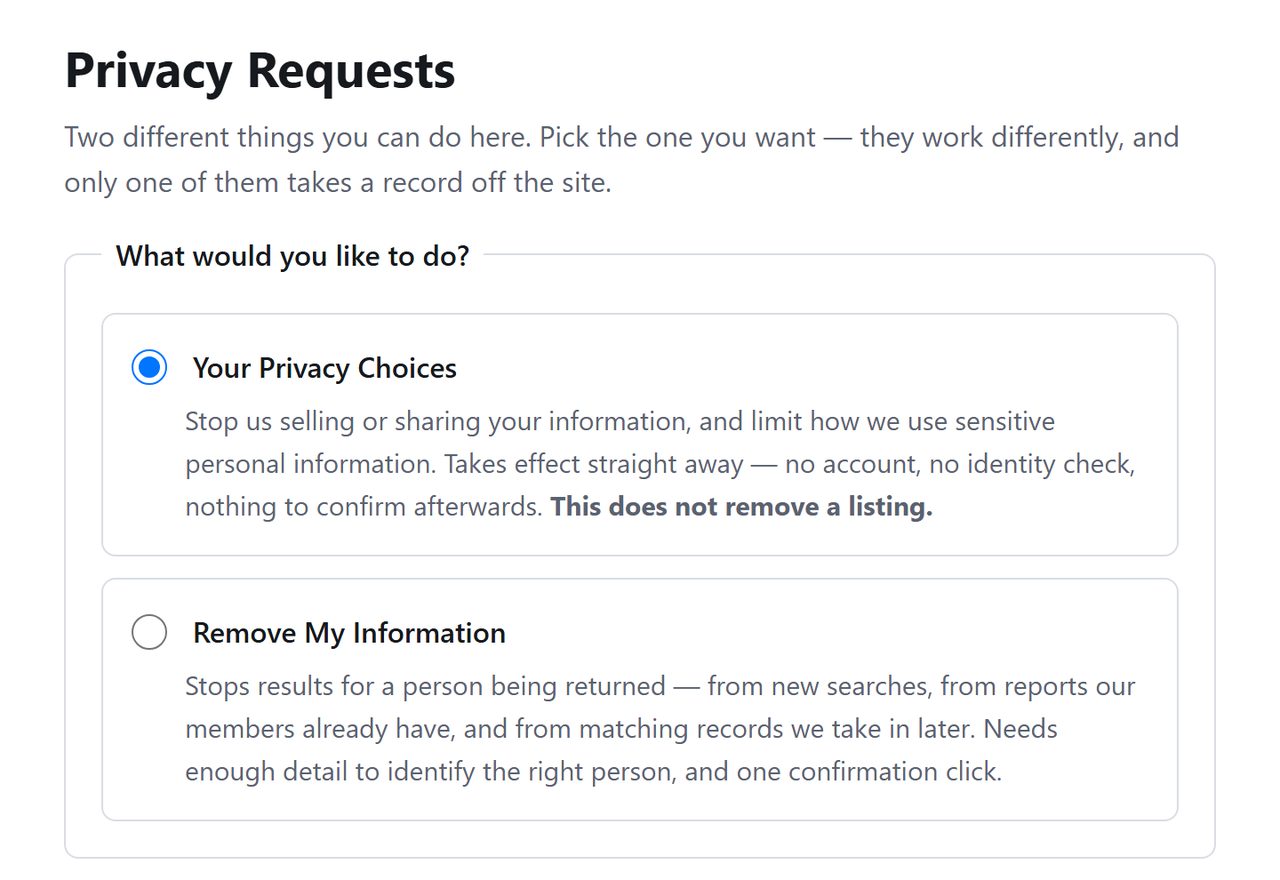
Visit sealedrecords.net/api/helper/optOutLight/search. SealedRecords now greets you with a choice, and the wording under each option is unusually candid. The first says in bold that it does not remove a listing. The second, Remove My Information, says it stops results for a person being returned. Take the second.
The site says which option leaves the listing up.
02
Tell it who to stop showing
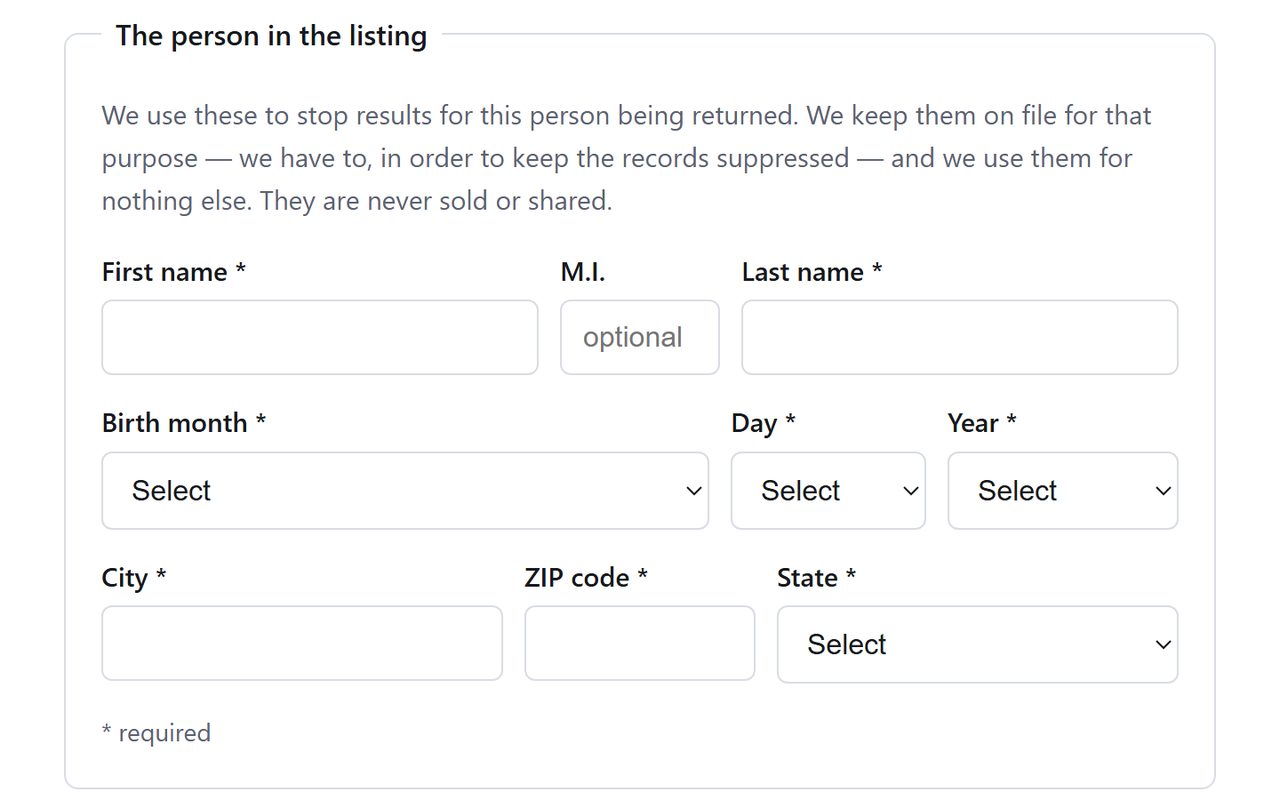
The form has room for one person. Enter their name, set the three birthday dropdowns, and add a city, a ZIP code and a state.
Anyone who has had a record sealed or expunged by a court should enter the details as they stood when the record was made, since those are what a people-search site will have copied.
One person per request.
03
Name the inbox and submit
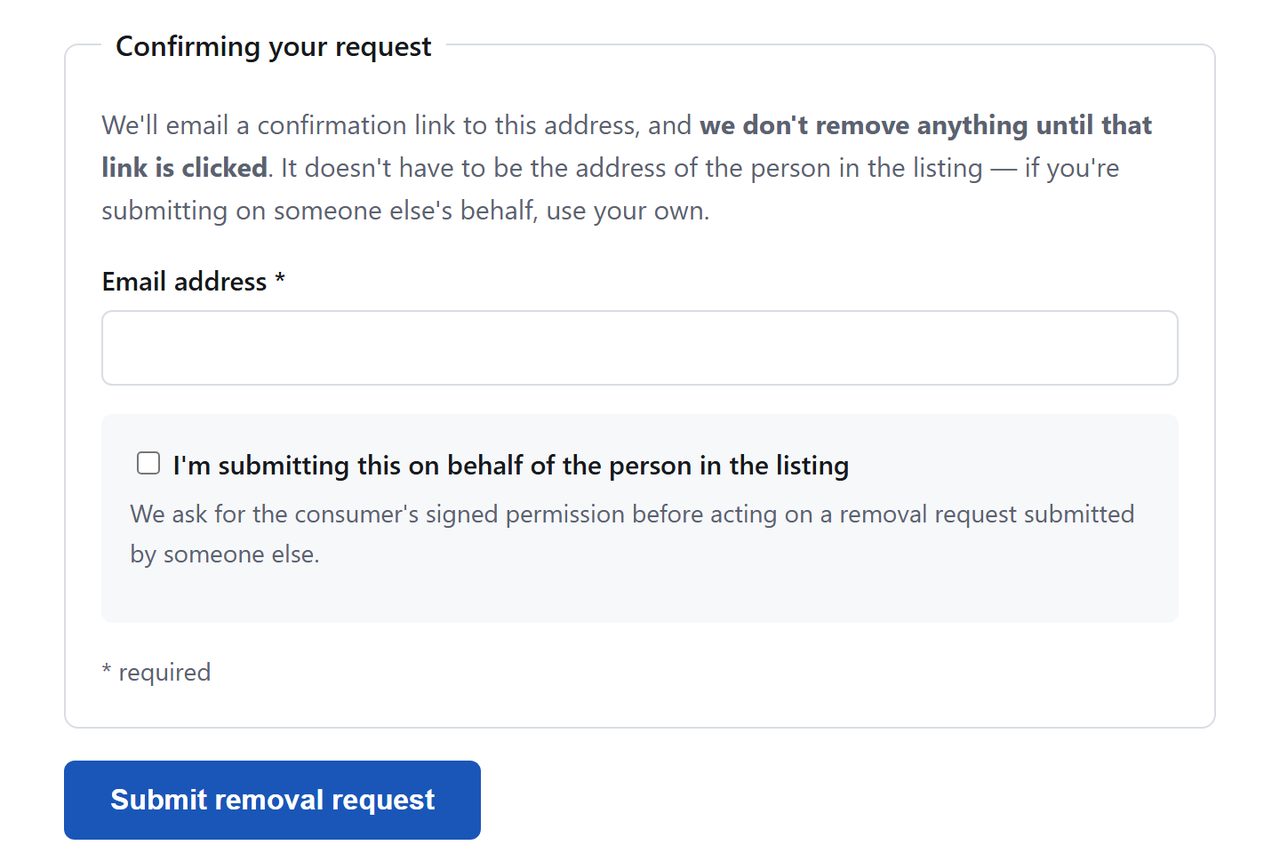
Type the email address, check it for typos, and click Submit removal request. A mistyped address means the link goes nowhere and the request sits unconfirmed. We didn't submit one ourselves, so we can't say whether a CAPTCHA follows. Assume it might.
Check the address for typos before submitting.
04
Open the message
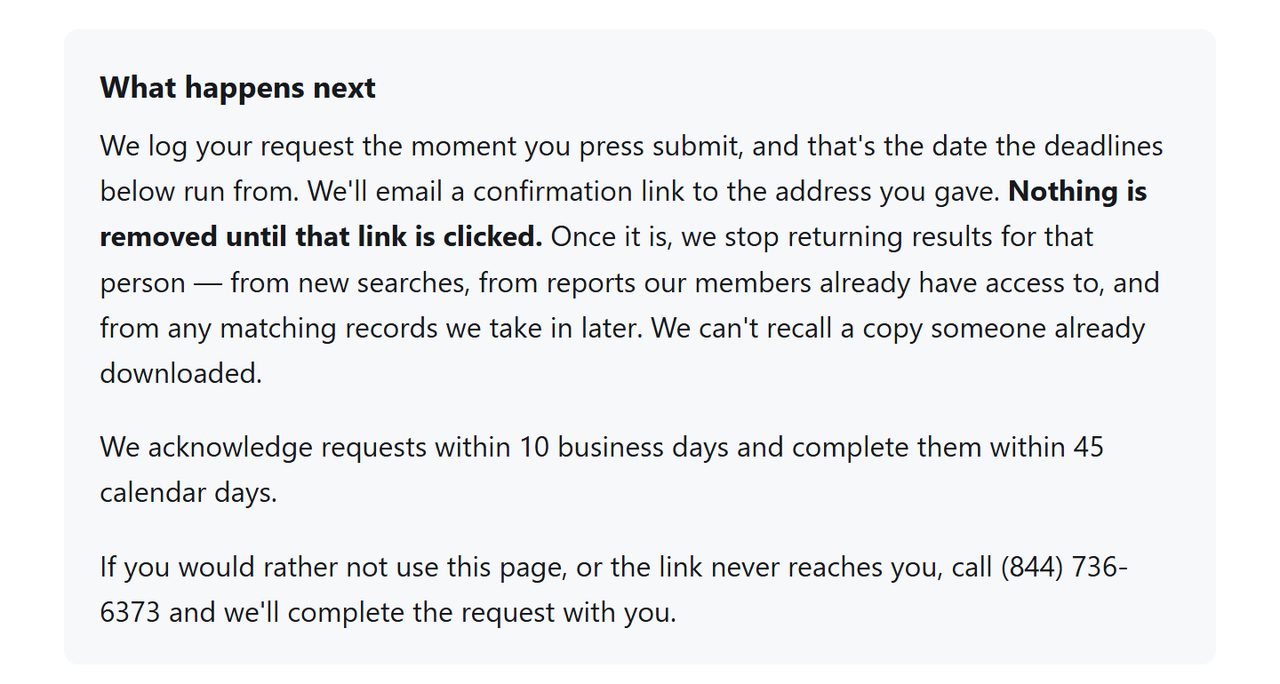
SealedRecords says it emails a confirmation link and removes nothing before the click. It also sets itself two deadlines from the day you submitted, 10 business days to acknowledge the request and 45 calendar days to complete it.
Two deadlines, both counted from submission.
Confirm
Confirm it worked
After a week, try site:sealedrecords.net with your name in a search engine. SealedRecords' own search won't do, since it asked for a card and a 30 cent hold before showing a test name's results on October 8, 2026. Remember too that a listing page can sit in a cache after the record behind it has gone.
Hold on to the confirmation email. Nobody has publicly reviewed this brand and there's no complaint record to point at, so your own dated correspondence is all the evidence that exists.
Then the rest of the network. Truth Now LLC files this domain alongside People Search USA, Check Secrets and inmatesearcher.com, that last one spelled with a single "s" and being an unrelated site. InmatesSearcher with two "s"s belongs to the same platform by its code, not by the filing. Check Secrets and InmatesSearcher both turned people away in August. Both have since switched to this form.
If it fails
Troubleshooting
The message never arrives. Check spam, then run the form again from a different address. Failing that, (844) 736-6373 is on the form as the way to finish a request by phone.
You clicked the link and the record is still up. Give it the 45 days, then write to support@sealedrecords.net quoting the date you submitted.
A sealed or expunged record is still showing. Say so in that email and attach the court order if you have it. A site publishing a record a court has closed has more to answer for than an ordinary listing.
A charge appears. Removal and billing are separate, and your card issuer is the fallback if a refund stalls.
Stay off
Keep your record off
Treat this as maintenance. What SealedRecords publishes is assembled from public sources and other brokers, so it refills on its own schedule. Look again every few months, and take in the other domains on the same filing while you're there.
Take yourself off data broker sites
Redact scans data broker sites from your device, finds where your details are listed, and submits the removal requests for you. If a broker relists you, it files again.
October 8, 2026 · The opt-out form at /api/helper/optOutLight/search was replaced after our August 11 walkthrough. We revisited it on October 8, read the new page top to bottom and recaptured it, without sending a request. The email confirmation and both deadlines are SealedRecords' own statements. Profile research is from Truth Now LLC's CPPA registry filings and the 2024 MC2 Data leak coverage. We do have one finished run of this page, made on Background Checkers on October 8, and there the emailed link confirmed the removal.