Top 9 Twitter Deletion Tools Reviewed, Summarized, & Ranked
 Dan Saltman5 min read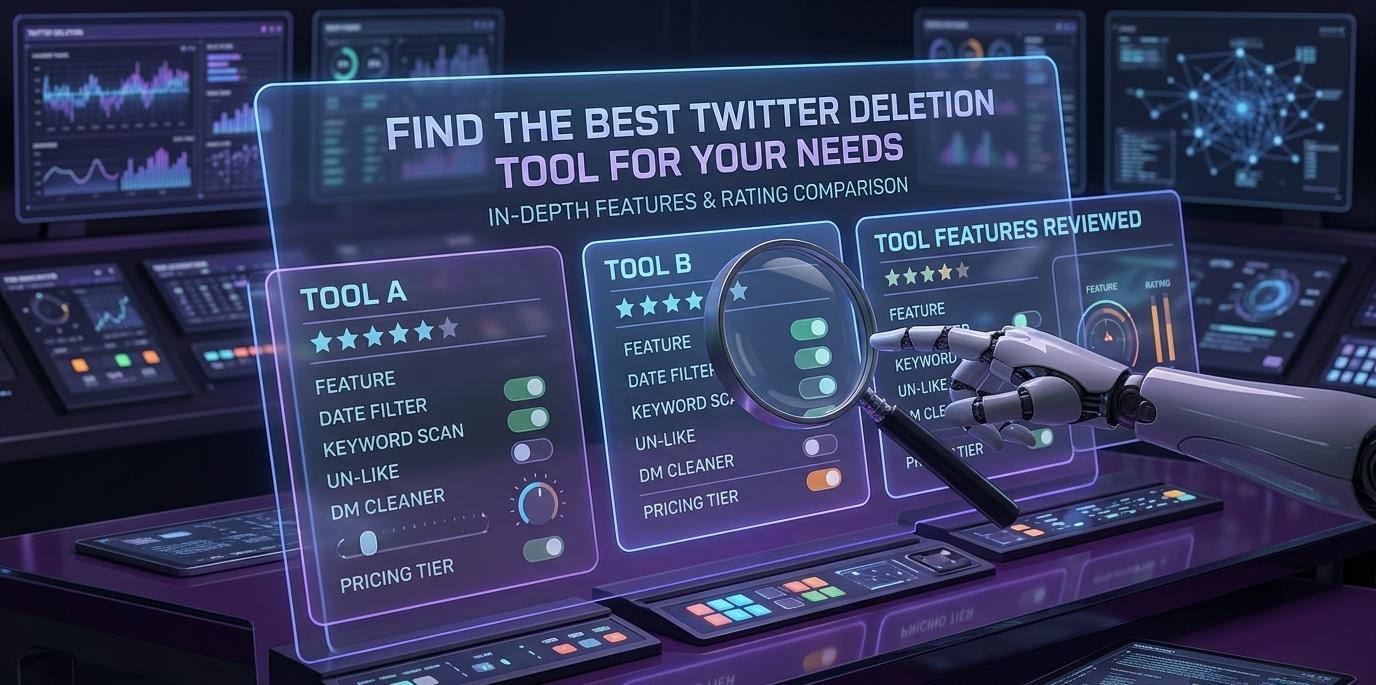
On this page
Control Your Twitter Content Like a Pro
Keeping your online presence organized matters more than ever. For old tweets, privacy risks or a big job hunt, the right tool makes all the difference.
We compared the leading Twitter cleanup tools on the market right now, weighing them on features, supported platforms, and how each stacks up against Redact.dev. Below are our picks, the awards they earned, and the honest pros and cons of each.
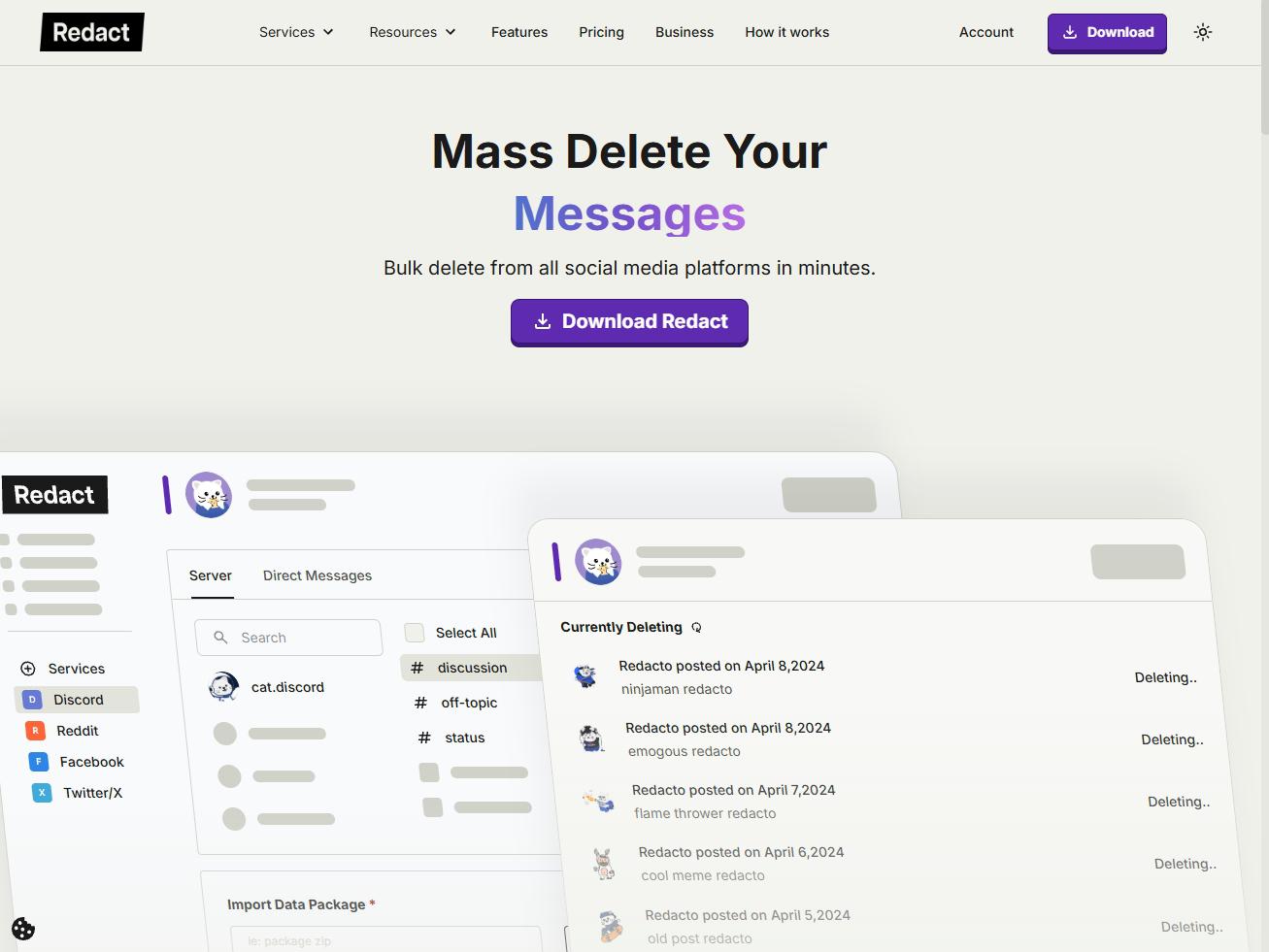
Redact.dev
★★★★★ 5.0 / 5The most complete cleanup tool available on the market. Redact bulk-deletes tweets, retweets, replies, DMs, follows, likes, bookmarks, and more.

Unpost
★★★★☆ 4.2 / 5A straightforward option with auto-delete and mass-deletion for tweets and messages across a handful of networks.

TweetDelete
★★★★☆ 4.0 / 5Delete tweets by keyword, age, or on a recurring schedule. Free for up to 3,200 actions, which covers casual Twitter users.
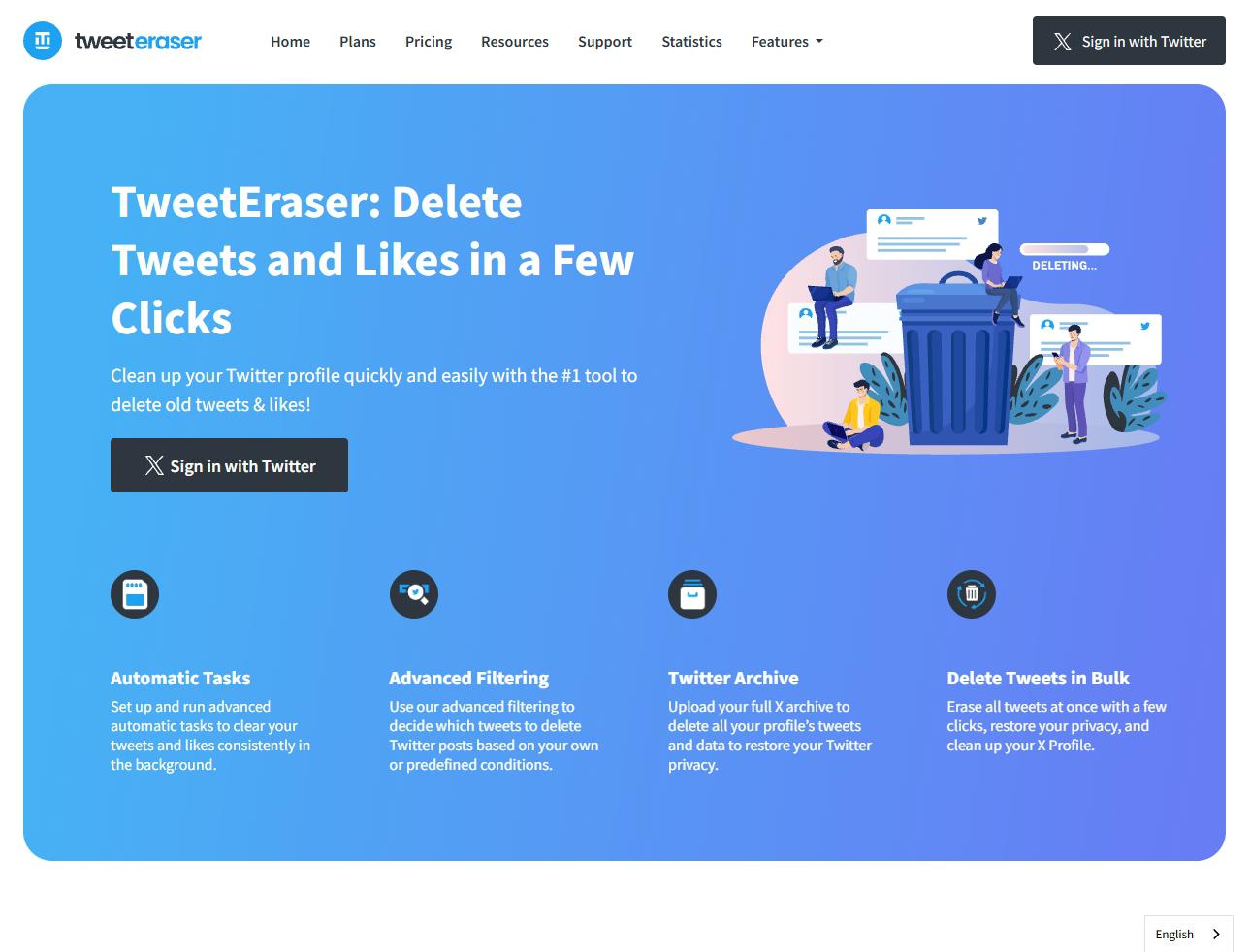
TweetEraser
★★★★☆ 4.1 / 5Advanced filtering for tweets, likes, and retweets, with support for uploading your full Twitter archive.
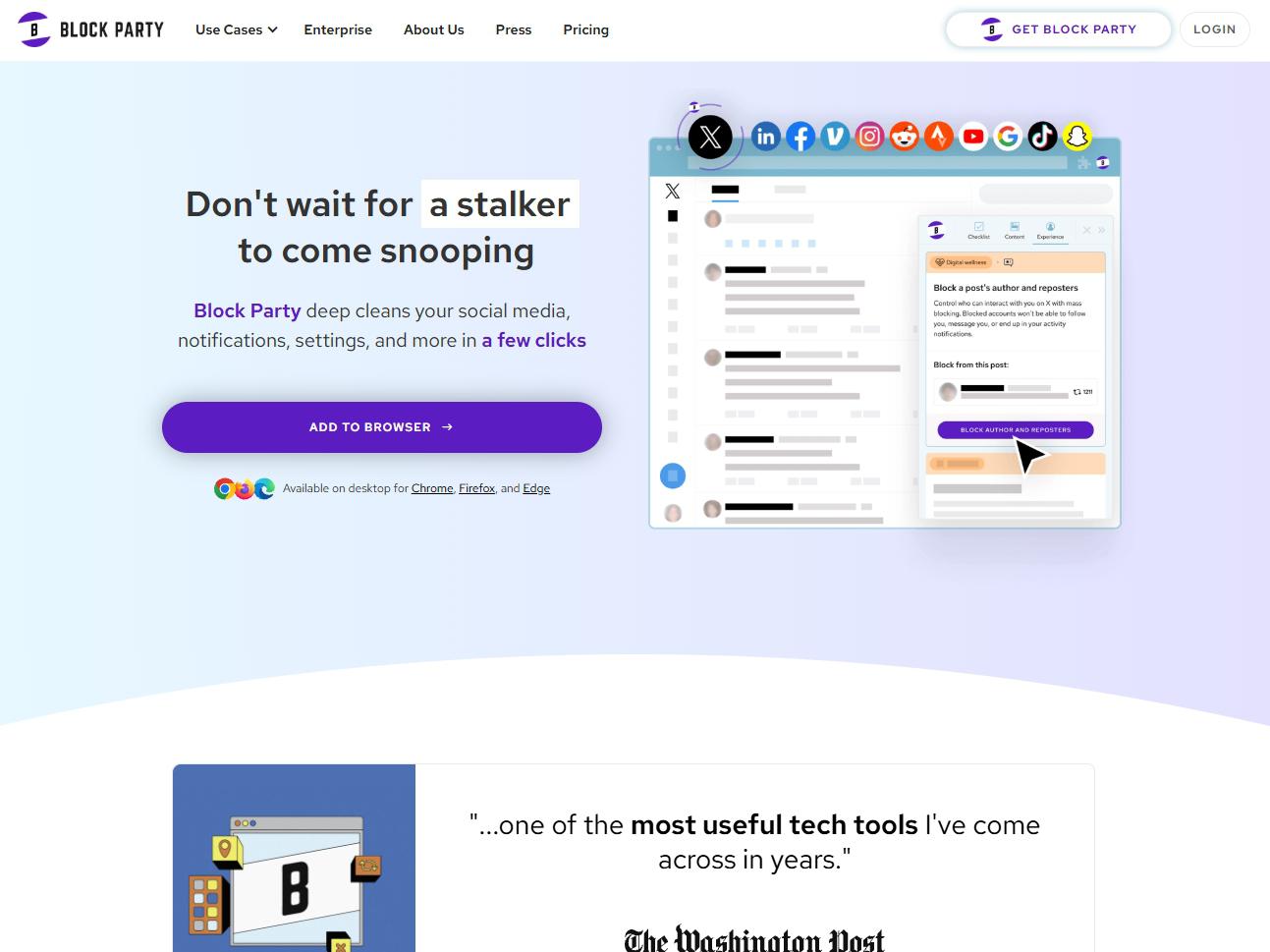
Block Party App
★★★★☆ 3.9 / 5More of a privacy guardian than a pure deleter. It scans for exposed data and serves up cleanup and privacy tips across your accounts.

Circleboom
★★★★☆ 4.0 / 5Bulk-deletes tweets, retweets, likes, replies, DMs and bookmarks with keyword filtering, and reaches past Twitter’s 3,200-tweet history limit once you upload your archive. Redact vs Circleboom puts the two side by side.

Tweet Hunter
★★★☆☆ 3.6 / 5Primarily a growth tool, but it can delete past tweets, retweets, and replies in bulk with a tidy interface.
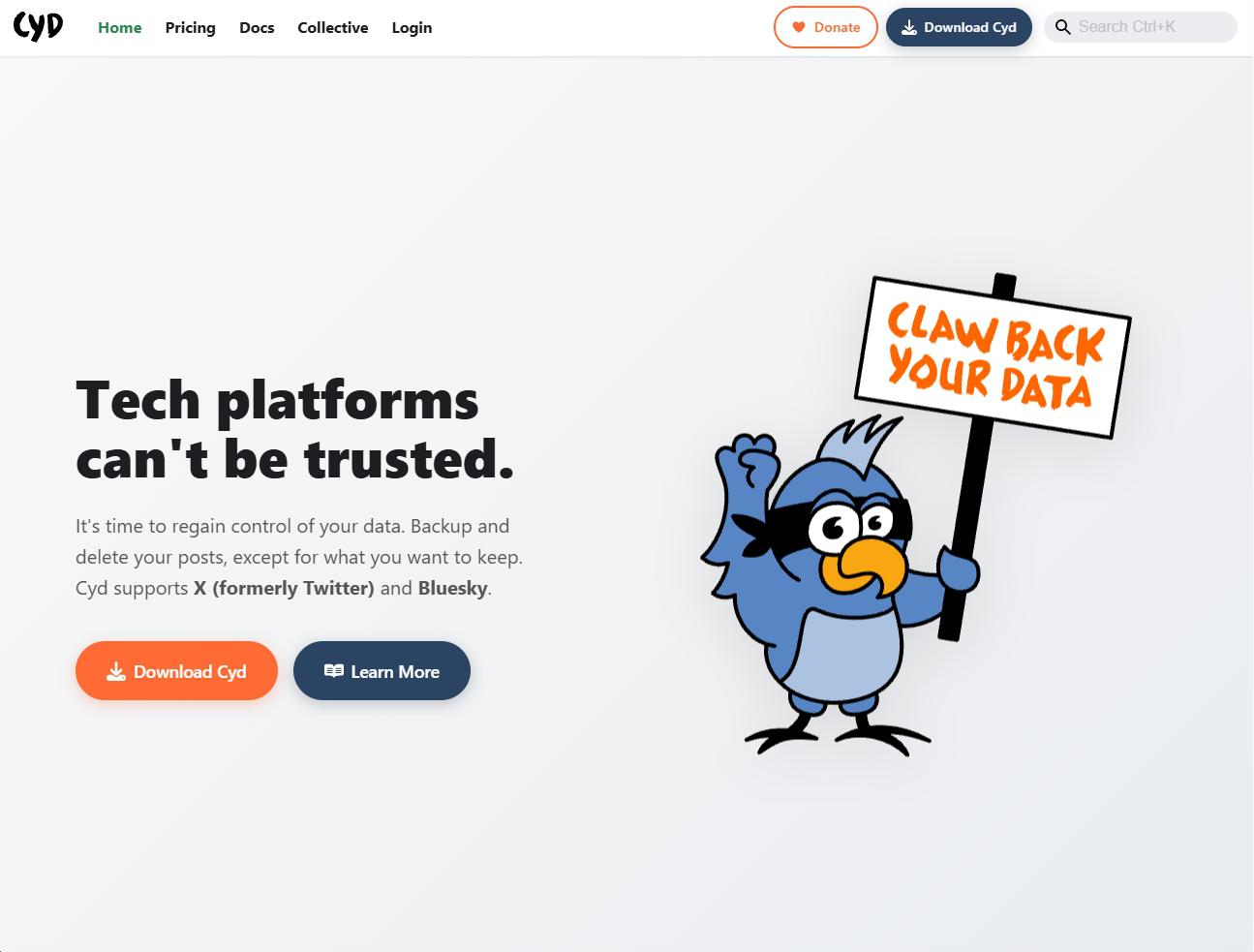
Cyd
★★★★☆ 4.3 / 5Deletes tweets, DMs, likes, and bookmarks, with full unfollow and export options, all running locally for free.
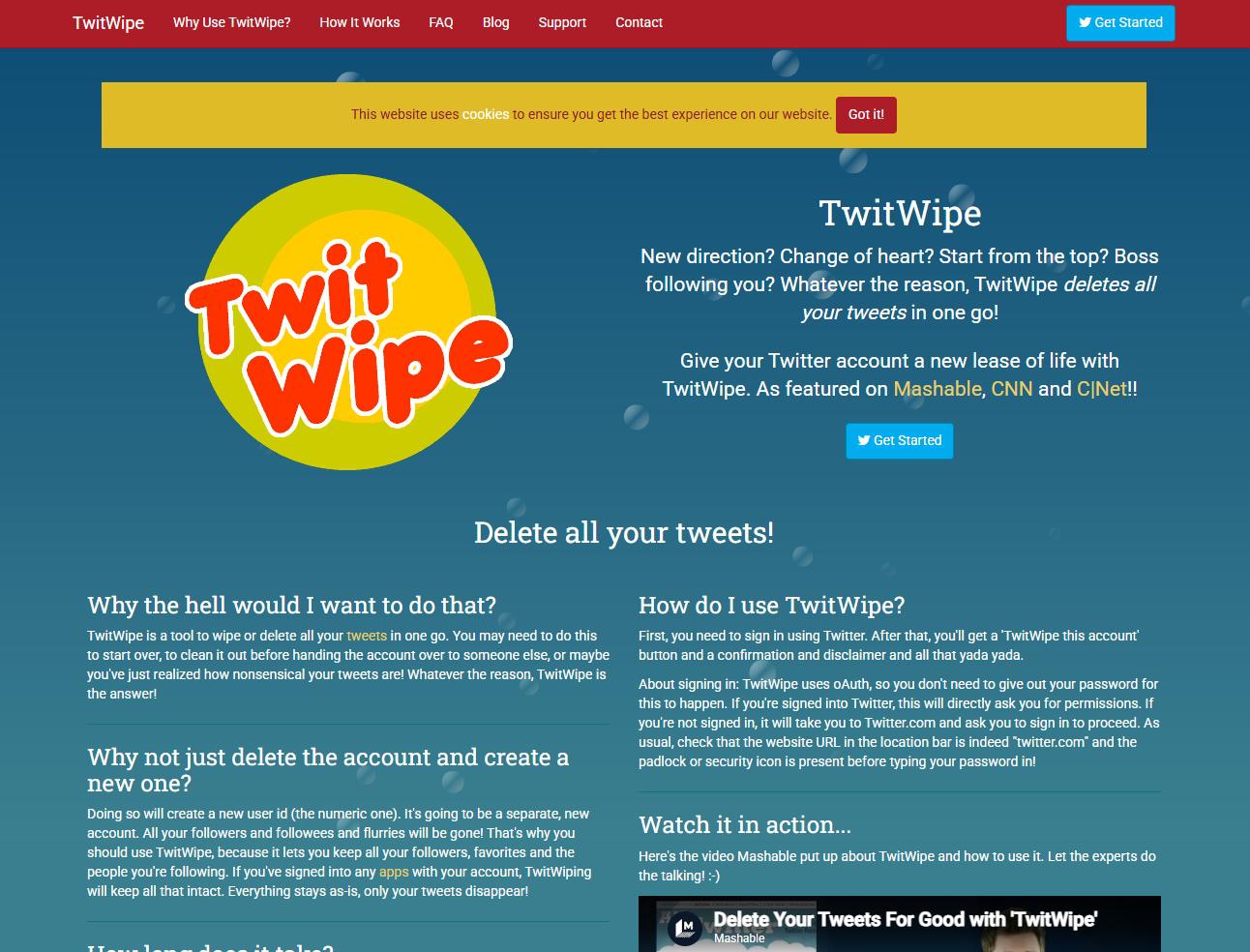
TwitWipe
★★☆☆☆ 2.6 / 5A bare-bones one-click wipe for an entire account. It does the job, but there’s a catch or three.
What to look for in a Twitter cleanup tool
Four things separate a tool you’ll trust from one you’ll regret.
- 1
Filtering depth
Keyword, date, and selective filters let you keep what matters and delete the rest, instead of nuking everything.
- 2
Where it runs
Tools that run locally keep your data on your machine rather than routing it through a third-party server.
- 3
Platform reach
If you live on more than one network, a multi-platform tool saves you from juggling five separate apps.
- 4
Honest pricing
Watch for caps and paywalls. The best tools are clear about what’s free and what a subscription adds.
Spot any outdated information? Email us at support@redact.dev.
Redact for Twitter/X
Delete old tweets, posts, pictures, and videos for rebranding, spring cleaning, or just plain peace of mind.