


Blur Faces in Photos: Free Face Redactor
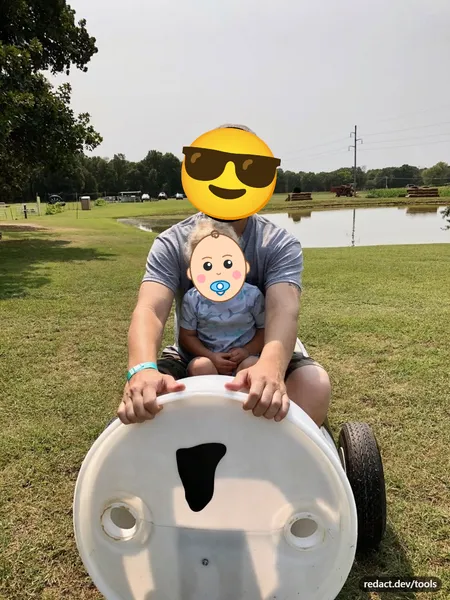
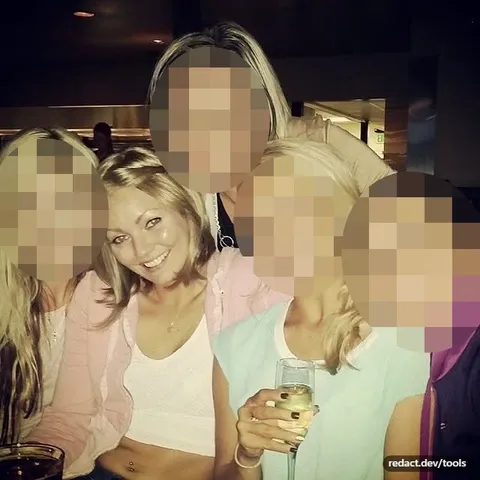
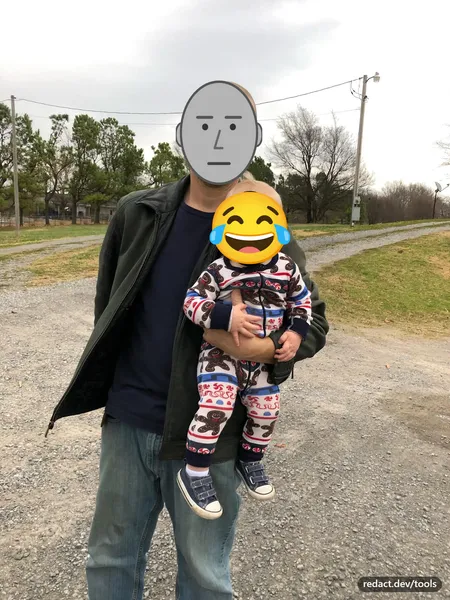
Open a photo and faces are found for you. Blur, pixelate, or swap the ones you pick for a clown or an NPC.
- 1Drop it in
- 2Cover them
- 3Save it
What this face redactor does
Faces found for you, covered your way: a blur, blocks or a silly sticker.
More free tools
Covering faces in a photo: FAQ
Drop, paste or choose the photo. Every face it finds is outlined, and nothing is covered until you choose. Pick Blur to cover them all, or click one face first to blur just that one, then press Save covered photo to download the copy. The original file on your device isn't changed.
No. Faces are found by a small model that runs in your browser, and the covers are drawn there too. The photo never leaves your device.
Drag over it, or press Add a face and move the outline into place, then pick a cover for it. Faces turned far to the side, very small or partly hidden are the ones most often missed, so look the photo over before you save it.
Yes. With no face picked, a style covers every face. Click one face first, and the style you pick changes only that one.
Yes. Pick Your own and choose a PNG, JPEG or WebP picture. It's cut to a head's shape and drawn over the face on solid black, so nothing shows through. It stays on your device and is gone when you leave the page.
Not always. People who know someone can often still tell who it is from their hair, build or clothes, and a light blur can leave a face recognizable. A sticker covers the whole face, but it can't hide everything else in the photo.
No. The saved copy is a new PNG drawn from what's on screen, so it carries none of the original's hidden details, like where it was taken or on what camera. Its file details only say it was made with Redact's Face Redactor, with a link back to it.
Try Redact for Free
We are frequently adding support to other social network services. You can receive direct updates from us in Redact's Discord Channel.
