The Veripages opt-out doesn't take a name. It wants the web address of your profile page, so start with a search on the homepage. Copy your listing's URL, paste it into the form, press SKIP on the Onerep scan, and leave a name and an email. The emailed link opens a last page with a CONFIRM button. Veripages says an administrator then reviews each request, which can take up to 48 hours.
The company side. The Veripages profile untangles the three company names attached to the site and the court fight over its domain.
That URL, a name, and an email you can open right away
Bot checks
Cloudflare Turnstile on the email screen, and again on the confirmation page
Stated turnaround
Up to 48 hours for an administrator's review
Residency
Not asked · open to any individual, per the privacy policy · no post or fax
Cost
Free · no account
Time
About 7 minutes a profile
Six screens
From your listing to the confirmation
01
Search your name on the homepage
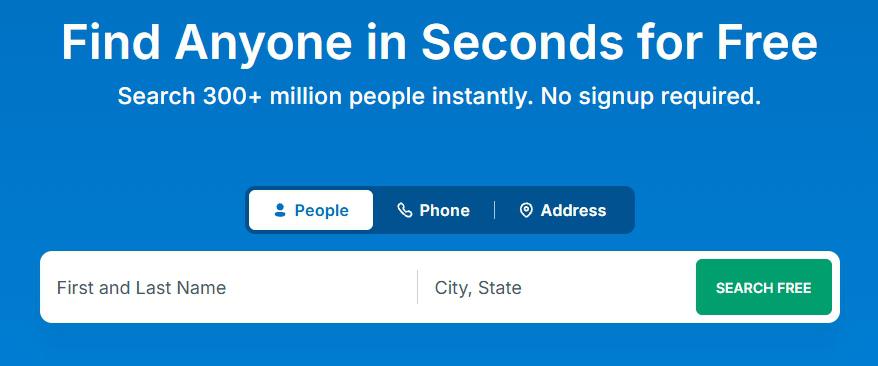
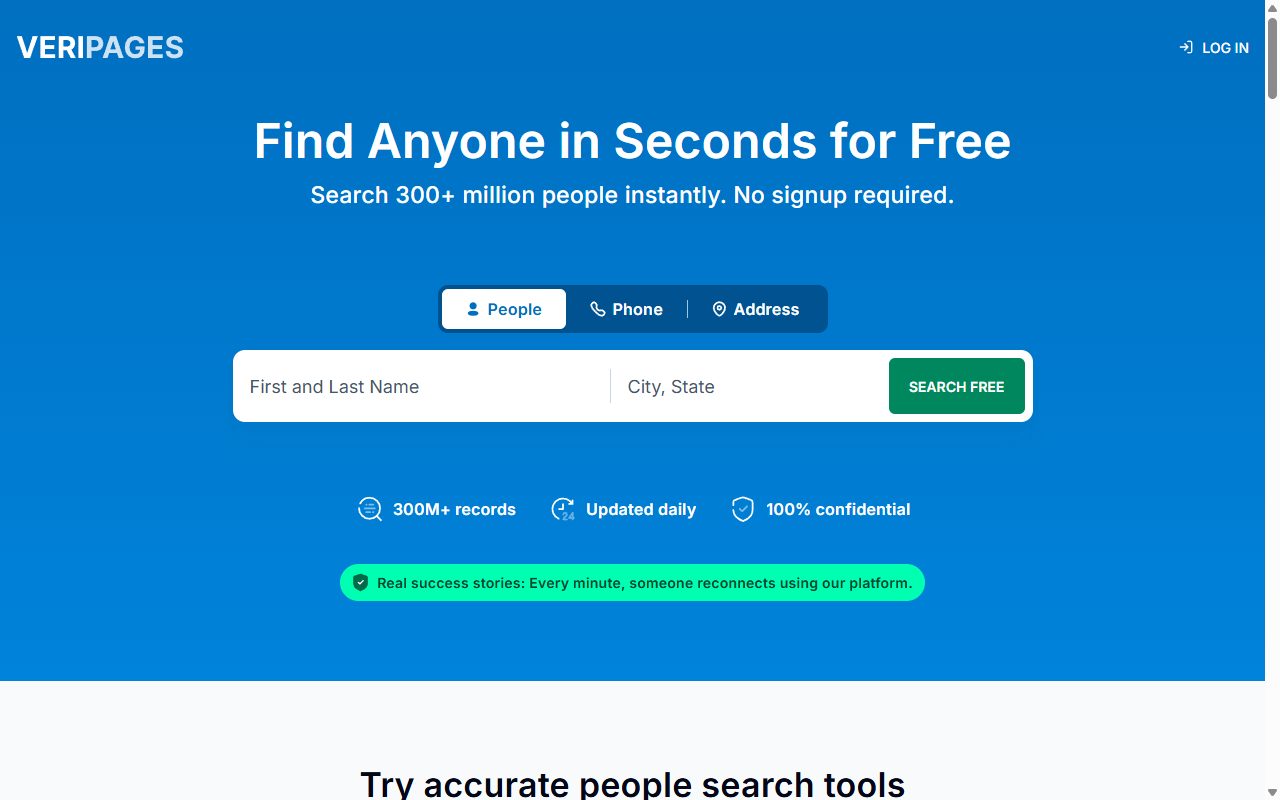
Open veripages.com and stay on the People tab. Type your first and last name, add a city and state, and press SEARCH FREE.
The People tab, with a name plus a city and state.
02
Open your own listing with Get Full Profile
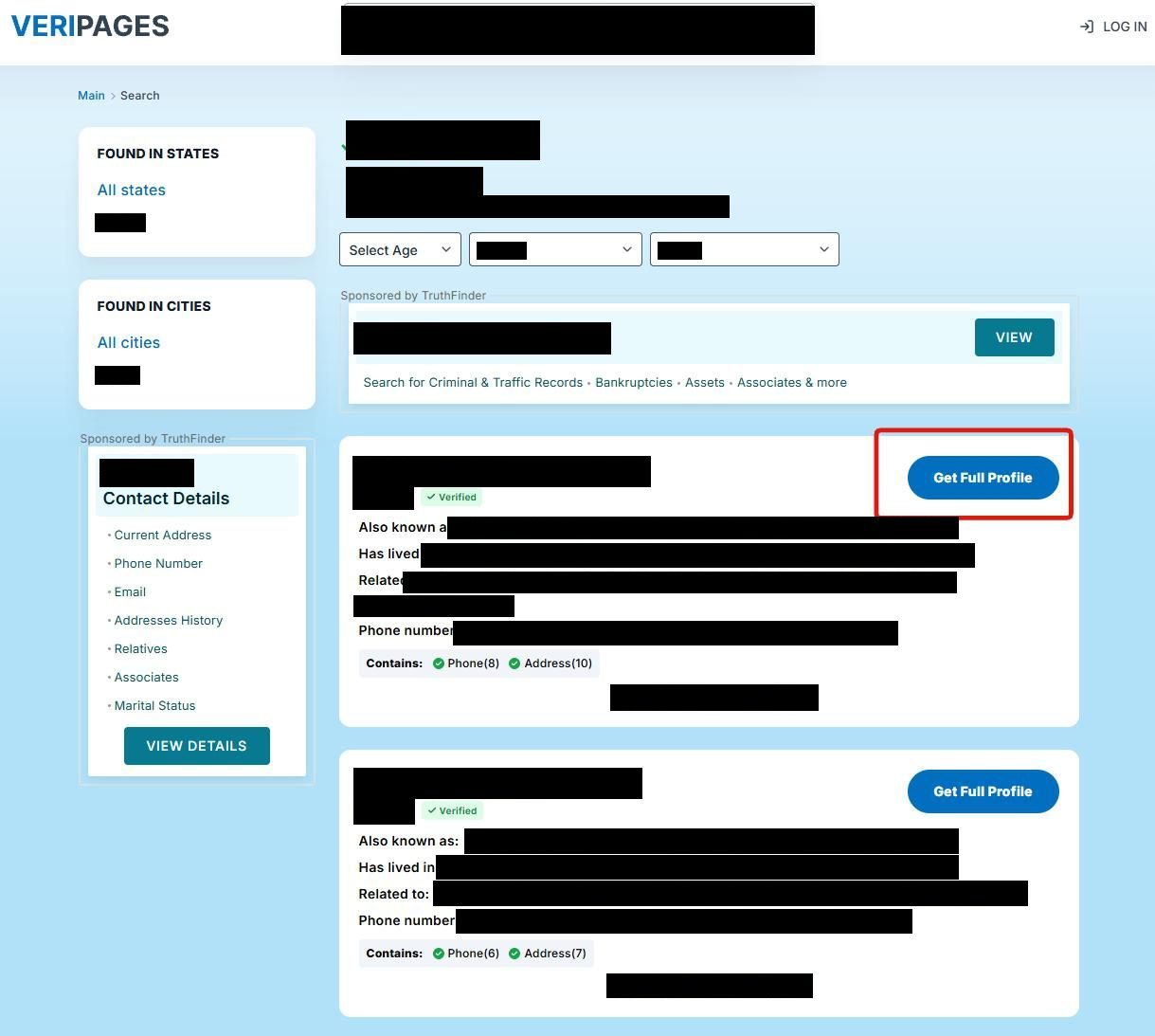
Each card lists an age, other names, places lived, relatives and phones. Check those against your own history, since a common name brings up strangers, then press the blue Get Full Profile on your card. The Sponsored by TruthFinder panels sell reports from TruthFinder, a separate company.
Get Full Profile opens the page whose address you need.
03
Copy your profile page's address
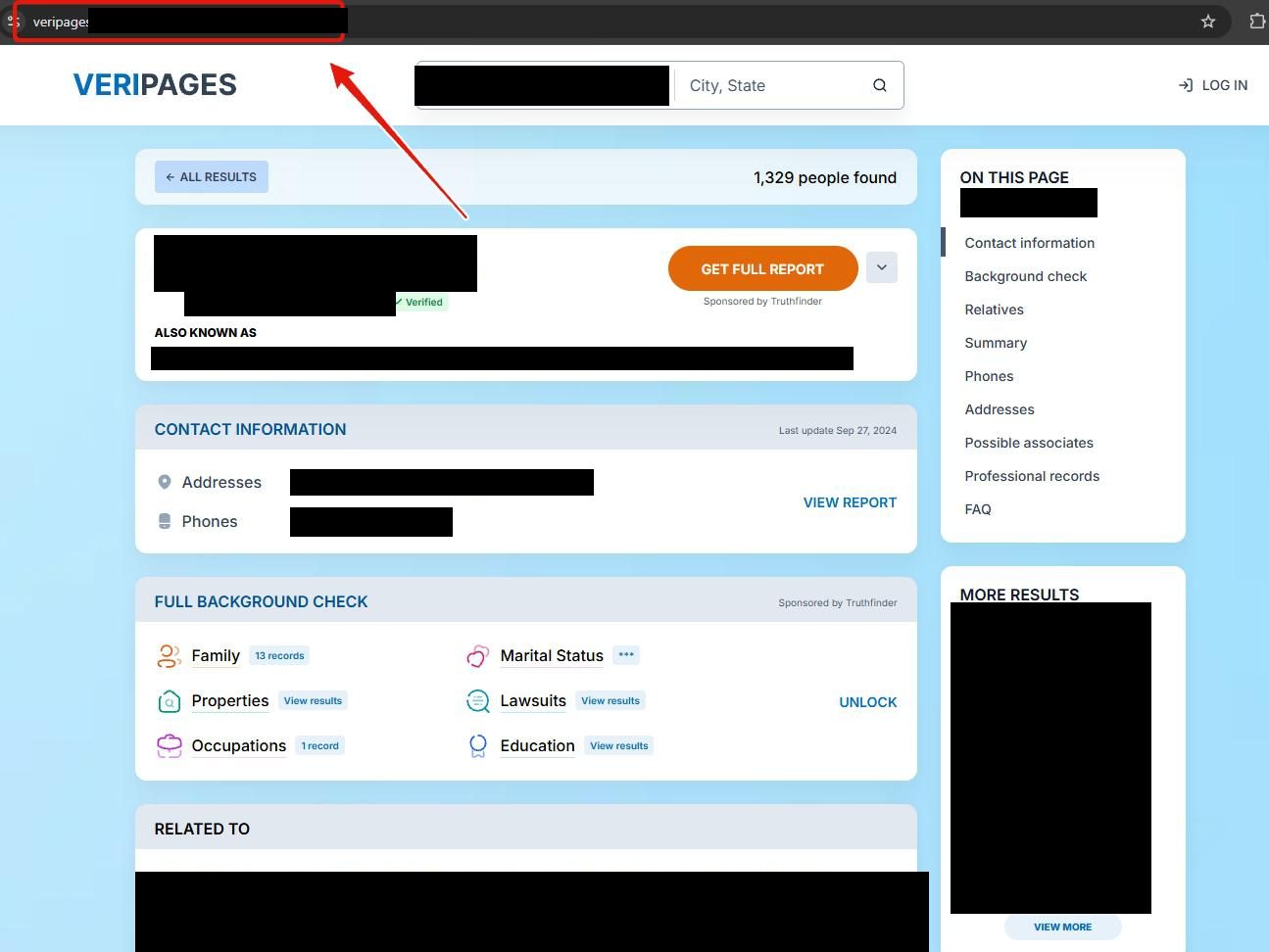
The address bar now reads veripages.com/profile/, then a name, then a short code. The form needs that whole address, so copy all of it. The orange GET FULL REPORT button here is another TruthFinder sale.
Copy all of it, code included.
04
Paste it on the form's third screen
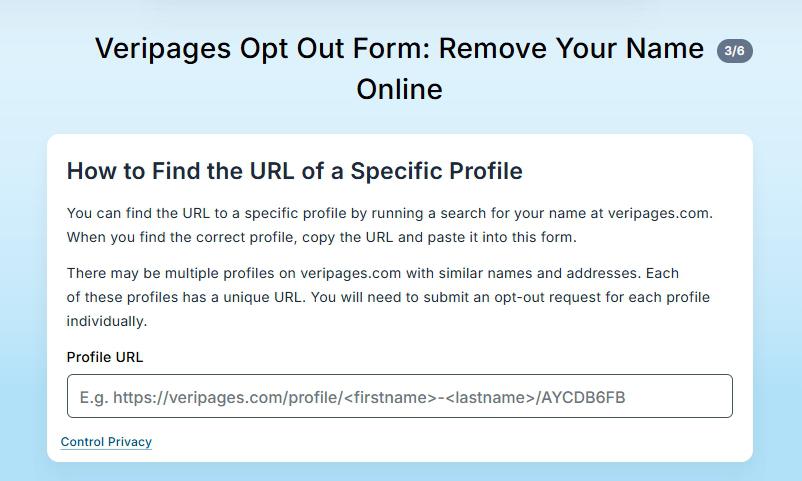
Open veripages.com/inner/removal-service and press NEXT through two screens of instructions. Screen 3/6, How to Find the URL of a Specific Profile, has one Profile URL box. Paste the address and press NEXT.
That screen warns you'll "need to submit an opt-out request for each profile individually," so a second listing means another pass from step 1.
Screen 3/6. One box, one address.
05
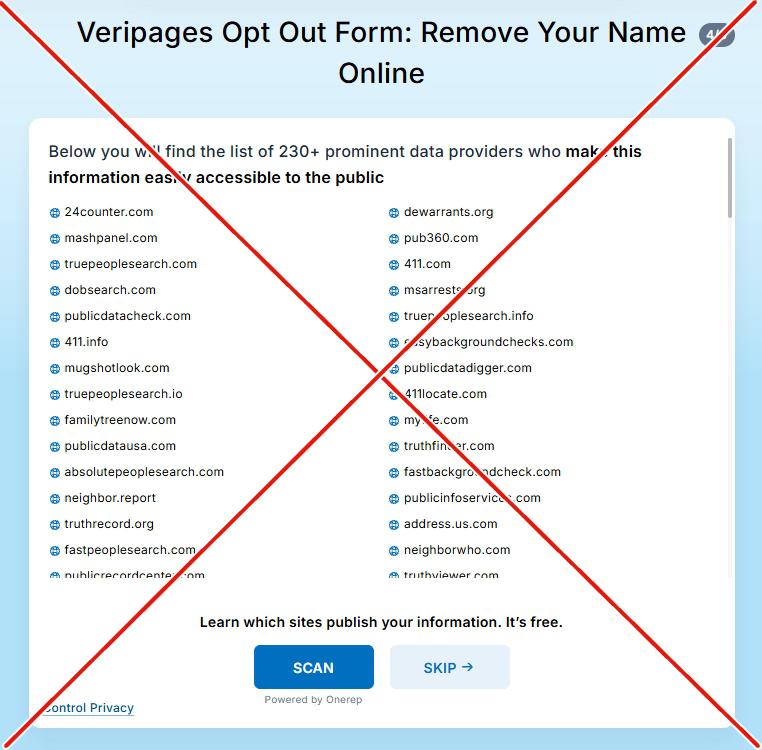
Press SKIP on the Onerep scan
Screen 4/6 lists "230+ prominent data providers" and offers a blue SCAN button, marked Powered by Onerep, beside SKIP. Press SKIP. The scan is a pitch for Onerep, a paid removal service, and no part of the opt-out. Onerep's founder admitted in 2024 to founding dozens of people-search networks, and Mozilla dropped it as a partner, Krebs on Security reported.
Screen 4/6, the Onerep offer.
06
Leave a name and email, then confirm from your inbox
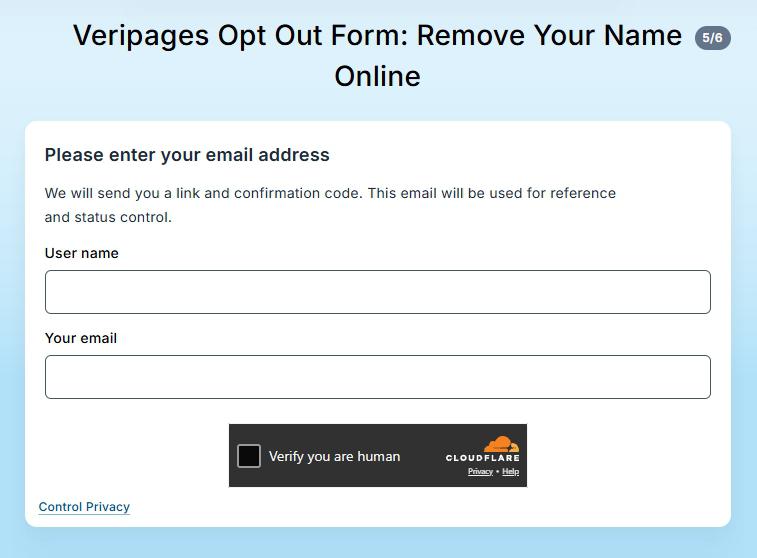
Screen 5/6 asks for a User name and Your email and shows a Cloudflare Verify you are human check. Use an address you can open now, since Veripages says it'll send "a link and confirmation code" there. Press NEXT.
Screen 6/6 confirms receipt and shows a tracking ID, so keep it. The email, from support@veripages.com with the subject Information control, links to a Removal Request Confirmation page with the ID and code filled in. Pass the check and press CONFIRM. The receipt screen says that link is what finalizes the removal.
Screen 5/6. The confirmation link goes to this inbox.
After you confirm
Waiting on the administrator
The receipt screen says most requests are processed "within an hour". The email says each is "subject to approval by an administrator" and may take up to 48 hours, with another email once it's reviewed.
Then open the address you copied in a private window. An error page means it's gone, the same proof Veripages offered one complainant on the BBB. Search your name again under old cities and name variants for any listing you missed.
Limits
What a request doesn't reach
Search engine copies. The privacy policy says a name or address can linger in Google or Bing until they refresh their caches.
The sources. It can't touch third-party databases or public records, the policy says, and won't promise a request removes everything.
TruthFinder. Its ads sit beside your listing, but its records need a request of their own, covered in the TruthFinder removal guide.
If it stalls
When the email or the form lets you down
No email, or still listed two days on. Check spam and try the form once more. Then write to support@veripages.com with the profile address, the tracking ID and a screenshot. Its BBB replies show staff asking for the link and a screenshot, then removing listings by hand.
The address is rejected. It has to be the page Get Full Profile opens, copied in full.
You pressed SCAN. Close whatever opened without typing anything, then restart the form.
Calling. The listed number is (844) 217-0978, but BBB complainants describe a recording and voicemails nobody returns.
Refused. The privacy policy takes appeals at removal@veripages.com from residents of Colorado, Connecticut, Delaware, Iowa, Montana, Nebraska, New Hampshire, New Jersey, Oregon, Texas, Tennessee and Virginia. Californians, who aren't on that list, can take it to the CPPA.
Take yourself off data broker sites
Redact scans data broker sites from your device, finds where your details are listed, and submits the removal requests for you. If a broker relists you, it files again.
September 10, 2026 · The six step screenshots come from a walk on May 28, 2026, running from the homepage search to the email screen. The form blocked automated reads today, so its screens were checked against page code captured on July 23, 2026. The receipt screen's tracking ID comes from that capture and retires an old line saying Veripages issues no case ID. The confirmation email and CONFIRM page come from an automated removal run on August 28, 2026, not from the walk.