SpyFly's removal runs through its Privacy Requests form and goes quickest with your inbox open beside it. You give your name and where you live, prove an email address with a one-time code, press Remove on your record, and then click a link in a final email. Two timers run along the way. The code lasts 30 minutes and the last link lasts 60. We walked it on October 5, 2026 and it went through to the Request Submitted screen. The same form rejected every attempt we made in August, so if it errors for you, the phone and email routes are further down.
The full picture: See the SpyFly data broker profile for the operator, the FCRA and Daniel's Law dockets, and the shared-platform siblings.
Expect a Cloudflare human check on every screen. It usually ticks itself.
01
Fill in the Privacy Requests form
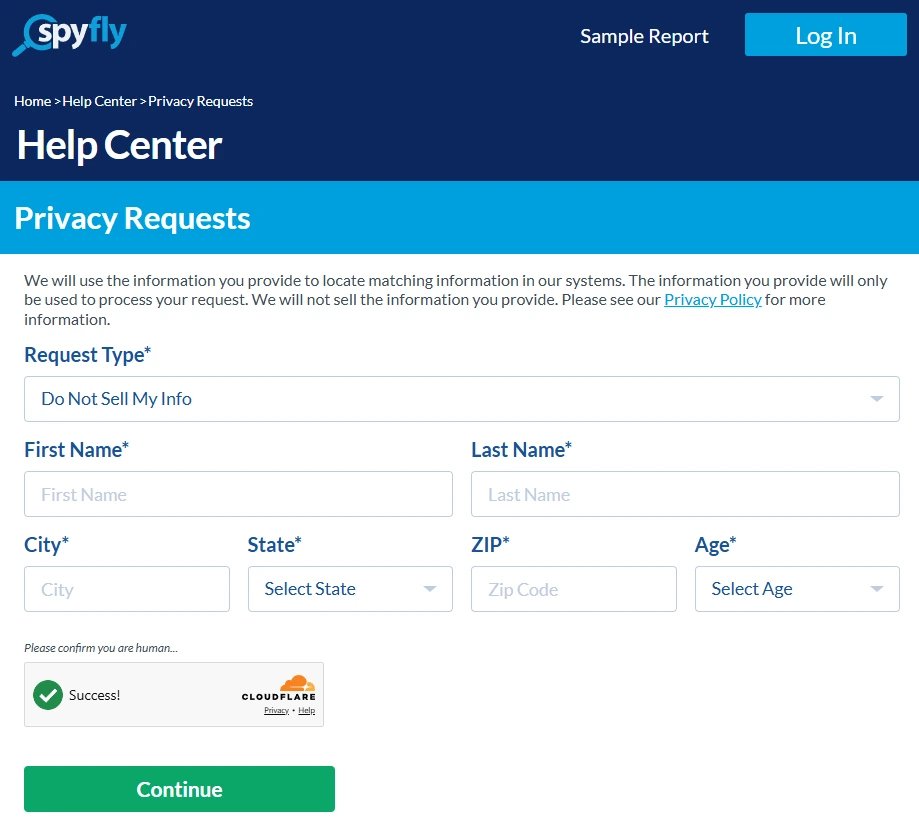
Open Privacy Requests, which the site's footer links as Do Not Sell My Personal Information. Leave Request Type on Do Not Sell My Info. Enter your first name, last name, city, state, ZIP and age, all of which are required, and press Continue.
Every field on the form is required.
02
Give an email address for the code
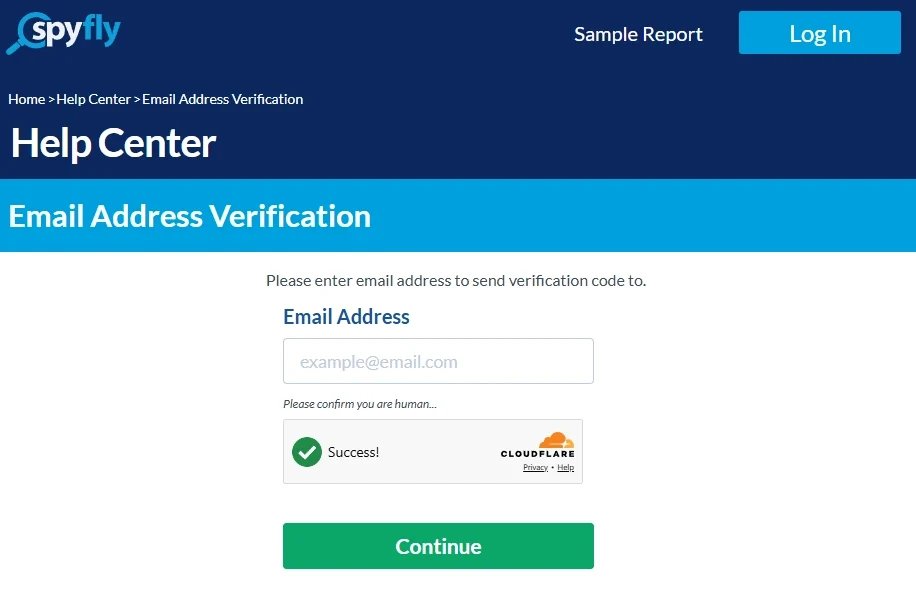
Email Address Verification asks where to send a verification code. Enter an address you can check now and press Continue.
SpyFly sends a code to this address.
03
Get the code from your inbox
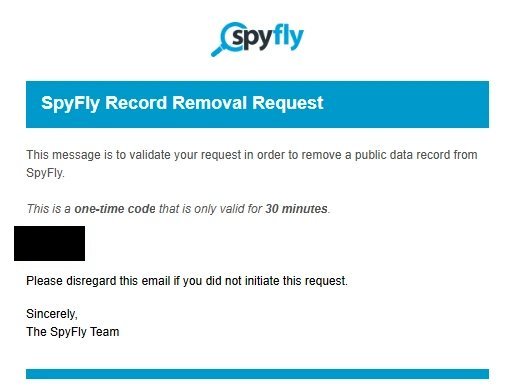
The email is titled SpyFly Record Removal Request. It carries a one-time code and says the code is only valid for 30 minutes. Check spam if it isn't there within a few minutes.
The code expires half an hour after it's sent.
04
Enter the code
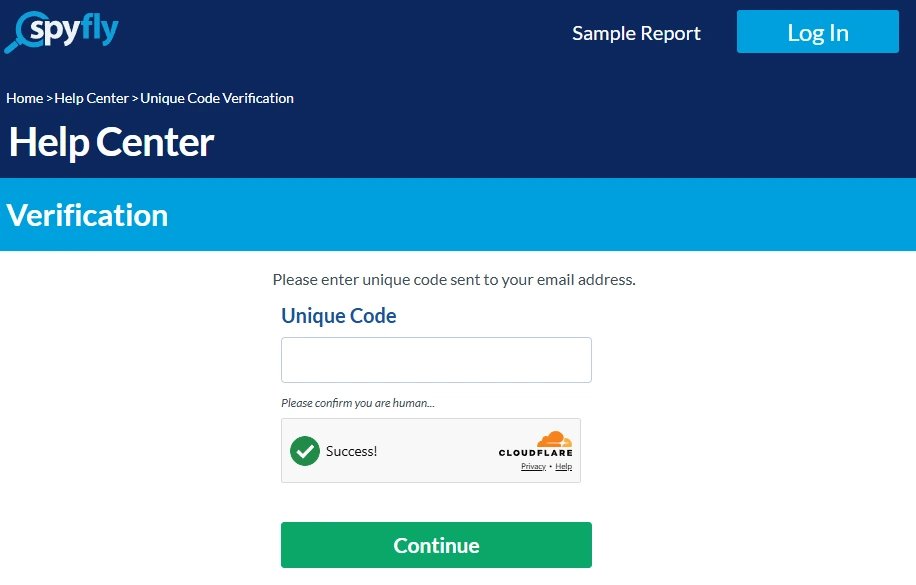
Back on the site, the Verification screen has a Unique Code box. Type the code in and press Continue.
The code goes in here.
05
Press Remove on your record
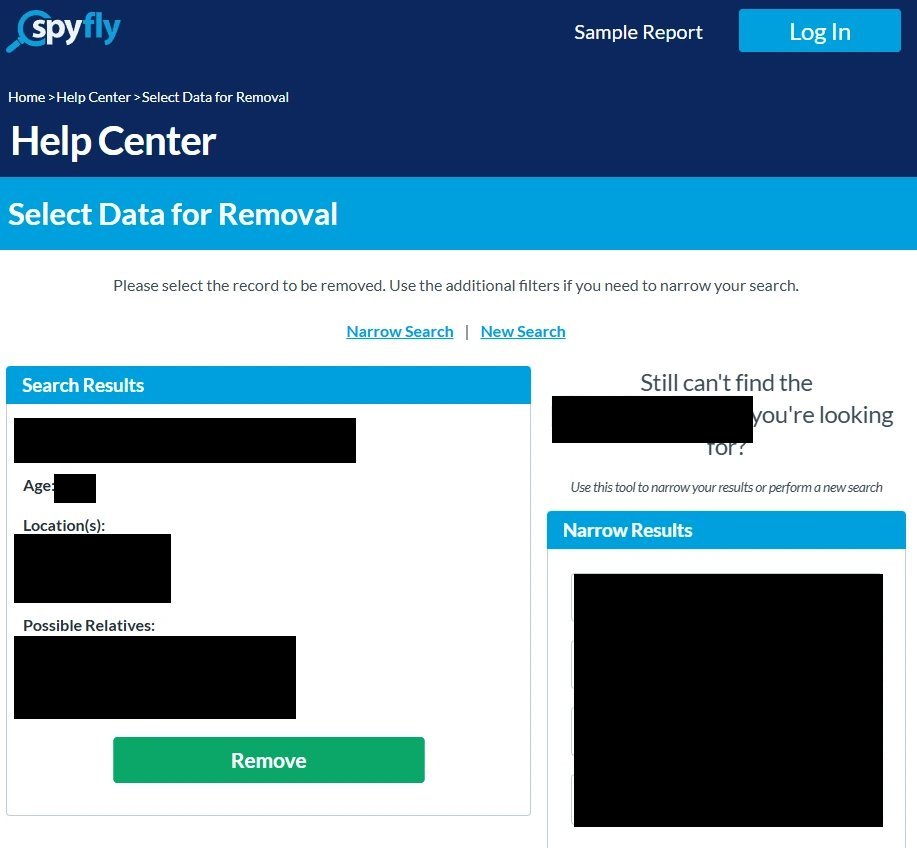
Select Data for Removal shows the records that match what you entered. Each card lists a name, an age, locations and possible relatives, with a green Remove button under it. Check the card is you and press Remove. If the right record isn't there, Narrow Search and New Search let you try again without starting over.
One Remove button per matching record.
More than one card that's you? Each one needs its own Remove.
06
Land on Request Submitted
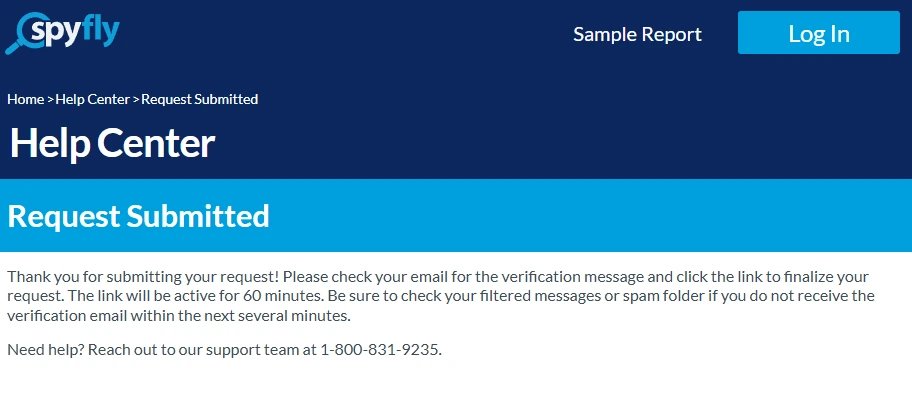
The Request Submitted screen isn't the end. It tells you to check your email for a verification message and click its link to finalize the request, and says the link is active for 60 minutes.
The request isn't final yet.
07
Click the link in the second email
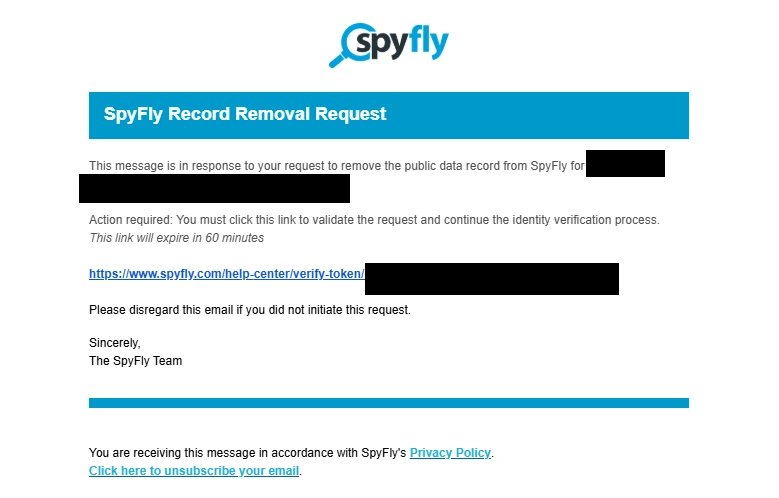
A second email arrives, also titled SpyFly Record Removal Request. It says Action required and gives a link you must click to validate the request and continue the identity verification process. The link expires in 60 minutes, so click it straight away. Skip this and the request you just made goes nowhere.
The last email, and the step that's easy to miss.
If it fails
When the form won't take your request
"There was an error submitting the form." That's what the first screen answered on August 11, 2026, three times running with three different identities. It worked on October 5. If you see the error, wait a day and try once more before switching to the phone.
Call. SpyFly's member support line is (800) 831-9235, open 5am to 7pm Pacific on weekdays and 7am to 4pm at weekends. Ask for your listing to be removed and note the date.
Write.privacyinfo@spyfly.com is the privacy contact on the operator's California data broker registration. Give your name, city, state, ZIP and age as the listing would show them.
The code or the link ran out. Start again from the form. Nothing carries over.
California residents can also send a deletion request through the state's DROP platform, since Digital Safety Products, LLC is a registered data broker.
Confirm
Confirm it worked
Search your name on SpyFly again after a few days. On its California filing the operator reported a two-day median for opt-out requests and three days for deletions in 2024, so anything past a week deserves a follow-up call with the date of your request. Keep the emails SpyFly sent you as proof.
Stay off
Keep your record off
SpyFly rebuilds its listings from public-records feeds, so a cleared record can resurface with fresh data. Recheck quarterly, and remember the shared platform means six sibling brokers hold their own copies of your details behind the same kind of form - QuickPublicRecords, Kids Live Safe, PublicInfoServices, PublicDataCheck, PublicRecordReports, and SearchPublicRecords each need their own pass. Redact's data-broker scan automates the recheck loop across all of them.
Take yourself off data broker sites
Redact scans data broker sites from your device, finds where your details are listed, and submits the removal requests for you. If a broker relists you, it files again.
October 5, 2026 · Walked on October 5, 2026 from the form through to the Request Submitted screen, with seven screenshots from that walk, the last one of the final email. What the link in that email opens wasn't captured. An earlier walk on August 11, 2026 found the form rejecting every submission, which is why the error and the phone and email routes are kept under troubleshooting. Phone hours and the California filing were read on October 5.