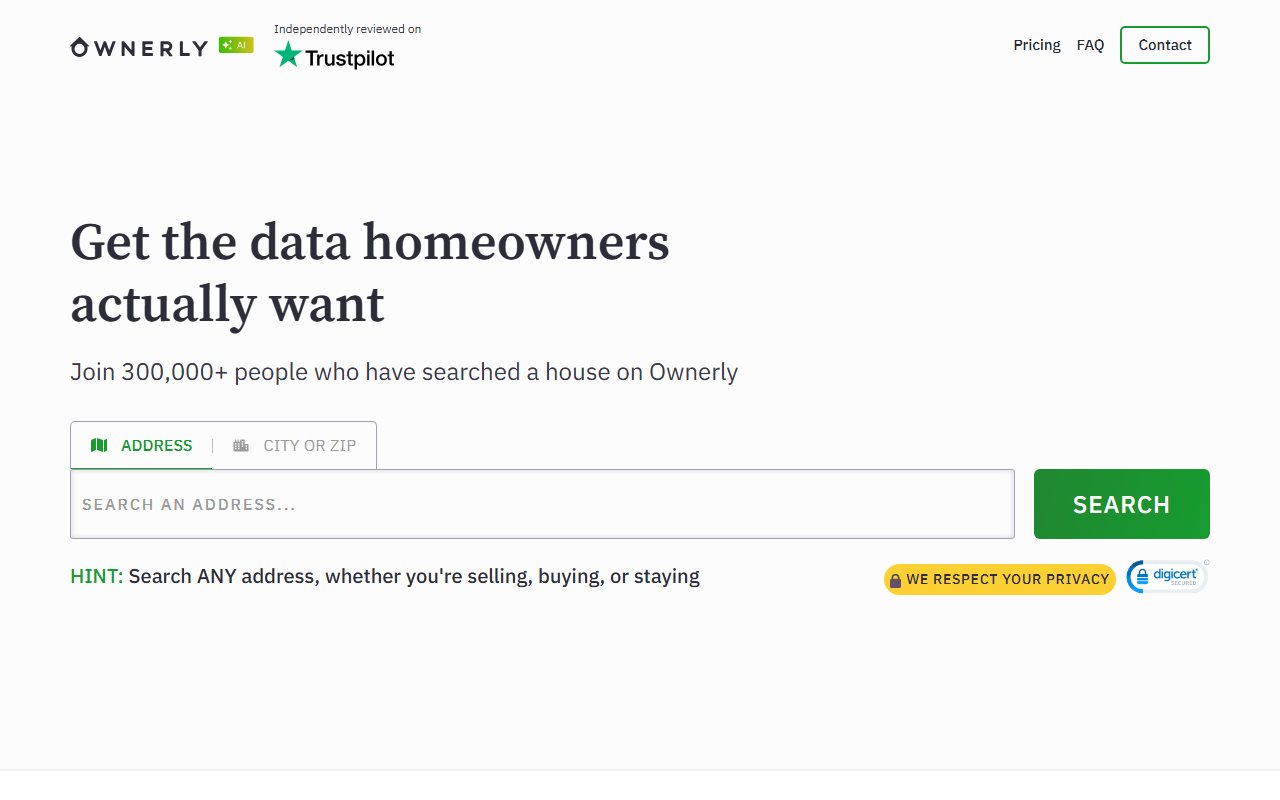
Ownerly runs the standard LTVCO opt-out on its own domain - search your name, press Proceed to Opt Out on your record, and click the verification email, which can take hours to arrive. The property layer has its own opt-out variant linked at the bottom of the same page, and suppression doesn't carry to the sister brands.
The full picture: See the Ownerly data broker profile for ownership, the LTVCO family, and what its reports expose.
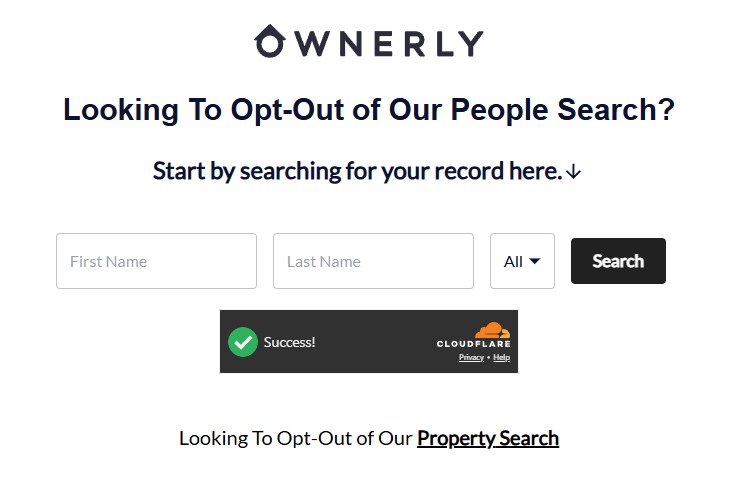
Go to ownerly.com/svc/optout/search/optouts - the Do Not Sell or Share My Personal Information link in the footer lands there. The page is headed "Looking To Opt-Out of Our People Search?" - enter your first and last name, pick your state in the dropdown (it defaults to All), pass the Cloudflare check, and press Search.
Search by name - and note the Property Search opt-out link at the bottom.
02
Click Proceed to Opt Out on your listing
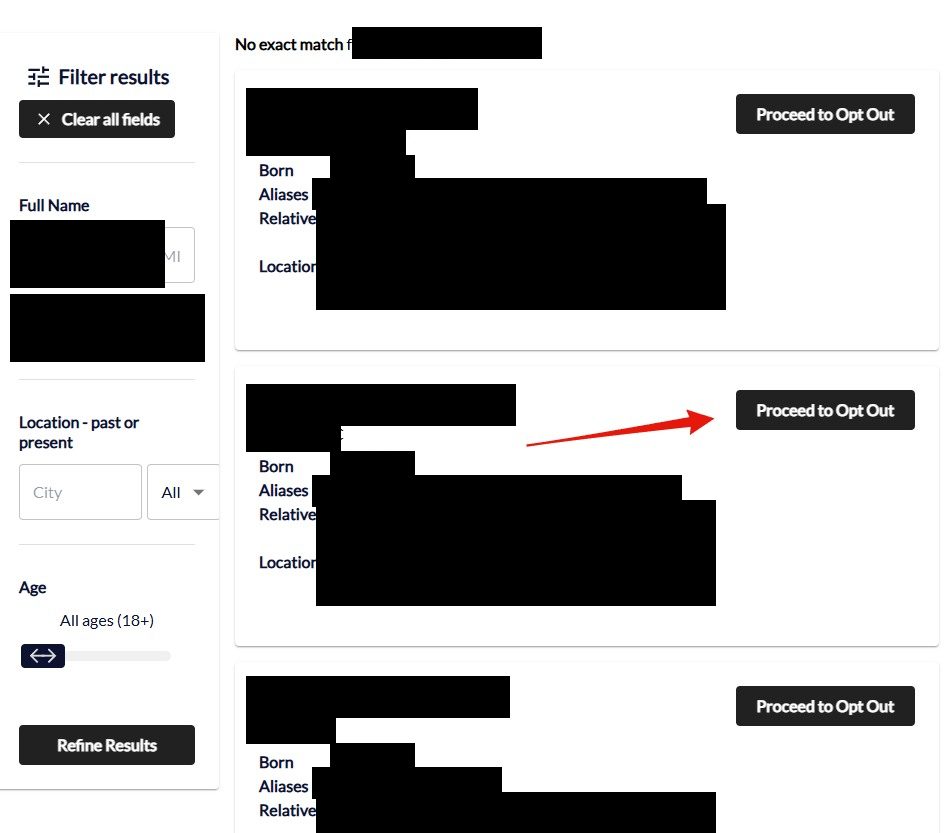
The results list every candidate with born month, aliases, relatives and locations, with a Filter results sidebar (name, location, age) if the list runs long. Find the record that's actually you and click the black Proceed to Opt Out button next to it.
Every match has its own black Proceed to Opt Out button - pick your record.
03
Watch your email and click the verification link
Ownerly sends a verification email to the address you give it - the request doesn't process until you click the link inside. ⏳ The email can take hours to arrive on this family's forms - don't resubmit and don't assume failure; check spam and give it a full day before judging.
The property search has its own opt-out. The landing page links Looking To Opt-Out of Our Property Search at the bottom - if your home shows in Ownerly's property layer with your name attached, run that variant too. The people-search suppression doesn't clear it.
Confirm
Confirm it worked
No official turnaround is published; the family's California metrics show most requests completing within days. After 72 hours - counted from the verification click - search your name and your address on Ownerly. The LTVCO sister brands each hold their own copy of your record behind their own opt-outs, so check BeenVerified and the rest separately rather than assuming this pass cleared them. If the record still shows after a week, email privacy@ownerly.com with your verified opt-out date; CCPA requests get a response within 45 days at the outside.
If it fails
Troubleshooting
No verification email: check spam, then give it a full day - this family's verification emails routinely take hours, and the request just sits unfinished until the click-through. Only rerun with a different address after that.
Property still shows your name: email privacy@ownerly.com - the policy accepts opt-outs of "Public information" by email, which covers the property layer.
A relative's name persists on your property: each owner suppresses individually; rerun the flow and check their name in the owner list.
Billing, not privacy: cancel via your account or 1 (888) 212-8460, and dispute post-cancellation charges with your card issuer - Ownerly's most-reviewed failure mode.
Stay off
Keep your record off
Property data refreshes with every deed, mortgage, and assessor cycle, so a sale, refinance, or even a reassessment can rebuild a record the opt-out already cleared. Recheck after any real-estate transaction and quarterly otherwise. Redact's data-broker scan watches the LTVCO family and refiles when your details resurface.
Take yourself off data broker sites
Redact scans data broker sites from your device, finds where your details are listed, and submits the removal requests for you. If a broker relists you, it files again.
August 10, 2026 · Rebuilt from a real walkthrough, which threw out the drafted process entirely: the opt-out is Ownerly's own on-site LTVCO flow searched by name - not a BeenVerified redirect searched by address - and it covers this site only. Two step screenshots wired in; the property-search variant is linked from the same landing page.