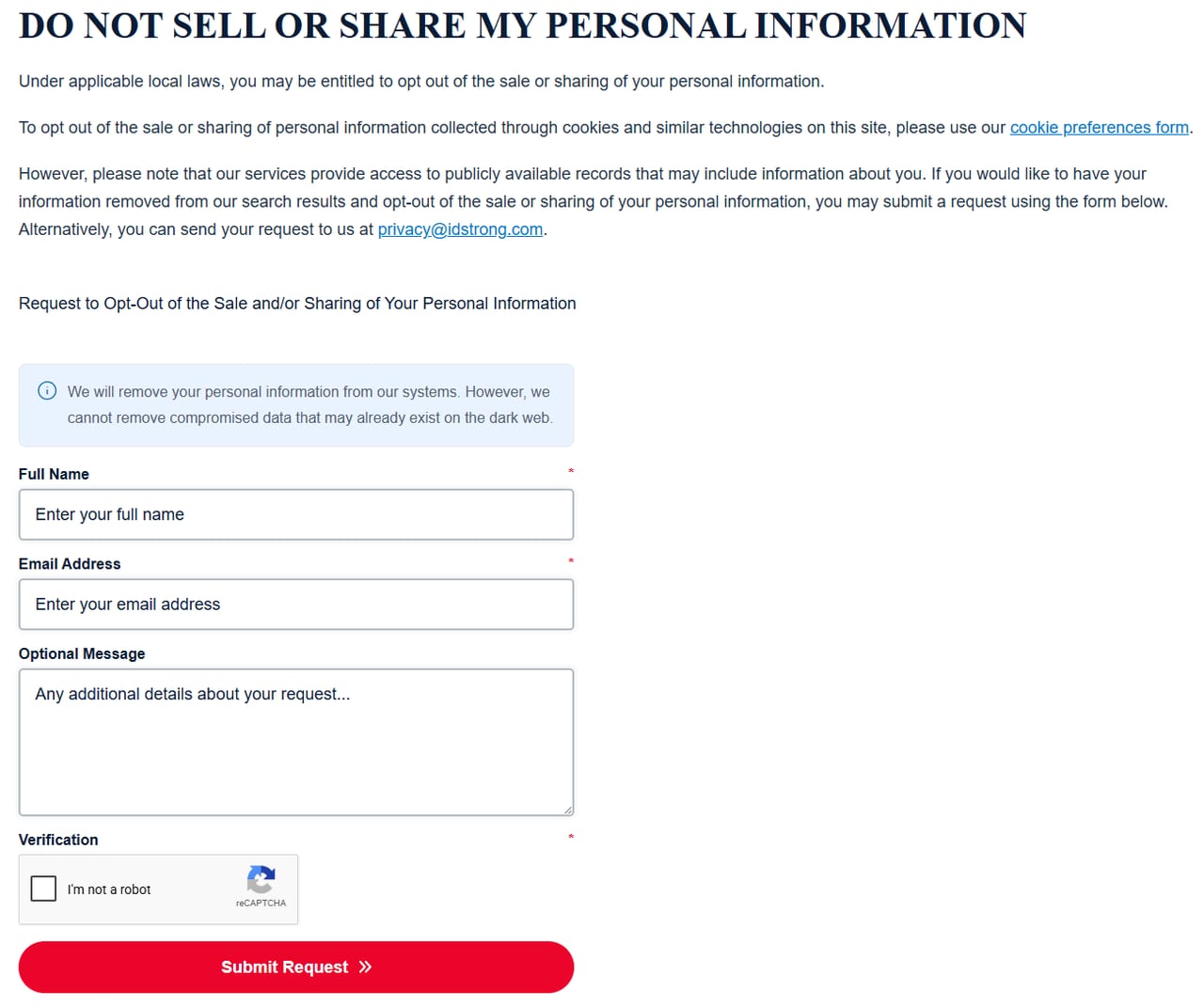
IDStrong takes removals on one short form, with your full name, your email address, an optional message and a reCAPTCHA. The hard part is finding it, because two other pages on the site look like the opt-out and aren't.
The full picture: the IDStrong data broker profile covers who runs it and how it sits inside InfoPay's thirteen-domain filing.
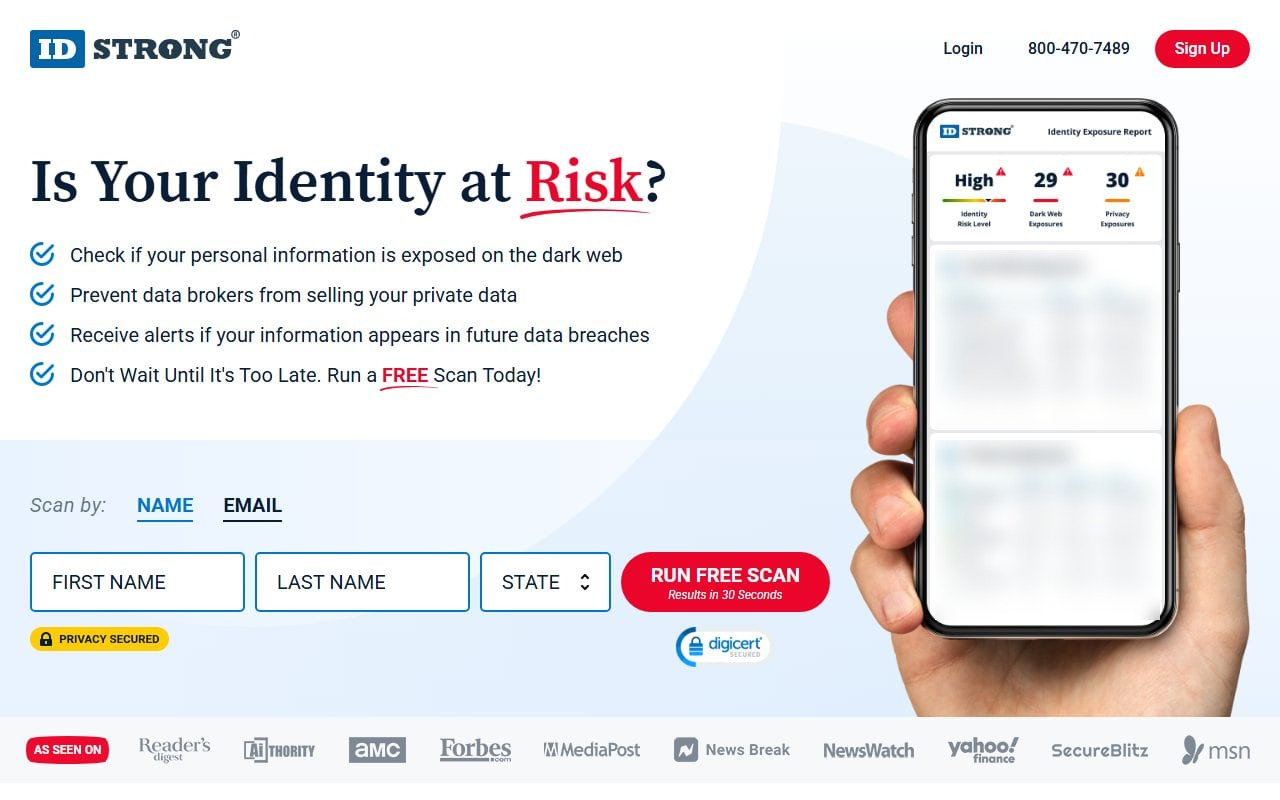
/remove-my-information/ sells IDStrong's paid Data Broker Removal Service, which works on other companies' sites. It won't remove you from IDStrong.
members.idstrong.com/opt-out/ is the address California's registry lists for IDStrong. It's policy text, and its "use the form HERE" link opens a separate OneTrust request form at /privacyform/.
The footer link, Do Not Sell / Share My Personal Information, is the one with the removal form on the page.
The top of the page covers cookie opt-outs, which run through a separate cookie preferences form. The removal form sits under Request to Opt-Out of the Sale and/or Sharing of Your Personal Information.
The whole flow is this one screen. Name, email and the reCAPTCHA are required, and the message box is optional.
02
Fill in your name and email
Enter your Full Name and Email Address. Use the name as it would appear on a record, and an email address you check, since any reply comes back there.
The Optional Message box is a good place to say you want all personal information about you deleted and any sale or sharing stopped.
03
Clear the reCAPTCHA and submit
Tick I'm not a robot under Verification, then press Submit Request. If the checkbox opens an image challenge, finish it and submit again.
The removal covers IDStrong's own records. The note above the form reads "We will remove your personal information from our systems. However, we cannot remove compromised data that may already exist on the dark web."
Judges, prosecutors and law enforcement have a separate route. IDStrong's Your Privacy Choices page takes Covered Person Removal Requests under the Daniel Anderl Judicial Security and Privacy Act. Email privacy@idstrong.com with your full name, residence, email address and covered-person status, with the subject line "Attention Covered Person Removal Request".
Confirm
After you submit
Take a screenshot of the filled-in form before you submit, and note the date and the email address you used.
InfoPay's California filing reports a 6-day median response to deletion requests, and InfoPay says it complied in full with 28,683 of the 29,004 it received in 2025. If nothing has changed after two weeks, email privacy@idstrong.com with the date of your first request.
If it fails
Troubleshooting
The form won't submit. The reCAPTCHA is required. If the checkbox doesn't settle, reload the page and try again.
You landed on a page selling a subscription. That's /remove-my-information/. Go to the opt-out form instead.
The registry's link showed no form. members.idstrong.com/opt-out/ is policy text. Follow its "use the form HERE" link, or come back to the footer form.
Redact scans data broker sites from your device, finds where your details are listed, and submits the removal requests for you. If a broker relists you, it files again.
September 10, 2026 · The form was walked and photographed on August 18, 2026. A live check today found its fields, reCAPTCHA and dark web note unchanged, /remove-my-information/ still selling the paid service, and the registry's privacy choices page still linking a separate OneTrust form at /privacyform/.