Find your listing on the site, copy its URL from the address bar, paste it into the form at freepeopledirectory.com/optout, submit. The listing is gone at once. Spokeo says its own tool covers this site as well, and ThatsThem is the one brand on the filing that takes its own request.
Who's behind it: the FreePeopleDirectory profile has the Spokeo ownership trail and what the site publishes.
One submission per listing, not per person. Address history in two cities can mean two profile pages with two URLs. Search every city you've lived in and opt out each one.
Prereqs
What you'll need
1 thing
Your first and last name. Leave the City & State box empty. With it filled in, the search returns nothing, even for a listing that exists. If your name is common, add the state alone to narrow it.
The 5 steps
Remove your listing
About 3 minutes
01
Search by name only
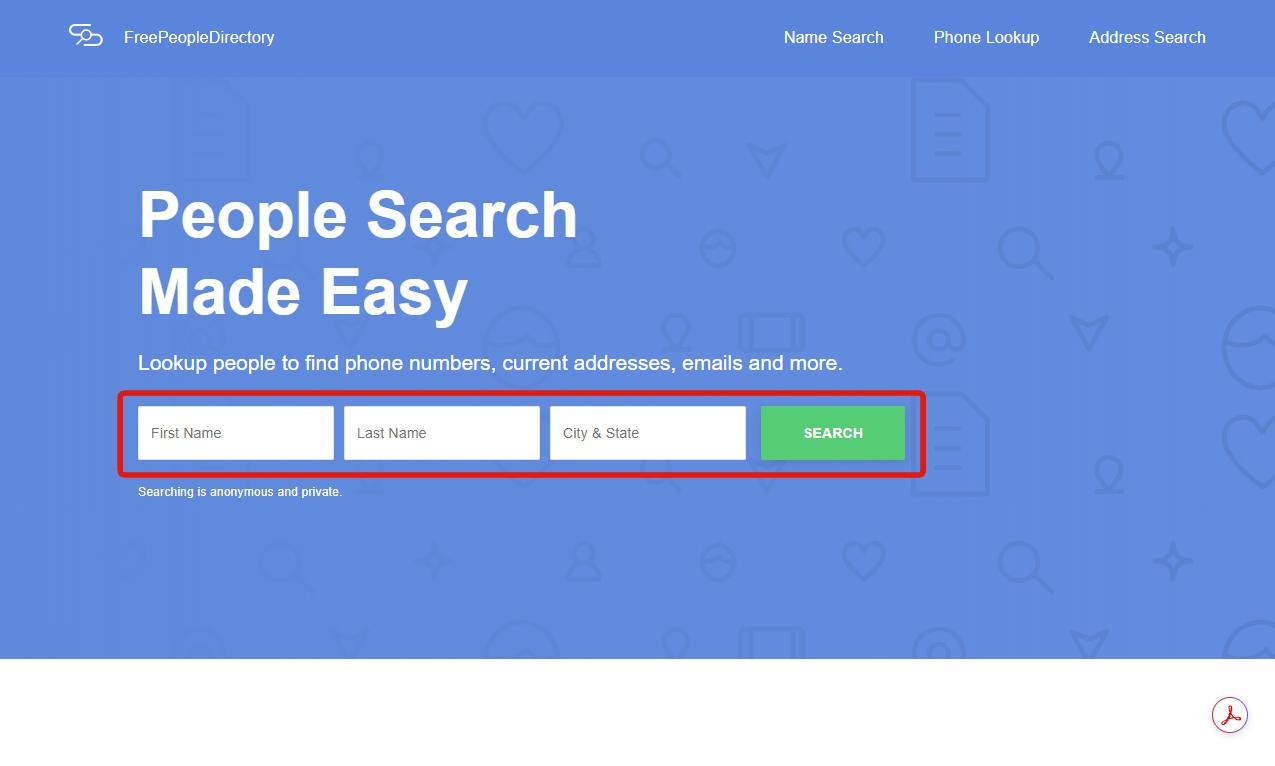
Open freepeopledirectory.com, type your First Name and Last Name, leave City & State empty, and click SEARCH.
Name only. The City & State box hides real listings.
02
Open your listing
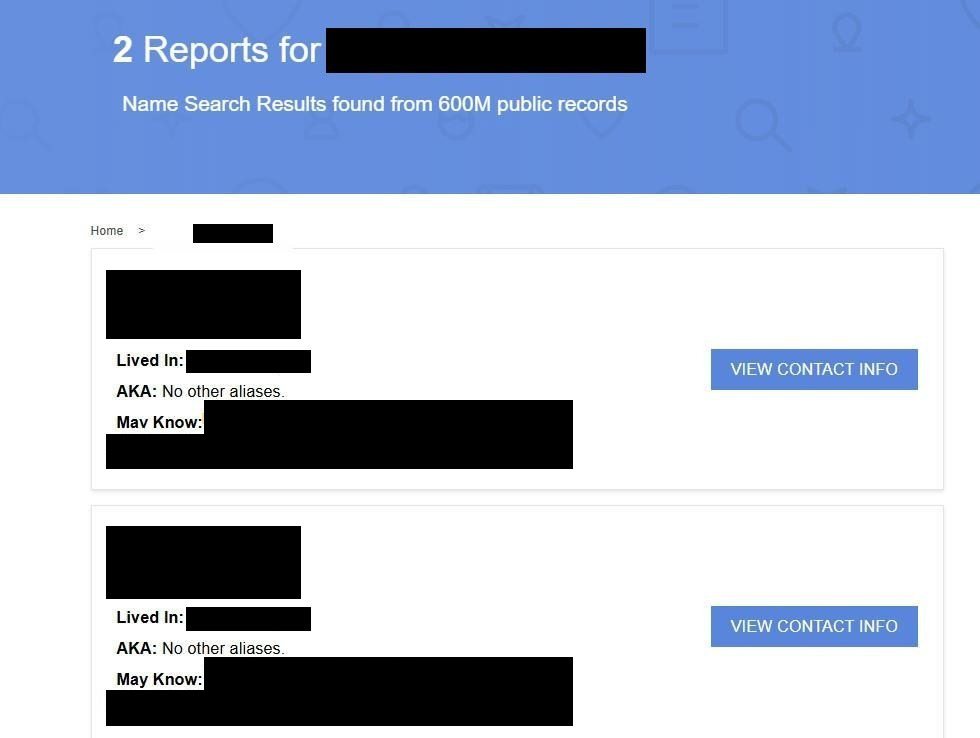
The results page counts the reports for your name and shows a card per listing with the city, a Lived In line, aliases, and a May Know line of relatives. Find the card that's you and click VIEW CONTACT INFO.
One card per listing. Two cards means two opt-outs.
03
Copy the profile URL
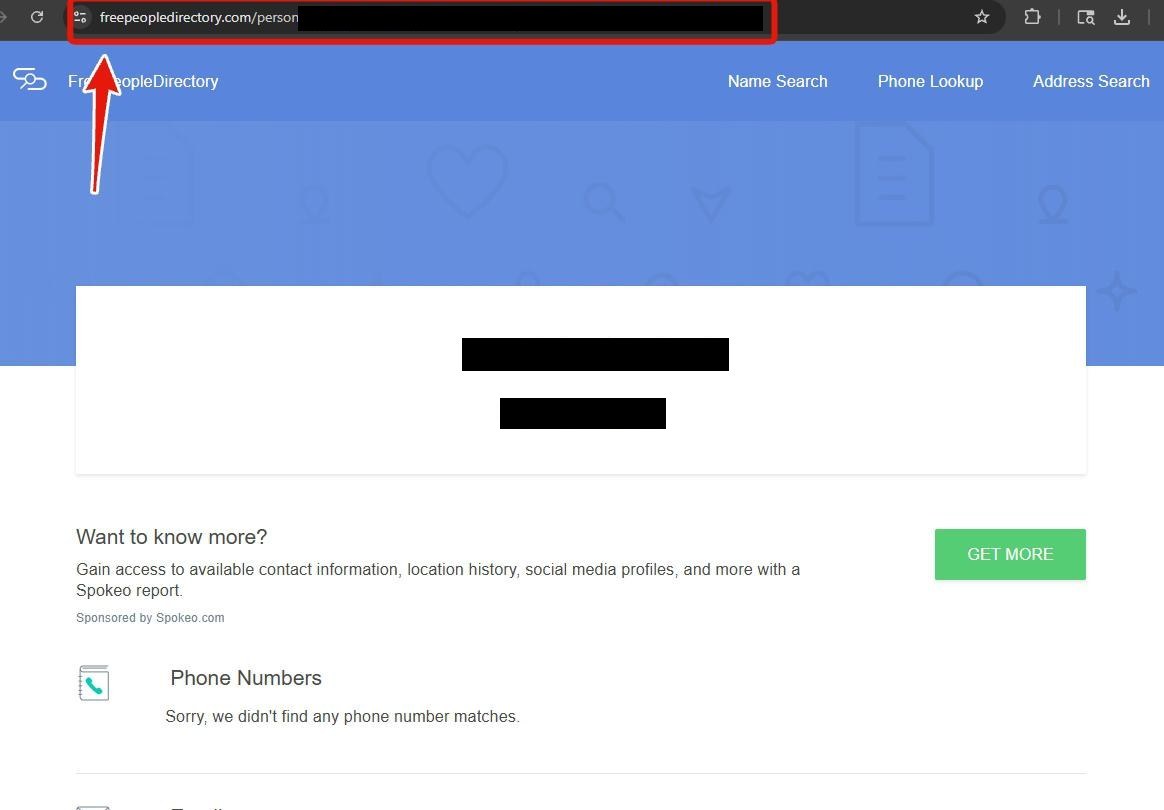
On the profile page, select the whole address in the browser's address bar and copy it. It ends in a long ID beginning with p, and that's what identifies your record. The Sponsored by Spokeo.com box on this page is the upsell; ignore it.
Copy the whole address, including the ID at the end.
04
Paste it into the opt-out form
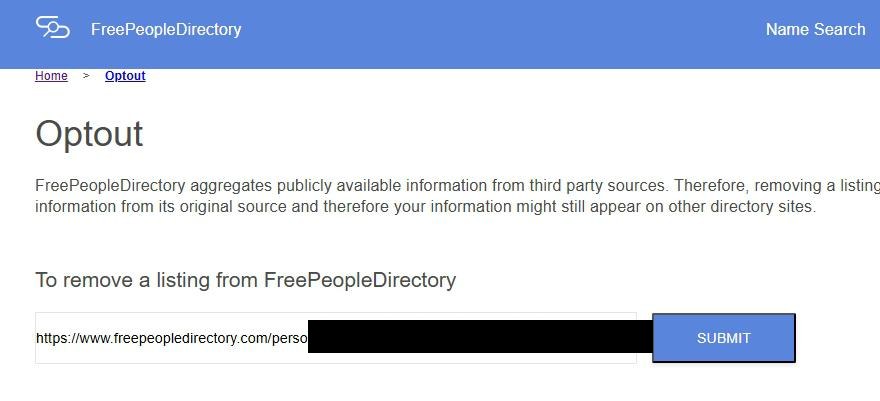
Open freepeopledirectory.com/optout. Under To remove a listing from FreePeopleDirectory, paste the URL into the single box and click SUBMIT.
One box, one button.
05
Look for the green banner
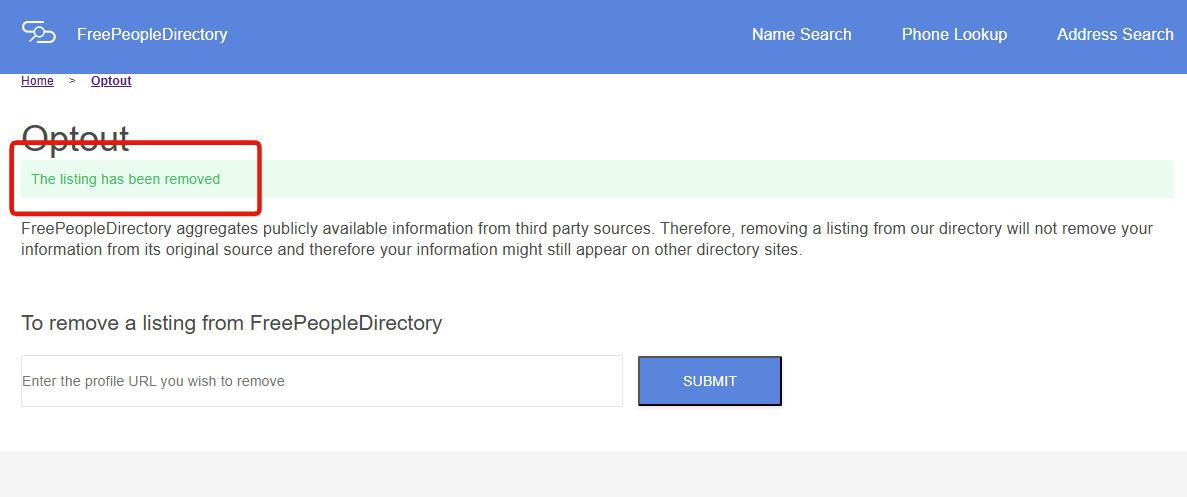
A green banner under the Optout heading reads The listing has been removed. That's the receipt. No email follows. The box resets, so paste the next URL if you have more than one listing.
The green banner is the confirmation.
The other two forms
Where the Spokeo and ThatsThem forms fit
Sister brands
Spokeo's privacy policy says the tool at spokeo.com/optout covers its operated sites except ThatsThem, so it reaches this site as well as spokeo.com. It wants the URL of your spokeo.com listing and an email click, and the Spokeo removal guide shows every screen. ThatsThem is the site that wording leaves out, so it needs its own request, and the ThatsThem removal guide covers its single form.
Verify
Did it work?
Now, then tomorrow
Straight away, reload the profile URL you copied in a private window. It should be gone. If it still loads after five minutes, submit again.
The next day, search your name again. A new card is a new listing and gets the same treatment.
Troubleshooting
If it doesn't work
Common situations
The form rejects the URL. It wants the profile page's address, the one after VIEW CONTACT INFO, not the homepage or the results page.
Nothing comes up for your name. Clear City & State and search again. If name alone still finds nothing, you may not be indexed here; check Spokeo instead, since that's where the data comes from.
Still listed after a day. Email legal@spokeo.com with the profile URL and the date you submitted.
You're still on Spokeo or ThatsThem. Expected. Each site takes its own request, and both guides are linked above.
Stay off
Keep it off
Source-side prevention
Repeat the opt-out yearly, and after any move. A new address is a new public-records trail, and the next refresh pairs it with you.
Address the source. Property records, court filings and voter rolls feed the site. Where your state allows it, opt out of voter-roll sharing and use a PO box or registered agent for property and licence filings.
Turn on Global Privacy Control. Firefox has it built in; Chrome and Edge need an extension. Spokeo's brands honour it under their privacy notices.
Take yourself off data broker sites
Redact scans data broker sites from your device, finds where your details are listed, and submits the removal requests for you. If a broker relists you, it files again.
May 28, 2026 · Walked end to end, five screens photographed. Trimmed on September 8, 2026 when the guide moved to the main site. On September 17, 2026 the copy was matched to Spokeo's privacy policy, which says its opt-out tool covers Spokeo operated sites except ThatsThem and so reaches this one. The walked steps are unchanged.