411.com doesn't remove anyone itself. It's a Whitepages site, so you paste your 411.com listing's web address into Whitepages' form, confirm the match, pick a reason and take an automated call to a number you supply. It's free and needs no account. Rather not hand over a number? Whitepages takes the same request by email, covered in the Whitepages removal guide.
Who's behind the listing. The 411.com profile sets out the Whitepages ownership and what a free listing shows.
Your listing's web address and a phone that takes calls
Identity check
An automated call asks for a code shown on screen
Stated timing
Up to 24 hours, per the confirmation · up to 15 days for a CCPA request
Steps 1 to 3
Find your listing on 411.com
01
Search for yourself
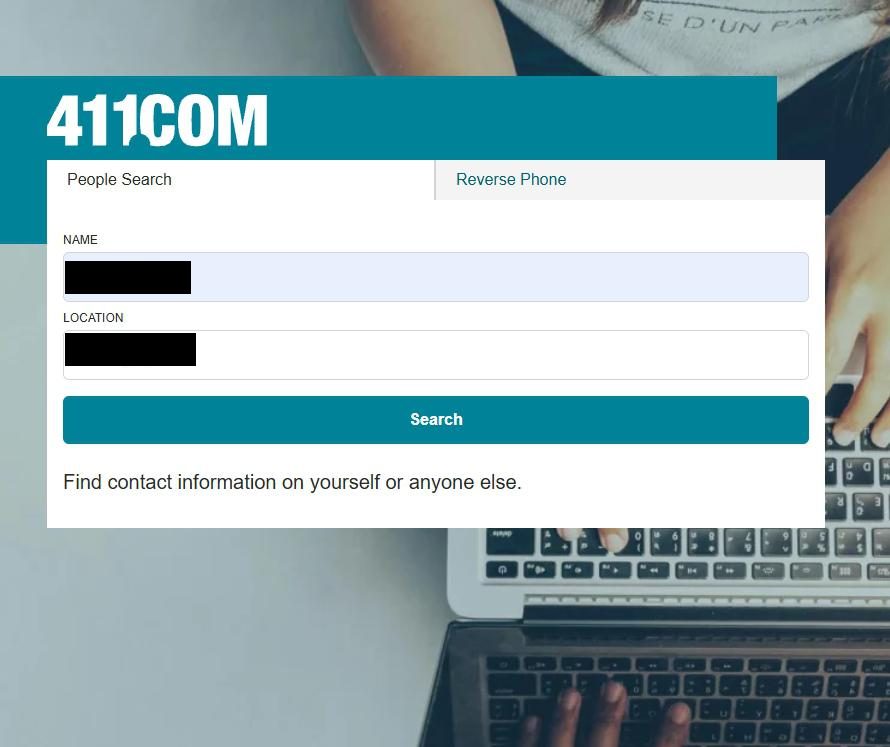
Go to 411.com, stay on People Search, and enter your name with a city and state you've lived in. Press Search.
A name plus a city and state is enough.
02
Pass over the Premium results
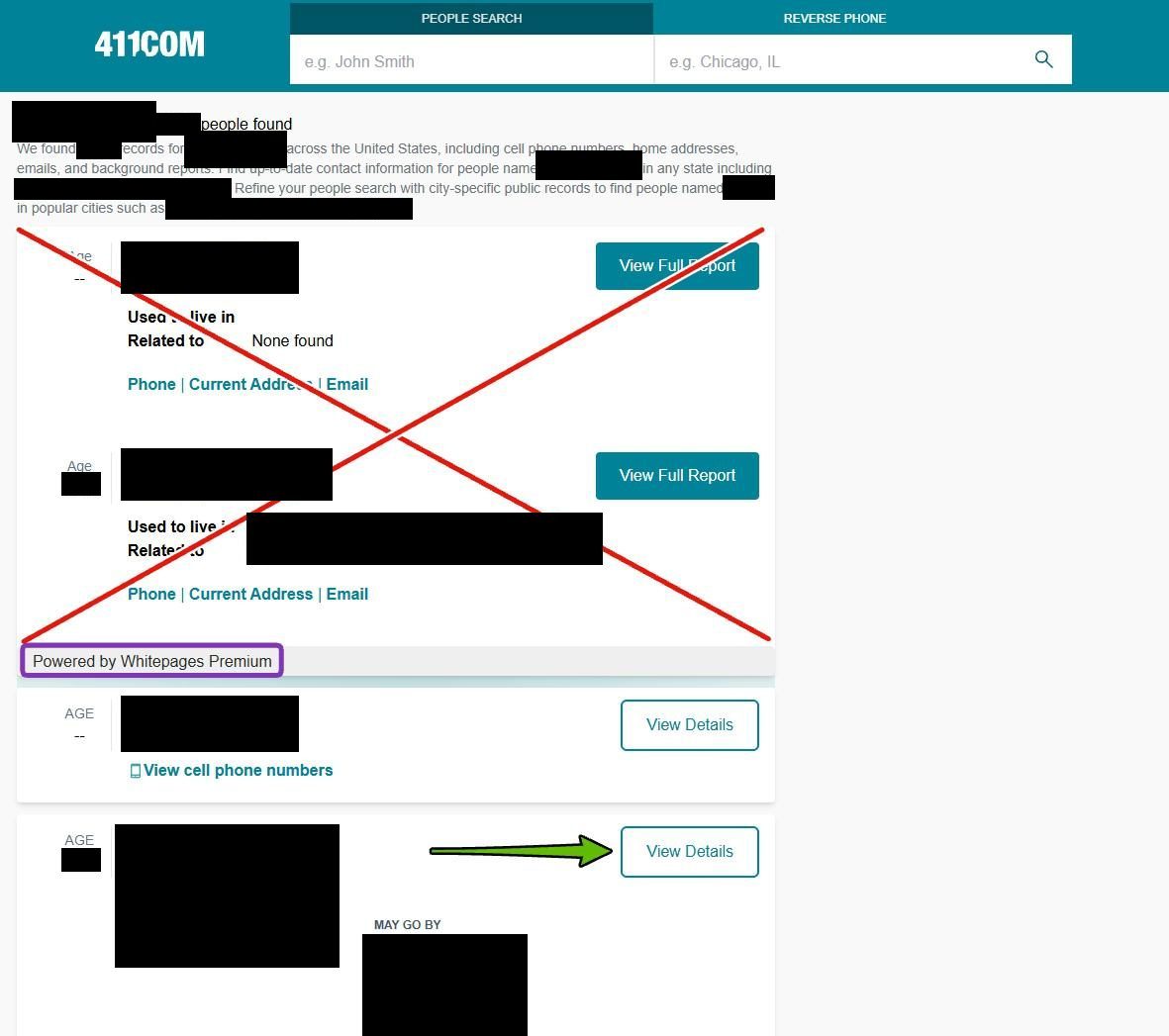
Results with a View Full Report button, marked Powered by Whitepages Premium, sell a paid report. Your free listing has a View Details button. Check the age and places first, since namesakes crowd these lists.
Skip the crossed-out Premium results and open a View Details one.
03
Copy the listing's web address
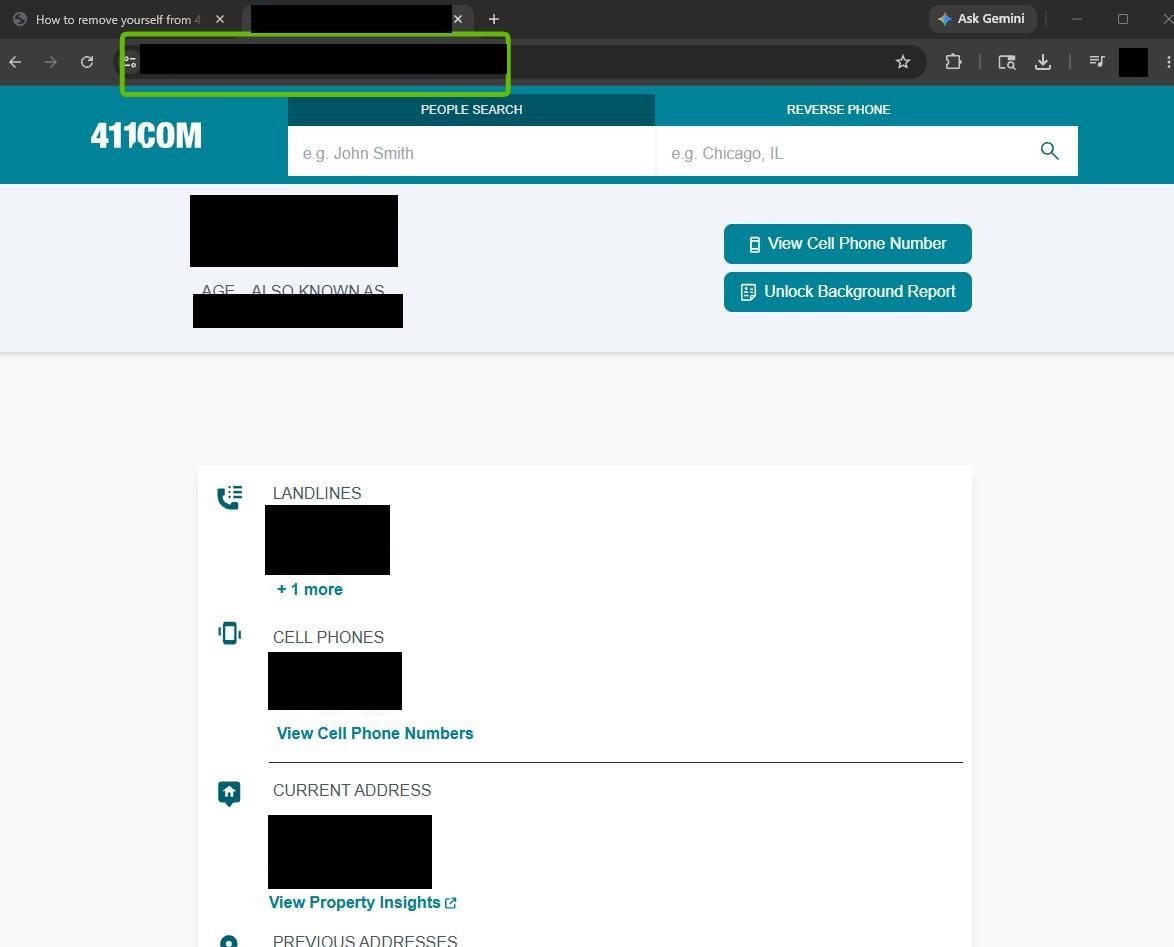
Once it opens, check the phone numbers and address are yours, then copy the whole web address from the address bar. It should contain /person/ and a long code. A results page won't work.
The address bar holds the link the Whitepages form wants.
Steps 4 to 8
Run it through Whitepages' form
01
Open the Whitepages opt-out
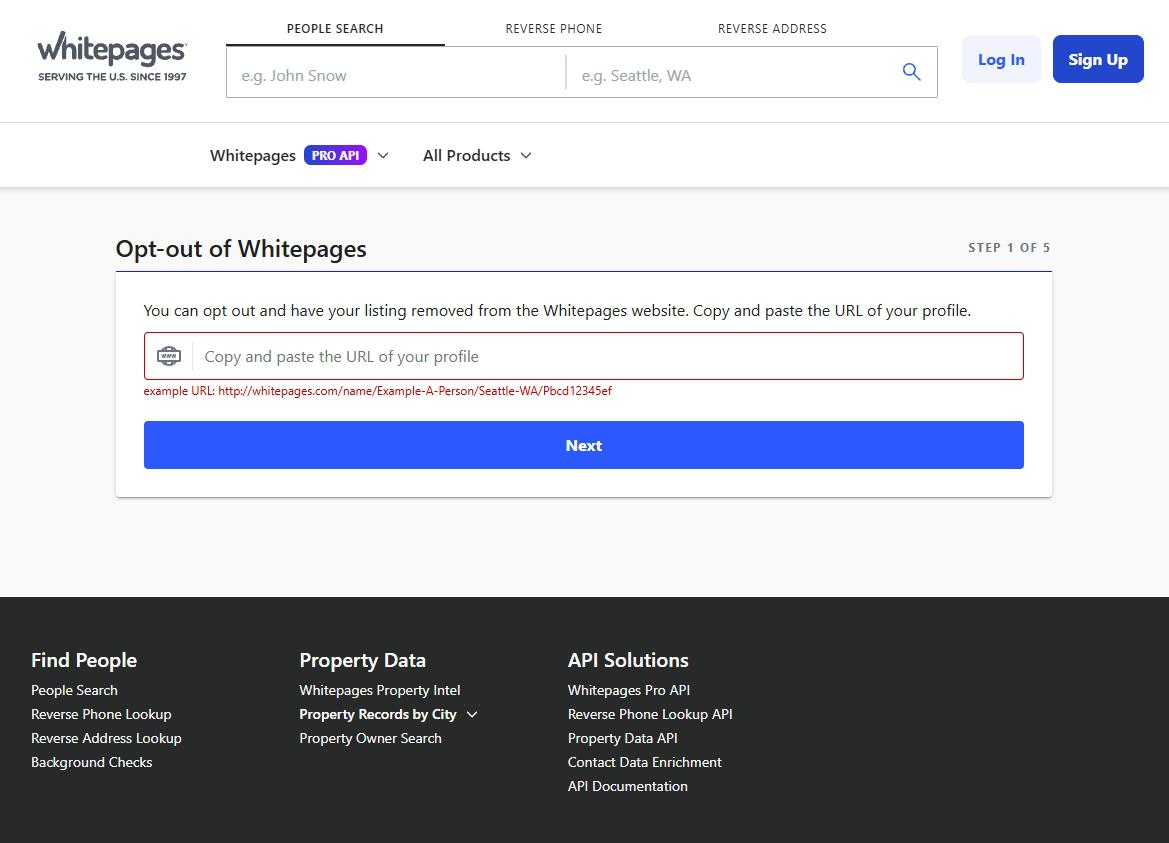
In a new tab, open whitepages.com/suppression-requests, headed Opt-out of Whitepages and marked Step 1 of 5. 411.com's Do Not Sell My Information link reaches the same tool through a Whitepages privacy page.
Five screens from here, all on whitepages.com.
02
Paste the 411.com address
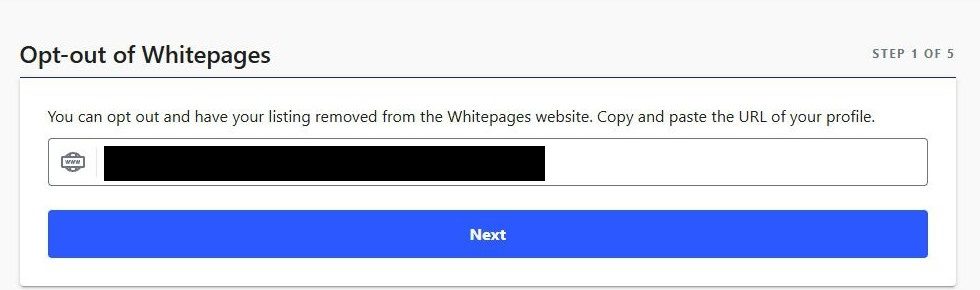
Paste the address into the box and press Next. It takes a 411.com listing as well as a Whitepages one.
One pasted address, then Next.
If the form won't take the address, delete the www. A copied 411.com address starts https://www.411.com/, but the form's code only decodes one starting https://411.com/. Take the www. out and press Next again. Still stuck? You've probably copied a results page.
03
Confirm the match
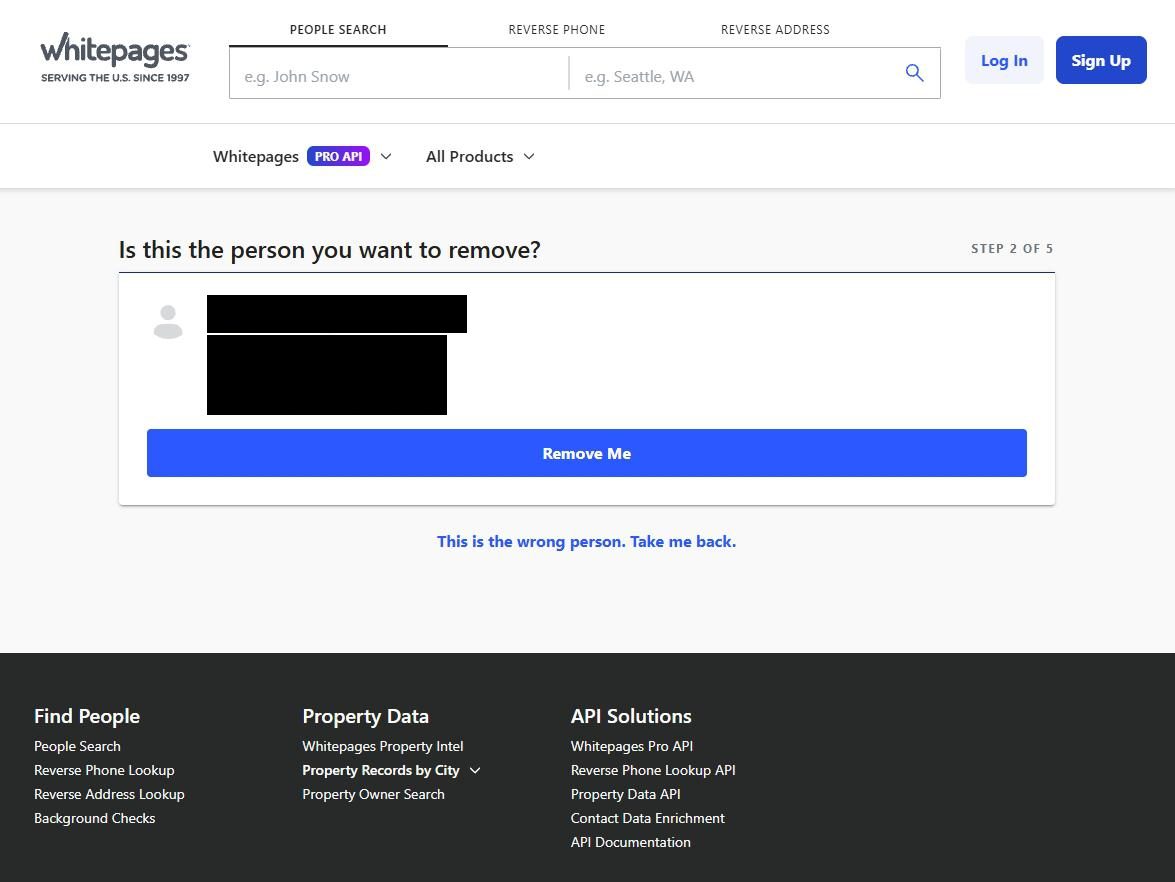
Under Is this the person you want to remove? Whitepages shows the name and, where it has them, a landline and street address. Press Remove Me if it's you, or This is the wrong person. Take me back. if not.
Make sure it's you before pressing Remove Me.
04
Give a reason
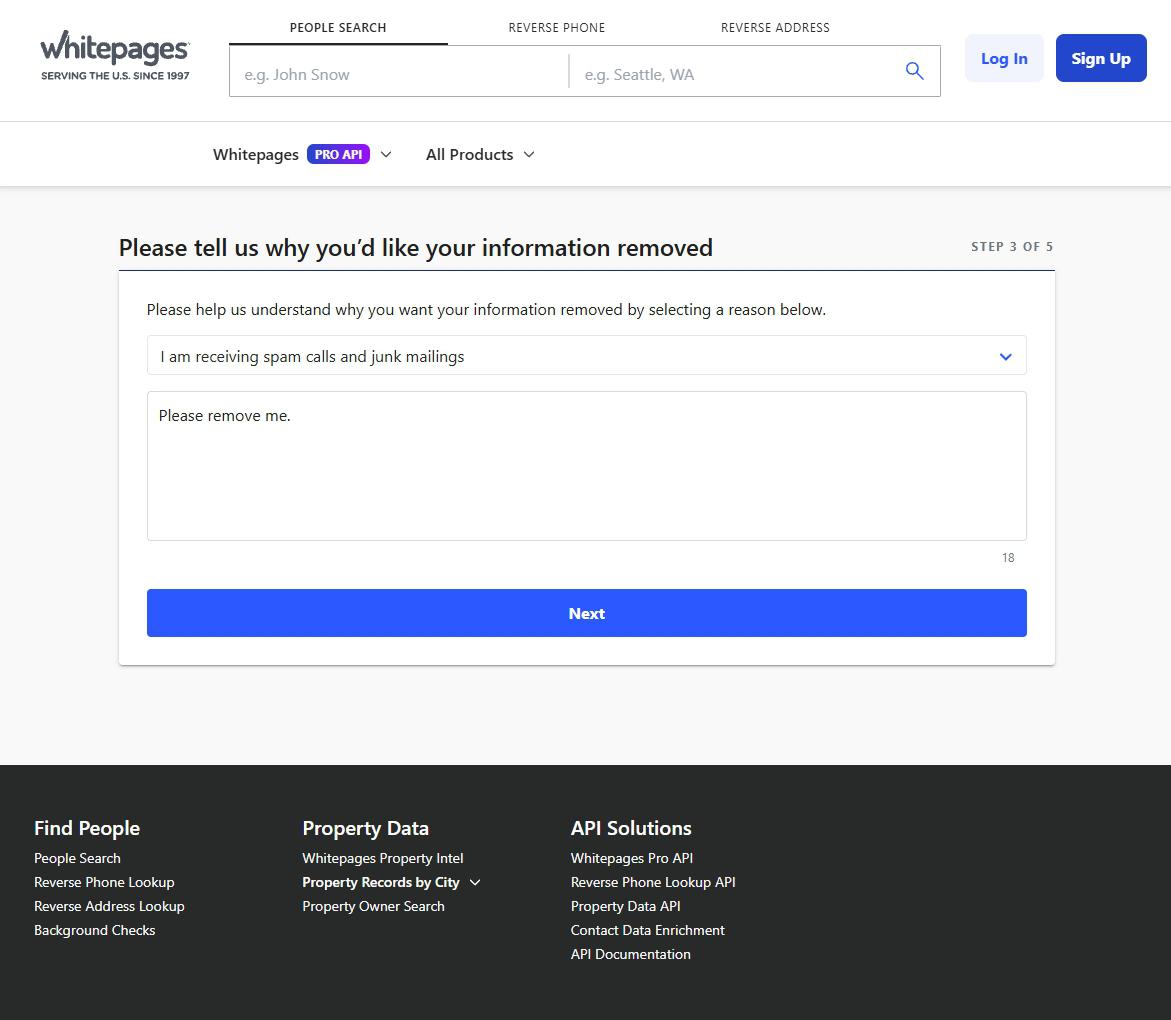
Pick any of the four reasons and press Next. The comment box is optional, and Whitepages' help page says the reason doesn't change the outcome.
The reason screen, Step 3 of 5.
05
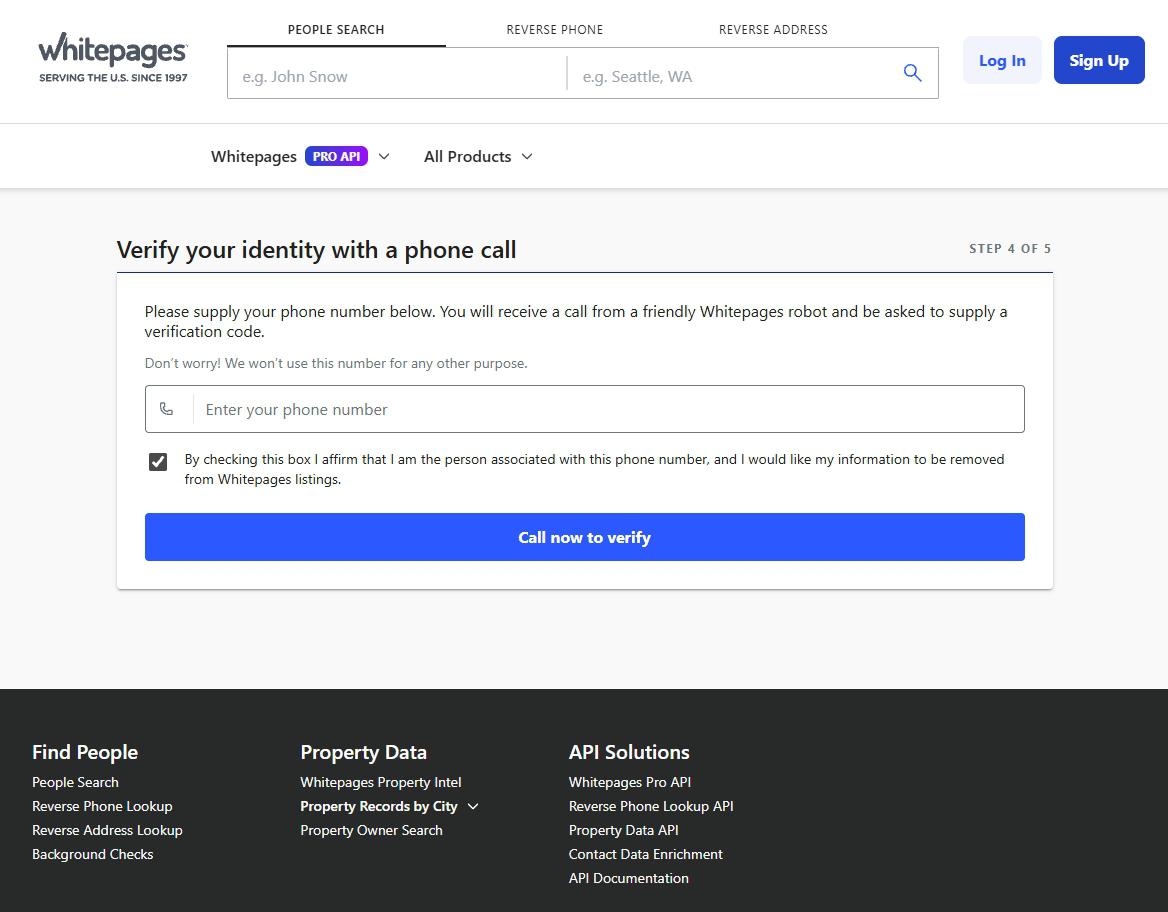
Verify by phone
Enter a number that takes calls, tick the box saying it's yours, and press Call now to verify. The last screen shows a four-digit code while an automated call rings. Enter the code when the call asks, and the page confirms the request.
The code appears on the next screen, and the call asks for it.
Rather not give a number? Whitepages promises not to use it for anything else, but you can email privacyrequest@whitepages.com your listing's address instead. Whitepages allows up to two business days for a reply and may ask for more details.
Afterwards
Checking it's gone
Give it the 24 hours Whitepages' confirmation mentions, then repeat your step 1 search. Whitepages says a removal takes every known connected listing with it, and its help page warns search engines can show an old copy for up to 30 days.
What it won't touch. Whitepages' terms say an opt-out can't reach court records, voter rolls, property records or other third-party sources, and your name can still appear as a relative on other people's listings.
If it fails
When the form pushes back
Too many requests for this listing. Whitepages caps attempts per listing and points you to a support ticket or 1-800-991-3077.
No call. Press I didn't receive a call. Please call again., and the page says the code stays valid. This is the wrong number. Take me back. fixes a typo.
Number refused. Whitepages rejects a number used too many times in a year and sends you to customer support. The email route under step 8 needs no phone.
Redact scans data broker sites from your device, finds where your details are listed, and submits the removal requests for you. If a broker relists you, it files again.
September 10, 2026 · Walked in May 2026 from a 411.com listing through Whitepages' form, with eight step screenshots. A live recheck today found 411.com still offers no opt-out and still hands removal to Whitepages. The form's screens, reasons and phone step were read from its own code, which showed the call asks for a code shown on screen rather than reading one out, and that a 411.com address with www. in front is refused, so step 5 now covers that. An unsourced seven-day propagation figure was cut.