Automatically delete tweets older than two years with Redact's date filter
 Dan Saltman

On this page
Most people should delete every tweet older than two years, and I'll defend that over any other number.
The two-year rule, year by year
Leave them alone.
This is the fence.
Keep what landed and let the rest go.
Delete it.
Setting the cutoff date in Redact
Pick your number first, then this is the easy part. Download Redact, connect your Twitter/X account, and open Advanced mode so you can see every filter. Redact runs on your computer or phone, and your posts and login go straight to Twitter/X without touching our servers.
Date Range: Absolute or Relative
The date control has two tabs, and the difference is the whole point.
Absolute pins two calendar dates. For the chapter-closer, that might be March 1, 2019 to June 30, 2021. You can leave one side open, so an end date of November 1, 2024 with no start date takes everything before it.
Relative counts back from today. Set the range to run from all time up to 2 years ago and you've got my rule. The difference shows up next month, because a relative range re-checks itself on every run. Save it, schedule it, and tweets drop off as they cross the line. If you go that way, our post on deleting tweets automatically covers the setup.
One catch: the free plan only reaches back 30 days, so a range that ends 2 years ago finds nothing on it. Reaching older tweets, and scheduling this rule, needs a paid plan.
Things to delete
Under Things to delete, tick what the cutoff applies to. All six boxes start ticked (Tweets, Retweets, Articles, Replies, Quote Tweets and Likes), so untick anything you want left out. I'd untick Articles if you've published any, because they took real effort.
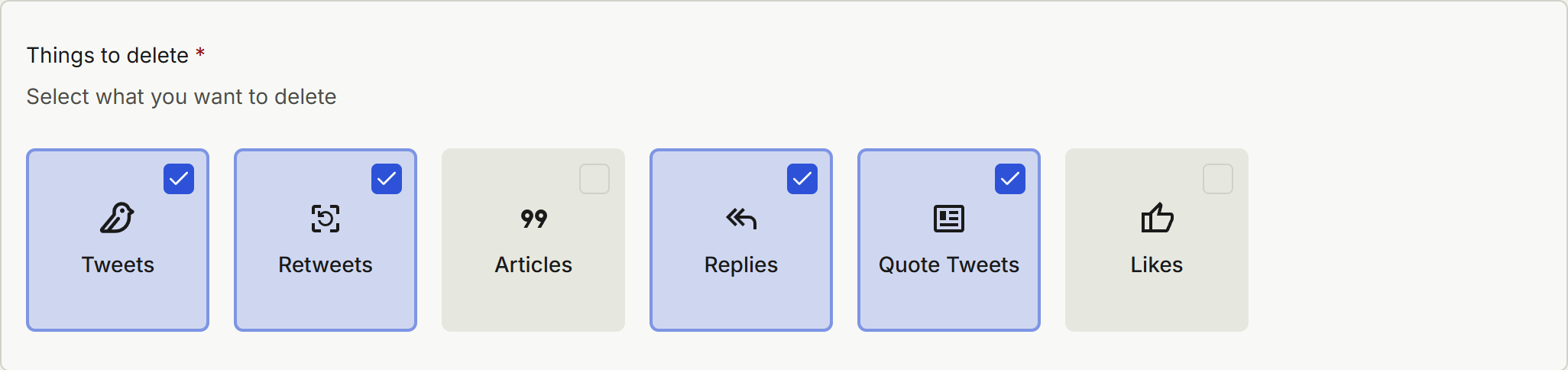
A word on likes: the date Redact reads for a like is when the tweet was posted, because that's what X gives us. A range that ends in 2024 will unlike a 2019 tweet even if you liked it last month. Likes pulled from an imported archive carry no date at all, so the date range doesn't apply to them: with Likes ticked, an archive run unlikes every like in the file, last month's included. If you're working from an archive, untick Likes.
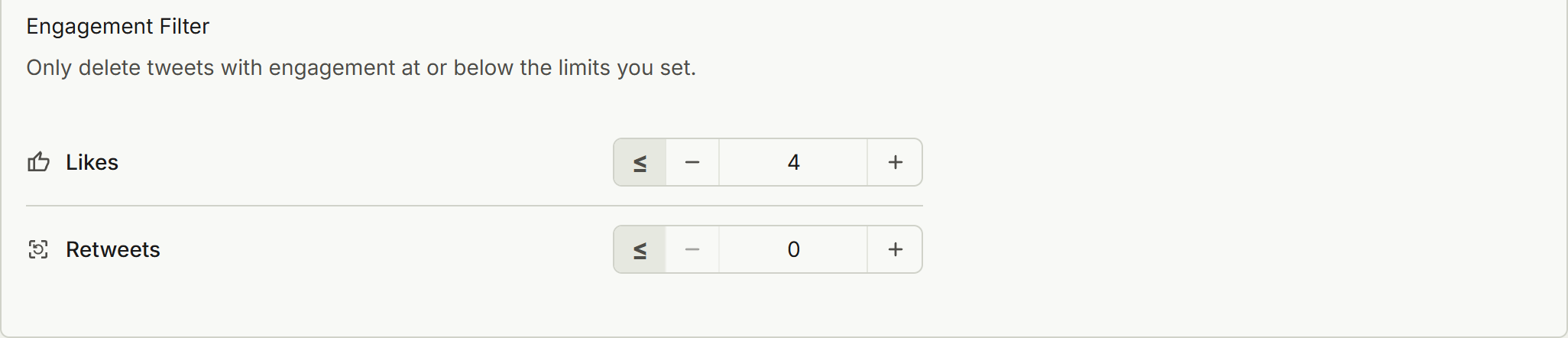
Engagement Filter
The Engagement Filter deletes tweets at or below your limits, and a tweet has to pass both limits to go. So Likes 4 and Retweets 0 take old tweets with four likes or fewer and no retweets, and anything with five likes survives. It's a generous rule, so tighten it to Likes 1 if you want to keep more, or empty the filter and take everything older than the line.
Additional Overrides

Deletion Options
You can narrow further with Tweet Keywords to Delete, Hashtags or Attributes to Require, which is handy if you only want to remove, say, 2020's video tweets.
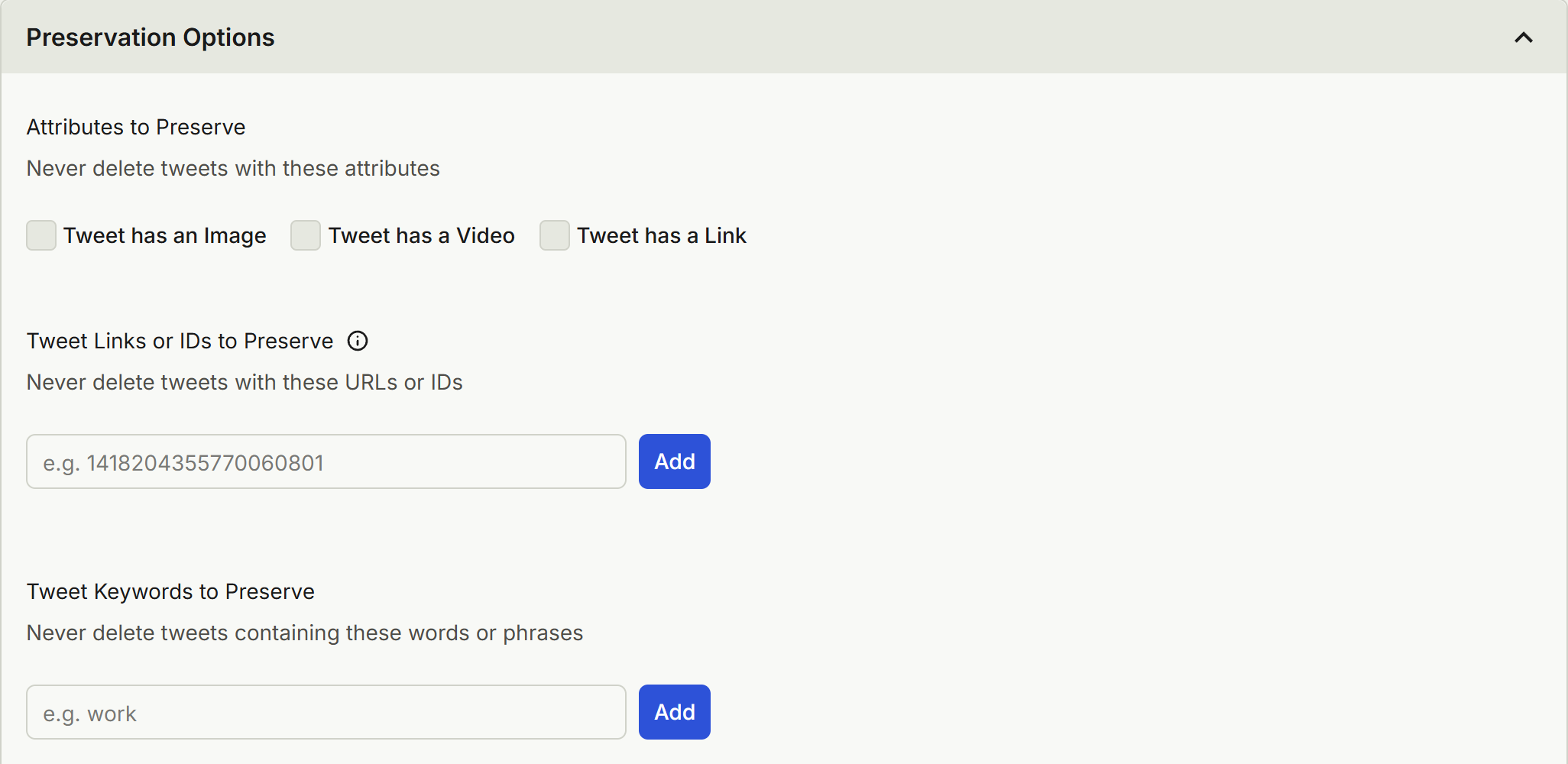
Preservation Options
Tweet Keywords to Preserve keeps any tweet containing a word you name, however old it is.
Preview Mode, then Deletion Mode
Run it in Preview Mode first, which lists what the filters caught and deletes nothing. Read a page or two of the oldest matches and see if you agree with yourself. Then run the same settings in Deletion Mode.

Which cutoff fits your specific situation?
I'm not unreasonable. Here's who I'd give a different number, and why.
- Job hunters: two years, no exceptions, and do it before you send the first application. The oldest thing a recruiter reaches should be something you'd say in the interview.
- People leaving a chapter behind: skip the rolling cutoff. If what bothers you is one marriage, one employer or one bad year, delete that window with two fixed dates and keep what came before and after it.
- Anyone who'd rather not think about this again: one year, on a schedule. Your account becomes a rolling window, and you never have this conversation with yourself again.
- Writers, journalists and creators with a real body of work: keep your archive, and raise the bar instead of cutting by date. Delete only old tweets that sank, and protect the rest.
- Students: one year. You're changing faster than anyone else on this list, and it's the year-old tweets that embarrass you.
Two things you'll want to know first
The free plan covers your last 30 days, which is great for keeping up and no help with a 2016 problem. Reaching further back is on Redact's paid plans, and so are DMs, which live on their own tab with their own date range.
If your account is huge, a live run has to page through your whole timeline. Premium can also import your Twitter archive in the desktop app, so Redact reads the list from the file. Twitter/X applies the same limits to each deletion either way, so it won't go any faster at that end, and the finding part gets much easier.
Pick the number tonight. If you can't decide, it's two.