How to Automatically Delete Tweets
 Dan Saltman6 min read
On this page
Your tweets shouldn’t define your future. Today, Redact.dev introduces Disappearing Mode for Twitter, giving you total control over your posts by automatically deleting tweets, retweets, and likes after a set time.
Apps like Signal, Telegram, and Snapchat already offer disappearing messages. Now, with Redact, you can bring that same self-cleaning technology to your Twitter account, keeping your timeline fresh, focused, and protected.
If you’re looking to auto-delete tweets, remove retweets, or clean up your Twitter likes, Disappearing Mode makes it super easy.
What is Disappearing Mode?
Disappearing Mode is an automatic deletion feature that lets you set custom rules to routinely delete your content without lifting a finger. You control what types of posts are deleted, when they are deleted, and how long they stay visible before they vanish.
With Disappearing Mode, you can:
- Auto-delete tweets after a certain number of days, weeks, or hours
- Remove likes, retweets, and tagged tweets
- Protect your privacy by constantly clearing outdated or unwanted content
How to Set Up Disappearing Mode
To start automatically deleting your Twitter content, first download and log into Redact.dev. If you don’t already have an account, you’ll need to create one and select a premium subscription. Redact also offers a free trial that includes bulk deletion of Twitter posts.
Once logged in, open the Disappearing Mode section from the left-hand menu.
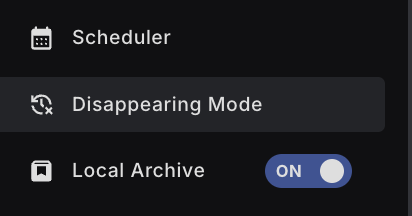
Next, select Twitter as the platform you want to configure.
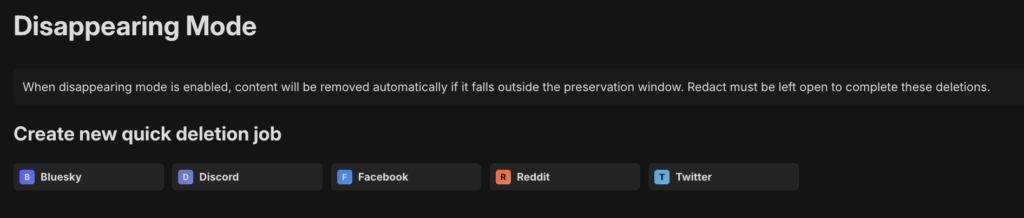
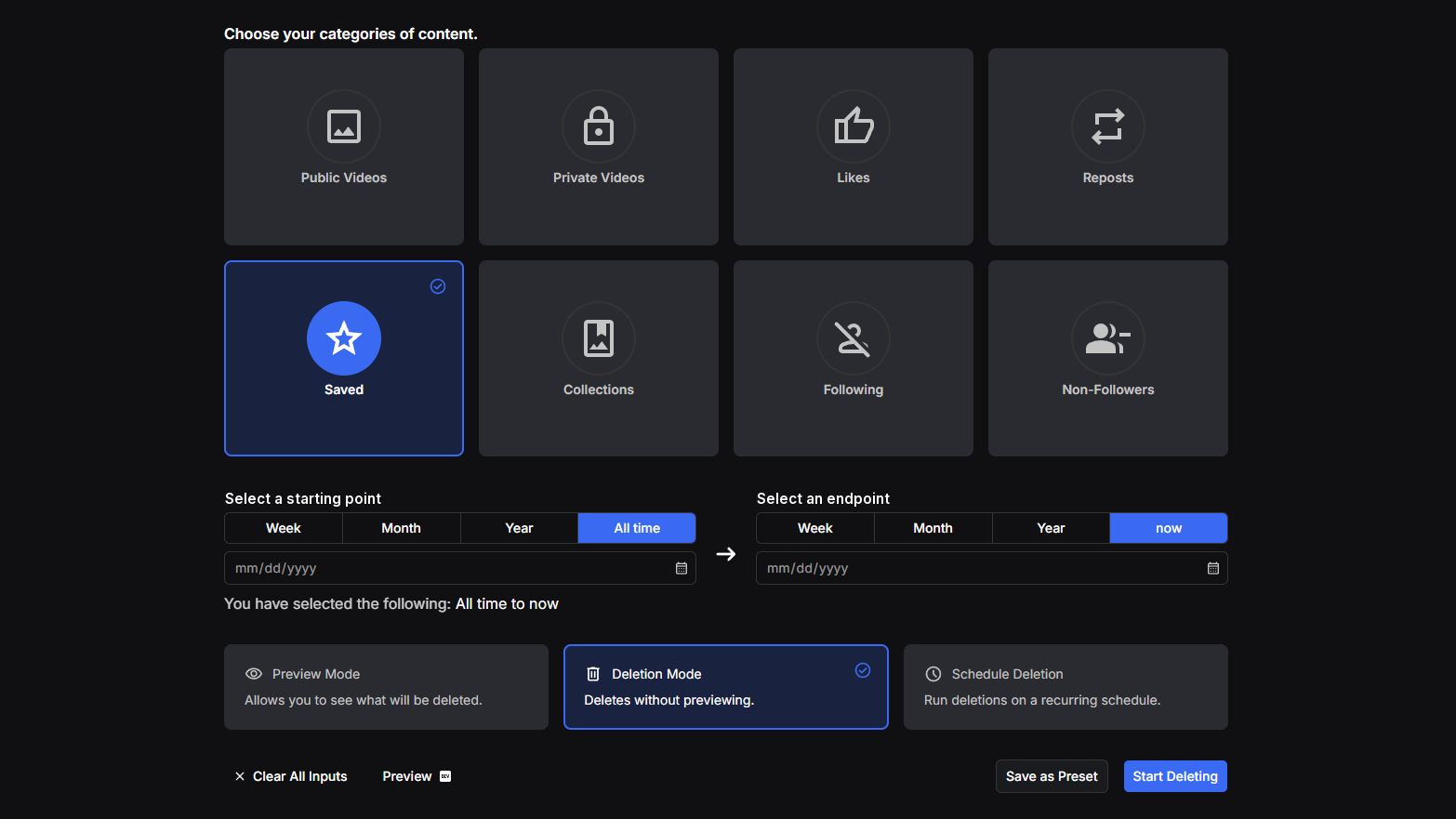
Customize which types of Twitter content you want to auto-delete. You can choose to delete:
- Original tweets
- Retweets
- Likes
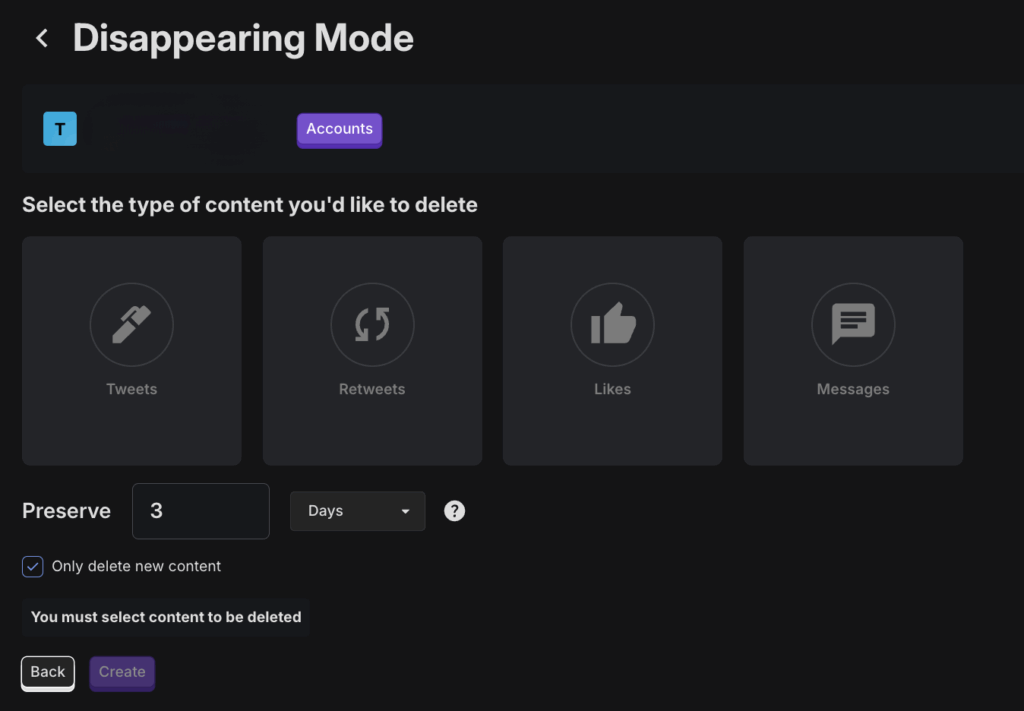
After choosing what you want to delete, set your preservation window: this defines how long content stays visible before being deleted. You can set it for any number of days, weeks, or even as short as 24 hours.

Finally, adjust additional settings. If you want Redact to only start auto-deleting new tweets moving forward (and not touch older posts), you can enable that option.

If you’re using an hourly preservation window, you’ll be able to delete content more often. If this is selected, Redact will check for new content every hour.

Once your settings are in place, Disappearing Mode will automatically run in the background, keeping your Twitter account fresh without requiring manual effort.
Ready to start?
Download Redact at redact.dev and set up auto-deletion for Twitter today and if you want to auto-delete posts from other social medias like Discord, Bluesky, Reddit, and Facebook; then check out this tutorial.
Automatically Delete Tweets on X FAQ
Can I auto delete all old tweets inside the X app without tools?
X does not provide a one click remove all switch for your full tweet history. You can delete posts one by one. Automation requires a helper workflow or app you control.
What types of content can be targeted when cleaning up on X?
Tweets, replies, retweets, quotes, media posts, and likes. Direct messages are separate and have different rules. Availability varies by method and access level.
How does Redact help automate deleting tweets at scale on X?
Open Redact and choose X. Select Tweets and Activity, set filters for dates, keywords, mentions, media, or engagement, run a Preview, then enable Deletion or a schedule. Redact executes only the steps you approve.
Which filters can Redact apply so I remove risky tweets but keep good ones?
Filter by date ranges, keywords, hashtags, language, mentions, links, media types, and engagement thresholds. Combine Before, After, Between, or All Time with keyword lists and whitelists.
Can Redact also remove likes and retweets during the same cleanup plan?
Yes. Include actions for unliking and undoing retweets where supported. You can run tweets, retweets, and likes in separate passes for more control.
What is the safest workflow to avoid mistakes with large tweet deletions?
Export your archive, run a small Preview, confirm matches, use Review & Delete to approve a short batch, then expand the date range. Keep a whitelist for tweets or terms to preserve.
Does Redact store my X credentials or tweet data on its servers?
No. Redact runs on your device and uses the minimum access required to execute your actions. You can disconnect X from Redact at any time.
Will deleting tweets remove screenshots, embeds, or third party copies too?
No. Deletion affects your account on X. External copies, embeds, and screenshots can remain. Use takedown requests where possible.
Should I export my X archive before I run automatic deletion rules?
Yes. Download your archive for a private record of tweets, media, and metadata. Store it offline or in encrypted storage in case you need it later.
How does Redact handle X rate limits or very large tweet histories safely?
Redact batches actions and spaces requests to respect platform limits. For years of activity, run smaller date slices or schedule several passes for stability and full coverage.
Can I target only tweets with certain hashtags, links, or media types?
Yes. Use filters for hashtags, domains, link presence, images, videos, or quoted tweets. Combine with date rules to focus on older activity.
Do deletions change follower counts or verified status on my account?
No. Removing tweets does not change followers, follows, or any subscription status. Those are separate items.
Can Redact run on a schedule so new tweets do not pile up again later?
Yes. Save your filters and schedule daily, weekly, or monthly runs. Redact repeats your rules and removes new matches automatically on the cadence you choose.
Is there a free option in Redact for X or do I need Premium to process all time?
You can start for free with recent history on supported services. Upgrade to Premium to process all time data and get advanced filters and scheduling.
Is Redact easy to try for X, and how do I sign in securely to start?
You can download Redact for free and start with recent activity. Redact uses passwordless sign in with secure email codes. You can disconnect at any time and upgrade later for all time cleanups and schedules.