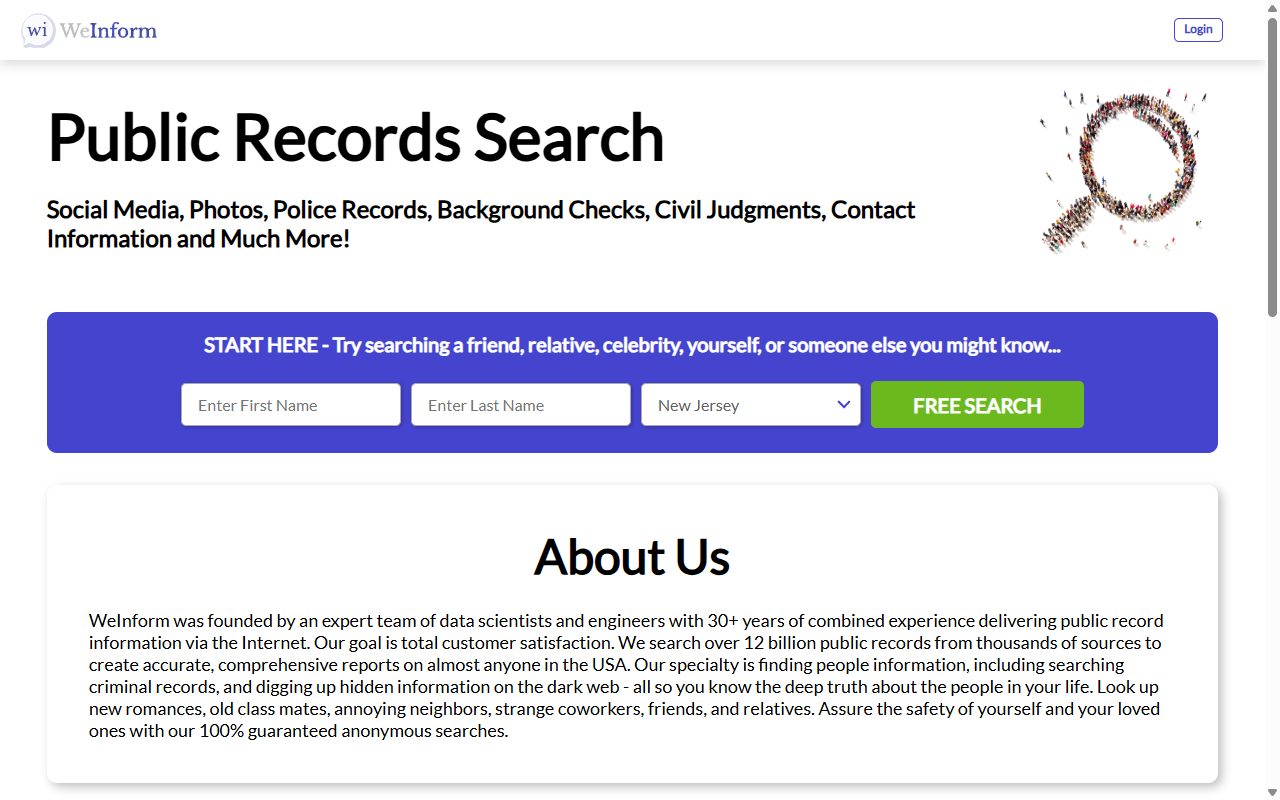
In August this form made people wait. It spent hours answering HTTP 429 before it would take a request at all. On October 8, 2026 the address loaded first time and held a new form, shorter than the one it replaced. You describe the listing and submit, and nothing happens until you click the link WeInform emails you. We didn't send a request this time, so we can't tell you whether the email is still slow. Budget some patience in case it is.
Background. The WeInform profile covers the operator's shell structure, the TruthRecord pairing, and the Daniel's Law litigation.
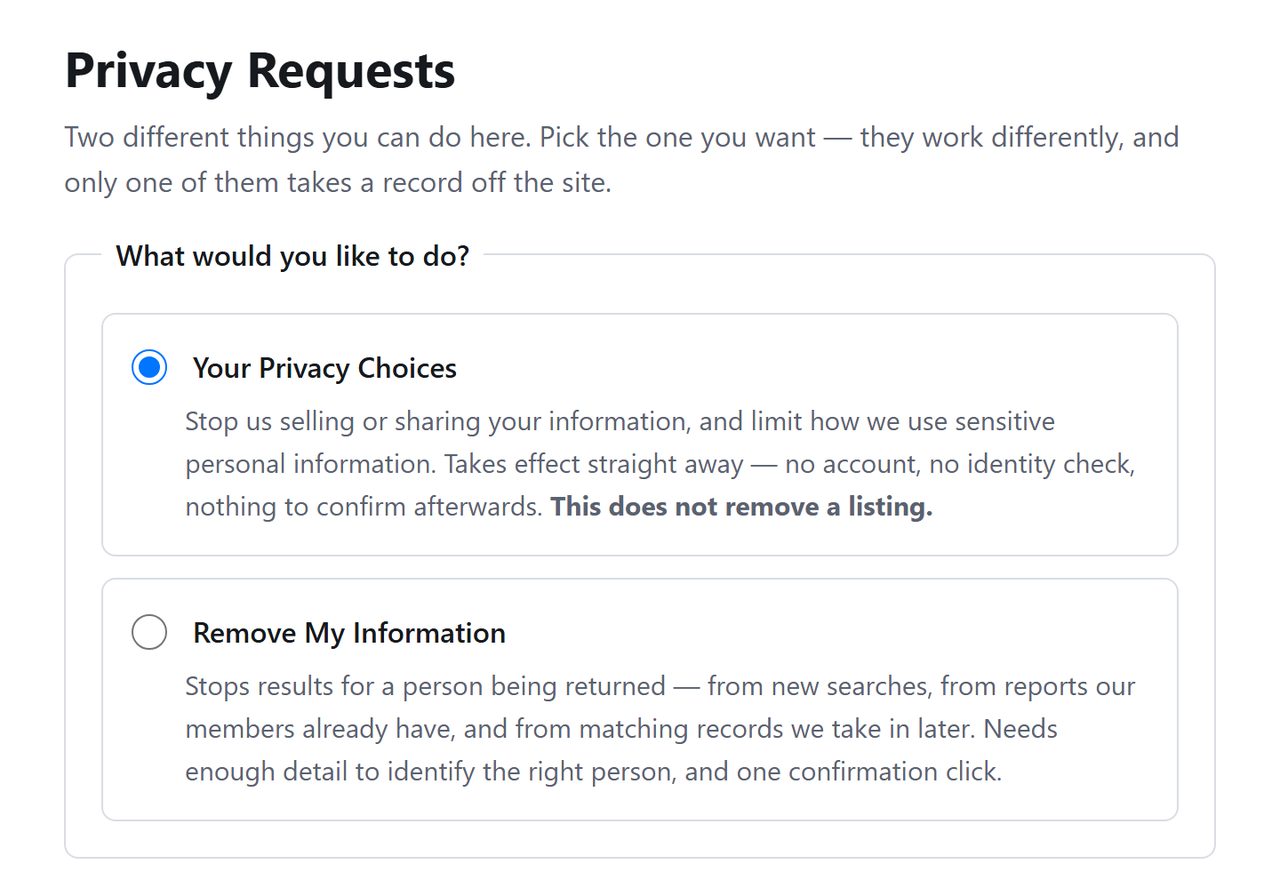
Open weinform.org/api/helper/optOutLight/search. If it errors, come back later instead of hammering refresh. Once it loads, choose Remove My Information from the two options at the top.
The form as it loads now.
02
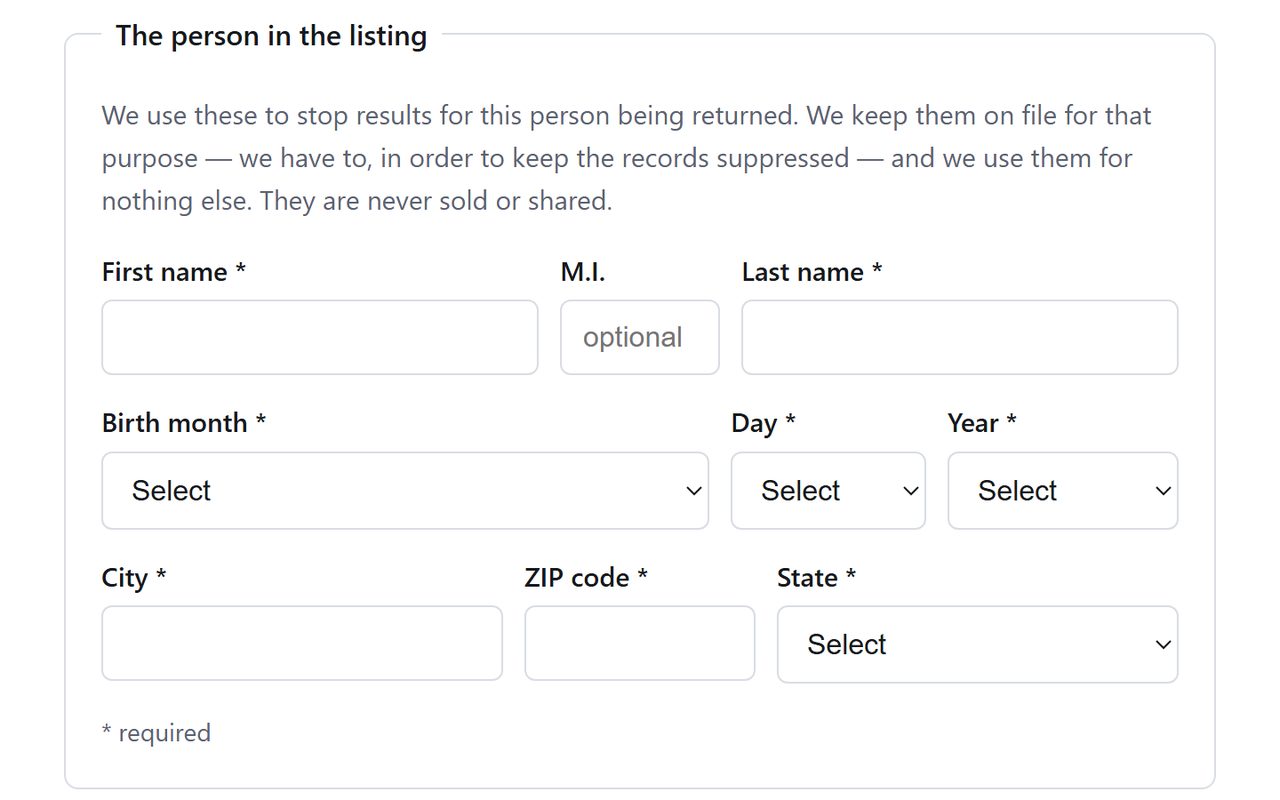
Enter the listing's details
Type the name the listing is under, then supply the full birth date, the city, the ZIP code and the state.
The details WeInform asks for.
03
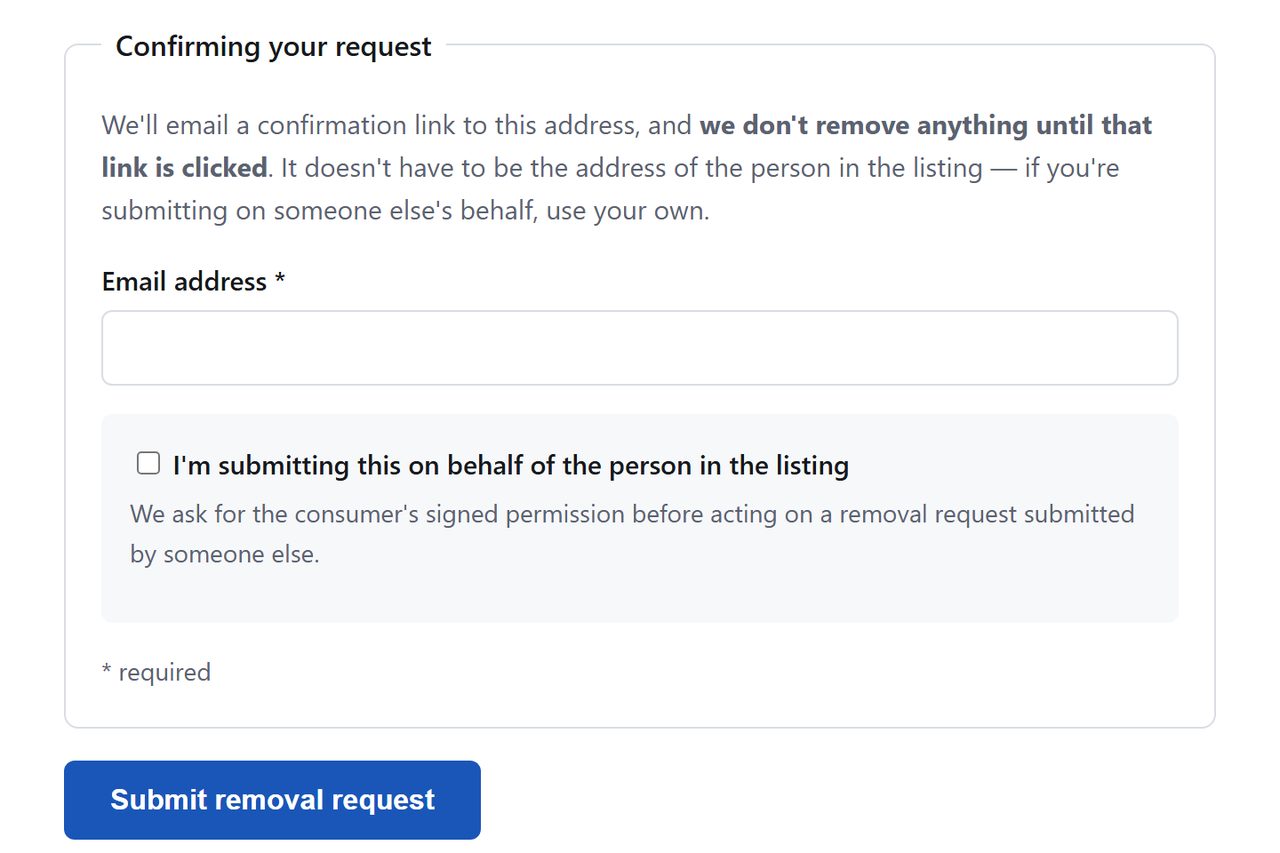
Submit with a working email
Type your email and press Submit removal request. Our check stopped at this button. An anti-bot test may follow.
The foot of the form.
04
Wait for the email, then click
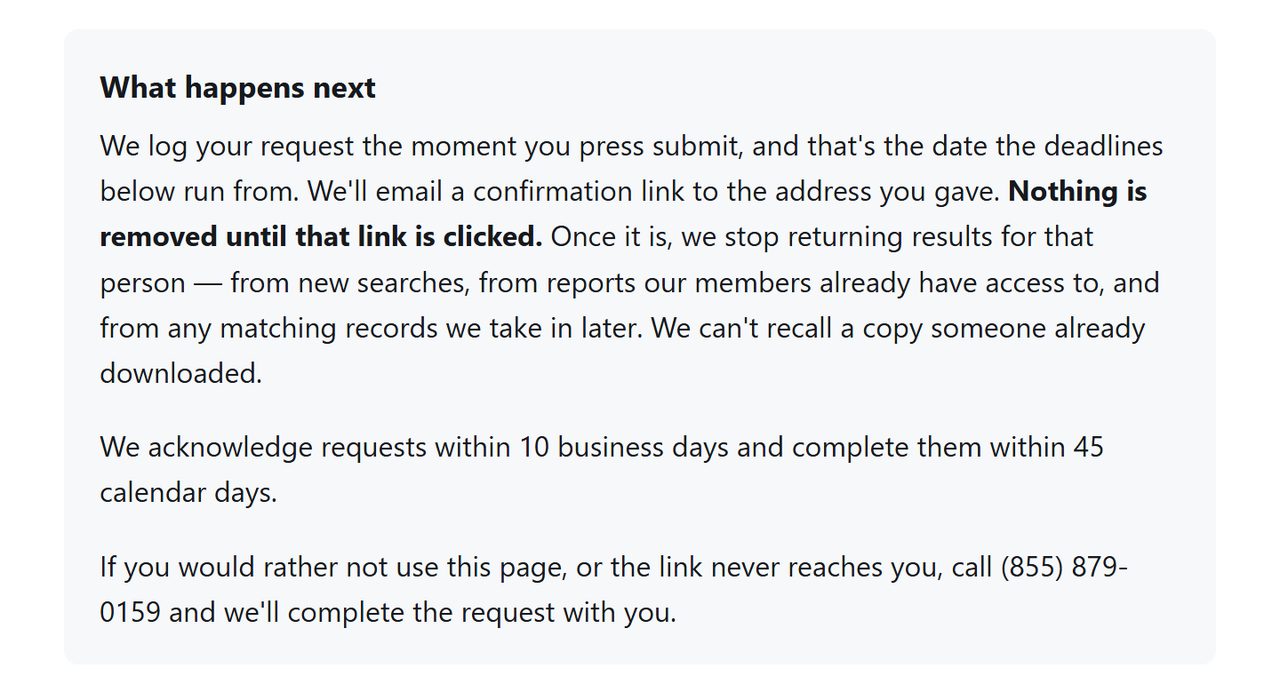
On our August run the email wasn't instant. The new page doesn't say how long it takes, only that the request is logged when you submit and carried out when you click. Check spam before deciding it hasn't come.
Logged on submission, carried out on the click.
Use a masked or secondary email if you have one. The form needs a working inbox for the link, but nothing says it has to be your primary address, and this operator's whole business is contact details.
Confirm
Confirm it worked
After a week or two, search the web for your name with site:weinform.org, and again with site:truthrecord.org. Both sites' own searches met a test name with a credit card form on October 8, 2026. It's the same company's other storefront, and if that listing is still standing, file its removal separately. If your record is still up after 45 days, email support@weinform.org with your submission date and ask for status.
Done here? Check the other storefront next.TruthRecord is the same company's second site, and no source outside a third-party removal service says this request reaches it, so look yourself up there and file separately if you find a listing. PrivateReports, PublicSearcher and SealedRecords run their own forms as well.
If it fails
Troubleshooting
The form answers 429 (Too Many Requests): it did that for hours in August, so it's this form's own throttle and not anything you did. Wait a few hours and try again.
No confirmation email: give it a day and check spam before resubmitting with a different address.
The opt-out URL 404s: the flow has lived at several paths, including /optOut/name/landing on the California registration, so start from the privacy links in the site footer if a saved URL dies.
Record still up after 45 days: call (855) 879-0159, use the help form, or write to We Inform LLC, ATTN: WeInform, 7860 W Commercial Blvd #829, Lauderhill, FL 33351.
New Jersey covered persons: if Daniel's Law covers you (judges, prosecutors, law enforcement, and their households), your removal notice carries statutory weight. This operator is currently litigating exactly that obligation as the lead defendant in Atlas v. We Inform.
Stay off
Keep your record off
WeInform sits on an aggregator backend, so a suppressed listing can resurface when fresh public-records data flows in. Recheck quarterly, both storefronts, and glance at the wider platform family while you're at it.
Take yourself off data broker sites
Redact scans data broker sites from your device, finds where your details are listed, and submits the removal requests for you. If a broker relists you, it files again.
October 8, 2026 · WeInform swapped its opt-out form after our August 11 walkthrough. The steps now follow the replacement page, which loaded without the 429 throttle on October 8 and was read and captured that day. No request was submitted, so the email step is described from WeInform's text and from the earlier run. Background Checkers' copy of the form was walked to completion on October 8, with the confirmation email turning up in spam.