Removal guide · Sentinex

How to remove your info from Sentinex

Sentinex says the only data it collects on people without an account comes from cookies. If you've never had an account, that's its answer to what it holds. If you have one, or you want the answer in writing, requests go through a OneTrust form rather than a page on sentinex.com.

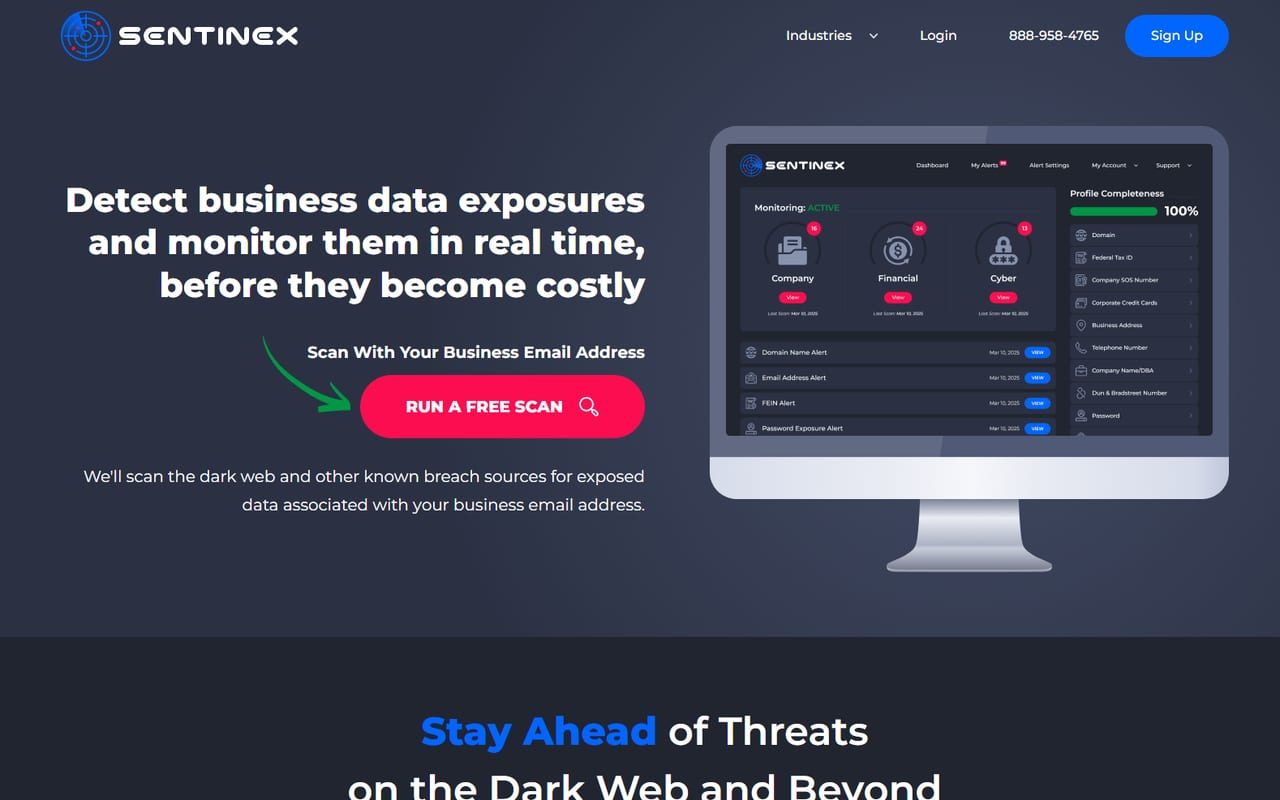
Sentinex homepage screenshot

Context: the Sentinex profile covers why a business monitoring tool is on a data broker registration, and which of its fields are personal data for a sole trader.

First question

Whether you're in here at all

Sentinex's privacy choices page splits its advice between customers and non-customers. For non-customers it says this.

If you visit Sentinex without an account, the only information we collect about you comes from cookies and similar technologies.

Taken at face value, someone who's never subscribed has nothing here beyond cookie data. That's the company's claim, and its privacy policy separately says it aggregates public records about "users and non-users". A request costs nothing and gets you an answer in writing.

This route won't clear you from the lookup sites InfoPay runs. Those take their own requests.

Being scanned isn't the same as being listed. If your employer runs Sentinex, your work email can show up in its alerts because it turned up in a breach. Deleting your own record here doesn't reach into a customer's account.

Orientation

The form isn't on sentinex.com

Every customer route on the privacy choices page (account preferences, data access, correction and deletion) links the same OneTrust form, hosted on OneTrust's EU portal, so the address bar reads privacyportal-eu.onetrust.com. The link comes from Sentinex's own page. Because every route lands on one form, you pick the right you're exercising inside it.

The non-customer route for deleting cookie data is broken. Its HERE link is a blocked script that does nothing when clicked. Use the OneTrust form instead, or email privacy@sentinex.com, the address the same page gives for cookie questions.

The form

Working through the OneTrust form

01

Open the request form

Open the Sentinex request form, or reach it from any HERE link under For Customers on sentinex.com/optout. It opens on Sentinex branding with a short welcome line.

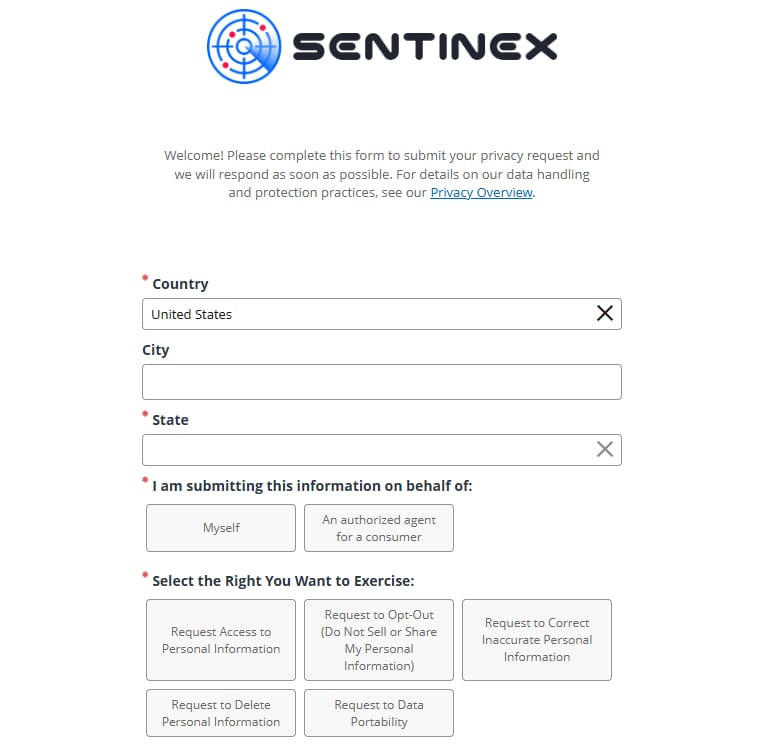
The Sentinex privacy request form on the OneTrust portal, with a required Country field set to United States, an optional City, a required State, a choice between Myself and An authorized agent for a consumer, and five rights to choose from.
Country and State carry red asterisks. City sits between them and is optional.
02

Say where you are

Country starts as United States and State is required. City looks required but isn't. Your state's privacy law decides which rights you can compel, so give it accurately.

03

Say who's asking

Under I am submitting this information on behalf of, pick Myself unless you're filing for someone else as An authorized agent for a consumer. Agent requests usually need extra proof, so picking it by mistake slows your own request down.

04

Pick the right you want

Select the Right You Want to Exercise offers five options, from Request Access to Personal Information to Request to Data Portability. To get data removed, choose Request to Delete Personal Information. To stop it being sold or shared, choose Request to Opt-Out (Do Not Sell or Share My Personal Information). They're separate requests, so wanting both means filing twice.

If you're not sure Sentinex holds anything, choose Request Access to Personal Information first and let the answer decide what you file next. Fill in the remaining identity fields and submit.
Afterwards

Keeping proof

Note the right you chose, the date, and any reference the confirmation gives you, because that decides what a proper answer looks like.

If the reply says Sentinex holds nothing on you, that matches its published position on non-customers, and it's worth keeping. If nothing arrives, write to privacy@sentinex.com, then to InfoPay's filed contact, compliance@infopay.com.

If stuck

Things that go wrong here

  • There's no opt-out button on sentinex.com. Every request goes through the OneTrust form.

  • The cookie data removal link does nothing. It's broken on Sentinex's page. Use the OneTrust form or email privacy@sentinex.com.

  • The form won't move past the first block. Country and State are required. City isn't.

  • You asked for deletion and it's still being sold. Deletion and opt-out are separate choices, so file the second one.

  • Your name is turning up in web searches. Wrong brand. Sentinex publishes no people index, so start with InfoTracer.

Later

Why a deletion here doesn't last

Sentinex watches breach and dark web sources, and those keep growing. Deleting your record clears what's held now, but it won't stop you turning up in a future breach, and it can't touch breach data itself. Unique passwords, and a business email you can retire, outlast any deletion request.

Take yourself off data broker sites

Redact scans 120+ data broker sites from your device, finds where your details are listed, and submits the removal requests for you. If a broker relists you, it files again.

Last updated:

September 10, 2026 · The OneTrust form's first screen was photographed on the August 18, 2026 walk. On today's check every customer route on sentinex.com/optout still pointed at that form, the non-customer wording came from the page's current version, and its cookie data removal link, clicked in a browser, did nothing.