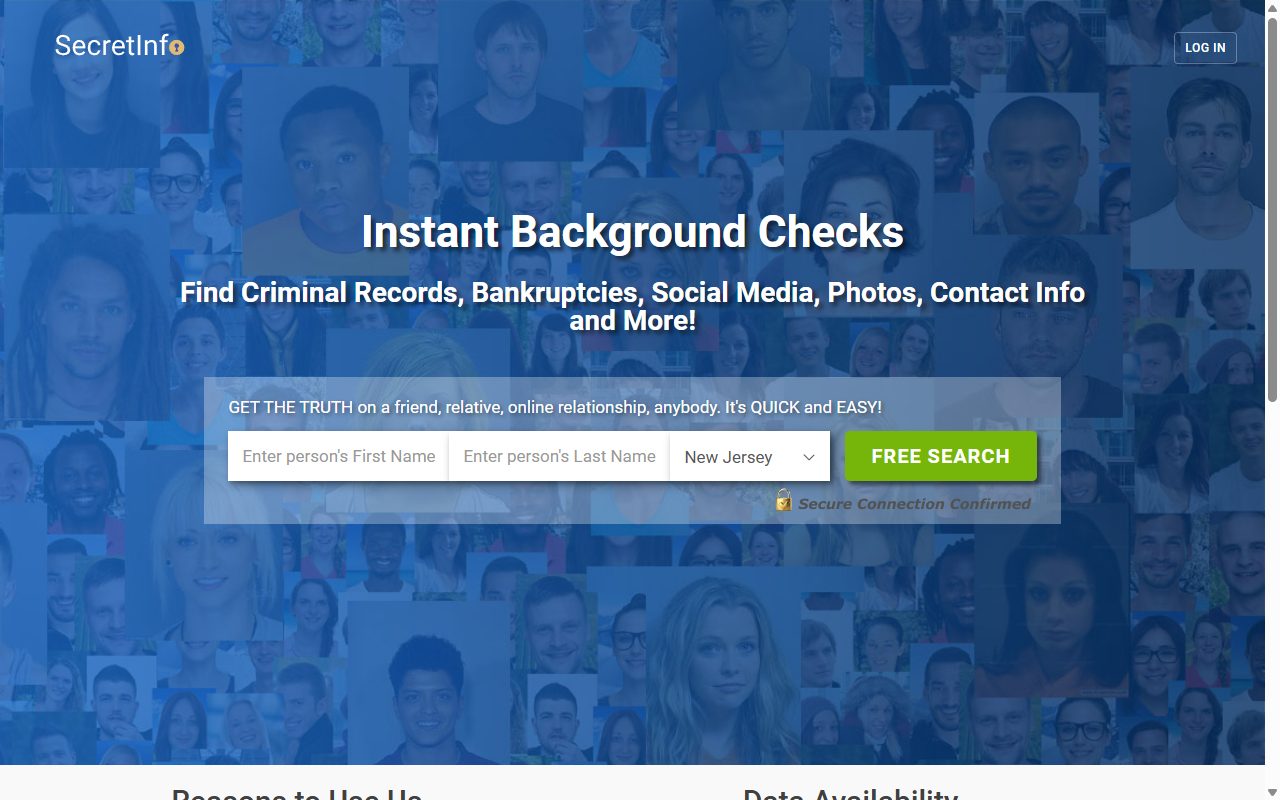
SecretInfo asks nothing for a removal and wants no account. It used to want three screens. Now it wants one, on which you name the person, date them and place them, then hand over an email address. A link comes back, and using it is what takes the listing out of SecretInfo's results. Its twin, People Searcher, has changed in step, and the pair still behave as two sites with two forms.
Curious who's behind it? The SecretInfo profile has the operator, the litigation, and where this brand sits in the 2024 MC2 Data leak.
Getting delisted won't stop a charge. Those are two different requests. SecretInfo's terms point cancellations at (866) 409-0140, and its twin brand publishes a different line, so check your statement and ring whichever one matches it.
The steps
Remove your listing
01
Get to the removal form
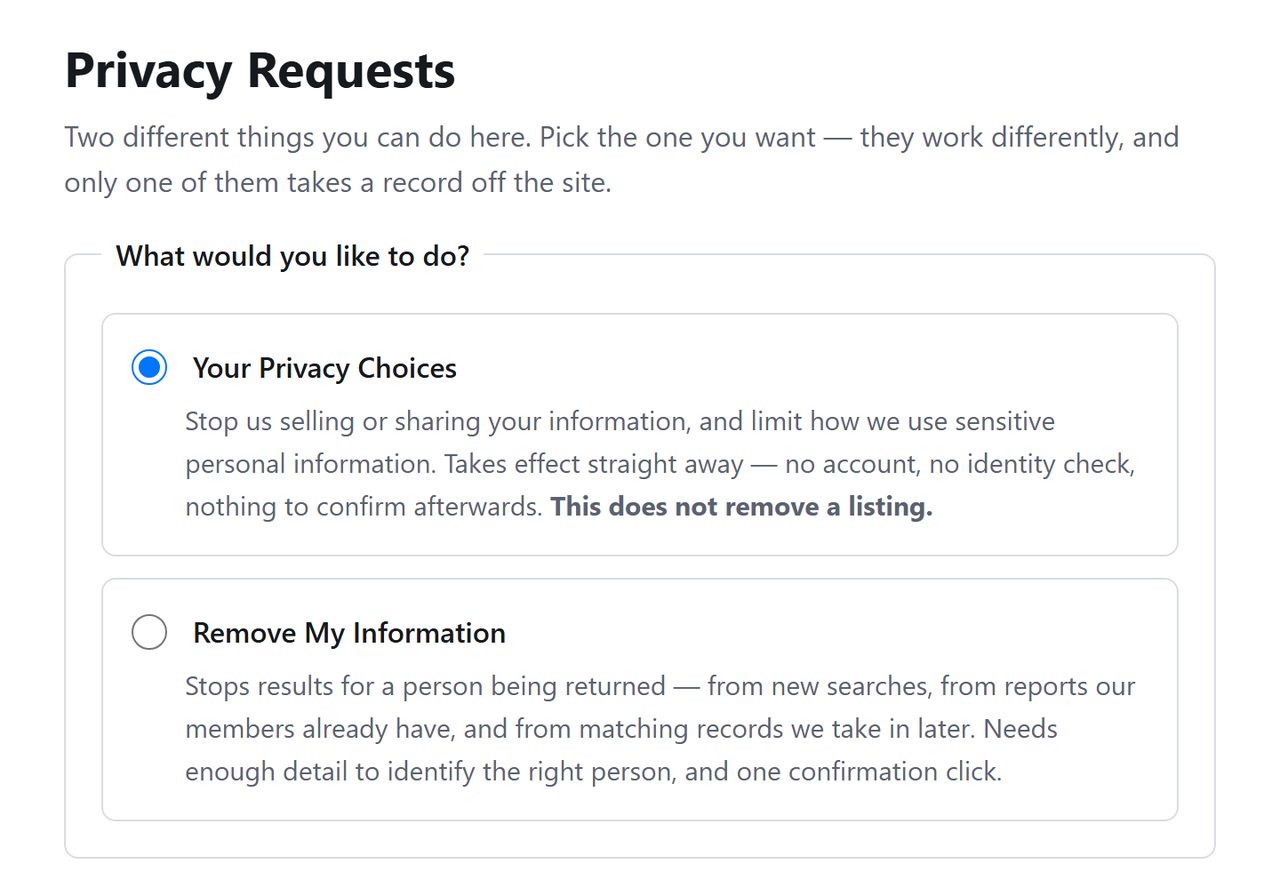
Follow this link to SecretInfo's request page. Two radio buttons sit under the title. The one already selected handles advertising and data-sharing preferences. Move the selection down to Remove My Information.
Move the selection down one.
02
Name, date and place the person
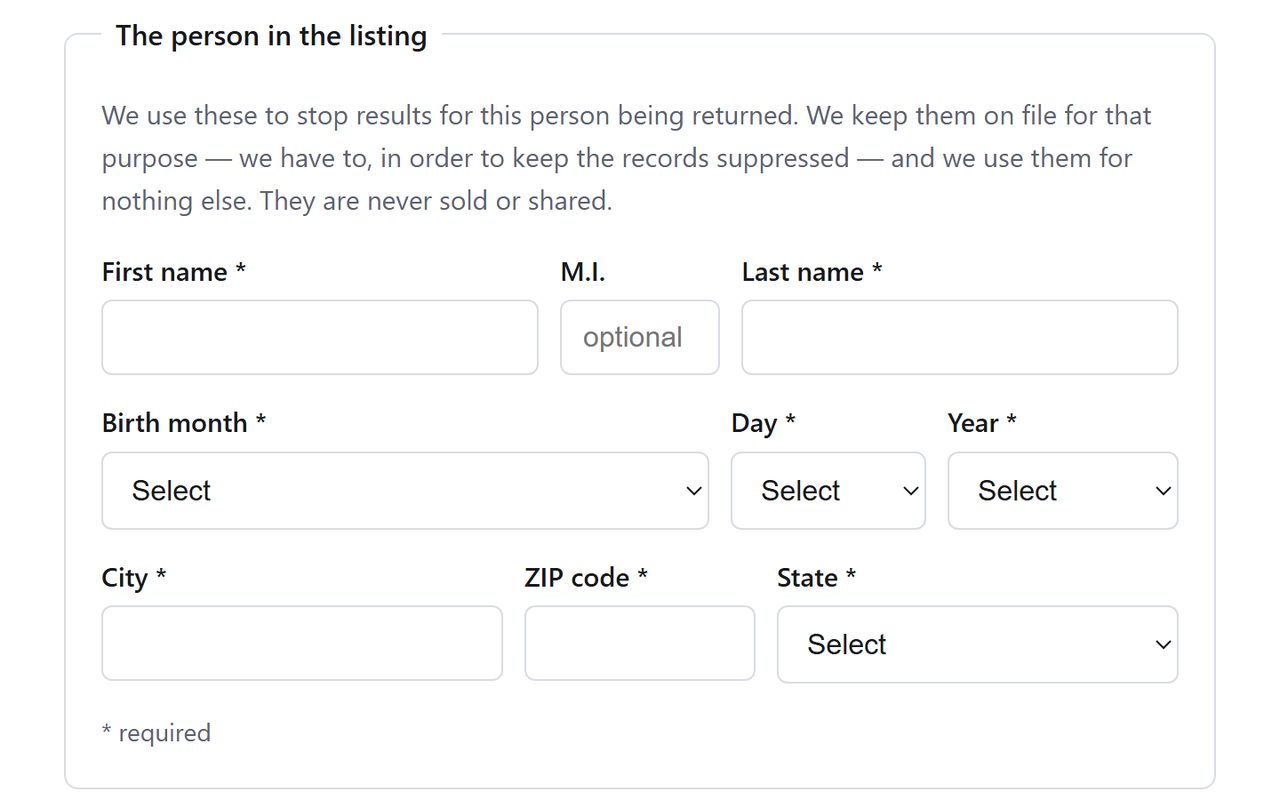
SecretInfo wants to know who the listing describes (first name, last name, middle initial if you like), when they were born (three menus) and where they are (city, five-digit ZIP, state).
Anything that describes a different version of you counts separately. A maiden name, or a house you left a decade ago, may be held as its own listing, and with no results screen to check against, the safe course is a second request using those details.
Who, when and where.
03
Hand over an address they can write to
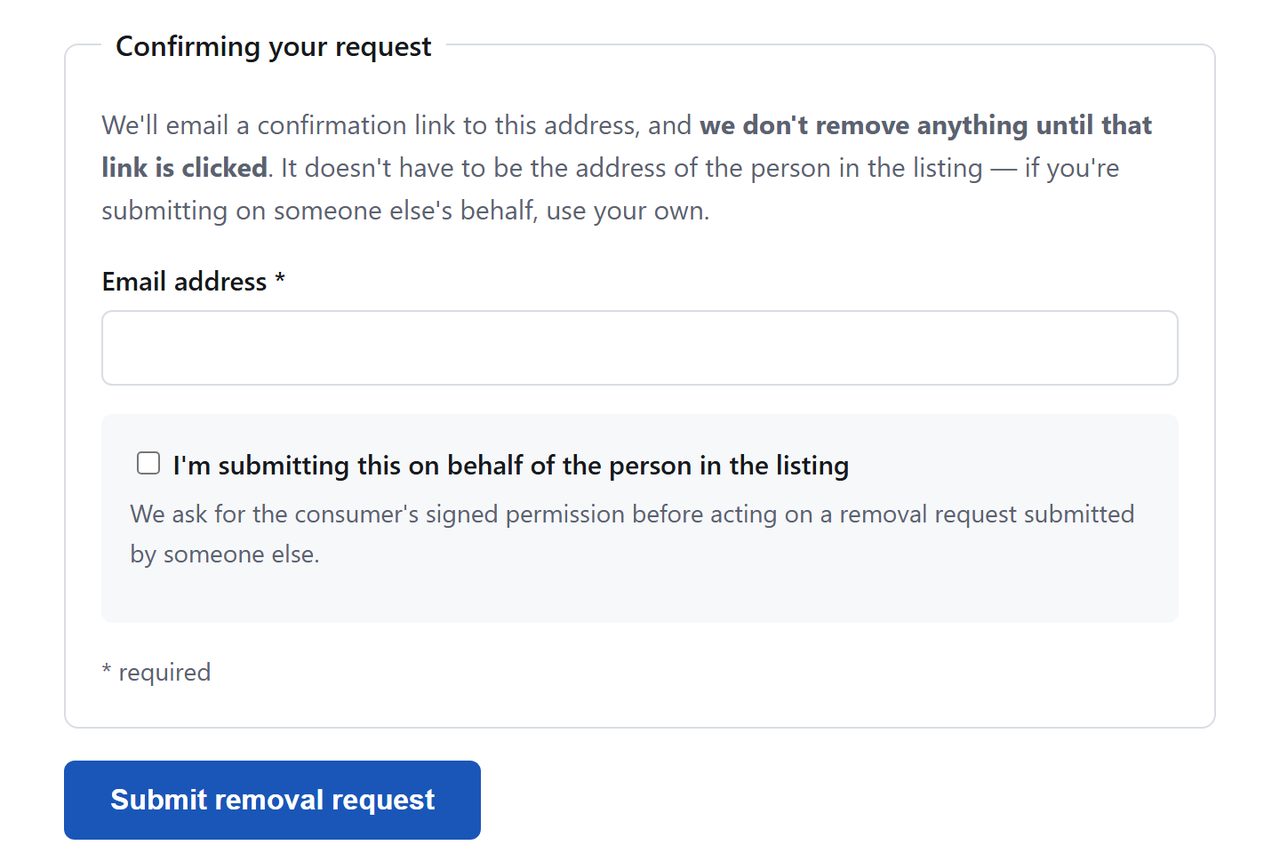
Enter an email for the confirmation. Then press the button, which on this half of the page reads Submit removal request. We read the page that far and stopped, so the next screen is unseen by us. If it's a CAPTCHA, solve it.
The button names the request you're making.
04
Use the link
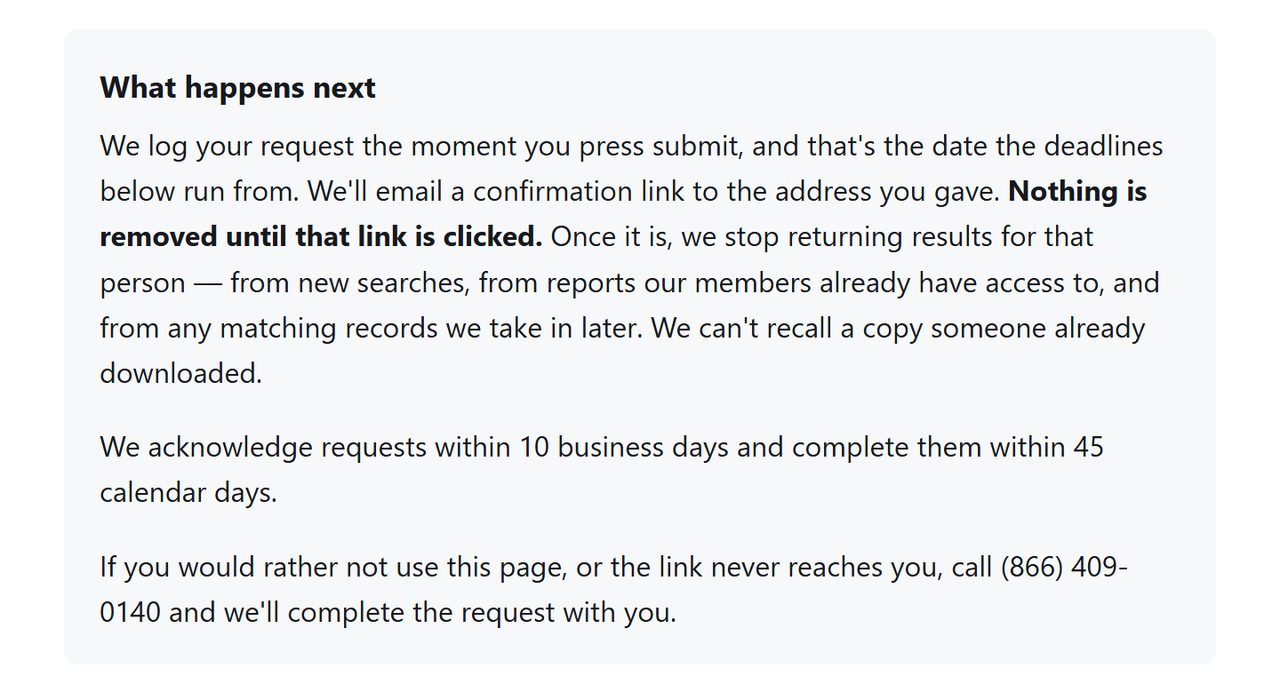
A message from SecretInfo should follow with a confirmation link in it. The page promises that once the link is used, the person stops being returned in new searches and in reports members already have, and that later matching records are held back as well.
SecretInfo's promise, in its own panel.
Photograph the listing before it goes. Should the record turn up again, a dated capture of what was published is what you'll want to point at.
The twin
Then do it again next door
peoplesearcher.com is this same operation wearing another name. Same California registration under The People Searchers LLC, same request page waiting at the same path on its own domain.
What neither site will tell you is whether clearing one clears the other. Each page talks only about itself, and the two print different phone numbers, which isn't how a single shared system usually behaves. Treat them as two jobs until somebody puts it in writing.
Give it a week. Neither domain's own search is a sensible check, as each one walked a test name straight into a credit card form on October 8, 2026. Run your name past a search engine alongside site:secretinfo.org and site:peoplesearcher.com, remembering that a record can sit in a cache for a while after the site itself has dropped it.
Hang on to whatever confirmation emails arrive. Check this pair again every few months, and check the wider family while you're at it, because the fifteen brands sharing the MC2 backend tend to resurface together.
If it fails
When it goes wrong
Nothing in the inbox. Look in spam first, then run the form again with a different address. SecretInfo's page also gives (866) 409-0140 for finishing by phone.
It's back a few weeks later. Send it again and hold on to the dated captures.
The charges keep coming. Delisting and cancelling are separate errands. Ring (866) 409-0140 or write to support@peoplesearcher.com. The terms call fees non-refundable, so take it to your card issuer if support digs in.
Covered under Daniel's Law. Judges, prosecutors, law-enforcement officers and their immediate families have a statutory route in New Jersey that doesn't depend on this form, and the company behind this site is already a defendant in that litigation.
Take yourself off data broker sites
Redact scans data broker sites from your device, finds where your details are listed, and submits the removal requests for you. If a broker relists you, it files again.
October 8, 2026 · Revisited after the form changed. SecretInfo's request page was loaded, read and captured on this date and the steps redrawn from it. No request went in, so the link by email is described from the page, not from experience. The August 7 firsthand walk covered the previous three-screen flow. Experience so far comes from Background Checkers, where the same page was completed on this date and the email needed fishing out of spam.