
Search for your listing
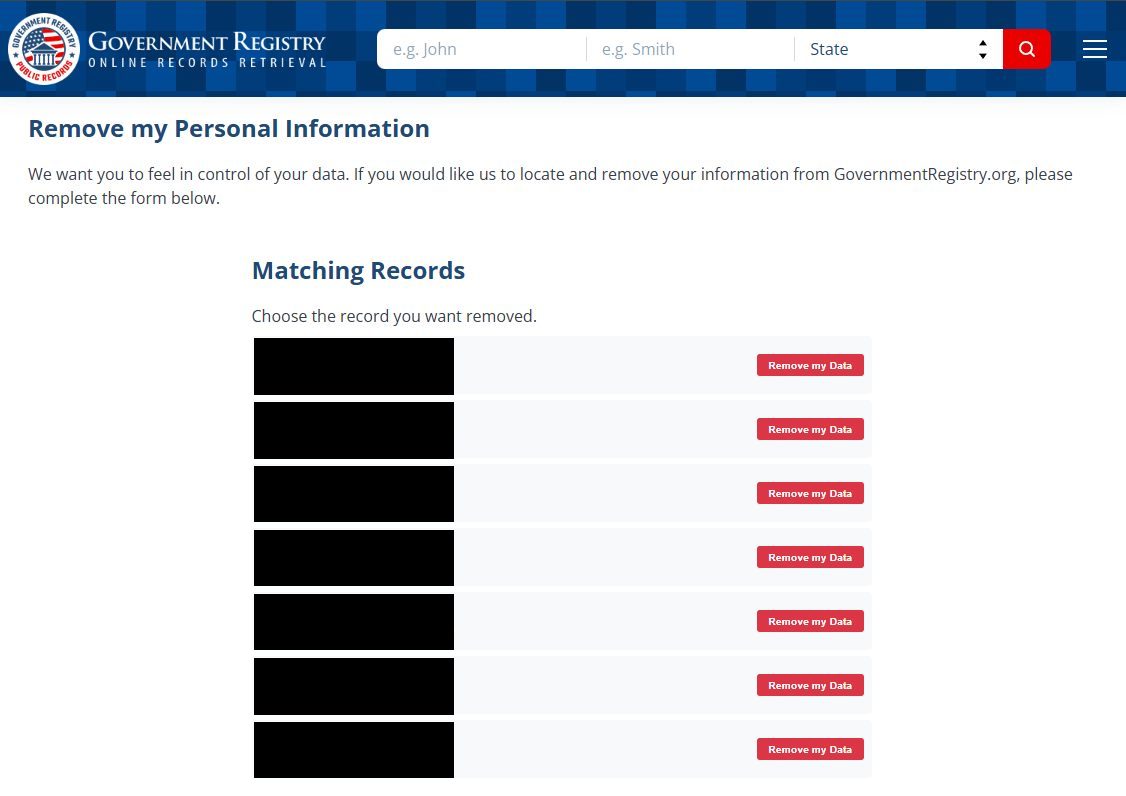
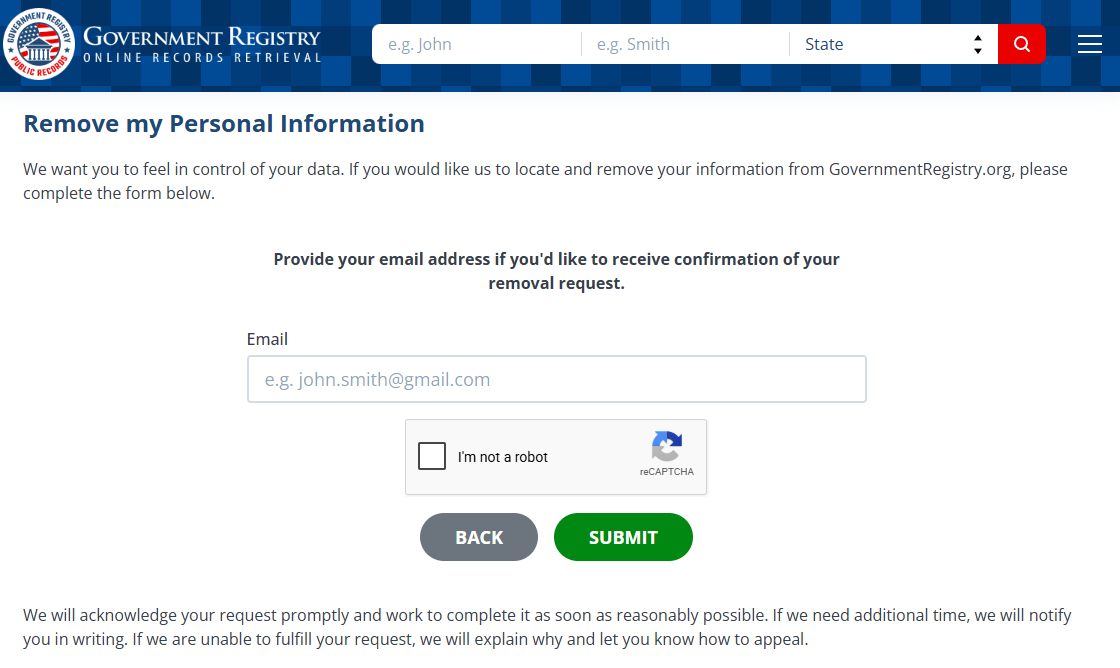
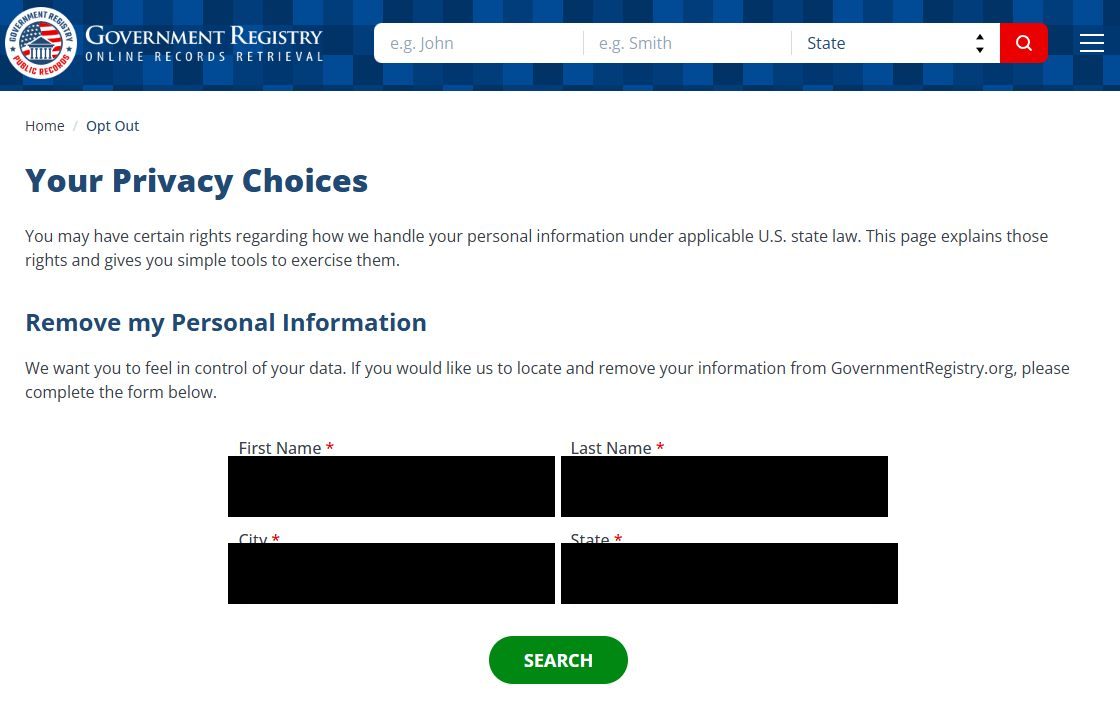
Go to governmentregistry.org/opt-out - the Your Privacy Choices page. The Remove my Personal Information form is a search, first name, last name, city, and state, all required, then the green SEARCH. Enter the city and state your listing shows, which may be an old address rather than where you live now. The dropdown is the limit - on September 10, 2026 it offered nineteen states (California, Colorado, Connecticut, Delaware, Indiana, Iowa, Kentucky, Maryland, Minnesota, Montana, Nebraska, New Hampshire, New Jersey, Oregon, Rhode Island, Tennessee, Texas, Utah, Virginia), and a listing in any other state can't be searched. Florida is the strange case, named in the rights notice further down the page and missing from the dropdown.
Listing's state not in the dropdown? The site's contact form is the manual route - ask for removal in writing, quote the listing's details, and keep a dated copy. No statute compels them to act on it, but it's the channel that exists.