TruthRecord's opt-out was already one of the friendlier ones in this sector, and the rebuilt version asks even less of you. It's free, there's no account and no ID upload, and the record search that used to come first has been dropped. The catches are still procedural. A request covers one person as described, and it isn't acted on until you click a link sent by email. We reviewed the page on October 8, 2026 and didn't submit.
Background. The TruthRecord profile covers ownership, the WeInform connection, and the Third Circuit Daniel's Law appeal.
A list of every name you might appear under. A maiden name and a married name are best treated as separate requests.
Your date of birth and a ZIP code, which the old form never asked for and this one requires.
An email address you can keep an eye on, because the link sent there is the trigger.
The steps
Remove your listing
01
Open the opt-out URL
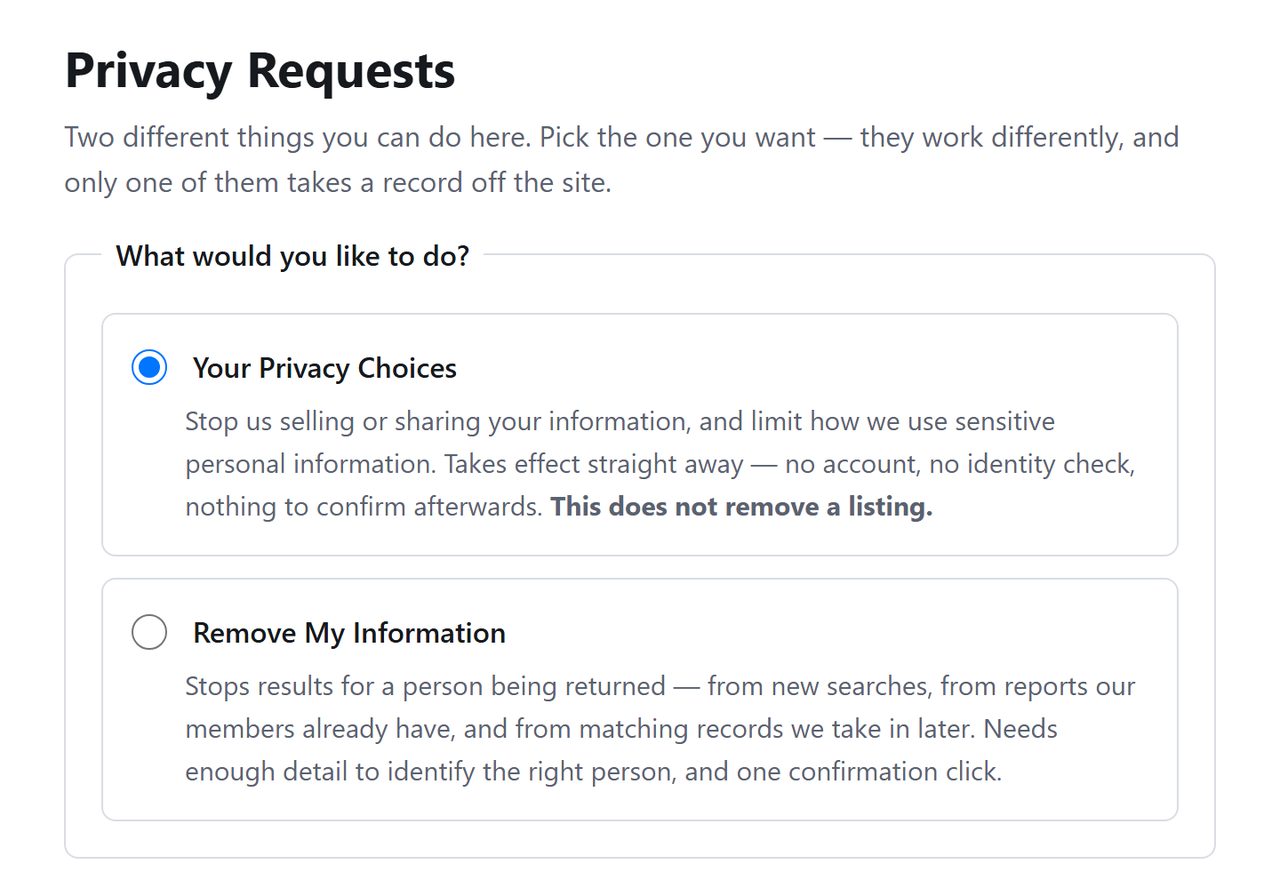
Go to truthrecord.org/api/helper/optOutLight/search. The page that loads is headed Privacy Requests. It handles two kinds of request, and TruthRecord picks the wrong one for you by default, so click Remove My Information before going further.
The default isn't the removal request.
02
Fill out the removal form
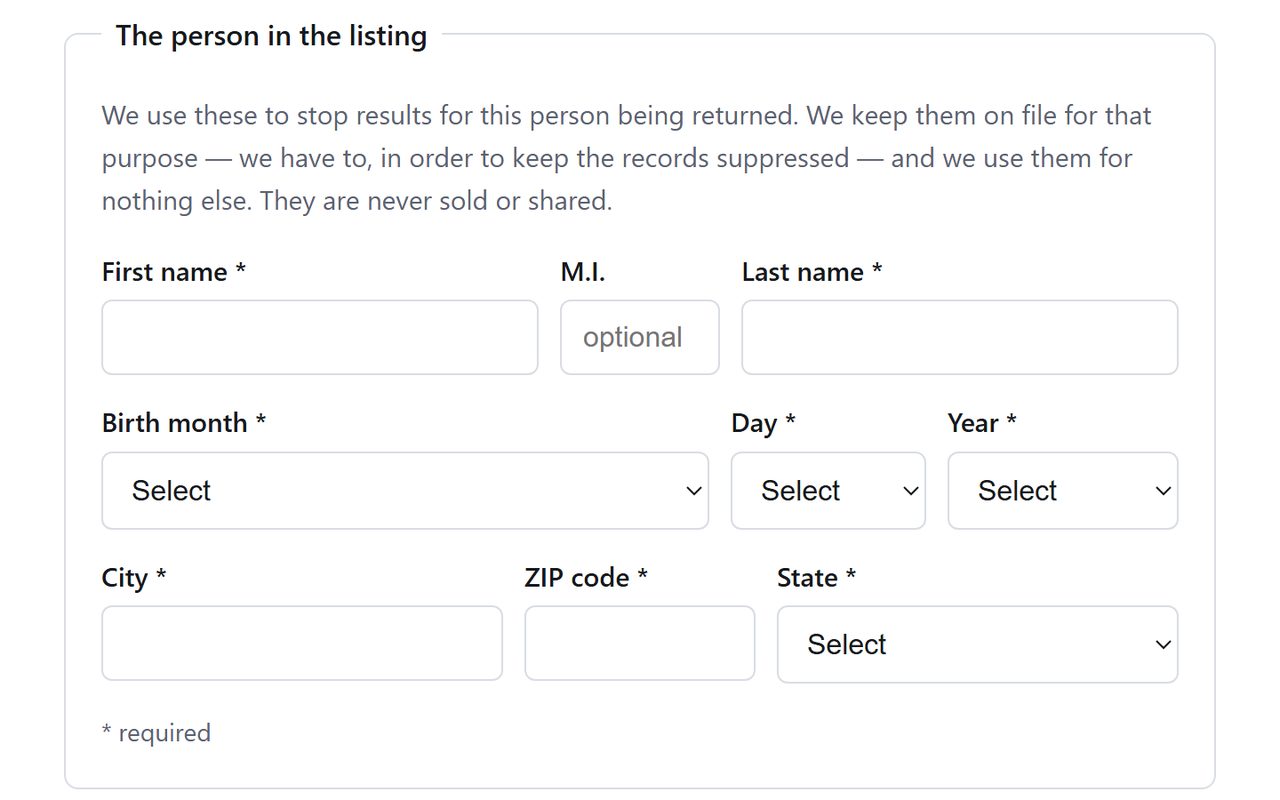
The required entries are first name, last name, birth month, birth day, birth year, city, ZIP code and state. TruthRecord's note above them says the details are kept so the record stays suppressed and are never sold or shared.
TruthRecord's note on how it uses what you enter.
03
Give your email and send the request
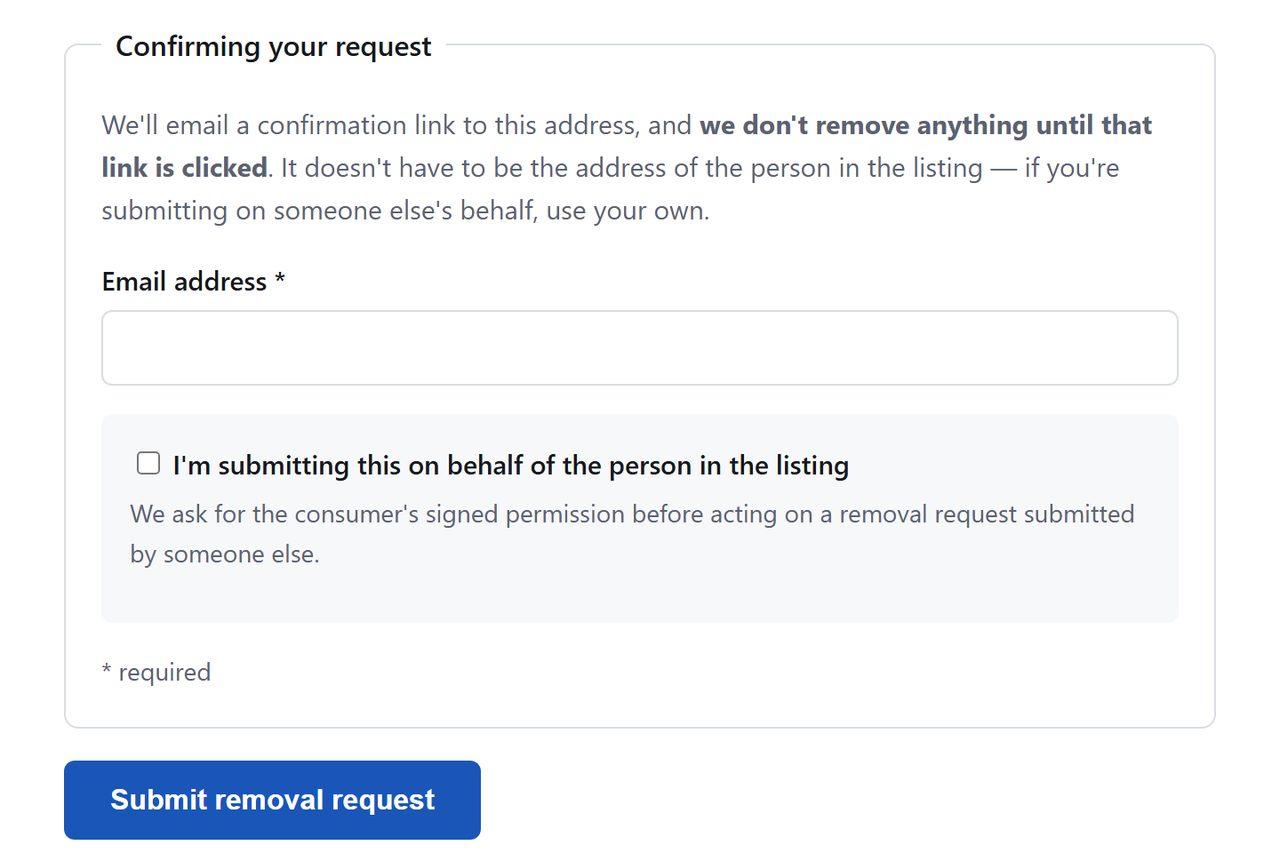
Add an email address under Confirming your request and select Submit removal request. That's the last thing we looked at. TruthRecord may put a CAPTCHA in front of the confirmation screen.
The last screen we checked.
04
Verify by email
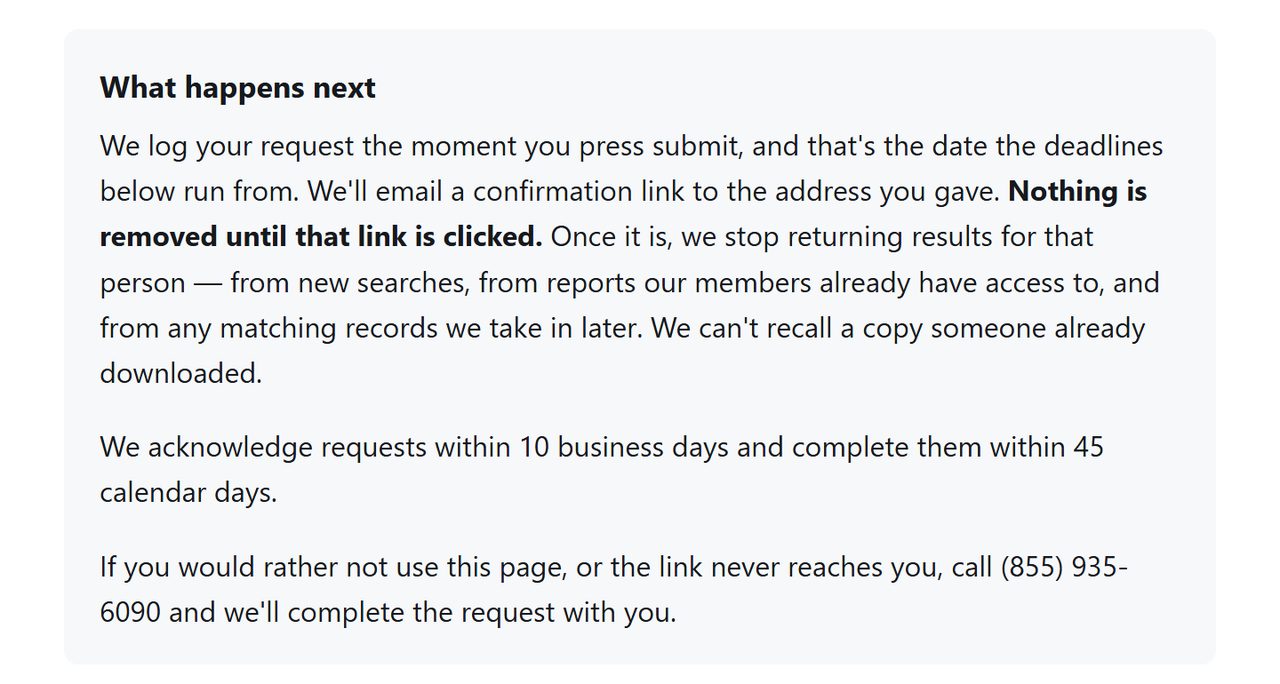
TruthRecord says it emails a link and does nothing with the request until you click it. If you've already confirmed a removal for the same person, the page has a message for that as well, telling you there's nothing further to do.
The request waits for your click.
Confirm
Confirm it worked
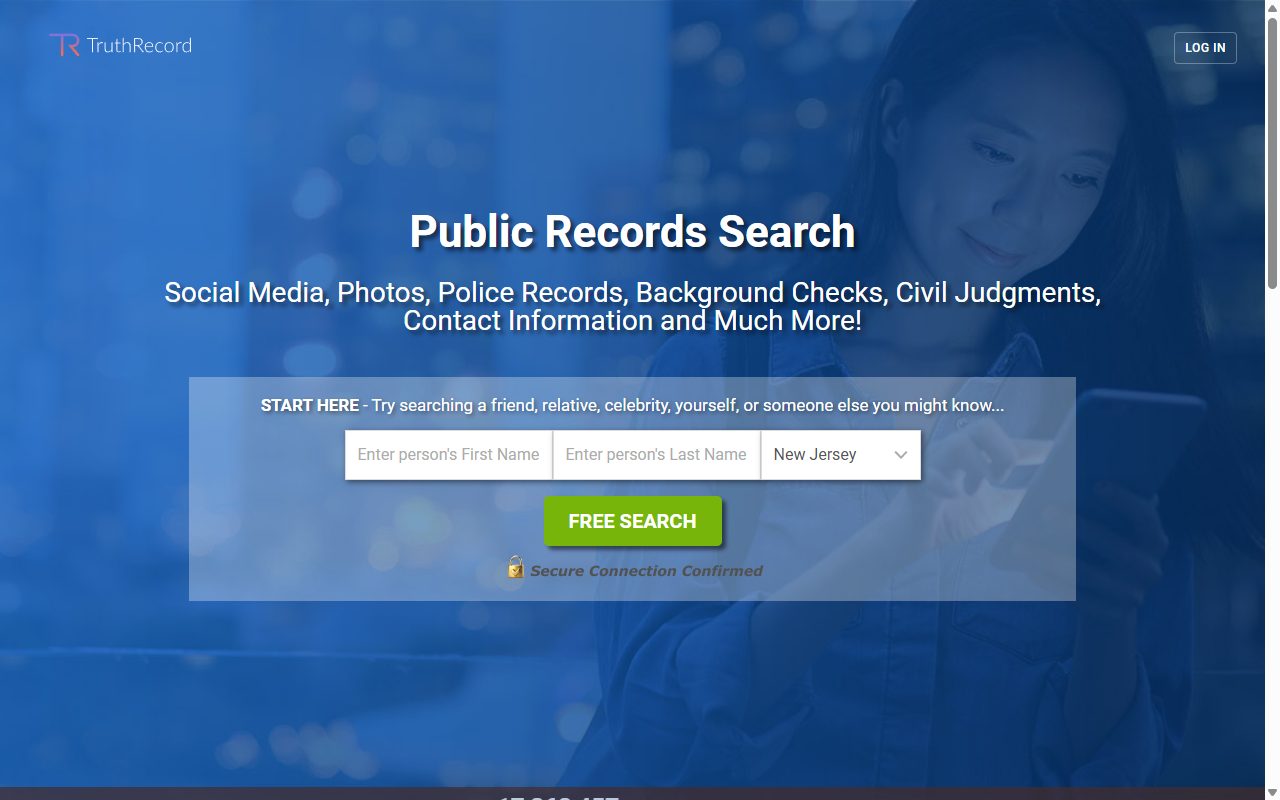
Give it a few days after you click, then look for your name with site:truthrecord.org in a search engine. TruthRecord's own search asked a test name for credit card details on October 8, 2026, before showing a single result. Keep the confirmation email as proof. The company's own Delete Act filing claims a one-day median for removal requests; that's self-reported, and the form's 45 days is the figure it has committed to in front of you. If your listing is still up past that, email support@truthrecord.org with your submission date and ask for status.
Done here? Do WeInform next. TruthRecord and WeInform are one company running two storefronts, and weinform.org's copy of this form is separate. Run it while you're at it, and consider checking truthviewer.com, a brand on the same platform.
If it fails
Troubleshooting
No confirmation email: check spam, then resubmit with a different address or call (855) 935-6090, which the form lists for requests that can't be finished online.
More than one record, or more than one name: file once for each, or email support@truthrecord.org and list them.
California residents: We Inform LLC is a registered data broker, so you can also route a deletion through California's DELETE Request and Opt-out Platform (DROP), which covers registered brokers like this one.
Billing problems, not listing problems: cancellation is a call or an email. Refunds only move by mail. Print the refund form, complete every field, and send it to the Lauderhill address, because the page warns "Incomplete forms will not be accepted." Dispute with your card issuer if that stalls.
Stay off
Keep your record off
TruthRecord's removal covers the person as you described them. A nickname or a listing with an old address may sit outside that. Recheck after a month, then quarterly, and keep WeInform on the same schedule, since both storefronts belong to the same company.
Take yourself off data broker sites
Redact scans data broker sites from your device, finds where your details are listed, and submits the removal requests for you. If a broker relists you, it files again.
October 8, 2026 · TruthRecord's opt-out page was rebuilt after our August 11 walkthrough. The steps and screenshots here are from the page as it stood on October 8. We read it completely and didn't submit, so the confirmation email and the 45 day limit are reported from TruthRecord's text. On Background Checkers, which runs this page too, a walk that day got as far as the Removal confirmed screen.