Removal guide · Social Catfish

How to remove yourself from Social Catfish

Removal runs through one free form, the Request for Deletion tab of Social Catfish's privacy page. Pick your state, fill in the three Mandatory boxes and the optional ones, clear a Cloudflare check and press Submit Now. Its FAQ says you'll verify your email, and a request it can't tie to a real person comes back unprocessed.

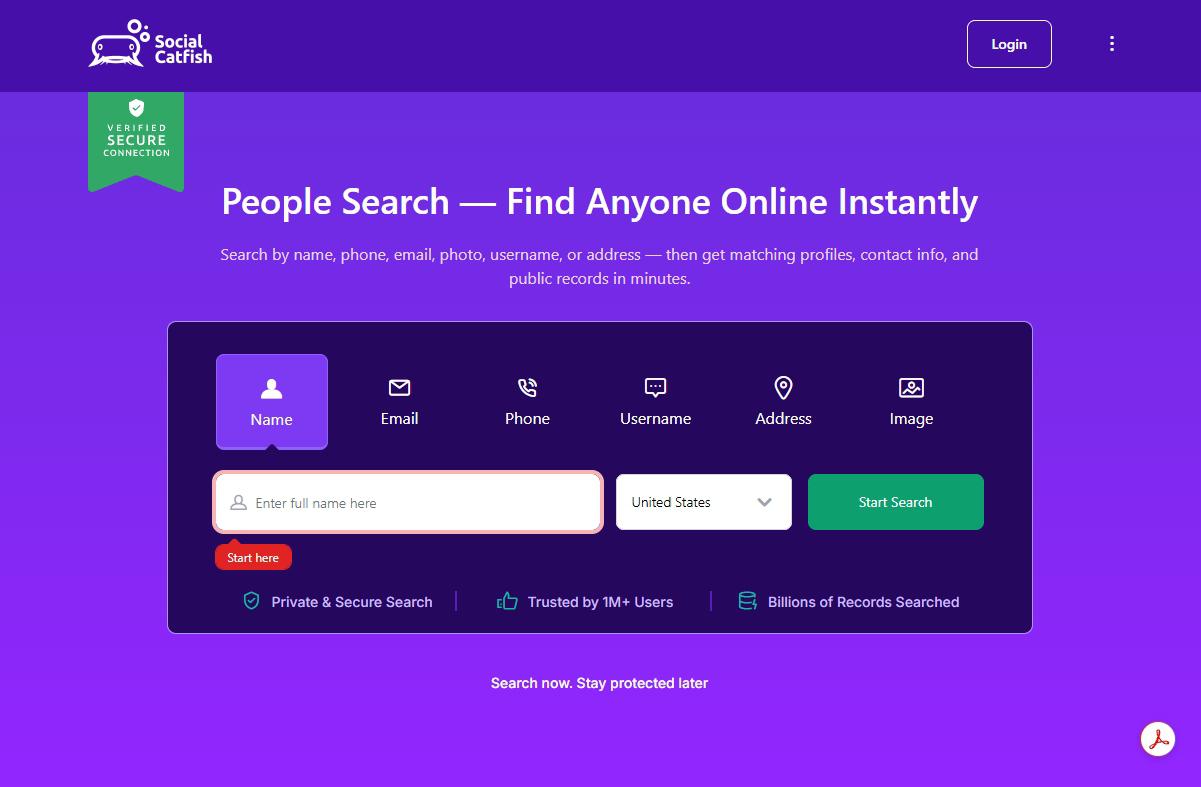
Social Catfish homepage screenshot

The company behind the form. Who runs it, its free name pages and its high denial rate are on the Social Catfish profile.

At a glance

What the request takes

One form · free
Cost

Free · no account · Privacy Lock not needed

Marked Mandatory

First Name, Last Name, Email Address

Email step

Verification, per the site's FAQ

Stated timing

Receipt within 10 days · answer within 45, extendable by 45

Don't mask who you are. The privacy policy counts a VPN or an anonymized email or IP address as a sign of fraud, and lets Social Catfish ask for a driver's license or passport when it can't verify you.

The form

One page, three stages

STEP 01 to STEP 03
01

Fill in the Request for Deletion form and press Submit Now

Open socialcatfish.com/opt-out/?id=request_delete, which lands on the right one of the privacy page's four tabs, Request to Opt-Out, Request for Access, Request for Deletion and Request to Correct Information. Deletion is the one that takes your records down, headed Request for Deletion form.

  • STEP 01. Choose your state under I currently live in, then tick the box that appears confirming you live there. D.C. isn't listed, so D.C. residents should email instead.
  • STEP 02. First Name, Last Name and Email Address are marked Mandatory. Press Expand and answer the rest too, since a June 2026 rejection quoted in a BBB complaint asked for your state, middle initial, other states and age range. Type phone numbers as 555-123-4567. The FAQ says only the pages you list come down, so paste every socialcatfish.com/person/ address of yours from the site's directory. Up to eight photos go under IMAGE, and only those exact images are kept out of its image search.
  • STEP 03. Tick All specific information related to me, leave the authorized-agent box empty, clear the Cloudflare check and press Submit Now.

There's no second form. For questions, the form prints (844) 422-8347.

If it bounces

When the answer is no, or nothing

  • "Unable to confirm your identity", "authorized 3rd party" or "Automation detected". Those are the reasons its rejection emails give. Resubmit by hand with every optional answer filled in.

  • Silence after 45 days. Email privacyrequests@socialcatfish.com with the date you filed and any request ID, or ring (844) 422-8347. Its policy only commits to those timelines in states with their own privacy law, namely California, Colorado, Connecticut, Delaware, Indiana, Iowa, Kentucky, Maryland, Minnesota, Montana, Nebraska, Nevada, New Hampshire, New Jersey, Oregon, Rhode Island, Tennessee, Texas, Utah and Virginia.

  • A final denial. Reply to the denial email with your reasons. The policy treats that as an appeal and promises an answer within 45 days.

  • The page is back. BBB complainants describe listings returning months after removal. Check the directory every few months and file again.

Take yourself off data broker sites

Redact scans 120+ data broker sites from your device, finds where your details are listed, and submits the removal requests for you. If a broker relists you, it files again.

Last updated:

September 10, 2026 · Walked on August 7, 2026 as a single step, with no step screenshots. That walk set the four tab names and the three Mandatory boxes, and both match the form served today. Rechecked today from the form's HTML and script, the FAQ, the privacy policy and BBB complaints. The optional boxes listed are the ones the form now has, the Cloudflare check and residency tick box are new here, and a claim that there's no email verification was dropped, since the FAQ says you'll verify your email.