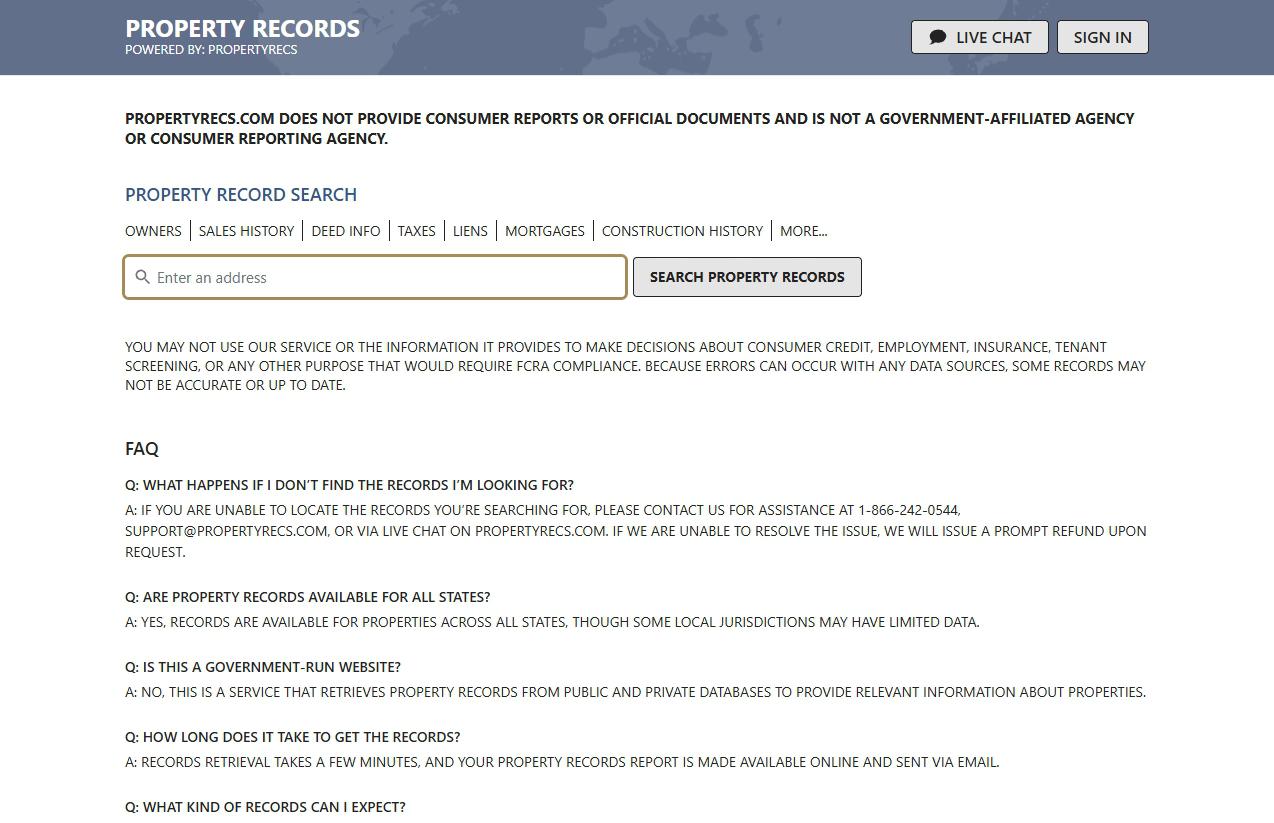
One search and one click, with no account or email. Find your card at dashboard.propertyrecs.com/opt-out, press Remove My Info, and Success: Information Removed confirms it. The site says the record goes at once, though cached pages can lag by up to 48 hours.
Who's on the other end. The PropertyRecs profile covers the unnamed operator, the 2024 exposure report and the look-alike site sharing its phone line.
The limit the page sets itself. Your request "will not remove your information from any public or private database that [we] pull information from."
The steps
Three screens
About two minutes
01
Find yourself on the Remove My Information page
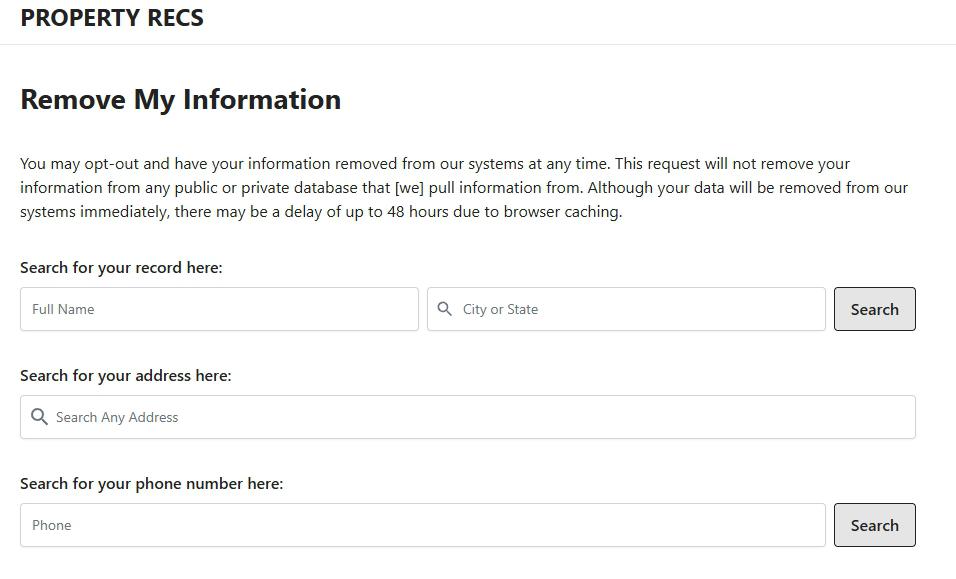
Open dashboard.propertyrecs.com/opt-out. Enter a Full Name and a City or State, which the form requires, then press Search. Or pick your address from the suggestions under Search Any Address, or look up a Phone number. The screens below follow the name search.
Three ways to look yourself up, all on one page.
02
Click Remove My Info on your card
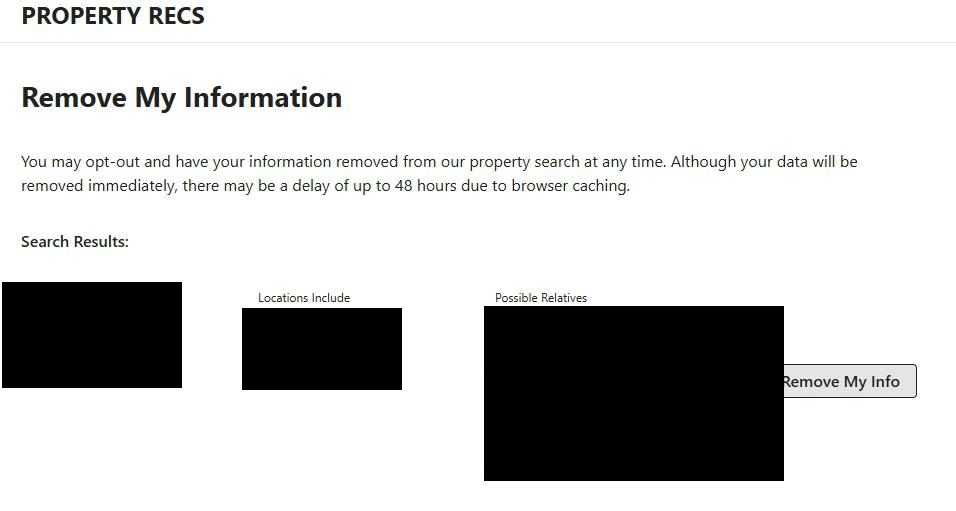
Matches appear under Search Results. Each card shows a name, city, state and age, with Locations Include and Possible Relatives columns beside them. Match them to your own history, since common names pull in strangers, then press Remove My Info. Every card has its own button, so clear each one that's you.
Match the towns and relatives before you click.
03
Look for Success: Information Removed
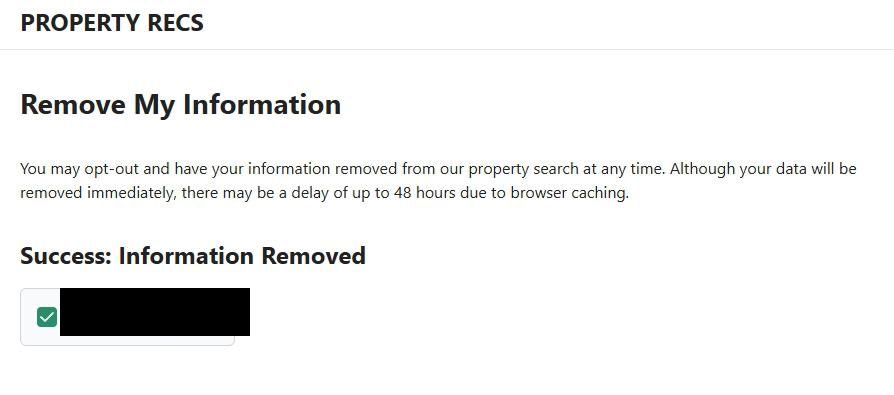
The page comes back with Success: Information Removed and a green check beside the name. Nothing follows by email, so screenshot this screen if you want proof.
This screen is the only receipt you'll get.
Own a home? Search the address too. Choosing an address from the suggestions opens a separate removal page for that property, and the site doesn't say whether clearing your name clears its report.
Next
Repeat it on PropertyRec.com
PropertyRec.com runs a copy of this page at dashboard.propertyrec.com/opt-out, with the same three searches and the same support number. Neither site says a removal carries across, so search there as well and clear whatever turns up.
Afterwards
Making sure it stuck
Once the 48 hours are up, rerun the name search in a private window, then try the address and phone searches. The site buys its records from companies that gather county filings, so a sale, a refinance or a new assessment can bring you back. Look again after one.
Snags
If something goes wrong
No results. Put just your state in City or State, or switch to the address or phone search.
Still there after 48 hours. Email support@propertyrecs.com or call 1-866-242-0544, answered around the clock per the terms, saying which search you used and when.
Covered by New Jersey's Daniel's Law? The homepage asks covered people to email support@propertyrecs.com with a link to or screenshot of the record, or with full name, birth date, home city and state, and an email address.
Take yourself off data broker sites
Redact scans data broker sites from your device, finds where your details are listed, and submits the removal requests for you. If a broker relists you, it files again.
September 10, 2026 · Based on a complete run through the removal in May 2026, photographed in three step screenshots, with the guide rebuilt around that run on May 28, 2026. The opt-out page was rechecked live today and still serves the walked searches and wording. The recheck added the Google reCAPTCHA Enterprise script the page loads, the address search's separate property removal and PropertyRec.com's copy of the form, and dropped a Global Privacy Control claim the privacy policy doesn't make.