NKReeGer offers no removal a visitor can complete. We walked it on August 11, 2026. The only removal-shaped button on your own record page, CONTROL MY INFO, opens a three-screen pitch that ends by announcing "To proceed, you'll be taken to onerep.com". OneRep is a paid third-party removal subscription, not this site's opt-out. We walked the whole funnel again on October 5, 2026. It had gained a fourth screen and still ended at the same OneRep hand-off. A request form does exist, behind an unlabelled link on each record page. We read it and didn't submit it, so it's untested. The site's contact form is the one channel it offers in plain sight.
The full picture: See the NKReeGer data broker profile for the anonymous-operator research and the Radaris plumbing.
Quick facts
At a glance
Self-service removal
No labelled route · the only button leads to a OneRep pitch
The funnel's own words
"To proceed, you'll be taken to onerep.com"
OneRep
A paid third-party removal subscription, not this site's opt-out
nkreeger.com, plus arrestfacts.com, which redirects to it
What happens
The walk, screen by screen
Walked on August 11, 2026. Steps 1 to 4 are how you reach the only removal-shaped button the site offers. Steps 5 to 7 are where that button leads.
01
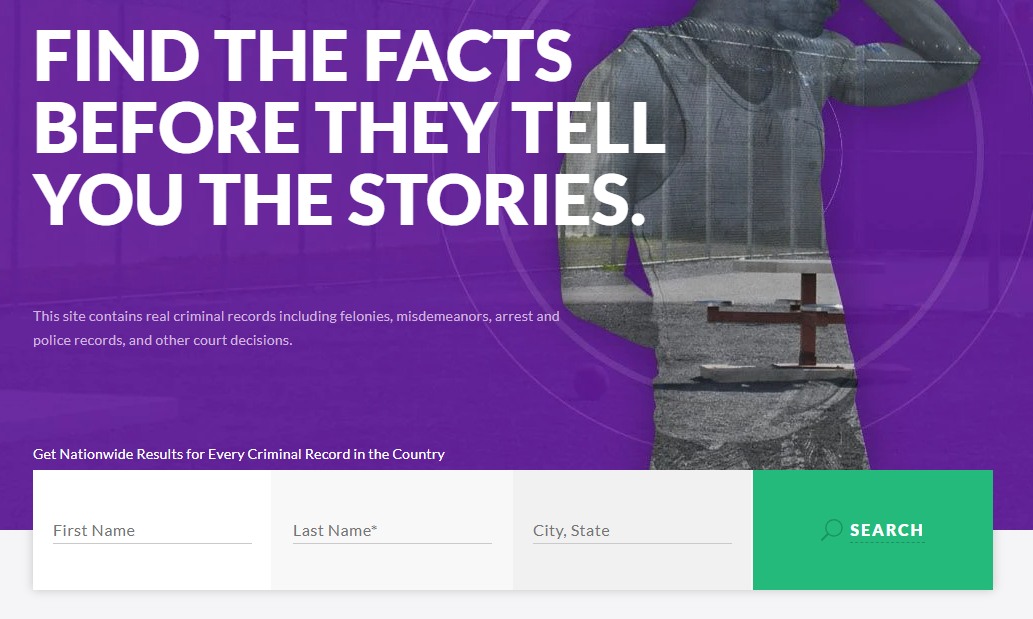
Search your name and state
From nkreeger.com, search your first and last name with your state. The city part of the City, State box does nothing in our testing - a city-qualified search returns the same statewide list under a misleading "No records found in <city>" banner, so ignore that banner and scan the list. Coverage is patchy from state to state, and a common name can return nothing in one state and several records in the next. An empty result means no listing under that name in that state, not that the site is down.
The homepage search - name and state are what count.
02
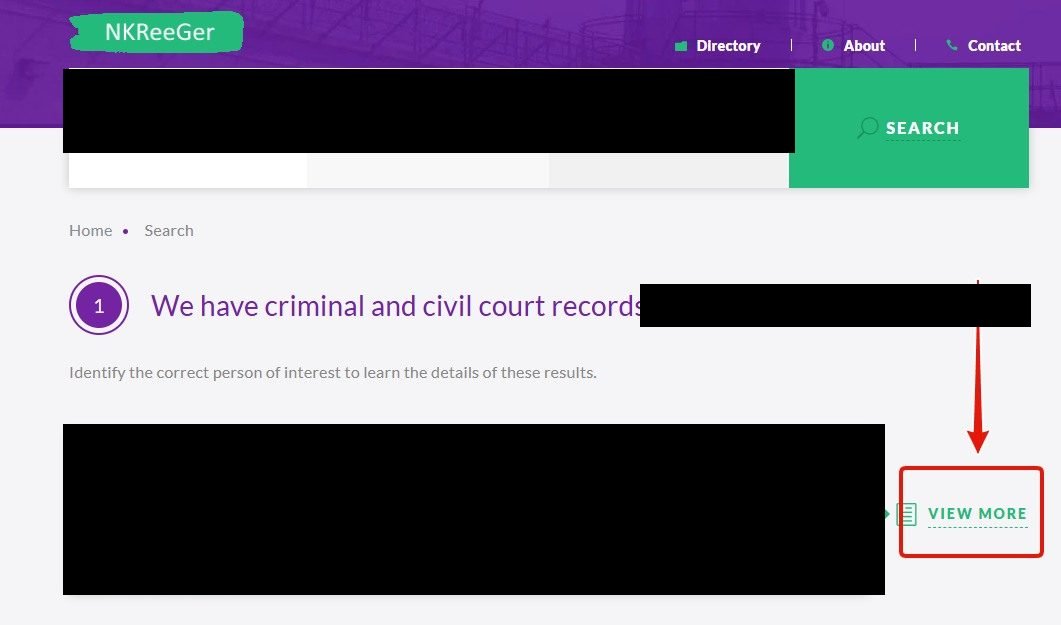
Open the result that's you
Result cards show a name, age, physical description, and the state of the arrest - not a home address. Click VIEW MORE on the record that matches.
VIEW MORE opens the record page.
03
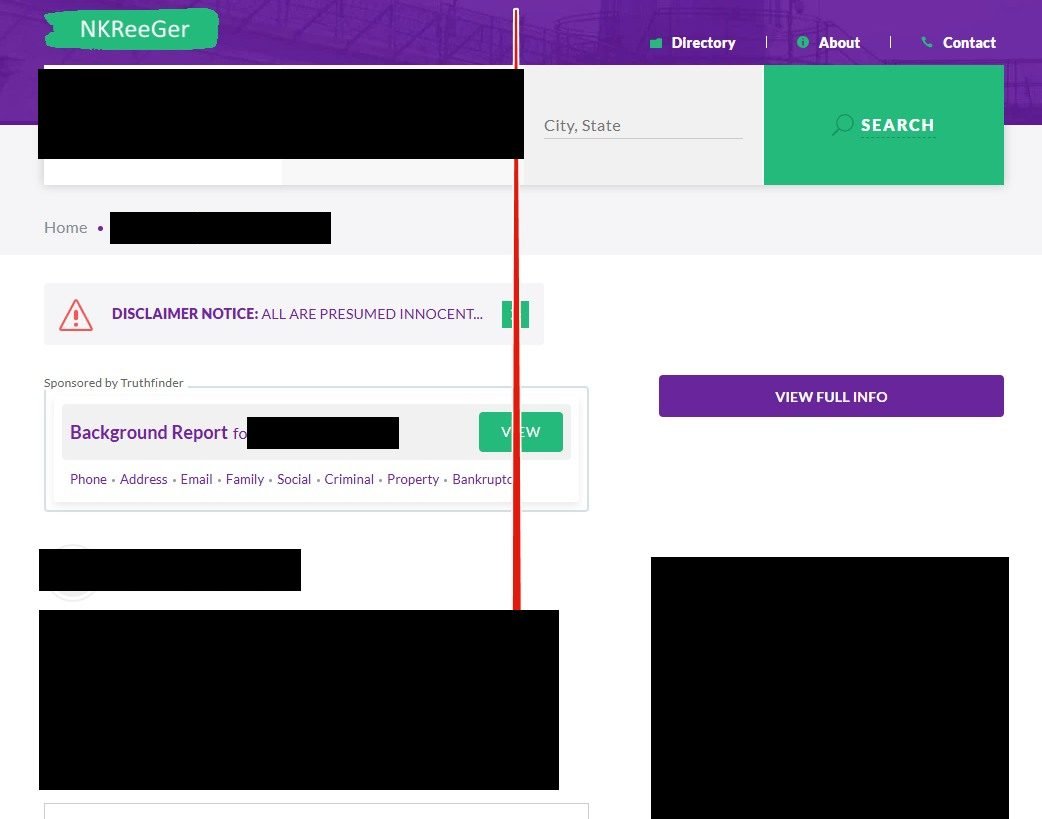
Scroll to the very bottom of the record page
The record page itself - mugshot, arrest details, aliases, known addresses - offers no removal control anywhere in its body. Scroll past all of it, past the disclaimer, to the very bottom.
Nothing in the record body removes anything - keep scrolling.
04
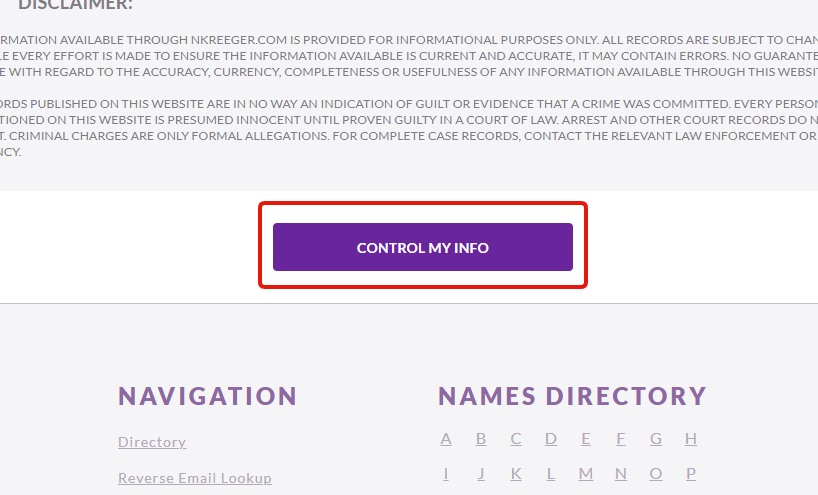
The only removal-shaped button: CONTROL MY INFO
Below the disclaimer sits the page's one removal affordance - a CONTROL MY INFO button. This is the only thing on your own record that looks like an opt-out, so it's what any visitor will click.
The one button a visitor gets - and here's where it goes.
05
Screen one: a pitch, not a form
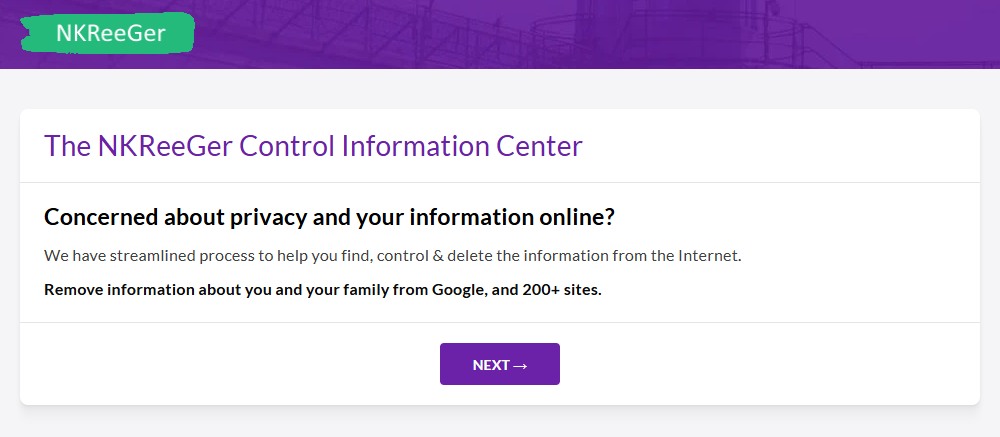
The button opens "The NKReeGer Control Information Center" - no form, no record reference, just marketing: "Remove information about you and your family from Google, and 200+ sites." The only control is NEXT.
Screen one of the funnel - nothing here removes your NKReeGer record.
06
Screen two: a wall of other sites, and another NEXT
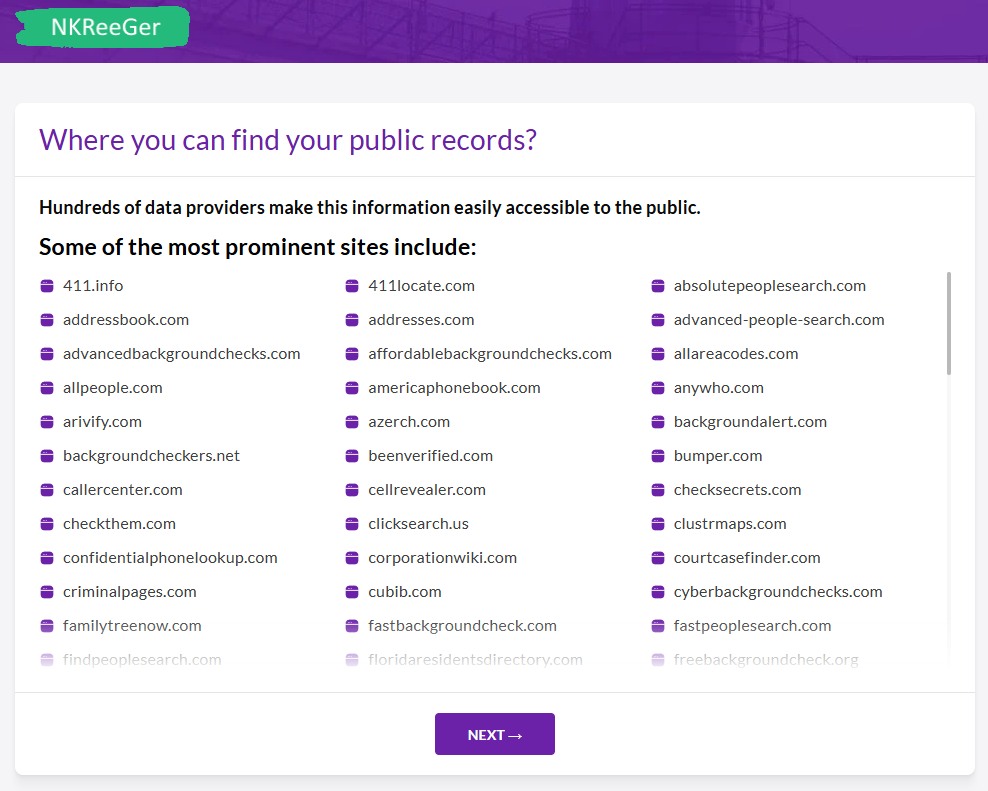
Next comes "Where you can find your public records?" - a scrolling list of hundreds of other people-search sites. Still no form, still no reference to your record. NEXT again. On October 5, 2026 one more screen sat in front of this one, titled "Where information is coming from?", with a few lines about public records and another NEXT.
Screen two - still selling, still not removing.
07
Screen three: the hand-off to OneRep
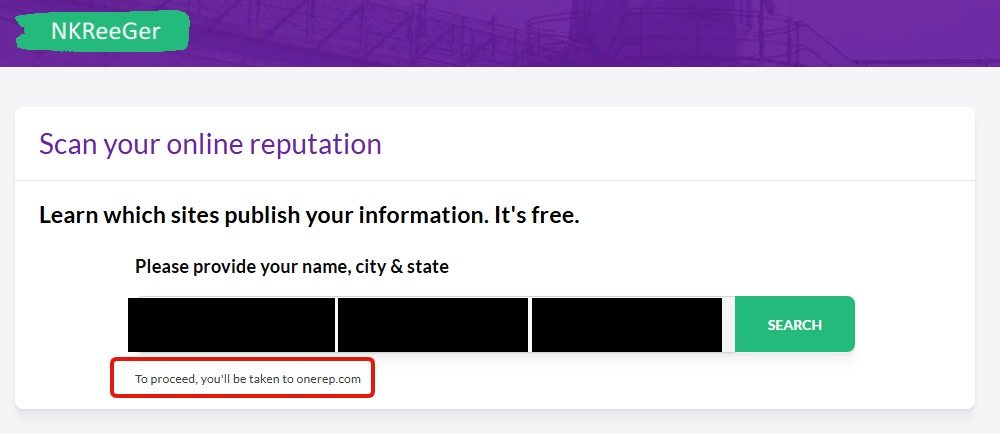
The funnel ends at "Scan your online reputation" with a name search whose fine print says it outright: "To proceed, you'll be taken to onerep.com." OneRep is a paid removal-service subscription run by a third party - the funnel never touches your NKReeGer record at all. This is where the site's removal process ends: not with your listing suppressed, but with you shipped to a sales page.
The end of the "removal": a hand-off to a paid service.
Don't take the OneRep hand-off. A data broker routing its own opt-out into a paid removal subscription is the model working as intended - the pressure that put your record here is the same pressure selling you the cure. Close the tab instead.
What's left
The channels that remain
The contact form at nkreeger.com/page/contact is the one channel the site shows you. It asks for your name, an email address and a message, and tells you to include the URL you're writing about, so paste your record's address and ask for it to be removed. No entity, email or street address is published anywhere, so there's nothing else to write to.
The hidden form has an address. On October 5, 2026 each record page still carried an unlabelled link to a second page, at the same address the CONTROL MY INFO button opens but with /ng added in front of /control and everything from the question mark on removed. That page holds a short form with a name box, an email box and a ready-written message asking for the profile to be removed from the directory. We read it and didn't submit it, so we can't tell you a request sent there is honoured. Expect a CAPTCHA.
Keep dated records of what you sent and when. If the listing is still up after a few weeks, send the request again with the earlier date noted.
California's DROP platform won't reach it. DROP sends deletion requests to registered data brokers, and no NKReeGer entry was on California's registry when we read it on October 5, 2026.
Confirm
Confirm anything worked
Search your name and state on the site again a couple of weeks after a contact-form request. If you first found yourself through arrestfacts.com, that address redirects onto this same index, so a record that drops here drops there too. Each record needs its own request. An alias or a second arrest state is its own listing.
Stay off
Keep your record off
NKReeGer rebuilds from aggregated public-records data, so a record that comes down can come back, and aliases arrive as fresh listings. Recheck every few months under each name and state you might appear under. Redact's data-broker scan can do that recheck for you.
Take yourself off data broker sites
Redact scans data broker sites from your device, finds where your details are listed, and submits the removal requests for you. If a broker relists you, it files again.
October 5, 2026 · Built from a walk on August 11, 2026, with seven screenshots from it. The record page's only removal button led to a three-screen funnel ending in a hand-off to onerep.com, with no reachable form for the record itself. On October 5 the button's first screen, the contact form, the arrestfacts.com redirect and California's data broker registry were read again. councilon.com no longer redirects here and was taken out. The whole funnel was walked again on October 5. It had one extra screen and still ended at onerep.com.