Removal guide · EntityCheck

How to remove your info from EntityCheck

One form, about two minutes, no account. EntityCheck removes your name from the business report and leaves the business record standing. The form says so up front, and knowing it before you start is the difference between a result and a false alarm.

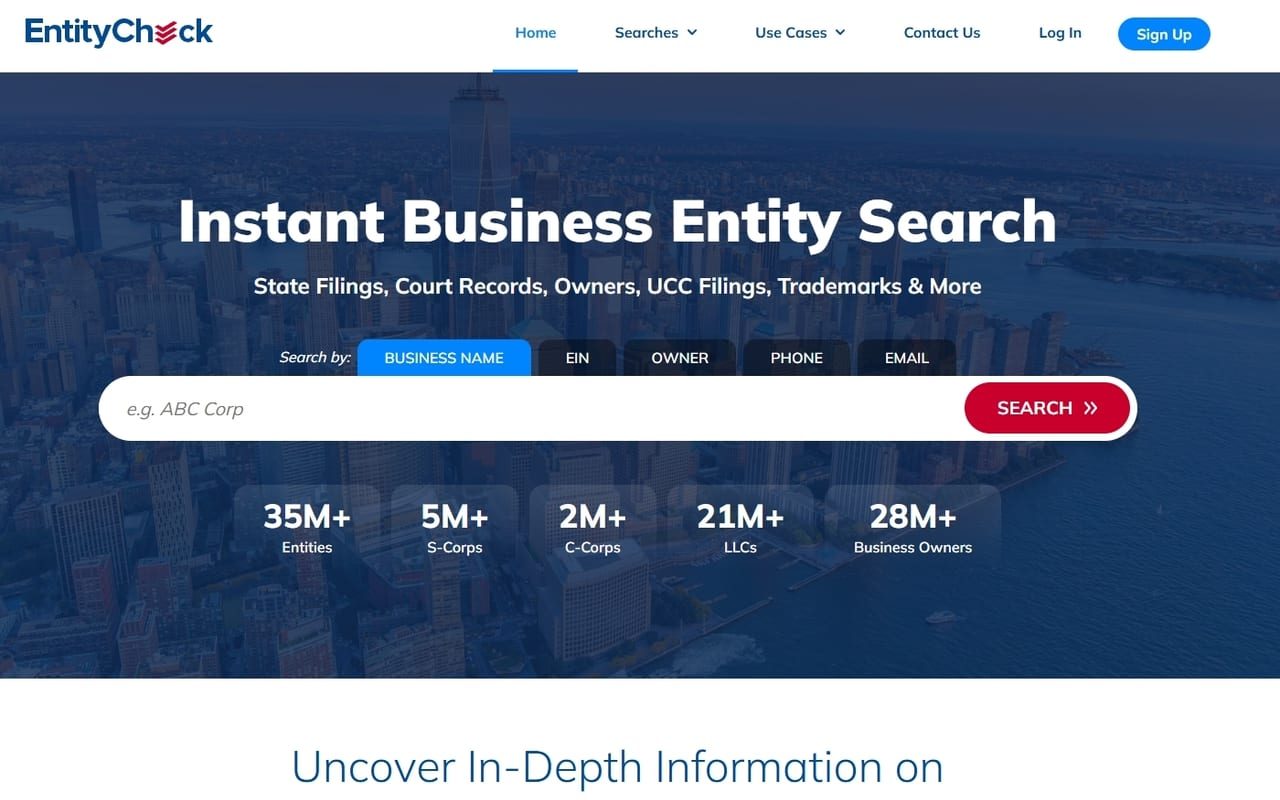
EntityCheck homepage screenshot

Background: the EntityCheck profile covers how a business records site ends up exposing a home address.

Set expectations

What the form can and can't do

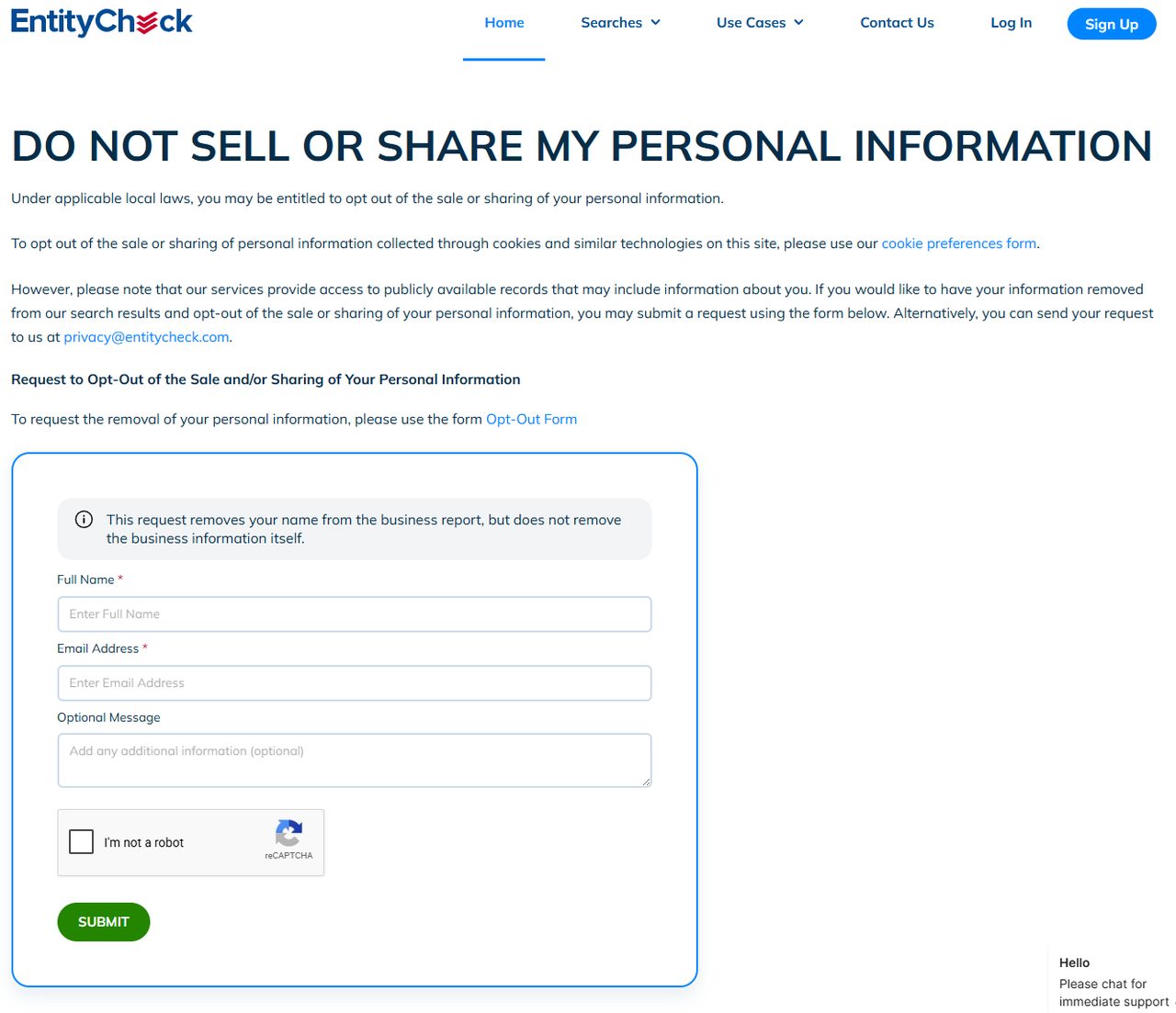
The form states its scope in a grey box before you type anything.

This request removes your name from the business report, but does not remove the business information itself.

EntityCheck republishes state business filings. It didn't create them and can't retract them. What you can get is the link cut, so your name stops pulling up the entity and the owner, phone and email searches stop leading to you. The company stays listed, and so does everything on the state's own register.

If a home address on a filing is the real worry, the fix is with the state. Appointing a commercial registered agent means future filings carry a different address.
Doing it

Filling in the request

01

Open the page with the form

Go to entitycheck.com/do-not-sell-share-my-personal-information. Scroll past the cookie note, and the form sits in a blue box under the opt-out request heading.

EntityCheck's opt-out page, where a blue-bordered form holds a grey note about the business report, then Full Name, Email Address, an Optional Message box, a reCAPTCHA and a green SUBMIT button.
The grey note at the top of the box is the scope statement. Full Name and Email Address carry the red asterisks.
02

Give your name as it's filed

Full Name and Email Address are required. EntityCheck matches against state filings, which carry the formal version of a name, with a middle initial, a former surname or a suffix. Give it as it appears on the paperwork.

03

Name the entity in the message box

Optional Message is optional to the form but useful in practice, since a name alone may match several filings or none. Give the exact entity name, the state it's registered in, the filing or entity number if you have it, and any name variants you appear under. Say you want your details kept out of future reports too.

04

Verify and send

Tick I'm not a robot and press the green SUBMIT. Screenshot the completed form before you press it, so you keep a record of what you asked for and when.

Checking

How to tell whether it worked

Test it the way a stranger would. On the EntityCheck homepage, search your own name on the Owner tab, then try Phone and Email with the details on the filing, since a removal can close one route and leave another.

Searching for the company is the wrong test, because the company is meant to stay. InfoPay puts its median response to a deletion request at 6 days in its state filing. If your name still returns the entity after two weeks, write to privacy@entitycheck.com with your submission date and the entity details.

Snags

When it doesn't go smoothly

  • The page shows policy text and no form. You're on /optout, the registry's address for EntityCheck. Use its "HERE" link to the OneTrust form, or go to the removal form instead.

  • The company is still listed. Expected. The removal takes your name off and leaves the entity.

  • Your name still pulls up a business. Probably a second filing or a name variant. Submit again, naming each entity and spelling.

  • The phone search still finds you. Say in the message box which number should come off.

  • Nothing after two weeks. Follow up with privacy@entitycheck.com and InfoPay's filed contact, compliance@infopay.com.

Later

What puts you back in

Everything here comes from state filings, so new paperwork can bring you back. Forming a new entity, filing an annual report, changing officers or a registered agent, or recording a UCC filing can all restore the link. After you file something, search yourself again.

Take yourself off data broker sites

Redact scans 120+ data broker sites from your device, finds where your details are listed, and submits the removal requests for you. If a broker relists you, it files again.

Last updated:

September 10, 2026 · Walked with one screenshot on August 18, 2026. Today the scope note, required fields and green SUBMIT all matched the live page, and /optout still linked a OneTrust form, with a note that it covers personal information and not business information.