Removal guide · ArrestWarrant.org

How to remove your info from ArrestWarrant.org

ArrestWarrant.org's search redirects to VerifyRecords. Start with VerifyRecords' opt-out; an InfoTracer request has not been verified to cover these listings.

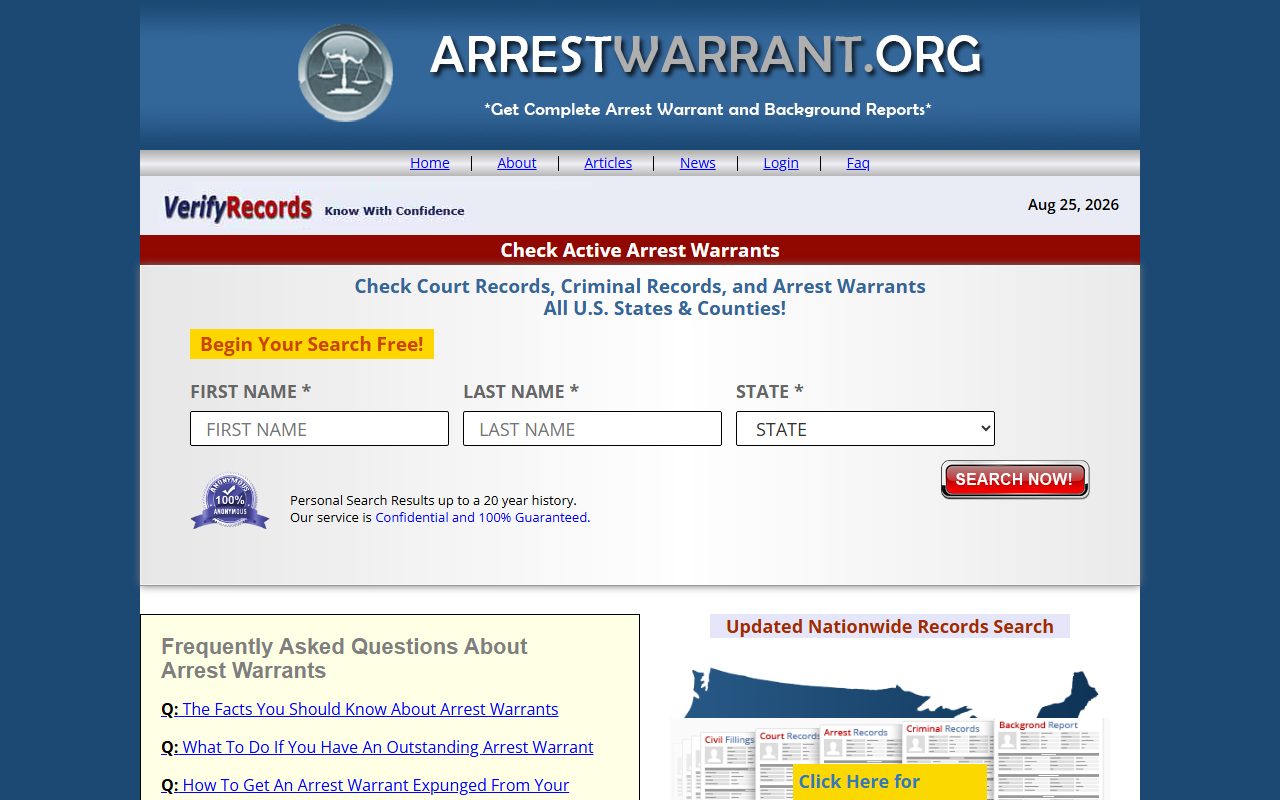
ArrestWarrant.org homepage screenshot

The ArrestWarrant.org profile explains the VerifyRecords connection and the site's own InfoPay PDF.

Quick facts

Where to request removal

Search destination
Removal request
This site's own route

An InfoPay opt-out PDF in its privacy policy

Cost

Free

The steps

Request removal

01

Open VerifyRecords' opt-out

Go to members.verifyrecords.com/removeMyData and follow the instructions the portal presents to submit a request. ArrestWarrant.org's search redirects to VerifyRecords, but a completed removal through this portal has not yet been verified.

02

Use the PDF if the portal does not work

ArrestWarrant.org's privacy policy links an InfoPay opt-out PDF in a pop-up. VerifyRecords' own FAQ also offers that form by fax or mail. Check the current instructions on those sites before sending personal details.

Confirm

Check your listing

Search again on ArrestWarrant.org and VerifyRecords after the request is processed. If your listing remains, follow up with VerifyRecords at support@verifyrecords.com. A completed removal through this portal has not yet been verified by Redact.

Take yourself off data broker sites

Redact scans 120+ data broker sites from your device, finds where your details are listed, and submits the removal requests for you. If a broker relists you, it files again.

Last updated:

September 22, 2026 · The search redirect and portal were checked directly; a completed removal was not verified.