What You Should Delete From Your Instagram Profile
 Dan Saltman3 min read
On this page
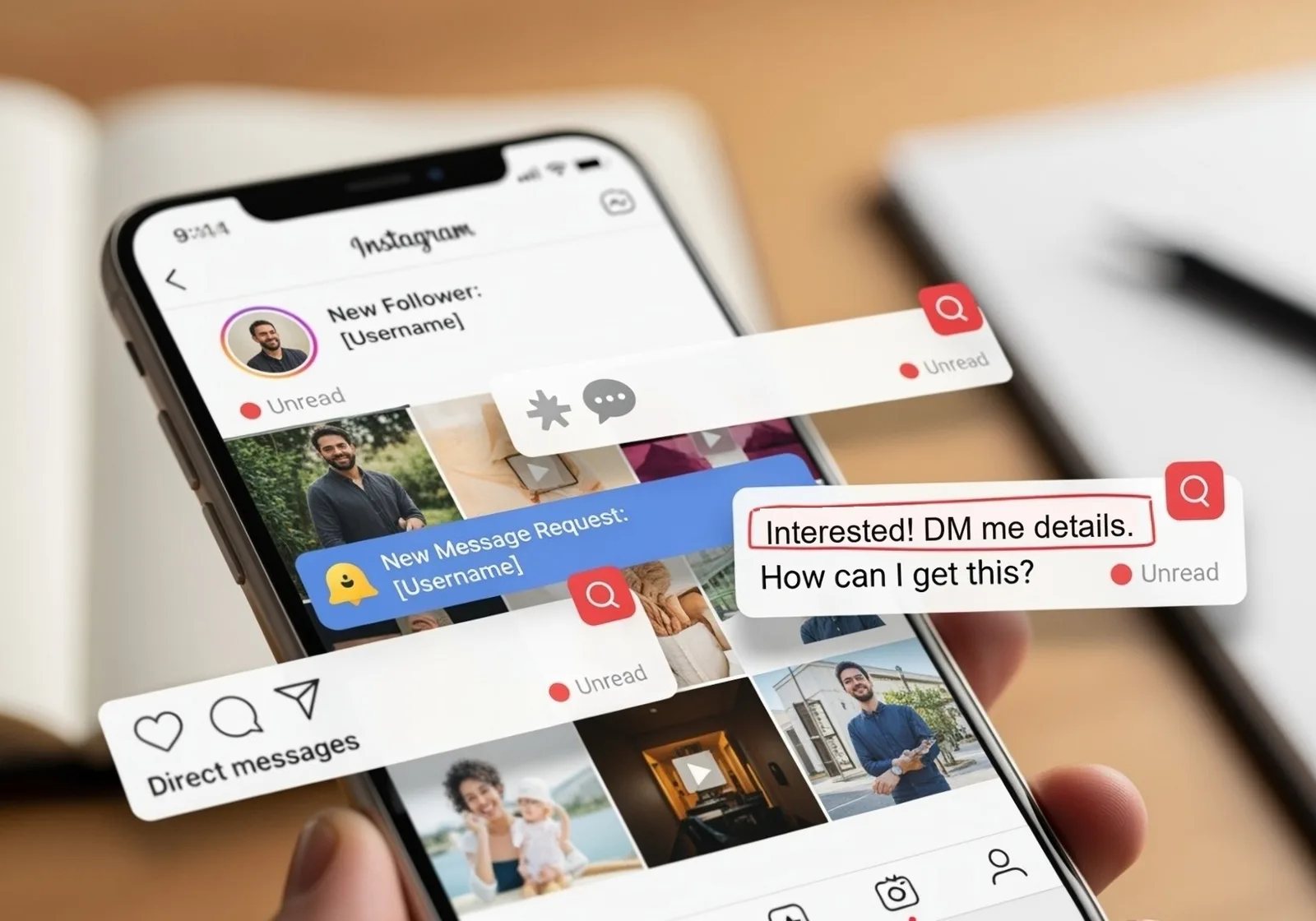
Instagram is a highlight reel of our lives, but the things we post today can easily resurface years later in ways we never intended. Employers, schools, and even strangers dig through old content. What might have seemed funny or harmless back then could create real problems in the present.
Real Life Examples of Instagram Posts Causing Trouble
People have lost jobs, scholarships, and public trust because of old Instagram posts. A few examples show just how serious it can get:
- In 2018, MLB pitcher Josh Hader faced backlash when offensive tweets from his teenage years resurfaced during the All-Star Game, forcing a public apology and sensitivity training. Even though he was just a teenager when he posted them, the backlash was immediate and damaging to his reputation.
- Multiple college students have had their admissions revoked after schools discovered discriminatory or offensive content on their Instagram accounts. Some had posted memes or captions years before that later cost them life-changing opportunities.
- Employees in both corporate and public-facing jobs have been fired after old photos or captions were shared online, often by people digging into their accounts during times of controversy.
These cases make it clear that what you post online never really disappears unless you take action to remove it.
If you'd rather leave Instagram altogether, here's how to delete your Instagram account and what stays online after.
What You Should Consider Deleting
If you want to protect yourself, here are the types of content worth reviewing:
- Posts with offensive language, slurs, or inappropriate jokes
- Photos involving drugs, alcohol, or reckless behavior
- Political or controversial content that could be taken out of context
- Oversharing of personal details like location, family information, or sensitive data
- Embarrassing or unprofessional content that doesn’t reflect who you are today
Even something as simple as an old caption with a bad joke can be screen-grabbed and weaponized against you.
How Redact Can Help You Clean Up Instagram
Going back through years of Instagram posts one by one is overwhelming. That’s where Redact’s Instagram tools make a difference. Instead of manually scrolling, you can connect your Instagram account and bulk-delete posts, reels, and DMs that could cause problems.
Here’s what Redact lets you do on Instagram.
- Search posts by keywords, so you can quickly find captions with words you no longer want associated with you.
- Target content based on engagement, like removing posts with too many or too few likes.
- Filter by comment counts, making it easy to clear posts that drew the most attention.
- Preserve important posts while removing risky ones.
- Trim your following list down to the accounts you actually want to see.
Note: your last 30 days of Instagram Reels and posts are free to delete; anything older needs Premium. You can try Redact for free on Instagram, Twitter/X, Discord, Facebook, TikTok and many more platforms!
By using Redact, you can take control of your digital footprint and make sure your Instagram reflects the version of yourself you actually want the world to see.
Final Thoughts
Your Instagram tells a story, but not every chapter should be public forever. With people digging deeper into social media histories than ever before, it’s worth taking time to clean up what’s out there.
You should also consider turning off Instagram Maps and the new Friends Reels feature
Redact makes the process fast, efficient, and safe, giving you peace of mind that the posts of your past will not haunt your future.
Redact for Instagram
Delete your content, messages and unfollow accounts on Instagram